Always On listener creation can fail because the cluster cannot finish its directory work. In this 2018 case, a client saw the same failure on three clusters. SQL Server reported error 41009 from the Windows Server Failover Clustering resource control API. The next useful evidence came from the Windows events and the cluster log.

Read the Underlying Event
Source: Microsoft-Windows-FailoverClustering
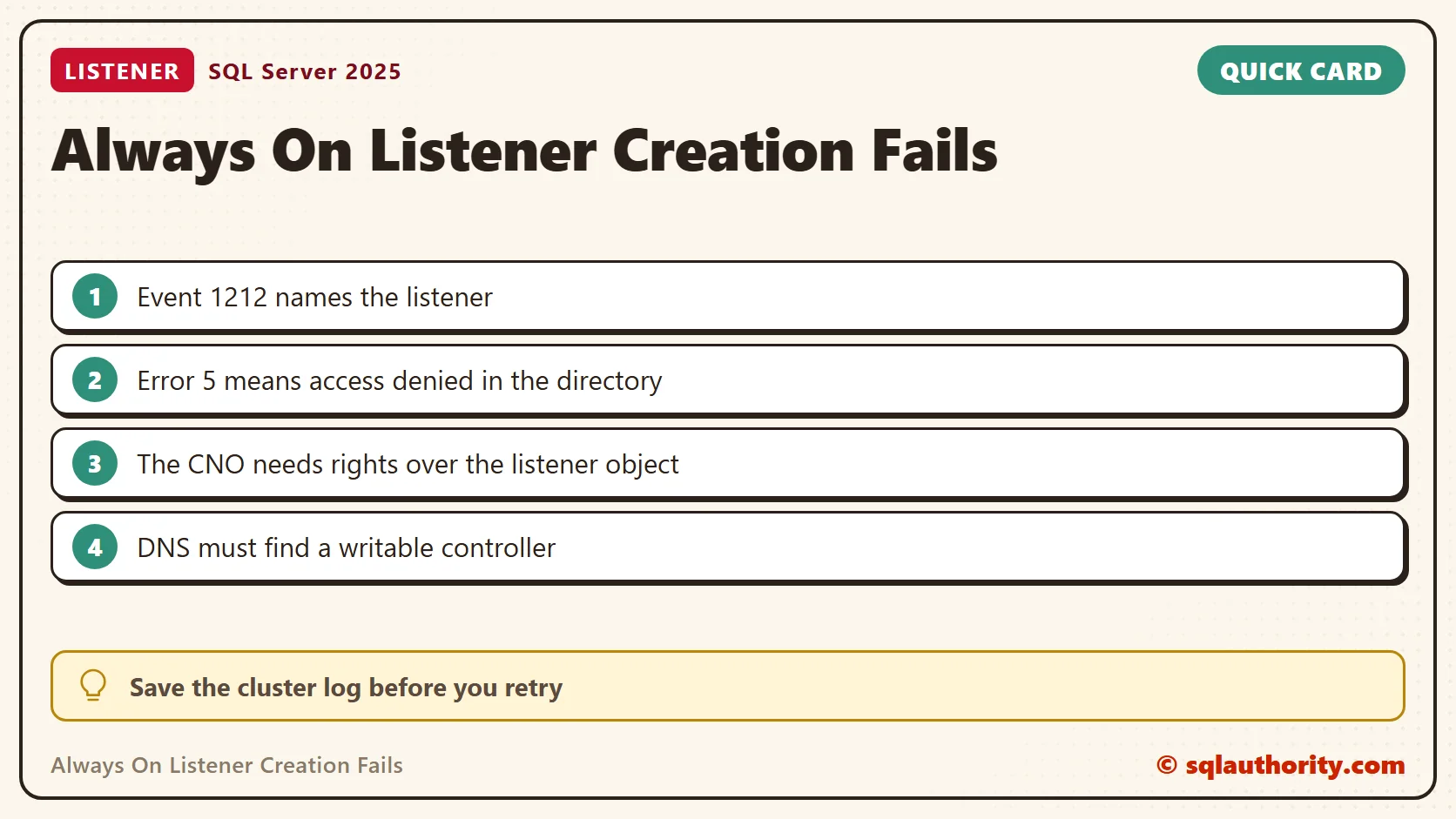
Event ID: 1212
Task Category: Network Name Resource
Cluster network name resource 'AGListener' cannot be brought online.
Attempt to locate a writeable domain controller failed.
The error code was '234'.
The saved event said to make sure a writable domain controller is reachable and that DNS can resolve it. The cluster log added LDAP bind failures with error 5 while it searched for the listener’s computer object. These details help more than the top level SQL Server error.
Windows error 234 means More data is available. Error 5 means Access is denied. Neither code proves which permission or network setting needs a fix without the operation around it.
Check DNS, Directory Access and Object Identity
- Confirm the listener name, the cluster name and the domain. A message that says unspecified domain does not give you these values.
- From the affected node, have the Windows team check DNS and the path to a writable domain controller.
- Check the cluster name object (CNO) and the listener virtual computer object (VCO). Look for a missing or disabled object, or one in the wrong organizational unit.
- Review the directory permissions and any account, DNS or policy change near the incident time.
The CNO represents the Windows cluster. The VCO represents the listener network name in a domain-joined cluster. Neither is the SQL Server service account. Other deployment models can name and permission things differently.
Save the Windows events and the cluster log before you retry. Every retry adds noise. My post Steps to Generate Windows Cluster Log shows how to collect the log. These Windows commands, run on the affected node, gather the rest. I did not run them, because my test PC is not in a cluster or a domain.
Get-ClusterLog -UseLocalTime -TimeSpan 30 -Destination C:\Temp
Resolve-DnsName -Name AGListener
nltest /dsgetdc:YourDomain /writable
The first command writes the last 30 minutes of the cluster log. The second checks that DNS answers for the listener name. The third asks Windows for a writable domain controller. Replace the names with your own.
Ask SQL Server What It Sees
The Database Engine can tell you whether it sits on a cluster at all. On an instance with an availability group, these views show the cluster, its members and the listener settings. Permissions apply: SQL Server 2022 and later need VIEW SERVER PERFORMANCE STATE.
SELECT SERVERPROPERTY('IsHadrEnabled') AS IsHadrEnabled;
SELECT cluster_name, quorum_type_desc, quorum_state_desc FROM sys.dm_hadr_cluster;
SELECT member_name, member_type_desc, member_state_desc FROM sys.dm_hadr_cluster_members;
On my PC, IsHadrEnabled returned 0, and both cluster views came back empty with no error. On a failing cluster, empty cluster views point at the cluster side, not at T-SQL.
Prestage the Listener Object When Policy Requires It
In a normal domain-joined cluster, the CNO needs the right to create the listener computer object. If your policy requires prestaging, a directory administrator can create the object first and give the CNO rights over it. That is a scoped change. It is not a reason to give domain administrator rights to the SQL Server service.
- Confirm the approved listener name and the OU that holds the CNO.
- In Active Directory Users and Computers, enable View > Advanced Features.
- Create the listener computer object in that OU with the agreed name. Check first that one does not exist.
- Open the new object’s properties and its Security tab. Add the CNO, and select Computers as the object type.
- Give the CNO Full Control over this object, following your approved delegation process.
- Wait for directory replication, retry listener creation through the supported availability group procedure, and read the logs.
These steps fix the prestaged object permission path. They do not fix an unreachable domain controller, a DNS failure or every authentication problem. The original conclusion that the listener then works needs that qualification.
Verify the Listener After the Repair
This query shows the listener metadata that your login can see, with its IP addresses. A row is not a full connectivity test. Check the cluster resource state and the DNS answer, then test an application connection through the listener name. If creation failed before registration, there is no row to inspect.
SELECT ag.name AS availability_group,
       l.dns_name AS listener_name, l.port, l.is_conformant
FROM sys.availability_groups AS ag
LEFT JOIN sys.availability_group_listeners AS l ON l.group_id = ag.group_id
ORDER BY ag.name, l.dns_name;
SELECT listener_id, ip_address, state_desc FROM sys.availability_group_listener_ip_addresses;
A listener error is not a SQL syntax problem, it is a reason to inspect the cluster’s directory dependencies.
Published by Pinal Dave on SQLAuthority. More of my work at pinaldave.com.
Discover more from SQL Authority with Pinal Dave
Subscribe to get the latest posts sent to your email.