
An Always On redo queue that keeps growing means a secondary has log records waiting to be applied. In this 2018 client case, both secondaries built up redo queues while the logs said the version store was full.

The group had one primary, one synchronous secondary and one asynchronous secondary.
The Evidence in This Case
The investigation found a latch wait on APPEND_ONLY_STORAGE_FIRST_ALLOC and this error:
The version store is full. New version(s) could not be added.
A transaction that needs to access the version store may be rolled back.
Please refer to BOL on how to configure tempdb for versioning.
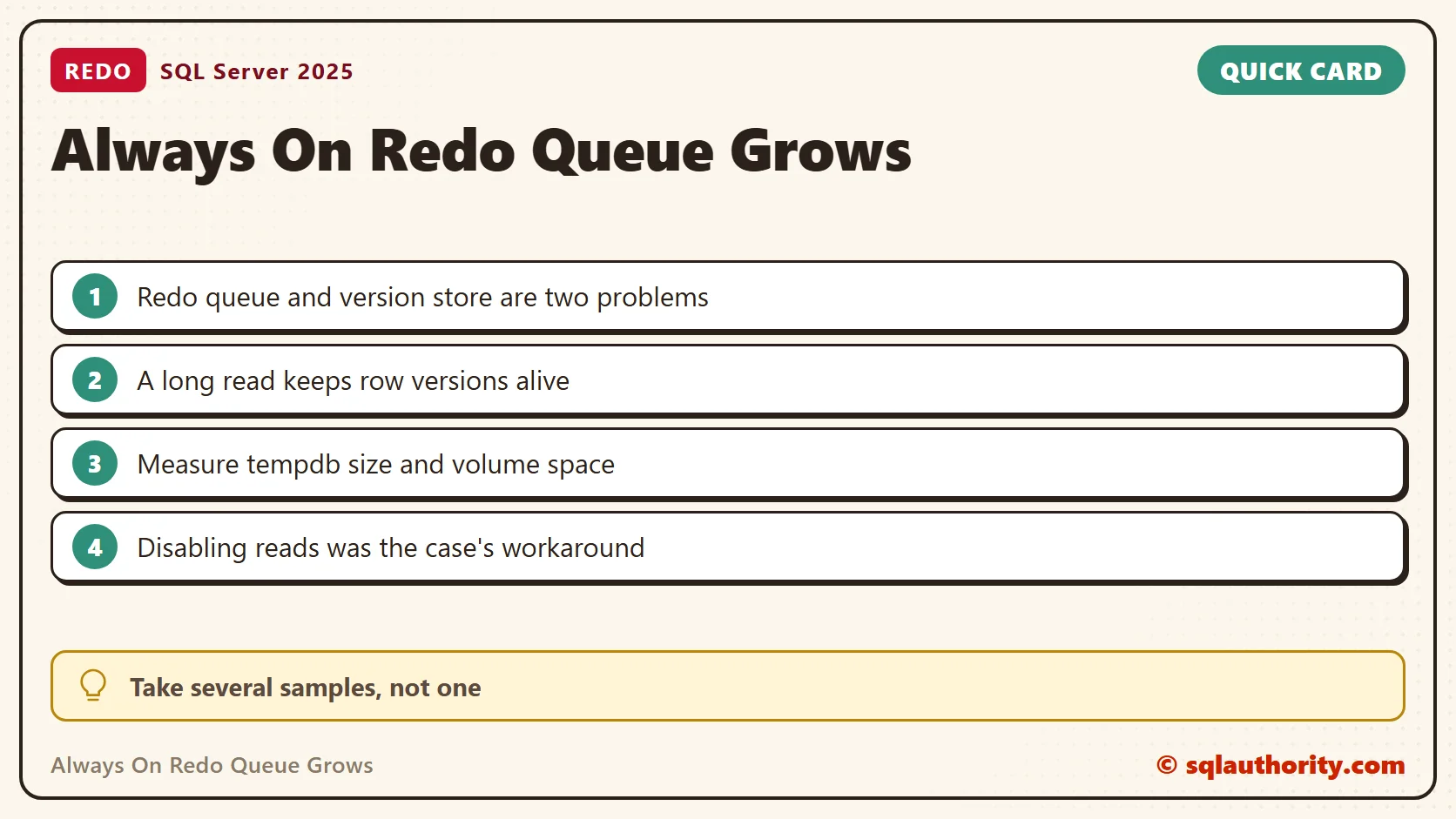
The drive that held tempdb was short of space, and tempdb could not grow. That was the finding in this case. A latch name alone does not explain every redo delay.
Measure the Redo Queue on the Secondary
Run this on the affected secondary. It reports the local availability group databases. It returns no rows on an instance without a group, as on my test PC. The queue and the rate are in KB and KB per second. Take samples over time and compare them with the workload.
SELECT DB_NAME(database_id) AS database_name,
       synchronization_state_desc, synchronization_health_desc,
       is_suspended, suspend_reason_desc,
       redo_queue_size / 1048576.0 AS redo_queue_GB,
       redo_rate AS redo_rate_KB_per_second,
       last_received_time, last_hardened_time, last_redone_time
FROM sys.dm_hadr_database_replica_states
WHERE is_local = 1
ORDER BY database_id;
Synchronous commit confirms that the log is hardened on the secondary. It does not confirm that redo has applied every record. So a large queue can exist with synchronous commit, delay what readers see, and lengthen a failover.
Why a Long Read Fills the Version Store
A readable secondary serves queries with snapshot isolation. Each query reads row versions from tempdb. A version stays until the oldest reader that could need it has finished. A long read keeps versions alive while redo keeps creating new ones.
I measured this on SQL Server 2025 with a 60,000 row table. One session opened a snapshot transaction and waited 25 seconds. Another session rewrote every row twice. During the wait, the version store held 6,000 pages, about 47 MB. About 70 seconds after the read ended, it was back to zero.
This query finds the oldest snapshot readers. On a secondary, look for the session with the largest elapsed time.
SELECT TOP (5) s.session_id, s.login_name, s.host_name, t.elapsed_time_seconds
FROM sys.dm_tran_active_snapshot_database_transactions AS t
JOIN sys.dm_exec_sessions AS s ON s.session_id = t.session_id
ORDER BY t.elapsed_time_seconds DESC;
SELECT DB_NAME(database_id) AS database_name, reserved_page_count / 128.0 AS version_store_MB
FROM sys.dm_tran_version_store_space_usage
ORDER BY reserved_page_count DESC;
In the lab, the first query returned the reading session while it was open. My final run of the code found no reader, so it returned nothing. The state views need VIEW SERVER STATE on SQL Server 2019 and earlier. SQL Server 2022 and later need VIEW SERVER PERFORMANCE STATE.
Check tempdb Capacity and the Volume
The first result shows version store reservations and free extents in tempdb. The second shows each tempdb file, its growth settings and the free space on its volume. Several files can share one volume, so do not add the volume figures together.
SELECT SUM(CAST(version_store_reserved_page_count AS bigint)) / 128.0 AS version_store_MB,
       SUM(CAST(unallocated_extent_page_count AS bigint)) / 128.0 AS free_extent_MB
FROM tempdb.sys.dm_db_file_space_usage;
SELECT f.name, f.type_desc, f.size / 128.0 AS file_size_MB,
       f.max_size, f.growth, f.is_percent_growth,
       v.volume_mount_point, v.available_bytes / 1048576.0 AS volume_free_MB
FROM tempdb.sys.database_files AS f
CROSS APPLY sys.dm_os_volume_stats(DB_ID(N'tempdb'), f.file_id) AS v
ORDER BY f.file_id;
max_size and a non-percent growth are counted in 8 KB pages. A max_size of -1 means the file setting does not cap growth. A growth of 0 turns automatic growth off. None of this creates disk space that does not exist.
The Workaround Was Specific to the Incident
The client temporarily disabled read access on both secondaries. Version store pressure fell, and redo caught up. That describes this incident. It does not promise that disabling reads clears every redo delay.
Turning off reads interrupts reporting and read-only routing. Agree the change with the application owner, and then fix the cause: space for tempdb, or the long reads. Do not start by shrinking tempdb. A file that needs to grow for normal work still needs the space.
When tempdb has room, look at the other causes. They are I/O latency, CPU pressure, suspended data movement, blocked redo and heavy read workloads. Compare the queue before and after each change. When reads return, watch the secondary again, because the same long report can refill the store.
I ran every query here on SQL Server 2025 and measured the version store growth. I could not reproduce the multi-replica incident, because my PC has no availability group.
A redo queue is not a diagnosis, it is a measure of work the secondary has yet to apply.
Published by Pinal Dave on SQLAuthority. More of my work at pinaldave.com.
Discover more from SQL Authority with Pinal Dave
Subscribe to get the latest posts sent to your email.




1 Comment. Leave new
I am having this same issue your user was having but my tempdb has 162gb of space and is only 36gb on 6 6gb files.
I have very fast sendrates but then the redo rate is literally only 25k on this one server but I have 4 other nodes where servers have 120k-250k redo rates. Which causes my 1 server to fall behind on redo rate and I don’t know why :'(