Error 913 means SQL Server could not find database ID 3, and the service will not start. This post comes from a Skype conversation with a client. They could not start the SQL Server service, and the message said the database may not be activated.

The Error
I asked the client to share the SQL Server ERRORLOG. If you need help finding it, read where the ERRORLOG lives. This is what I saw:
2017-04-02 16:38:02.40 spid11s Error: 913, Severity: 16, State: 6.
2017-04-02 16:38:02.40 spid11s Could not find database ID 3. Database may not be activated yet or may be in transition. Reissue the query once the database is available. If you do not think this error is due to a database that is transitioning its state and this error continues to occur, contact your primary support provider. Please have available for review the Microsoft SQL Server error log and any additional information relevant to the circumstances when the error occurred.
Why It Happens
The message sounds scary because it says SQL Server can’t find database ID 3. That ID belongs to the model database. Model is a system database that SQL Server needs to start. Any problem with it causes a startup failure.
What the Client Saw
The client didn’t know how the model database had been detached. There were no backups. They had only the MDF and LDF files, so we tried to work with those.
How to Check
Look for database ID 3 in the error. If the ERRORLOG shows error 913 during startup with ID 3, the model database is the one missing.
The Fix
First I started the instance with trace flag 3608. This trace flag is documented, and it lets SQL Server start by recovering only the master database. Then we tried to attach the model database and got this error:
Create Database failed
Error: 33401, Severity: 16, FILESTREAM database options cannot be set on system databases such as model.
We also tried picking up model database files from different servers, but had no luck. Since there was no backup, we couldn’t try a restore either.
Finally, I asked the client to rebuild the system databases. First they kept a copy of the MDF and LDF files of all databases as a backup. This is the command, and the password is a placeholder:
Setup /QUIET /ACTION=REBUILDDATABASE /INSTANCENAME=MSSQLSERVER /SQLSYSADMINACCOUNTS="BUILTIN\Administrators" /SAPWD=YourStrongPassword /SQLCOLLATION="SQL_Latin1_General_CP1_CI_AS"Confirm It Worked
When the command finished, it was as good as a fresh install of SQL Server. Later we attached all user databases and created all the system objects again.
How to Prevent It
Keep a backup of the system databases, model included. Copy the MDF and LDF files before any rebuild too. A rebuild resets the system databases, so you need your own copies to bring everything back.
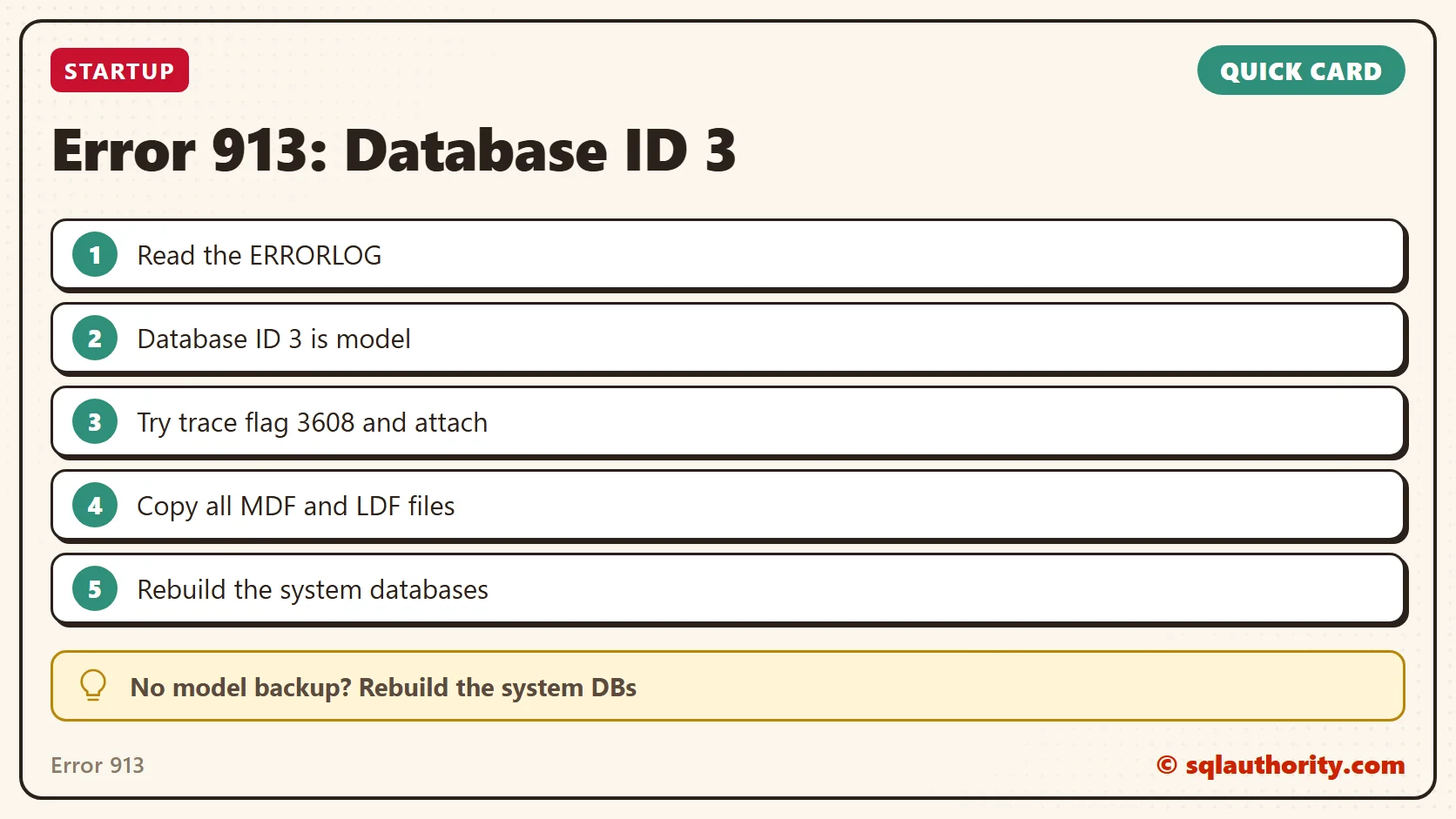
Error 913 is not a lost query, it is a missing system database that SQL Server needs to start.
Published by Pinal Dave on SQLAuthority. More of my work at pinaldave.com.
Discover more from SQL Authority with Pinal Dave
Subscribe to get the latest posts sent to your email.