A service pack install in a cluster failed because of the Double-Take Source Connection resource type. Learning never stops for me with SQL Server. I have written posts on many issues, but clients still ping me. I find one new thing every day. This time, the setup error said there was an error to lookup cluster resource types.
The Error
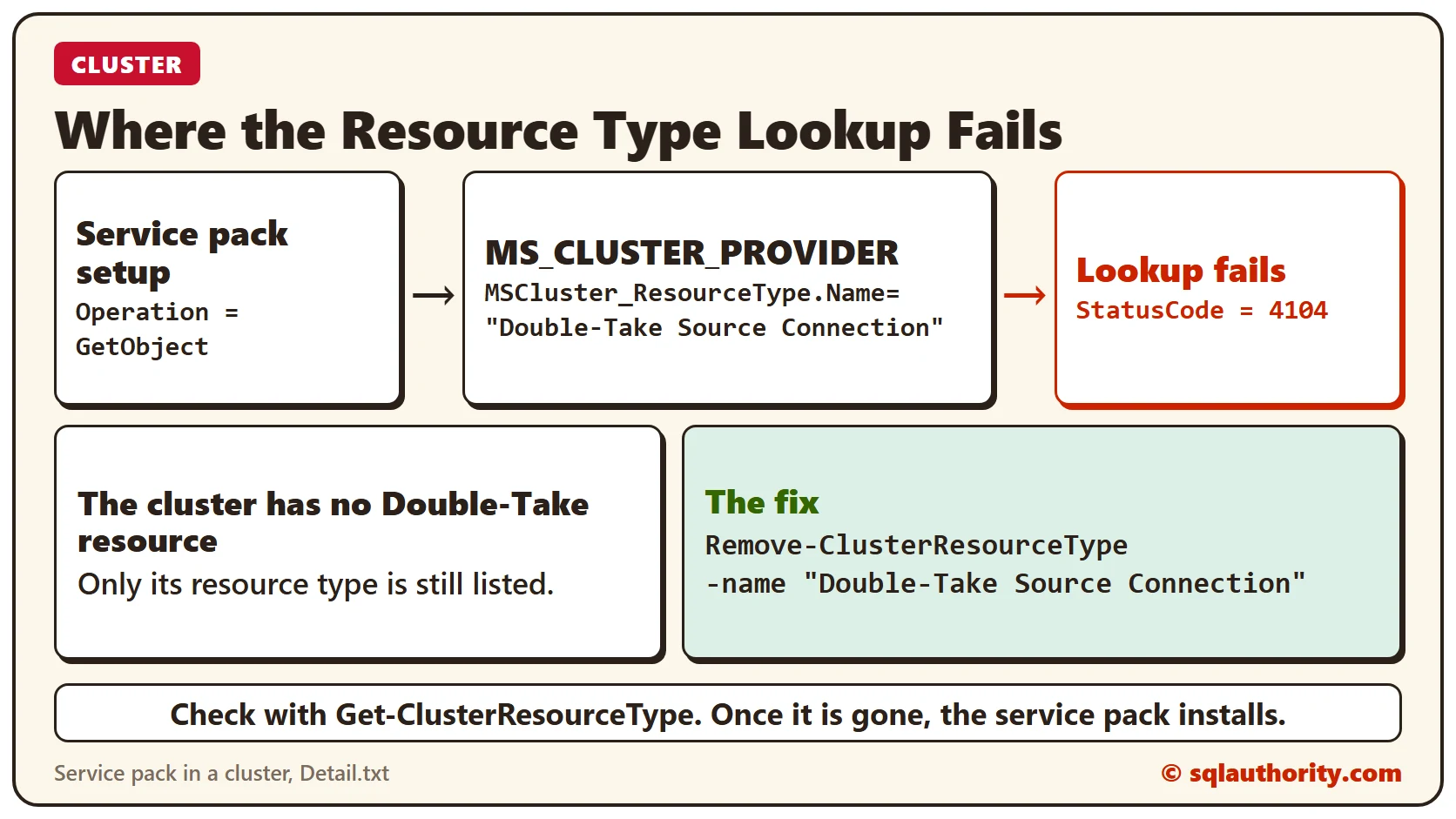
The other day, a client was applying a service pack for SQL Server and it failed with an error. When I asked them to share Detail.txt, I found this exception. It caused the failure. The exception stack lists the exceptions from outermost to innermost, and inner exceptions are indented.
ErrorType = 2
Operation = GetObject
ParameterInfo = MSCluster_ResourceType.Name="Double-Take Source Connection"
ProviderName = MS_CLUSTER_PROVIDER
StatusCode = 4104
Why It Happens
When I searched the internet, I found that someone else had this error because of “Double-Take Source Connection”. We can see the same name in our stack.
The Fix
I gave the client the option to contact either Microsoft or the Double-Take software vendor to find the cause. But they said they were not using Double-Take. It had been installed for testing, and there was no Double-Take resource in their cluster.
Since they were fine with getting rid of Double-Take, we ran the command below.
Remove-ClusterResourceType -name "Double-Take Source Connection"Confirm It Worked
The command deleted the “Double-Take Source Connection” cluster resource type. It was no longer listed by this command:
Get-ClusterResourceTypeOnce we removed the resource type, the client was able to install the service pack successfully.
How to Prevent It
If you try a product on a cluster and then drop it, remove what it leaves behind. A leftover resource type can stop a later service pack.
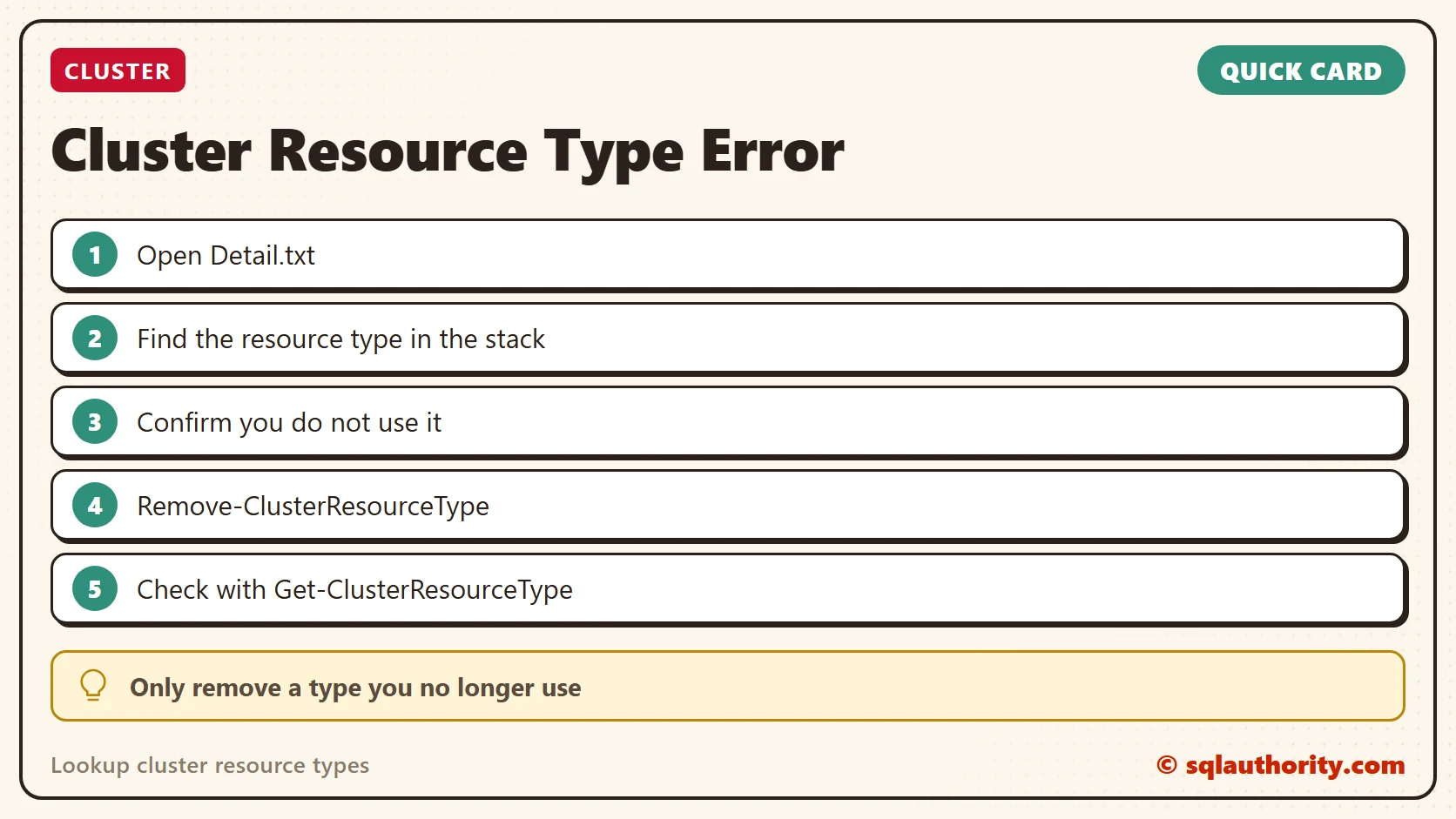
A failed lookup is not a setup bug, it is a leftover resource type in the cluster.
Published by Pinal Dave on SQLAuthority. More of my work at pinaldave.com.
Discover more from SQL Authority with Pinal Dave
Subscribe to get the latest posts sent to your email.