Slow database creation comes down to files: how big they are, and whether SQL Server must zero every byte. The statement itself does little. It prepares files, and files take time. Three usual suspects explain the delay, and each one can be timed.

Why Slow Database Creation Happens
A new database is a copy of the model database, including its options and its file sizes. If your statement names no sizes, each new file takes the size of the matching model file. If it does name sizes, SQL Server creates files of that size. It then writes zeros into them, unless a shortcut applies.
Suspect 1: The Model Database
Everyone who creates a database without sizes gets the model sizes. Suppose someone grew model to 1 GB for each file. Every new database then starts at 1 GB, and every creation waits for it. This read-only query shows the model files.
SELECT name, type_desc, size * 8 / 1024 AS SizeMB, growth FROM sys.master_files WHERE database_id = DB_ID(N'model');
| name | type_desc | SizeMB | growth |
|---|---|---|---|
| modeldev | ROWS | 8 | 8192 |
| modellog | LOG | 8 | 8192 |
Both files are 8 MB here, which is the normal default. The growth column counts 8 KB pages, so 8192 means 64 MB. If your model is much larger, that’s the first thing to fix. Shrink it with DBCC SHRINKFILE to a small size, 8 MB being the default. Set a small fixed growth with ALTER DATABASE model MODIFY FILE. MODIFY FILE can grow a file or change its growth, but it can’t shrink one. Size each real database in its own statement.
Suspect 2: Instant File Initialization
Zeroing a file is slow because every byte is written. Instant file initialization skips that step for data files. The SQL Server service account needs the Windows right called Perform volume maintenance tasks. One query tells you whether the service has it.
SELECT servicename, instant_file_initialization_enabled FROM sys.dm_server_services WHERE servicename LIKE N'SQL Server (%';
| servicename | instant_file_initialization_enabled |
|---|---|
| SQL Server (SQLDEV) | Y |
Here it is on. If yours says N, a large data file is zeroed byte by byte. Creating it can take many seconds or minutes, depending on the disk. Grant the right to the service account and restart the service. The right never covers a log file at creation, because log files must be zeroed. SQL Server 2022 and later can use it for log growth of up to 64 MB. Larger growth and creation are still zeroed.
Suspect 3: The Log File, Measured
The next script creates the same database three times with different file sizes, times each statement and drops the database. It needs room for 3 GB on the data drive for a moment.
SET NOCOUNT ON;
DECLARE @path nvarchar(260) = CONVERT(nvarchar(260), SERVERPROPERTY('InstanceDefaultDataPath'));
DECLARE @r TABLE (Scenario varchar(40), DataMB int, LogMB int, Milliseconds int);
DECLARE @t0 datetime2, @sql nvarchar(max), @data int, @log int, @name varchar(40);
DECLARE c CURSOR LOCAL FAST_FORWARD FOR SELECT * FROM (VALUES ('Small files', 64, 64), ('Large data file', 3000, 64), ('Large log file', 64, 3000)) v(Scenario, DataMB, LogMB);
OPEN c; FETCH NEXT FROM c INTO @name, @data, @log;
WHILE @@FETCH_STATUS = 0
BEGIN
    SET @sql = N'CREATE DATABASE CreateSpeedDemo ON PRIMARY (NAME = CreateSpeedDemo_data, FILENAME = N''' + @path + N'CreateSpeedDemo.mdf'', SIZE = ' + CAST(@data AS nvarchar(10)) + N'MB)'
             + N' LOG ON (NAME = CreateSpeedDemo_log, FILENAME = N''' + @path + N'CreateSpeedDemo_log.ldf'', SIZE = ' + CAST(@log AS nvarchar(10)) + N'MB);';
    SET @t0 = SYSDATETIME();
    EXEC (@sql);
    INSERT INTO @r VALUES (@name, @data, @log, DATEDIFF(MILLISECOND, @t0, SYSDATETIME()));
    DROP DATABASE CreateSpeedDemo;
    FETCH NEXT FROM c INTO @name, @data, @log;
END;
CLOSE c; DEALLOCATE c;
SELECT Scenario, DataMB, LogMB, Milliseconds FROM @r;| Scenario | DataMB | LogMB | Milliseconds |
|---|---|---|---|
| Small files | 64 | 64 | 220 |
| Large data file | 3000 | 64 | 240 |
| Large log file | 64 | 3000 | 1567 |
The 3,000 MB data file took about as long as the small files, because instant file initialization skipped the zeroing. The 3,000 MB log file took several times longer. Your milliseconds will differ with the disk, and the pattern holds. On a server without instant file initialization, the data file row would look like the log row.
Watch a Slow Creation From Another Window
When a creation seems stuck, ask SQL Server what it waits for. Run this in window 1. It creates a database with an 8,000 MB log file and drops it again. That needs 8 GB of free space for a few seconds, and longer on a slower disk.
DECLARE @path nvarchar(260) = CONVERT(nvarchar(260), SERVERPROPERTY('InstanceDefaultDataPath'));
DECLARE @sql nvarchar(max) = N'CREATE DATABASE CreateSpeedDemo ON PRIMARY (NAME = CreateSpeedDemo_data, FILENAME = N''' + @path + N'CreateSpeedDemo.mdf'', SIZE = 64MB) LOG ON (NAME = CreateSpeedDemo_log, FILENAME = N''' + @path + N'CreateSpeedDemo_log.ldf'', SIZE = 8000MB);';
EXEC (@sql);
DROP DATABASE CreateSpeedDemo;
While it runs, run this query in window 2.
SELECT session_id, command, status, wait_type, wait_time
FROM sys.dm_exec_requests
WHERE command LIKE N'CREATE DATABASE%' AND session_id <> @@SPID;
| session_id | command | status | wait_type | wait_time |
|---|---|---|---|---|
| 136 | CREATE DATABASE | suspended | ASYNC_IO_COMPLETION | 2198 |
The request is suspended on ASYNC_IO_COMPLETION, and wait_time grows with every run of the query. That is SQL Server writing zeros into the log file. The wait type points at file I/O, not at the CPU or a lock.
If either script stops early, run DROP DATABASE IF EXISTS CreateSpeedDemo; to remove the leftover database. That statement needs SQL Server 2016 or later.
Fixes
To fix slow database creation, shrink the model files if someone enlarged them. Give each new database sizes that match its real need. A log file of 100 GB for a database of 150 GB needs a reason. You pay for it at every creation and every restore. Grant Perform volume maintenance tasks to the service account, and restart the service.
Set autogrowth to a fixed number of megabytes, not a percentage, so each growth step stays predictable. A restore zeroes files in the same way, so the same fixes shorten restores.
You could argue that creation time doesn’t matter, because you create a database once. For one production database that’s true. For a build server or a test pipeline that creates hundreds, a few seconds each add up.
What to Remember
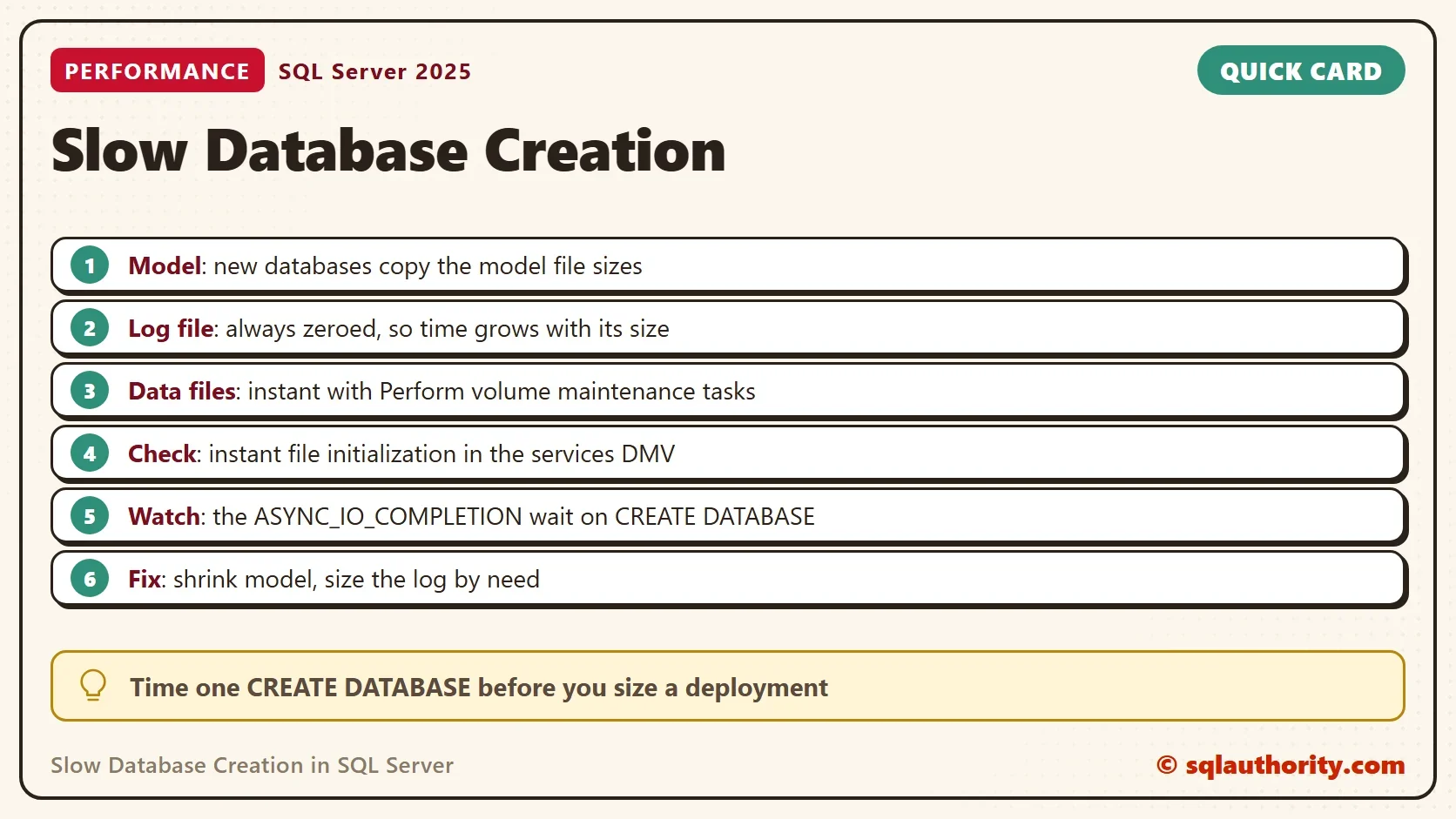
Slow database creation is a file problem first. Check the model sizes, check instant file initialization, and look at the log size. Time one creation before you size a deployment, and watch the wait type when it drags. The wait names the disk. Shrinking an oversized model database is a short change, and it speeds up every creation after it.
A slow CREATE DATABASE is not a bug, it is a bill you can read before you pay.
Published by Pinal Dave on SQLAuthority. More of my work at pinaldave.com.
Discover more from SQL Authority with Pinal Dave
Subscribe to get the latest posts sent to your email.