
To remove Database Mail history, call sysmail_delete_mailitems_sp and sysmail_delete_log_sp with a cutoff date. Database Mail never cleans up after itself. Every message, attachment and log line stays in msdb until you delete it, and the file keeps growing.

Why msdb Keeps Growing
Each mail that SQL Server sends is stored in msdb.dbo.sysmail_mailitems. Attachments sit in sysmail_attachments, failed attempts in sysmail_send_retries, and the events in sysmail_log. Nothing removes them. A procedure that sends a message on every event can fill msdb in a few years. A file attachment makes it much faster.
Database Mail history is easy to measure. Measure before you delete. The query below lists the four tables with their row counts and reserved space. On this test instance Database Mail isn’t in use, so the numbers are tiny. On a server with the problem, the first row shows gigabytes.
SELECT OBJECT_NAME(i.object_id, DB_ID(N'msdb')) AS TableName, SUM(p.rows) AS RowsInTable, SUM(a.total_pages) * 8 AS ReservedKB
FROM msdb.sys.indexes AS i
JOIN msdb.sys.partitions AS p ON p.object_id = i.object_id AND p.index_id = i.index_id
JOIN msdb.sys.allocation_units AS a ON a.container_id = p.partition_id
WHERE OBJECT_NAME(i.object_id, DB_ID(N'msdb')) IN (N'sysmail_mailitems', N'sysmail_attachments', N'sysmail_log', N'sysmail_send_retries')
GROUP BY i.object_id
ORDER BY ReservedKB DESC;
| TableName | RowsInTable | ReservedKB |
|---|---|---|
| sysmail_mailitems | 0 | 16 |
| sysmail_log | 0 | 16 |
| sysmail_attachments | 0 | 0 |
| sysmail_send_retries | 0 | 0 |
Use the Two Supported Procedures
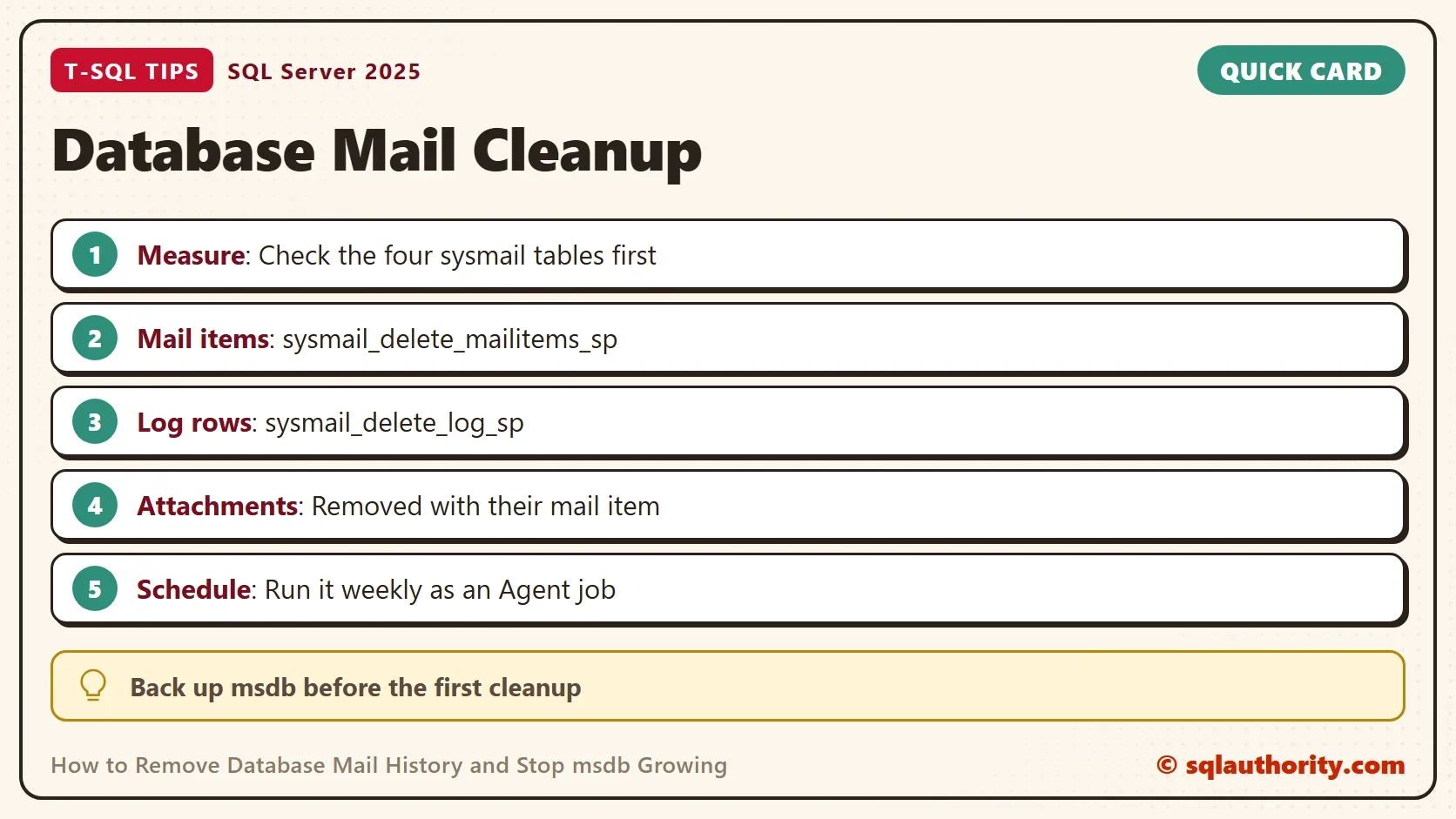
Old advice deletes straight from the sysmail tables. There’s no need. Two procedures in msdb do the job. sysmail_delete_mailitems_sp removes mail items sent before a date, optionally of one status. sysmail_delete_log_sp removes log rows logged before a date. The foreign keys from the attachment and retry tables to the mail items are set to cascade. Deleting a mail item therefore removes its attachments and retries with it.
One thing to know. The mail item procedure needs at least one parameter, and it checks its values. Called with nothing, it stops with an error.
EXEC msdb.dbo.sysmail_delete_mailitems_sp;
Msg 14608, Level 16, State 1, Procedure msdb.dbo.sysmail_delete_mailitems_sp, Line 20
Either @sent_before or @sent_status parameter needs to be supplied
The error is a guard, and it protects you from a delete with no condition. The next script keeps 30 days of history and removes the rest. Take a backup of msdb first. Then run it as a member of the sysadmin role. The view behind the procedure shows each user only the mail they sent. A different login would remove only its own items.
DECLARE @cutoff datetime = DATEADD(DAY, -30, GETDATE());
EXEC msdb.dbo.sysmail_delete_mailitems_sp @sent_before = @cutoff;
EXEC msdb.dbo.sysmail_delete_log_sp @logged_before = @cutoff;
Each call to the first procedure also writes a line to the log. The line says who started the deletion and how many items went. Those lines are young, so the second procedure keeps them until they are 30 days old.
One more detail matters. With no status given, the first procedure also removes unsent and retrying items older than the cutoff. A server with a stuck mail queue would lose the queued mail without a message. Fix the queue first. Or delete by status, once with @sent_status = 'sent' and once with 'failed'.
Clean a Big Backlog in Steps
A server with five years of history has millions of rows. One delete runs as one transaction, and it grows the log of msdb. A loop that moves the cutoff forward one month at a time keeps each step small. The loop starts at the oldest mail item. When no item exists, it starts at the cutoff and runs zero steps.
DECLARE @cutoff datetime = DATEADD(DAY, -30, GETDATE());
DECLARE @step datetime = ISNULL((SELECT MIN(send_request_date) FROM msdb.dbo.sysmail_allitems), @cutoff);
WHILE @step < @cutoff
BEGIN
    SET @step = DATEADD(MONTH, 1, @step);
    IF @step > @cutoff SET @step = @cutoff;
    EXEC msdb.dbo.sysmail_delete_mailitems_sp @sent_before = @step;
END;
Each pass adds one line to the log. After the loop, run the log cleanup from the earlier script once. If the log table is huge too, repeat the same stepping with sysmail_delete_log_sp. Step on the log_date column, the way the loop steps on send_request_date.
Should You Shrink msdb Afterward?
Deleting rows doesn’t make the files smaller. The space becomes free inside the file, and new mail will reuse it. That’s enough, because new mail reuses the space. Suppose the file is far larger than it will ever need. A shrink is then a one time job, not a routine. Shrink to a target size, not to zero. A shrink also fragments the indexes, so rebuild them afterward. A nightly shrink job only moves the same pages back and forth.
You could argue that mail history is an audit trail. If you need it, copy the rows you want to keep into your own table before the cleanup. Then keep the retention period in one place, such as the 30 in the script. Everyone then knows how far back the history goes.
Keep It From Growing Again
Run the cleanup as a weekly SQL Server Agent job with the two procedure calls as one T-SQL step. In SSMS 22, expand SQL Server Agent, right click Jobs and choose New Job. Add the T-SQL step and a weekly schedule. Weekly cleanups are small and quick. Next, look at the cause. Large attachments multiply the problem, so send a link to the file instead. A loop that sends one mail per row will fill the table in any case.
These procedures are only for the Database Mail tables in msdb. They don’t clean other databases. The same cleanup works on a production server. Do it outside peak hours, after a backup, and watch the log of msdb while the first run finishes.
What to Remember
Measure the four sysmail tables. Keep the retention you need and remove the rest with the two procedures, never with a direct delete. Step through a big backlog one month at a time, schedule a weekly job and don’t shrink as a habit. Database Mail history is easy to remove once you know that it won’t remove itself.
A mail table is not a mailbox, it is a log that only a scheduled job will ever empty.
Published by Pinal Dave on SQLAuthority. More of my work at pinaldave.com.
Discover more from SQL Authority with Pinal Dave
Subscribe to get the latest posts sent to your email.




8 Comments. Leave new
Great article. You helped me a lot. Thanks for sharing.
Great article. You have helped me a lot. thanks
Thanks @Atul
Can I apply this to any transaction databases? or just for system databases?
Any database.
Thanks. Great respect
Can i use above process on production server ?
Thanks a lot!