A column level GRANT overrides a DENY on the whole table. In my earlier post on Msg 230, I wrote that DENY takes precedence over GRANT. That isn’t always true, and this post shows the exception. Read the first Msg 230 post before you work through these examples.

The Error
Select a column the user has no right to read, and SQL Server answers with Msg 230. This is the output for the sample in this post:
Msg 230, Level 14, State 1, Line 38
The SELECT permission was denied on the column 'Name' of the object 'SecureTbl', database 'PermissionsDB', schema 'dbo'.
Msg 230, Level 14, State 1, Line 38
The SELECT permission was denied on the column 'SSN' of the object 'SecureTbl', database 'PermissionsDB', schema 'dbo'.
What Happened
My friend Vinod Kumar pinged me after that post to say the rule doesn’t always hold. I asked Vinod to prove me wrong. It was a good chance to learn a finer detail of SQL Server. I believe the best way to learn something is to share it.
Here is the repro. As before, I create a sample database, a user inside it, and a secure table with some data.
CREATE DATABASE PermissionsDB
GO
USE PermissionsDB
GO
CREATE USER Pinal WITHOUT LOGIN;
GO
CREATE TABLE SecureTbl (ID INT, Name VARCHAR(50), SSN VARCHAR(20))
GO
INSERT INTO SecureTbl VALUES (1, 'Pinal', '111-22-3333')
GO
With no explicit permission, the user can’t read the table. The error is Msg 229:
Msg 229, Level 14, State 5, Line 38
The SELECT permission was denied on the object 'SecureTbl', database 'PermissionsDB', schema 'dbo'.
Now I deny SELECT on the whole table to the user. Then I grant SELECT on the ID column alone.
-- Does a GRANT at column-level override a DENY at the object level
DENY SELECT ON SecureTbl TO Pinal
GRANT SELECT (ID) ON SecureTbl TO Pinal
GO
How to Check
Change the user context to Pinal and run two queries. One asks for every column, and one asks for ID only.
EXECUTE AS USER='Pinal'
SELECT * FROM SecureTbl
SELECT ID FROM SecureTbl
REVERT
SELECT * fails with the Msg 230 errors shown at the top, one for Name and one for SSN. The query on ID works. The GRANT on the column wins over the DENY on the table.

Why It Happens
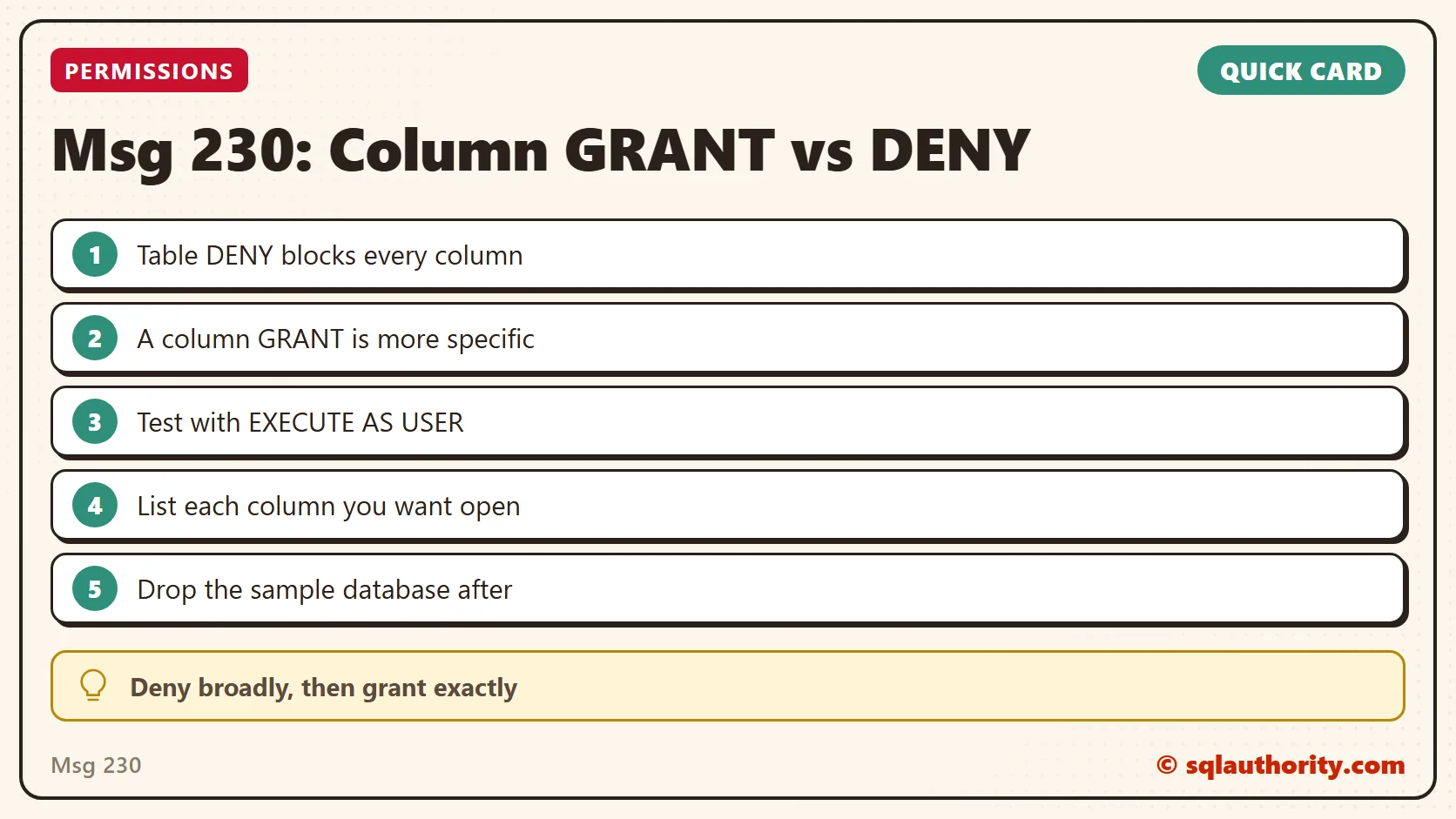
A DENY on a table blocks every column in it. A GRANT on one column is more specific, and it wins for that column. That is the exception my friend pointed to. A DENY at a higher level is overridden by a GRANT at a granular level.
The Fix
To open more than one column, list them all in the GRANT:
GRANT SELECT (ID, Name) ON SecureTbl TO Pinal
GO
Confirm It Worked
Run the EXECUTE AS block again. The columns you granted come back, and every other column still raises Msg 230. When you finish, drop the sample database.
-- Clean up
USE MASTER
GO
DROP DATABASE PermissionsDB
How to Prevent It
I prefer to deny across the board and then give specific access where it’s needed. Compared with my earlier post, I haven’t granted SELECT to PUBLIC at the object level here. I was explicit in the DENY instead. This is the statement I’m contrasting:
-- Explicitly grant at object level
GRANT SELECT ON SecureTbl TO PUBLIC
The fine print matters when you work with permissions. If you’ve used this technique in your own environment, please tell me the scenario in the comments.
Msg 230 is not a broken permission, it is the most specific rule winning.
Published by Pinal Dave on SQLAuthority. More of my work at pinaldave.com.
Discover more from SQL Authority with Pinal Dave
Subscribe to get the latest posts sent to your email.