
Question: What is a clean buffer in DBCC DROPCLEANBUFFERS? It holds a database page whose in-memory contents do not need to be written to its data file. A dirty buffer contains a modified page that still needs to be written.
I give credit to the person who asked this question. In more than twenty years of working with SQL Server, nobody had asked me to explain that particular word. The simple clean-versus-dirty distinction is the useful part.
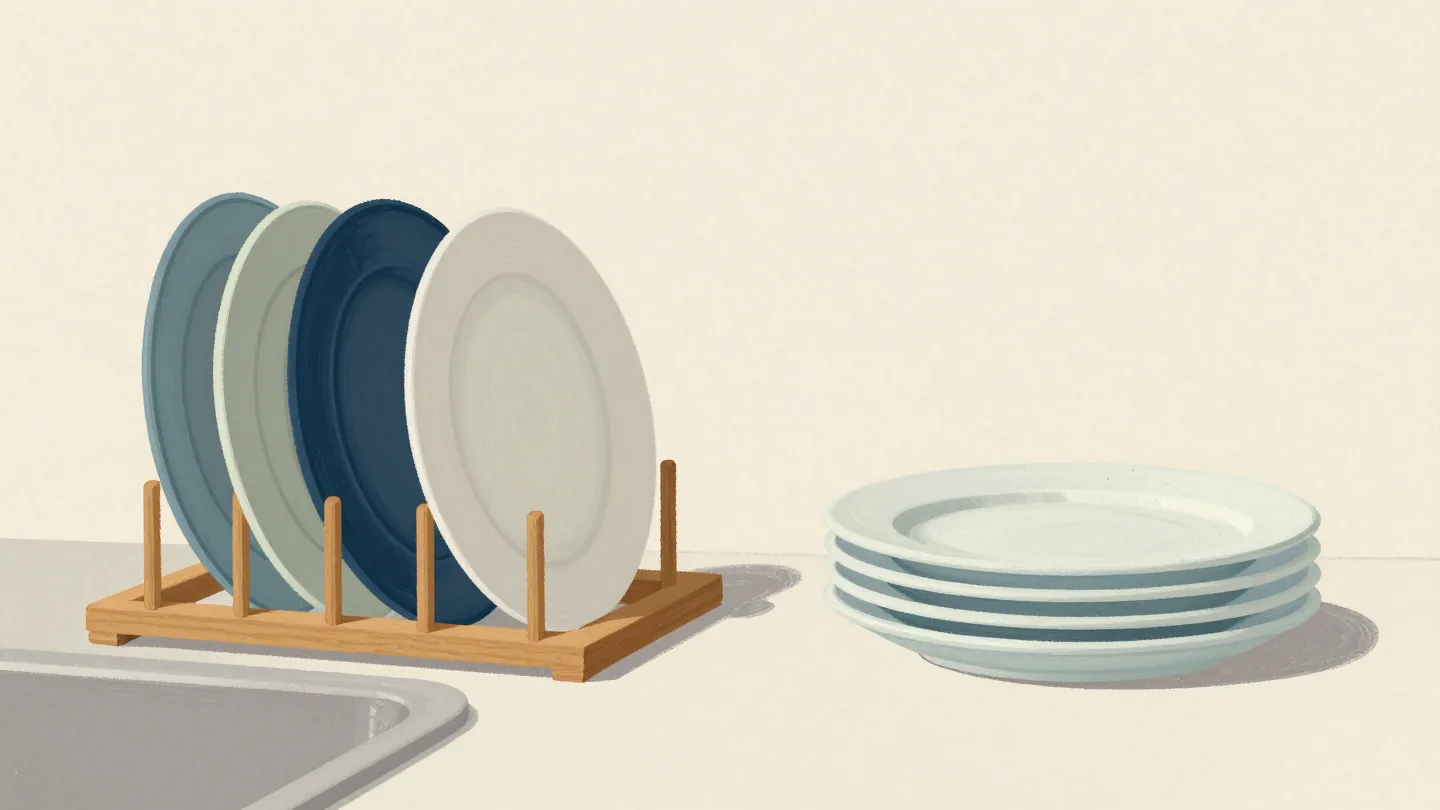
SQL Server keeps pages in its buffer pool so later reads can use memory rather than read them from the data files again. A page can arrive clean from disk. After modification it becomes dirty. Writing the modified page to its data file makes the buffer clean again; the page can remain cached.
CHECKPOINT writes dirty pages for the current database. It does not move all cached pages out of memory. It also doesn’t mean every dirty page was an uncommitted transaction: committed changes can still have dirty buffers, and transaction-log durability is a separate subject.
DBCC DROPCLEANBUFFERS removes clean buffers from the buffer pool and columnstore objects from the columnstore object pool. It is used for controlled cold-cache tests. It does not clear the execution-plan cache, and its purpose is not to “stop helping the optimizer.” The next execution may need to read data pages again.
-- Illustration for an isolated lab, not a shared server:
-- CHECKPOINT;
-- DBCC DROPCLEANBUFFERS;
On SQL Server the cache-clearing effect is not limited to your one table or query. That is why the illustration is commented. Nothing here requires clearing a production or shared lab cache to understand the definition.
That is the simplest explanation I can give: clean means no pending data-page write, not unused, empty, or an uncached page. If you have a more detailed explanation that helps readers, please share it in the comments.
Published by Pinal Dave on SQLAuthority. More of my work at pinaldave.com.
Discover more from SQL Authority with Pinal Dave
Subscribe to get the latest posts sent to your email.



4 Comments. Leave new
Very good. Clean buffers still help SQL for frequently used data.
Is a data buffer 64 K in size ?
Are indexes kept in the same buffer space with data ? If so, then dropping clean buffers would “free up memory” but drop index and data buffers.
Thanks in advance for any answer
As my point of view.instead of restart SQL service. We will use drop cleanbuffers in non production hours.I am a DBA for restarting SQL service I want to get manager approval.instead of this I can use drop cleanbuffers. Without restart ram utilization reduce in SQL server kindly explain sir.
Are Dirty Page and Dirty Buffer same?
Hi.. is entire dirty page moved to disk when checkpoint process runs or is it copied to disk?