
WAITFOR DELAY pauses the current SQL Server batch for a fixed amount of time. This is episode 55 of SQL in Sixty Seconds, and the video below shows the command in one minute. I measured how it behaves on SQL Server 2025.
What WAITFOR DELAY Does
The command takes a time in hours, minutes and seconds. The batch sleeps for that long and then carries on with the next statement. Here is the smallest example.
WAITFOR DELAY '00:00:01';
You can add up to three digits of fractions, as in '00:00:00.250'. The delay can also come from a variable. In my tests that variable worked as a char(12) value such as '00:00:02.000'.
How Long It Waits
The script below asks for one second five times and times each wait with SYSDATETIME.
DECLARE @i int = 1, @t0 datetime2(3);
CREATE TABLE #Runs (Run int, ElapsedMs int);
WHILE @i <= 5
BEGIN
    SET @t0 = SYSDATETIME();
    WAITFOR DELAY '00:00:01';
    INSERT #Runs VALUES (@i, DATEDIFF(MILLISECOND, @t0, SYSDATETIME()));
    SET @i += 1;
END;
SELECT Run, ElapsedMs FROM #Runs ORDER BY Run;
DROP TABLE #Runs;| Run | ElapsedMs |
|---|---|
| 1 | 1011 |
| 2 | 1001 |
| 3 | 1003 |
| 4 | 1008 |
| 5 | 1015 |
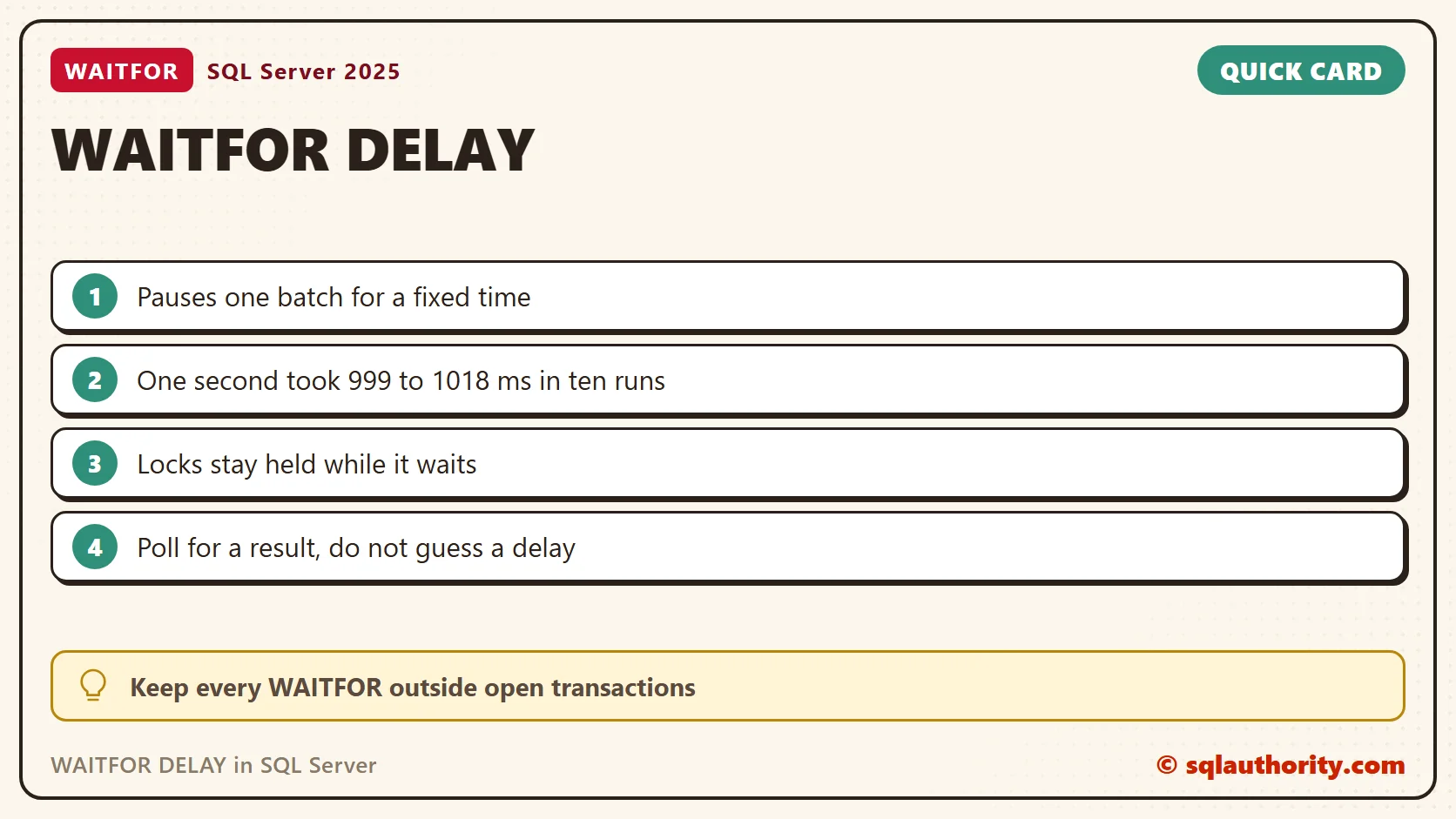
I ran the script twice, ten waits in all. They measured between 999 and 1018 ms. Treat the interval as a target, not an exact time. A quarter second ('00:00:00.250') measured 259 ms.
Wait Until a Clock Time
WAITFOR TIME sleeps until a time of day instead of for an interval. The variable below holds a moment two seconds from now. The wait measured 2013 ms.
DECLARE @until datetime = DATEADD(SECOND, 2, GETDATE());
WAITFOR TIME @until;
What It Does to Locks and Workers
A sleeping batch is still a running request. From another session, this query finds it. The sleeping request showed command WAITFOR, status suspended and wait type WAITFOR.
SELECT session_id, status, command, wait_type, wait_time
FROM sys.dm_exec_requests
WHERE command = 'WAITFOR';
Five sleeping sessions held five tasks in sys.dm_os_tasks. Each pause costs a worker.
Locks stay held too. One session updated a row, then ran WAITFOR DELAY '00:00:05' inside the same transaction. A second session started 1.5 seconds later and asked for that row. It got the new value after 3612 ms, the rest of the five seconds plus client start-up. A delay inside a transaction turns into a block for everyone else.
Use It to Practice Blocking
The lock behavior makes WAITFOR a handy way to create a block on purpose. Run the first script in one query window and the second in another within five seconds. The second window waits until the first one commits.
-- Window 1
BEGIN TRANSACTION;
UPDATE dbo.Lockdemo SET Val = 'two' WHERE Id = 1;
WAITFOR DELAY '00:00:05';
COMMIT TRANSACTION;
-- Window 2
SELECT Val FROM dbo.Lockdemo WHERE Id = 1;
While window 2 waits, sys.dm_exec_requests shows wait type LCK_M_S and the session ID of window 1 in blocking_session_id. That makes a safe lab for learning to read blocking. Never run the first script on a production server.
Limits and Errors
The longest delay is under 24 hours. WAITFOR DELAY '24:00:00' failed with Msg 148, Incorrect time syntax in time string ’24:00:00′ used with WAITFOR. SQL Server rejects that literal when it compiles the batch, so a TRY...CATCH block around it never runs.
A bad value in a variable is different. Text such as '00:99:00' failed at run time with Msg 241, and CATCH caught it. The client can also stop a wait. With sqlcmd -t 2 against a ten second delay, the tool printed Timeout expired after about two seconds.
Poll Instead of Guessing
A fixed delay only guesses when another job will finish. Check a status row and sleep in short steps instead. In my test a second session set the status to Done after two seconds. The loop below saw it on the fifth try, 2544 ms in.
DECLARE @tries int = 0;
WHILE @tries < 8
  AND NOT EXISTS (SELECT 1 FROM dbo.JobStatus WHERE JobId = 1 AND State = 'Done')
BEGIN
    WAITFOR DELAY '00:00:00.500';
    SET @tries += 1;
END;
SELECT @tries AS Tries, State FROM dbo.JobStatus WHERE JobId = 1;
The loop gives up after eight tries, so a stuck job cannot hold the session forever. Pick a limit that fits the job and raise an error when the loop ends without the status you wanted.
When Not to Use It
Skip it inside transactions, and skip it to slow a loop down on a busy server. Each sleeper holds a worker, and a sleeper with open locks blocks others. If a result matters, wait for the result.
Use WAITFOR to space out a test, a retry or a polling check. In each case you know why the session sleeps, and you know the sleep is short.
Related Reading
WAITFOR DELAY is not a way to wait for a result, it is a way to wait for time.
Published by Pinal Dave on SQLAuthority. More of my work at pinaldave.com.
Discover more from SQL Authority with Pinal Dave
Subscribe to get the latest posts sent to your email.




3 Comments. Leave new
hmm.. making videos of all your previous blogs.. nice
Thanks!
Another need happens quite often when you would like to simulate traffic / complex queries in your solution to find out “hot spots” with large number of db calls (for example when using ORM since it is not clearly visible how many queries are fired ). With the delay you can easily see where program explodes and keep on profiling detailed parts of code.