
To generate random values in SQL Server, choose the function that matches the job. This episode of SQL in Sixty Seconds picks one number between two endpoints. Random-looking output is not a security guarantee, and I tested the common formulas on SQL Server 2025.

My random-number generator article discusses several approaches. The short example below makes the endpoints explicit.
Watch the Original Video
A Small Integer Range
This script picks one integer from 10 through 20. It widens the subtraction to bigint, so large endpoints cannot overflow the middle step.
-- One integer from 10 through 20, inclusive.
DECLARE @Minimum int = 10, @Maximum int = 20;
SELECT CONVERT(int, FLOOR(RAND() *
       (CONVERT(bigint, @Maximum) - @Minimum + 1)) + @Minimum)
       AS RandomValue;
Both endpoints are possible. To check that, I ran the same formula 100,000 times in a loop. The smallest value was 10 and the largest was 20. Each of the 11 values came up between 8,997 and 9,202 times, close to the 9,091 you would expect.
DECLARE @Minimum int = 10, @Maximum int = 20, @i int = 0, @v int;
DECLARE @Counts TABLE (Value int PRIMARY KEY, Draws int NOT NULL DEFAULT 0);
INSERT @Counts (Value) SELECT TOP (11) 9 + ROW_NUMBER() OVER (ORDER BY (SELECT NULL)) FROM sys.all_objects;
WHILE @i < 100000
BEGIN
  SET @v = CONVERT(int, FLOOR(RAND() * (CONVERT(bigint, @Maximum) - @Minimum + 1)) + @Minimum);
  UPDATE @Counts SET Draws += 1 WHERE Value = @v;
  SET @i += 1;
END;
SELECT Value, Draws FROM @Counts ORDER BY Value;
One Value Is Not One per Row
RAND() runs once for the whole statement. In a query that returns many rows, every row gets the same number. The next query returned 0.47077247665989841 five times in my test.
SELECT TOP (5) object_id, RAND() AS SameForAll FROM sys.all_objects;
For a different value on every row, use NEWID(). It is evaluated for each row, and CHECKSUM turns it into an integer. Take the modulo first and ABS after it. A modulo of a negative number is negative. Without ABS I got 0, -4, -6, 2, 2, -8, 2 and -10. And ABS of the smallest int fails with Msg 8115.
DECLARE @Minimum int = 10, @Maximum int = 20;
SELECT TOP (5) object_id,
       ABS(CHECKSUM(NEWID()) % (@Maximum - @Minimum + 1)) + @Minimum AS PerRow
FROM sys.all_objects;
I counted 100,000 rows of this formula. All 11 values appeared, between 8,885 and 9,236 times each.
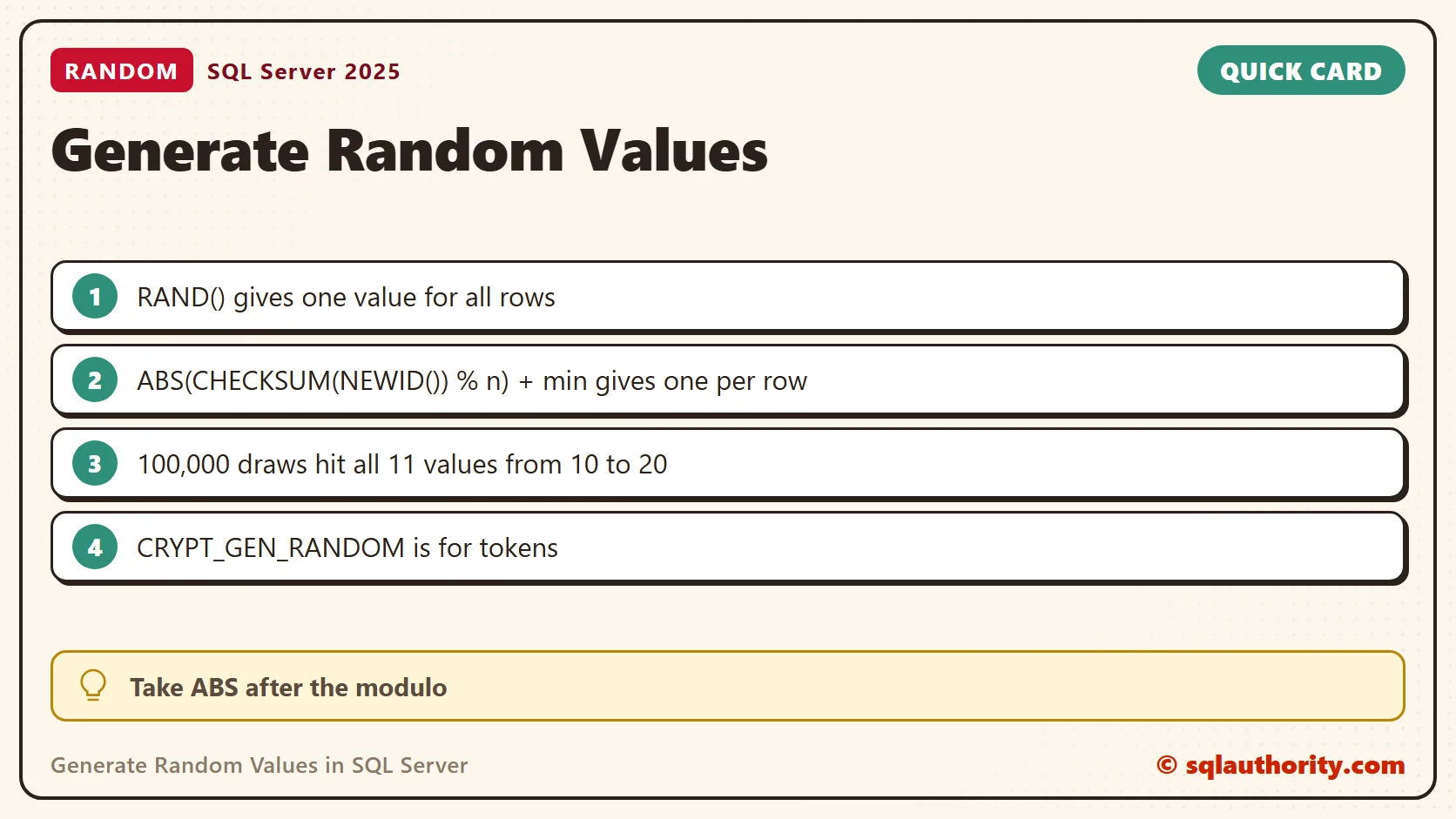
Repeatable Numbers
A seed makes RAND repeat itself. RAND(42) returned 0.71435594503450972 on every call. The plain RAND() calls after it repeated their own sequence too: 0.0410099 and 0.649384. That helps when a test needs the same sample data on every run.
SELECT RAND(42) AS Seeded, RAND() AS Next1, RAND() AS Next2;
When the Value Is a Secret
RAND and NEWID are fine for sample data and shuffles. They are not meant for passwords, tokens or keys. For those, CRYPT_GEN_RANDOM returns random bytes from the operating system’s cryptographic generator.
SELECT CRYPT_GEN_RANDOM(16) AS Token, ABS(CONVERT(int, CRYPT_GEN_RANDOM(4)) % 11) + 10 AS BetweenTenAndTwenty;
Fitting random bytes into a small range with a modulo leaves a tiny bias. For a token, keep the bytes as they are.
Not Inside a Function
You cannot wrap the formula in a scalar function. Both RAND and NEWID are side-effecting operators, and SQL Server rejects them there with Msg 443. A view that exposes RAND() gets around it, and the function then reads the view.
CREATE VIEW dbo.RandomSource AS SELECT RAND() AS R;
GO
CREATE FUNCTION dbo.RandomInRange (@Minimum int, @Maximum int) RETURNS int AS
BEGIN
  RETURN (SELECT CONVERT(int, FLOOR(R * (@Maximum - @Minimum + 1)) + @Minimum) FROM dbo.RandomSource);
END;
GO
SELECT TOP (5) object_id, dbo.RandomInRange(10, 20) AS FromFunction FROM sys.all_objects;
That returned a different number on each row in my test (18, 12, 12, 15 and 12 in one run). A scalar function still runs row by row, so keep it away from big tables.
Random Dates and Random Rows
Add a random number of days to a start date for a random date in a range. For a random row, ORDER BY NEWID() works but costs a full scan and a sort. On my 100,000 row table it read all 163 pages to return one row, the same reads as COUNT(*).
SELECT TOP (3) object_id, CAST(DATEADD(DAY, ABS(CHECKSUM(NEWID()) % 365), '20260101') AS date) AS RandomDate FROM sys.all_objects;
SELECT TOP (1) object_id FROM sys.all_objects ORDER BY NEWID();
Check the Endpoints
If @Minimum is larger than @Maximum, the formula does not fail. With 20 and 10 it returned 13 and raised no error. Validate the endpoints before you trust the result.
Which Function to Use
For sample data I reach for NEWID, because it behaves per row. I keep RAND for a single value in a script, and a seed when I need the same numbers twice. Anything secret goes to CRYPT_GEN_RANDOM. The table sums it up.
| Job | Use | Value per row |
|---|---|---|
| One number for a script or a test | RAND() | One for the whole statement |
| Random sample data, a shuffle | CHECKSUM(NEWID()) | New on every row |
| Repeatable test data | RAND(seed) | Same sequence each run |
| Tokens, keys, anything secret | CRYPT_GEN_RANDOM() | Random bytes |
Related Tips
- SQL SERVER – Random Number Generator Script – SQL Query
- Generate A Single Random Number for Range of Rows of Any Table
- Retrieving Random Rows from Table Using NEWID()
A random test value is not a security promise, it is an input whose range and purpose should be clear.
Published by Pinal Dave on SQLAuthority. More of my work at pinaldave.com.
Discover more from SQL Authority with Pinal Dave
Subscribe to get the latest posts sent to your email.




1 Comment. Leave new
Dear Pinal,
I am giving one of example of Sql query which I used in SSRS Report. In below example used few sub queries to achieve result. But few more queries are there where lot of sub queries used(15-20) in same manner. Basically what we want the count of record based on different condition. Because of lot of sub queries used in Sql queries its taking lot of time to execute (Performance issue). Is there are any alternate way to achieve same result within minimum time of execution.Please give valuable suggestion/solution.
Example:
SELECT FI.Name,
(SELECT COUNT(*) FROM FilterIncidentTrans AS FIT
WHERE FIT.IsPunUnits=1 AND FIT.RecId=FI.RecId) AS [PUN UNITS COUNT],
(SELECT COUNT(*) FROM FilterIncidentTrans AS FIT
WHERE FIT.IsREBELUnits=1 AND FIT.RecId=FI.RecId) AS [REBEL UNITS COUNT],
(SELECT COUNT(*) FROM FilterIncidentTrans AS FIT
WHERE FIT.IsOtherUnits=1 AND FIT.RecId=FI.RecId) AS [Other UNITS COUNT]
FROM FilterIncident AS FI
WHERE FI.StartDate=@StartDate and FI.EndDate=@EndDate