
These Joes 2 Pros exam prep videos gather five short lessons from the August 2012 collection.

The five-part series was written for beginners who wanted to build their SQL Server programming and development skills. Its focus included Exam 70-433, but the explanations go beyond memorizing exam answers. The exam reference belongs to the 2012 context.
The same five videos appeared earlier in Joes 2 Pros SQL Server videos from May 2012. That collection starts with XML. This one starts with security and ends with XML. Each lesson here gets a different small example, and I ran every one on SQL Server 2025.
Introduction to SQL Server Security
Picture a workplace where Tom needs read access to a financial folder. The folder is the securable, Tom is the principal and read access is the permission. In a database, the permission usually comes from a role. I added Tom to a role, granted the role SELECT, and asked SQL Server what Tom can do.
CREATE TABLE dbo.Payroll (PayrollId int PRIMARY KEY, Amount decimal(10,2) NOT NULL);
INSERT INTO dbo.Payroll VALUES (1, 5000), (2, 6200);
CREATE ROLE ReportReaders;
CREATE USER Tom WITHOUT LOGIN;
ALTER ROLE ReportReaders ADD MEMBER Tom;
EXECUTE AS USER = 'Tom';
SELECT HAS_PERMS_BY_NAME('dbo.Payroll', 'OBJECT', 'SELECT') AS BeforeGrant;
REVERT;
GRANT SELECT ON dbo.Payroll TO ReportReaders;
EXECUTE AS USER = 'Tom';
SELECT HAS_PERMS_BY_NAME('dbo.Payroll', 'OBJECT', 'SELECT') AS AfterRoleGrant;
REVERT;
DENY SELECT ON dbo.Payroll TO Tom;
EXECUTE AS USER = 'Tom';
SELECT HAS_PERMS_BY_NAME('dbo.Payroll', 'OBJECT', 'SELECT') AS AfterDeny;
REVERT;
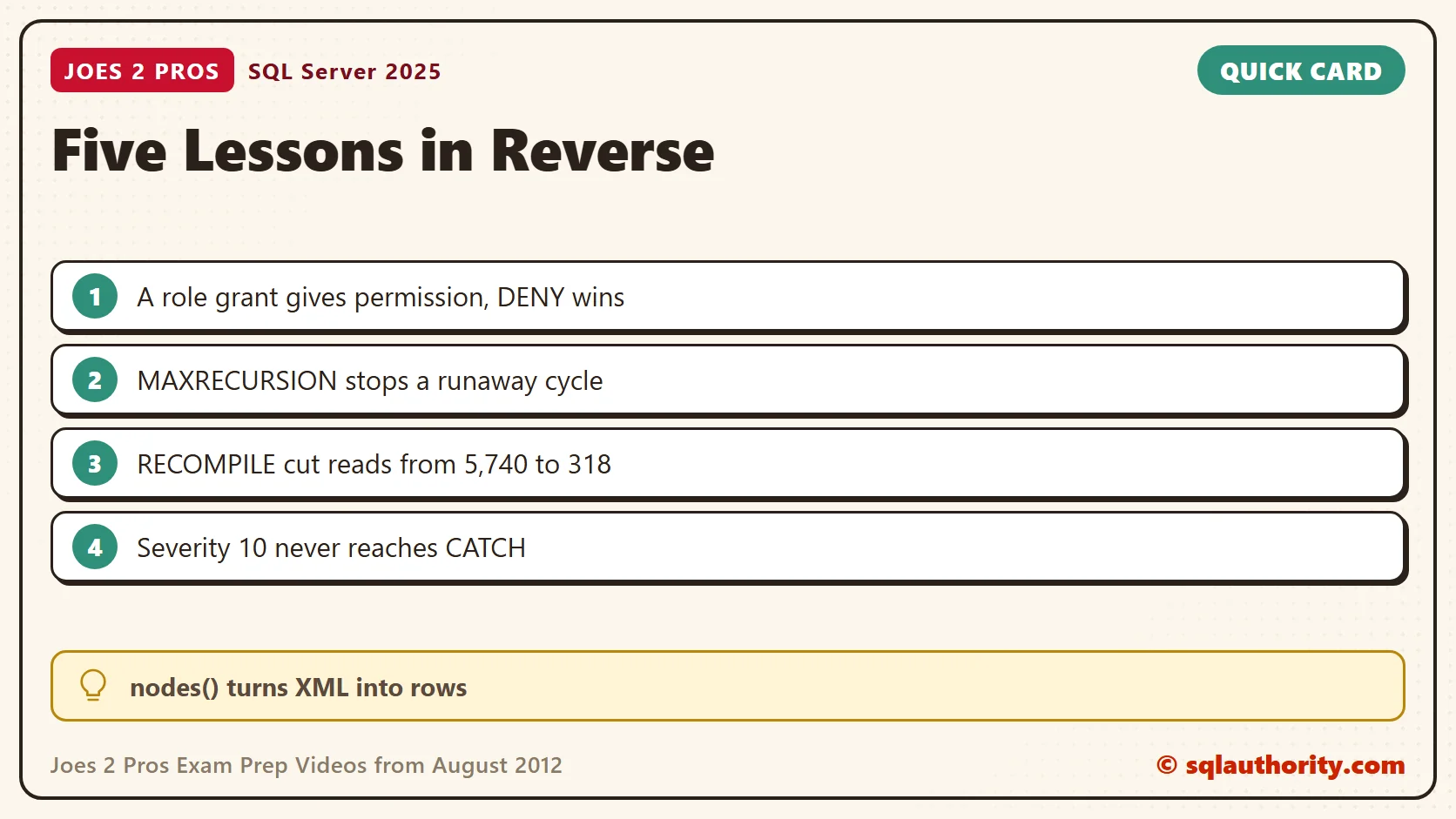
The function returned 0 before any grant and 1 after the role received SELECT. After a direct DENY to Tom, it returned 0 again. A DENY beats a GRANT that arrives through a role. Check for one before you add a member to a role.
Introduction to Hierarchical Query
A common table expression is a named result that one statement can use. A recursive one can refer to itself. It is not a stored temporary table. Recursion has a risk that a small example hides. If the data loops back on itself, the query never reaches an end. SQL Server stops it at 100 levels by default. I made a loop on purpose: Photos, Trips and Hills point back to Photos.
CREATE TABLE dbo.Folder (FolderId int PRIMARY KEY, FolderName nvarchar(30) NOT NULL, ParentId int NULL);
INSERT INTO dbo.Folder VALUES (1, N'Root', NULL), (2, N'Photos', 1), (3, N'Trips', 2), (4, N'Hills', 3);
UPDATE dbo.Folder SET ParentId = 4 WHERE FolderId = 2;
WITH Tree AS
(
    SELECT FolderId, FolderName, 0 AS Depth FROM dbo.Folder WHERE FolderId = 2
    UNION ALL
    SELECT f.FolderId, f.FolderName, t.Depth + 1 FROM dbo.Folder AS f JOIN Tree AS t ON f.ParentId = t.FolderId
)
SELECT FolderName, Depth FROM Tree OPTION (MAXRECURSION 5);
I lowered the limit to 5 so the test ended quickly. The query returned six rows, repeating the three folders, and then failed with Msg 530. The fix is to remember which folders the walk has seen and to stop at a repeat.
WITH Tree AS
(
    SELECT FolderId, FolderName, 0 AS Depth, CAST(N'|' + CAST(FolderId AS nvarchar(10)) + N'|' AS nvarchar(400)) AS Seen
    FROM dbo.Folder WHERE FolderId = 2
    UNION ALL
    SELECT f.FolderId, f.FolderName, t.Depth + 1, CAST(t.Seen + CAST(f.FolderId AS nvarchar(10)) + N'|' AS nvarchar(400))
    FROM dbo.Folder AS f JOIN Tree AS t ON f.ParentId = t.FolderId
    WHERE t.Seen NOT LIKE N'%|' + CAST(f.FolderId AS nvarchar(10)) + N'|%'
)
SELECT FolderName, Depth FROM Tree ORDER BY Depth;
It returned three rows, Photos, Trips and Hills at depths 0, 1 and 2. Setting MAXRECURSION 0 removes the limit, and I avoid it on data I do not control.
Introduction to Basics of a Query Hint
A hint in the OPTION clause overrides a choice the optimizer made, so it deserves a test before and after. This one fixes a guess. A table holds 200,000 closed tickets and 100 open ones. A query that filters on a local variable is compiled before the optimizer knows the variable’s value.
CREATE TABLE dbo.Ticket (TicketId int IDENTITY(1,1) PRIMARY KEY, Status varchar(10) NOT NULL,
                         Amount decimal(8,2) NOT NULL, Pad char(200) NOT NULL DEFAULT 'x');
CREATE INDEX IX_Ticket_Status ON dbo.Ticket (Status);
INSERT INTO dbo.Ticket (Status, Amount)
SELECT TOP (200000) 'Closed', 5 FROM sys.all_objects AS a CROSS JOIN sys.all_objects AS b;
INSERT INTO dbo.Ticket (Status, Amount) SELECT TOP (100) 'Open', 5 FROM sys.all_objects;
UPDATE STATISTICS dbo.Ticket WITH FULLSCAN;
SET STATISTICS IO ON;
DECLARE @Status varchar(10) = 'Open';
SELECT COUNT(*) AS N, SUM(Amount) AS Total FROM dbo.Ticket WHERE Status = @Status;
SELECT COUNT(*) AS N, SUM(Amount) AS Total FROM dbo.Ticket WHERE Status = @Status OPTION (RECOMPILE);
SET STATISTICS IO OFF;
Both queries returned 100 rows. Without the hint, the query read 5,740 pages. With OPTION (RECOMPILE) it read 318, because the optimizer then saw the value Open. The hint costs a compile on every run. I use it on a query that runs rarely, where the filter value changes the best plan. I write down why.
Introduction to SQL Error Actions
An error does not always stop the remaining batch or roll back the transaction. Severity is one reason. Messages at severity 10 are informational, and a CATCH block never sees them. Severity 11 to 19 raise an error that CATCH can handle.
BEGIN TRY
    RAISERROR (N'Just information', 10, 1);
    SELECT 'Severity 10 did not reach CATCH' AS Result;
END TRY
BEGIN CATCH
    SELECT 'Severity 10 reached CATCH' AS Result;
END CATCH;
BEGIN TRY
    RAISERROR (N'A real problem', 16, 1);
    SELECT 'Severity 16 did not reach CATCH' AS Result;
END TRY
BEGIN CATCH
    SELECT 'Severity 16 reached CATCH' AS Result, ERROR_SEVERITY() AS Severity,
           ERROR_NUMBER() AS ErrorNumber, ERROR_MESSAGE() AS Msg;
END CATCH;
The first block printed its message and carried on to the next statement. The second jumped to CATCH, with severity 16 and error number 50000. RAISERROR uses that number for a text message. Check the exact error and the transaction state before you assume what ran.
Introduction to XML Data Type Methods
SQL Server added the XML data type in 2005. Its methods let you query XML, extract a value, test a result, change content and read nodes as rows. The nodes() method does the last one. It returns one row for each matching node, and value() then reads the attributes.
DECLARE @Cart xml = N'<cart><line sku="TEA1" qty="2"/><line sku="BIS2" qty="5"/><line sku="MNT3" qty="1"/></cart>';
SELECT l.n.value('@sku', 'varchar(10)') AS Sku, l.n.value('@qty', 'int') AS Qty
FROM @Cart.nodes('/cart/line') AS l(n);
The cart became three rows, one per line. The value() method needs a path that matches one node. A path that matched two failed with Msg 2389, so add [1] to pick the first. That error appears when the statement compiles, so a TRY block cannot catch it.
A short lesson is not a shortcut, it is one clear idea at a time.
Published by Pinal Dave on SQLAuthority. More of my work at pinaldave.com.
Discover more from SQL Authority with Pinal Dave
Subscribe to get the latest posts sent to your email.




3 Comments. Leave new
Hi Rick
Your tips are super
Tx
Fantastic post. All the video, are super simple, and straight to the point.
Congrats and keep the good work.
Best Study Material … Thank you :)