
This Accelerated Database Recovery Quiz is about a rollback that doesn’t make anyone wait. Everyone who has cancelled a big update knows the other kind. Read the setup, pick your answer, and then run the script to check yourself.

The Quiz
Quinn runs a nightly job that updates millions of rows in one transaction. One night the job runs for ten minutes, and Quinn cancels it. On the old server, the cancel then hung for about ten more minutes while the rollback finished.
The same job now runs on a new server, with Accelerated Database Recovery (ADR) turned on for the database. Quinn cancels the update after ten minutes again.
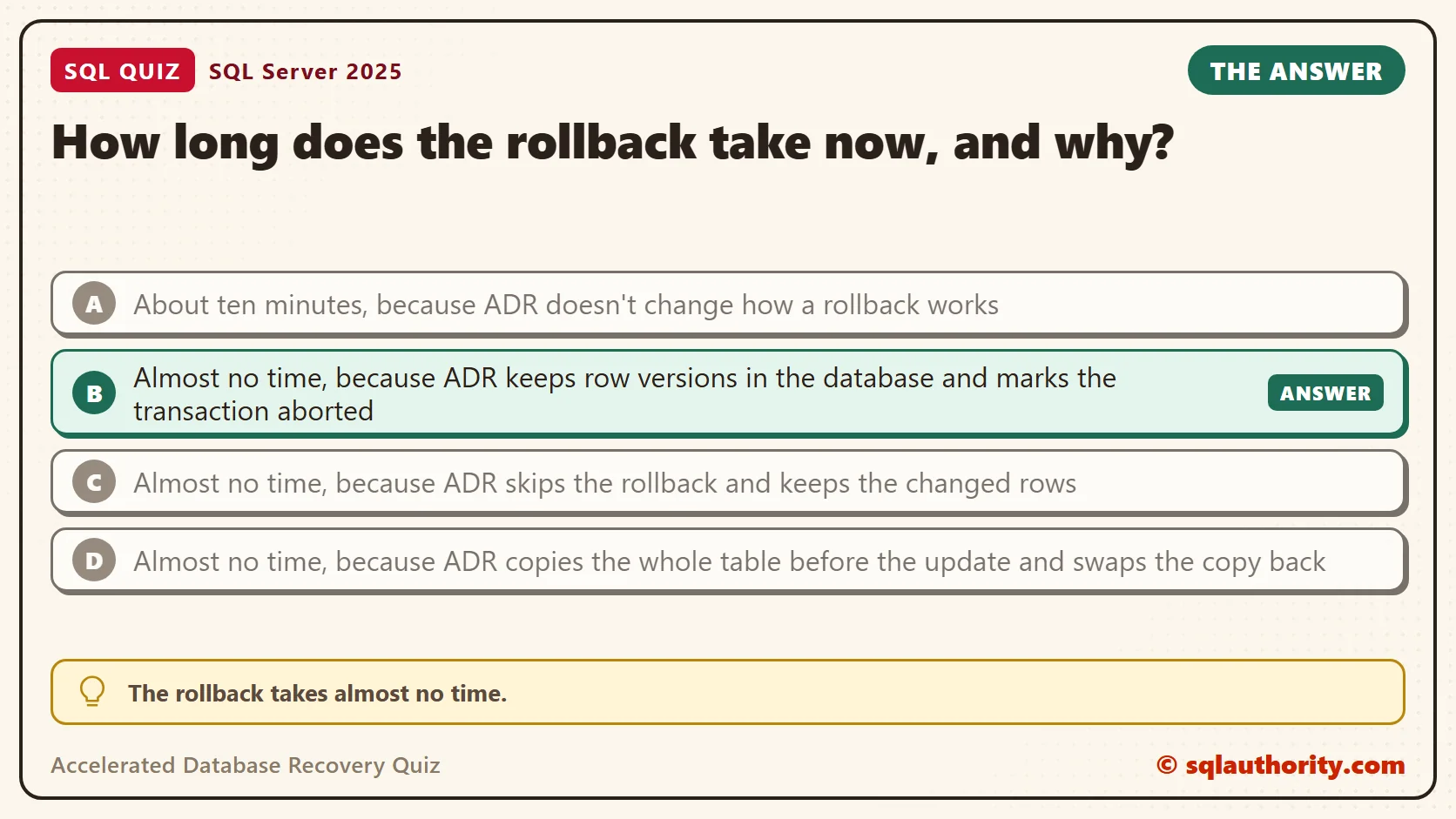
How long does the rollback take now, and why?
A. About ten minutes, because ADR doesn’t change how a rollback works
B. Almost no time, because ADR keeps row versions in the database and marks the transaction aborted
C. Almost no time, because ADR skips the rollback and keeps the changed rows
D. Almost no time, because ADR copies the whole table before the update and swaps the copy back
Take a moment and pick one before you read on.
The Answer
The answer is B. The rollback takes almost no time. The update’s changes are still undone, but SQL Server doesn’t have to undo them one by one.
Without ADR, a rollback reads the transaction log backward and reverses every change the update made. That work grows with the size of the update, so a long update means a long rollback. With ADR, the database keeps the earlier version of each changed row. A rollback marks the transaction as aborted, and readers see the earlier versions from then on. SQL Server cleans up the aborted work in the background.
The same idea makes crash recovery shorter, because a restart no longer waits for long transactions to be undone. My first look at ADR is in SQL SERVER – Getting Started with Accelerated Database Recovery – Instant Rollback. This post times it on a larger table.
Prove It
The script creates a database called SqlQuizAcceleratedDatabaseRecovery, used only for this example. It reserves about 6 GB for the data and log files, so run it on a test server. It fills a table with 3 million rows and creates a procedure that times one update and its rollback.
IF DB_ID(N'SqlQuizAcceleratedDatabaseRecovery') IS NULL
BEGIN
    DECLARE @dir nvarchar(260) = CONVERT(nvarchar(260), SERVERPROPERTY('InstanceDefaultDataPath'));
    DECLARE @sql nvarchar(max) = N'CREATE DATABASE SqlQuizAcceleratedDatabaseRecovery
        ON (NAME = N''SqlQuizAcceleratedDatabaseRecovery'', FILENAME = N''' + @dir + N'SqlQuizAcceleratedDatabaseRecovery.mdf'', SIZE = 2GB)
        LOG ON (NAME = N''SqlQuizAcceleratedDatabaseRecovery_log'', FILENAME = N''' + @dir + N'SqlQuizAcceleratedDatabaseRecovery_log.ldf'', SIZE = 4GB)';
    EXEC (@sql);
END;
GO
USE SqlQuizAcceleratedDatabaseRecovery;
GO
ALTER DATABASE SqlQuizAcceleratedDatabaseRecovery SET RECOVERY SIMPLE;
ALTER DATABASE SqlQuizAcceleratedDatabaseRecovery SET ACCELERATED_DATABASE_RECOVERY = OFF;
DROP TABLE IF EXISTS dbo.QuizBigRow;
CREATE TABLE dbo.QuizBigRow (RowID int IDENTITY(1,1) PRIMARY KEY, Amount int NOT NULL, Note char(200) NOT NULL);
INSERT INTO dbo.QuizBigRow (Amount, Note) SELECT TOP (3000000) 1, 'x' FROM sys.all_objects AS a CROSS JOIN sys.all_objects AS b;
GO
CREATE OR ALTER PROCEDURE dbo.TimeTheRollback AS
BEGIN
    SET NOCOUNT ON;
    DECLARE @t0 datetime2 = SYSDATETIME(), @t1 datetime2, @t2 datetime2;
    BEGIN TRANSACTION;
    UPDATE dbo.QuizBigRow SET Amount = Amount + 1, Note = 'y';
    SET @t1 = SYSDATETIME();
    ROLLBACK TRANSACTION;
    SET @t2 = SYSDATETIME();
    SELECT (SELECT is_accelerated_database_recovery_on FROM sys.databases WHERE name = DB_NAME()) AS AdrOn,
           DATEDIFF(MILLISECOND, @t0, @t1) AS UpdateMs,
           DATEDIFF(MILLISECOND, @t1, @t2) AS RollbackMs;
END;
First run it with ADR off. The procedure starts a transaction, updates every row, and rolls the transaction back. To keep the test in one window, it rolls back an update that already finished. A cancelled update is undone the same way.
EXEC dbo.TimeTheRollback;
Now turn ADR on and run the same procedure. The last query counts rows still carrying the update’s value. It should find none.
ALTER DATABASE SqlQuizAcceleratedDatabaseRecovery SET ACCELERATED_DATABASE_RECOVERY = ON;
GO
EXEC dbo.TimeTheRollback;
SELECT COUNT(*) AS ChangedRows FROM dbo.QuizBigRow WHERE Note = 'y';
On SQL Server 2025, on my test PC, the two runs returned these times. Treat them as one measurement. Your times depend on the machine, the table and the load.
| ADR | AdrOn | UpdateMs | RollbackMs |
|---|---|---|---|
| Off | 0 | 3467 | 5673 |
| On | 1 | 10122 | 0 |
With ADR off, the rollback took 5673 milliseconds. That is about 5.7 seconds of waiting for a transaction that changed nothing in the end. With ADR on, SQL Server reported 0 milliseconds. The count of changed rows came back as 0, so the rollback did undo the update.
Why the Other Answers Are Wrong
A is how a database without ADR works. The first row of the table shows it. In that run the rollback took longer than the update did. Only the database setting changes this.
C is the trap. Skipping the undo would leave half an update in the table. That breaks the rule that a transaction is all or nothing. The last query proves the opposite. No row kept the new value, so the update was fully reversed.
D invents a mechanism. ADR doesn’t copy tables. It keeps earlier versions of the rows that changed, and nothing else. A whole-table copy would double the storage for every large update.
What ADR Costs You
The fast rollback has a price, and the table shows it. With ADR on, the update itself took 10122 milliseconds, against 3467 with ADR off. Keeping row versions is extra work for every change. The write side pays more to save a lot at rollback time. Both numbers move with the machine and the workload. Test your own workload before you turn it on for a busy database.
The versions also need room. They live inside the database, in the persistent version store. An open transaction can keep them from being cleaned up. That is a different problem from log space, and ADR changes the log side too. To check whether a database already uses it, read one column.
SELECT name, is_accelerated_database_recovery_on FROM sys.databases WHERE name = DB_NAME();
In my run, it returned one row with the value 1 for the test database.
What an Open Transaction Does to the Log
Without ADR, an open transaction holds the log from its first record. A checkpoint can’t free that space, so the log keeps growing until the transaction ends. With ADR, most undo work uses row versions instead of old log records. SQL Server can then free the log under a long transaction, though not in every case.
This procedure opens a transaction, updates a million rows and runs a checkpoint. Then it reads the log status and rolls back. Run it with ADR on, switch ADR off, and run it again.
CREATE OR ALTER PROCEDURE dbo.ShowLogHold AS
BEGIN
    SET NOCOUNT ON;
    CHECKPOINT;
    BEGIN TRANSACTION;
    UPDATE dbo.QuizBigRow SET Note = 'y' WHERE RowID <= 1000000;
    CHECKPOINT;
    SELECT d.is_accelerated_database_recovery_on AS AdrOn, d.log_reuse_wait_desc AS LogReuseWait,
           u.used_log_space_in_bytes / 1048576 AS LogUsedMB
    FROM sys.databases AS d CROSS JOIN sys.dm_db_log_space_usage AS u WHERE d.name = DB_NAME();
    ROLLBACK TRANSACTION;
END;
GO
EXEC dbo.ShowLogHold;
ALTER DATABASE SqlQuizAcceleratedDatabaseRecovery SET ACCELERATED_DATABASE_RECOVERY = OFF;
GO
EXEC dbo.ShowLogHold;
The two result sets, put into one table, looked like this.
| ADR | AdrOn | LogReuseWait | LogUsedMB |
|---|---|---|---|
| On | 1 | NOTHING | 180 |
| Off | 0 | ACTIVE_TRANSACTION | 971 |
With ADR off, the open transaction held the log, and it showed 971 MB in use. With ADR on, the wait reason was NOTHING and only 180 MB stayed in use under the same open transaction. This is the other half of the story.
Don’t take this as a promise that the log is always free. Other waits still apply, such as a log backup in a FULL database, replication or change data capture. The versions also wait for the oldest open transaction. Read the wait reason, and test your own workload.
What to Remember
Without ADR, a rollback can take as long as the update did, or longer. With ADR, a rollback marks the transaction aborted and returns almost at once. The data is still fully reversed, and the extra cost moves to the update itself. Your own times will differ.
When I review a database that runs long batch jobs, I ask how long its worst rollback would take. If nobody can answer, ADR is worth a test on a copy. Measure the update time too, and not only the rollback.
When you finish testing, remove the example database.
USE master;
GO
ALTER DATABASE SqlQuizAcceleratedDatabaseRecovery SET SINGLE_USER WITH ROLLBACK IMMEDIATE;
DROP DATABASE SqlQuizAcceleratedDatabaseRecovery;
Accelerated Database Recovery is not a way to skip the undo, it is a way to make the undo cheap.
Published by Pinal Dave on SQLAuthority. More of my work at pinaldave.com.
Discover more from SQL Authority with Pinal Dave
Subscribe to get the latest posts sent to your email.




1 Comment. Leave new
Declare @FullPathRestore nVarchar(max)=’N”D:\TransactionLIVE\’+2019_06_01_210001_9310832.trn+””
Select @FullPathRestore
Declare @FullPathRestoreString nVarchar(max)=’
RESTORE LOG DB FROM DISK =’+@FullPathRestore+
‘ WITH RESTRICTED_USER, FILE = 1, STANDBY = N”D:\Program Files\Microsoft SQL Server\MSSQL11.MSSQLSERVER\MSSQL\Backup\ROLLBACK_UNDO_DB.BAK”,
NOUNLOAD, STATS = 10’
Exec sp_sqlexec @FullPathRestoreString
Disconnect users in the database when restoring backup