
Error: Fix : Error : Msg 6263, Level 16, State 1, Line 2 Enabling SQL Server 2005 for CLR Support
Fix/Workaround/Solution:
1) Enable Server for CLR Support.
2) Run the following query in Query Analyzer
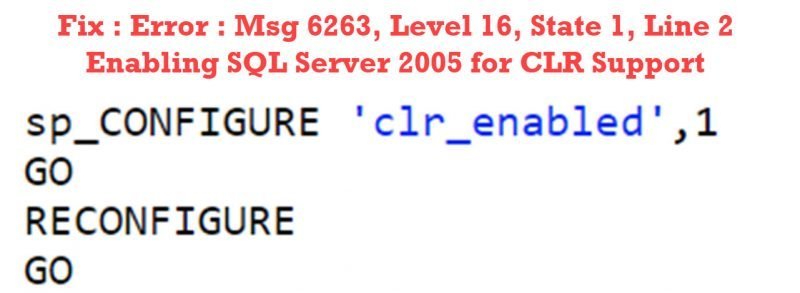
sp_CONFIGURE 'clr_enabled',1
GO
RECONFIGURE
GO
If the CLR procedure is used without enabling CLR, it will show an error message as .NET Framework is not enabled. I hope you enjoyed this blog post a very small one indeed a but to the point. Please leave a comment.
If you liked this blog, please do not forget to subscribe to my YouTube Channel – SQL in Sixty Seconds.
Here are my few recent videos and I would like to know what is your feedback about them.
- Read Only Tables – Is it Possible? – SQL in Sixty Seconds #179
- One Scan for 3 Count Sum – SQL in Sixty Seconds #178
- SUM(1) vs COUNT(1) Performance Battle – SQL in Sixty Seconds #177
- COUNT(*) and COUNT(1): Performance Battle – SQL in Sixty Seconds #176
- COUNT(*) and Index – SQL in Sixty Seconds #175
- Index Scans – Good or Bad? – SQL in Sixty Seconds #174
- Optimize for Ad Hoc Workloads – SQL in Sixty Seconds #173
- Avoid Join Hints – SQL in Sixty Seconds #172
- One Query Many Plans – SQL in Sixty Seconds #171
Published by Pinal Dave on SQLAuthority. More of my work at pinaldave.com.
Discover more from SQL Authority with Pinal Dave
Subscribe to get the latest posts sent to your email.




2 Comments. Leave new
how can we deactivate a executed full text catlog command?
how to i do the item 1?
1) Enable Server for CLR Support?