

Solving puzzle is something everyone would love. IHere is the puzzle which they wanted me to solve for Error 112.

SQL SERVER – Network Name resource fails to come online in a Windows Server 2008 R2 Failover Cluster
Even if you are a DBA, sometime you need to deal with issues which are not related to SQL Server. It is not by design, but this is part of our job description. It is always interesting to troubleshoot such issues and find a solution. I always think, sharing such strange troubleshooting – it will help those who get into this problem, not understanding what is happening behind the scenes. Let us learn about in this module Windows Server 2008 R2 Failover Cluster.
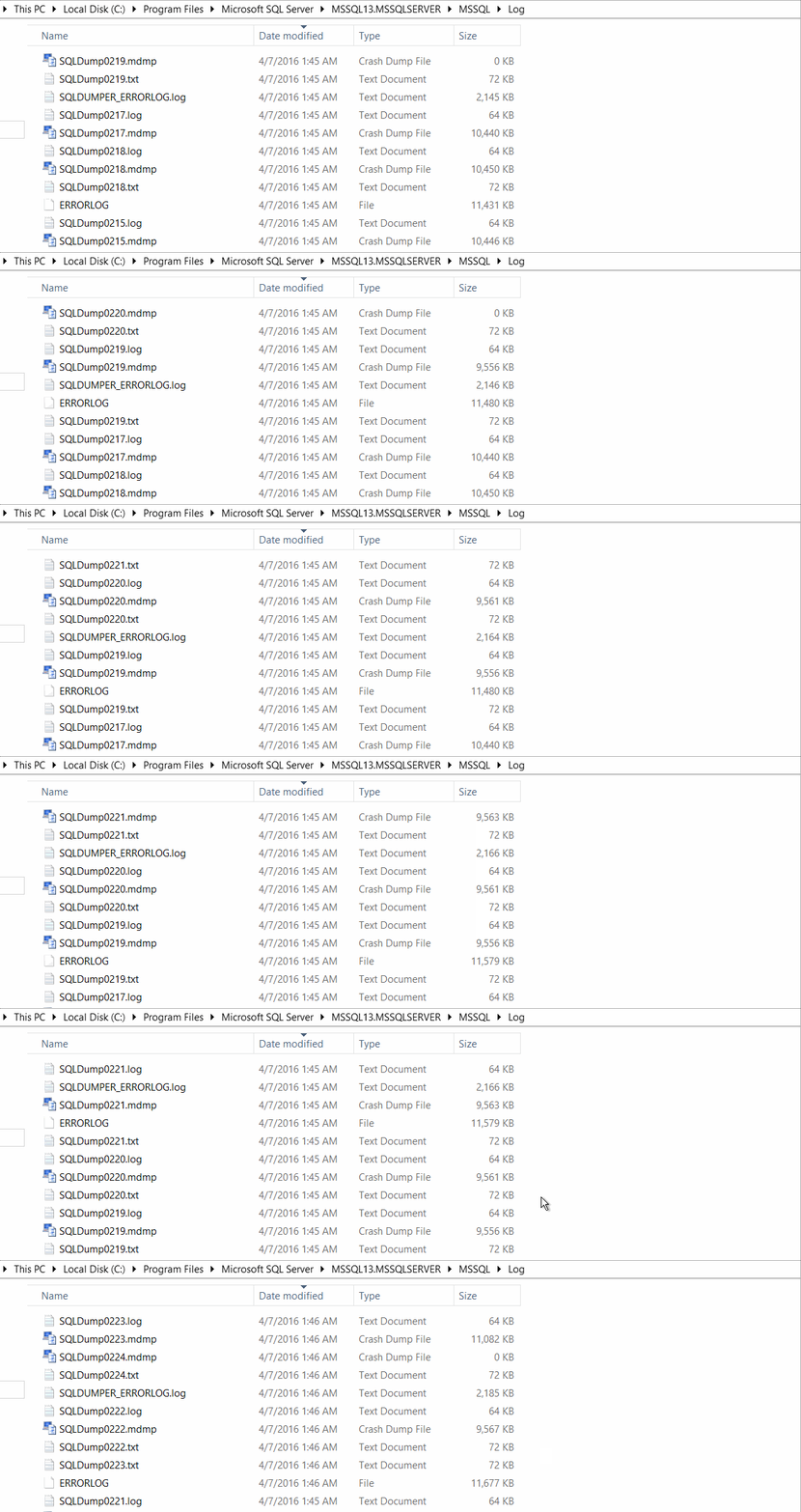
SQL SERVER – Drive Space Full Due to MDMP Files
If you are a DBA and if you ever hear about drive space full issues on the SQL Server machine, the first thought to come to your mind would be “huge transaction log file”. Recently I have also fallen into the same trap. One of my clients contacted me and informed that they are running out of drive space on C Drive.

SQL SERVER – FIX: Could not connect because the maximum number of 1 user connections has already been reached
Sometimes making a change in something for which the impact is not known, could cause a heavy loss. A similar situation happened when one of my clients called me and told that he is in big trouble and losing a lot of money every minute. Without wasting any moment, I asked what is the issue, then he told that he changed some setting in SQL Server, restarted SQL and now no one is able to connect. The application is completely down! Let us see how we can fix the error: Could not connect because the maximum number of ‘1’ user connections has already been reached.

SQL SERVER – Patch Upgrade – Failed to connect to server. Error: 0x80070422
One of my recent interaction with a client was to assist in performing Upgrade the SQL Server 2008 R2 with service pack 2. As usual, I asked for setup logs from C:\Program Files\Microsoft SQL Server\100\Setup Bootstrap\Log\ folder. There were multiple folders so I asked the one which corresponds to the time of failure. Let us see exposure how we can solve error Error: 0x80070422.

SQL SERVER – How Enable Transparent Database Encryption (TDE) for Database Mirroring?
hey incidentally wanted to enable Transparent Database Encryption (TDE) on their server and wanted me to guide on how to enable.

SQL SERVER – Error 15559 – Error 912 – Script Level Upgrade for Database ‘master’ Failed
SQL SERVER – Error 15559 – Error 912 – Script Level Upgrade for Database ‘master’ Failed. Let us fix the error in this blog.