
AlwaysOn queries stuck on HADR_AR_CRITICAL_SECTION_ENTRY can follow a short loss of cluster quorum. Clients have been contacting me about AlwaysOn problems. This one came from a client running SQL Server in a virtual environment.

The Error
Every availability group change we tried was stuck on this wait:
HADR_AR_CRITICAL_SECTION_ENTRYMicrosoft’s documentation describes the wait this way. An Always On DDL statement or a failover cluster command is waiting. It wants exclusive read and write access to the runtime state of the local replica.
What the Client Saw
The client’s network infrastructure became unstable. The Windows cluster lost quorum for a few minutes, and then it came back. An AlwaysOn availability group is tightly coupled with the Windows failover cluster. Anything that happens in the cluster can affect the group too. That is what happened here.
As usual, they sent me an email and I replied with GoToMeeting details. We were talking within a few minutes. When I joined the call, I saw this:
- All of the AG modification queries, removing an availability database and removing an availability replica, were stuck waiting on HADR_AR_CRITICAL_SECTION_ENTRY.
- We couldn’t change the AG. It was in an inconsistent state, pending an update of the replica state.

Why It Happens
The availability group depends on the cluster. After the quorum loss, the replica state was still waiting to be updated, and every change queued behind it. From my search on the internet, a restart of the SQL Server instance is the only way out of this.
The Fix
We set the AG failover to manual and restarted both replicas. The secondary replica became synchronized after a few minutes. After that, we could remove the databases from the AG.
Confirm It Worked
We tested failover back and forth, and everything worked as expected.
How to Prevent It
A quorum loss in the cluster can leave an availability group in a state that only a restart clears. Look at the network instability behind it, because that is where this started.
Have you seen this wait in your environment? Please share the cause in the comments, and how you came out of it.
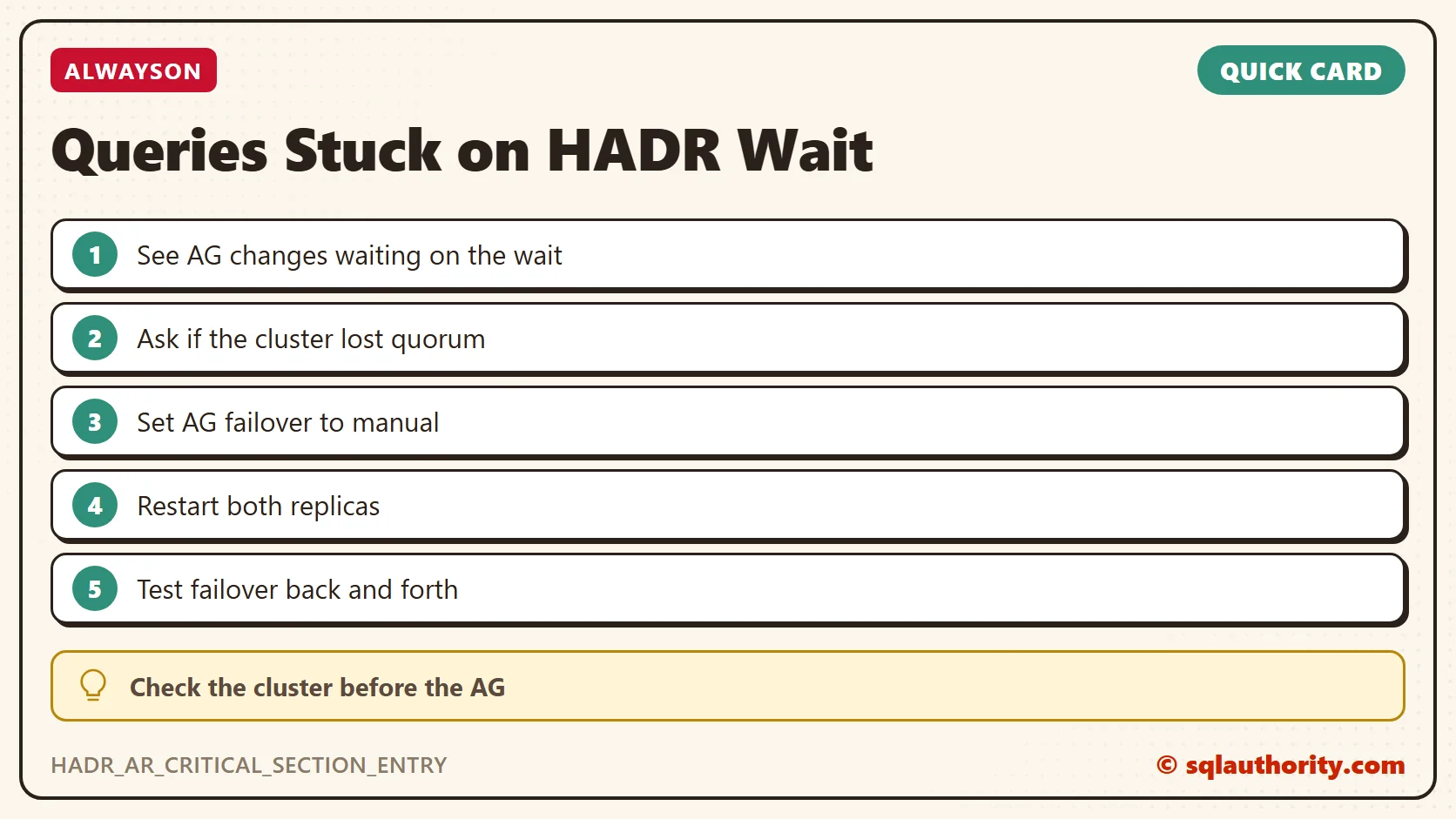
A stuck AlwaysOn query is not an AlwaysOn bug, it is a cluster that lost its footing.
Published by Pinal Dave on SQLAuthority. More of my work at pinaldave.com.
Discover more from SQL Authority with Pinal Dave
Subscribe to get the latest posts sent to your email.




5 Comments. Leave new
Was there any data loss during the downtime? We’re also trying to setup the same in our environment.
We ran into this issue just today. Something as yet unknown caused quorum to be lost. Eventually failed over. Except one of our DBs was in “not synchronizing” on both the primary and replica, and therefore not available for the application. We then saw the same wait type with any action on the AG itself. Our only solution was instance restarts followed by full reboot of the current primary. Did you end up finding a root cause? SQL 2016 SP2-GDR
We had similar issue in our prod env. We have 3 node cluster where 2 primaries share same secondary. We had issue with one of the sets while other set kept working through out. Issue started with lease timeout expiration. First time cluster was able to recover on its own but second time around synchronization was suspended and secondary went into resolving state. All databases on secondary had a Red cross. Similar to what you experienced none of the AG modification queries worked and they kept waiting on “HADR_AR_CRITICAL_SECTION_ENTRY “.
We are on SQL server 2017
Bit of a late reply but more of a content add if anything.
I’ve experienced a few of these in my current DBA role and they all come as a result of an unstable or saturated network between the nodes due to an ‘infrastructure event’ (read in to that as you will, but in our last case a bunch of VMs went down and the network became saturated as a result).
I went as far as digging into the WFC logs to figure it out and best I came out with was delayed responses between secondary’s with no real fix for this other than what the blog post already suggests.
I would always have in the back of my mind to check out network related events for the source when encountering this SQL error, and get that team involved. You can always rely on WFC error logs to confirm node communication issues as well. The AG tech is so intertwined with WFC and the whole thing is built on stable intra-cluster communication.
I had a similar issue with a single AG on a server with many AGs…had the same wait when trying to pause or resume movement. We went to the failover cluster manager, stopped and then started the role for the AG and everything came up green. Much easier and less invasive than a server restart. We are on 2019. May or may not work for you if our situations are different, but hopefully it helps someone.