A restore database mistake, in the first person, minute by minute. This is a composite of three near misses I have been close to, with the details changed. The error message is real, and so is every rule at the end.

It’s 6:40 on a Friday evening. The office is empty except for me and the hum.
I’m refreshing the test environment from last night’s production backup. I’ve done it forty times. That’s the problem.
6:41
Two query windows are open. One is connected to production, one to test. Same tool, same colours, same font, same everything.
I copy the restore script from my notes. It’s a good script. It’s been a good script for two years.
RESTORE DATABASE Sales
FROM DISK = N'\\backups\Sales_FULL_20260921.bak'
WITH REPLACE, RECOVERY,
     MOVE N'Sales'     TO N'E:\Data\Sales.mdf',
     MOVE N'Sales_log' TO N'F:\Log\Sales_log.ldf';
I paste it. I glance at the tab. It says Sales. Of course it says Sales. Both of them say Sales.
6:42
I press F5.
The status bar says Executing. It stays there for a second longer than I expect. That second is when I look at the bottom of the window.
The server name isn’t the test server.
There’s a feeling that goes with that. Everyone who has done this job has had it once. The room goes silent and your hands go cold.
6:42 and ten seconds
The message comes back in red.
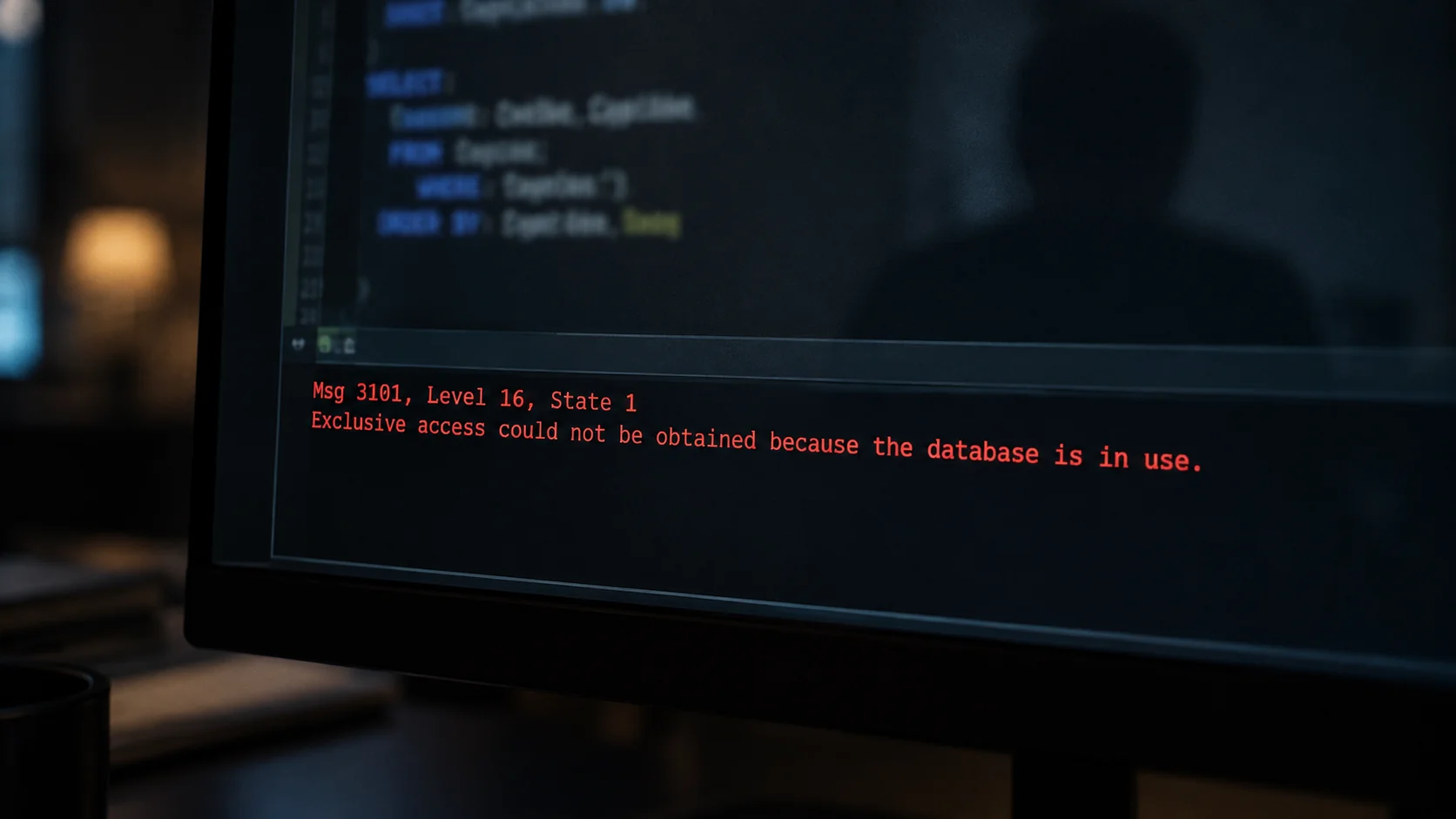
Msg 3101, Level 16, State 1
Exclusive access could not be obtained because the database is in use.
Msg 3013, Level 16, State 1
RESTORE DATABASE is terminating abnormally.
Production is busy. Forty people are in it. It refused to let go, and a restore can’t start without exclusive access.
That’s the only reason this is a story about a near miss and not a story about a weekend.
6:43
I sit for a while. Then I do the thing you’re supposed to do and don’t want to.
I write it down. What I typed, which window, what time, what came back. While it’s still true and before I start improving it in my memory.
Then I close both windows and go home. Whatever I do next at 6:45 on a Friday will be worse than what I do on Monday.
What the restore database mistake nearly did
Here’s what WITH REPLACE does, and why it’s in every restore script and shouldn’t be.
Without REPLACE, SQL Server checks whether the tail of the transaction log has been backed up. If it hasn’t, it stops you.
Msg 3159, Level 16, State 1
The tail of the log for the database "Sales" has not been backed up.
Use BACKUP LOG WITH NORECOVERY to backup the log if it contains work
you do not want to lose. (excerpt)
That’s a safety net. It exists to catch exactly the mistake I made.
REPLACE turns it off. It says “I know what I’m doing, skip the check.” I put it in the script two years earlier. The check was annoying on the test server.
Then I carried the script, net removed, to the one server where the net mattered.
Msg 3101 saved me because people were logged in. Had it been 3 a.m., with nobody connected, the restore would have run. Production would have become last night’s copy, and today’s orders would have been gone.
The rules that exist now
None of these are clever. All of them are the direct shape of the thing that nearly happened.
Production is a different colour. Registered server groups with a custom colour, and the status bar in production is red. It takes five minutes to set up. I’d skipped it for years because I “always check”.
The restore login has no rights on production. The account I use for refreshes can restore on test and can’t even connect to production. The mistake is now impossible from that window, rather than merely unlikely.
REPLACE is typed, never pasted. It’s not in the saved script. If a restore needs it, I type the word, which means I have to think about it.
Say the server name out loud. It feels stupid. It works. The mouth catches what the eye slid past.
Tail-log backup first on anything in full or bulk-logged recovery. Simple recovery has no tail log to take, which is one more reason production shouldn’t be in it. Even when I’m sure. Being sure was the whole problem.

Why I’m telling you
The pilots who write these columns say the same thing every time. The near miss wasn’t caused by not knowing. They knew. It was caused by a routine so smooth that attention had nothing to hold onto.
Forty successful refreshes didn’t make me safer. They made me faster, which is different.
If you have a script with REPLACE in it, go and look at which servers can run it. Do that today, while this is still a story you read rather than one you tell.
If you’d like a second pair of eyes on your environment separation, that’s a conversation I have most weeks.
Experience is not what keeps you safe, it is what makes the mistake fast.
Published by Pinal Dave on SQLAuthority. More of my work at pinaldave.com.
Discover more from SQL Authority with Pinal Dave
Subscribe to get the latest posts sent to your email.