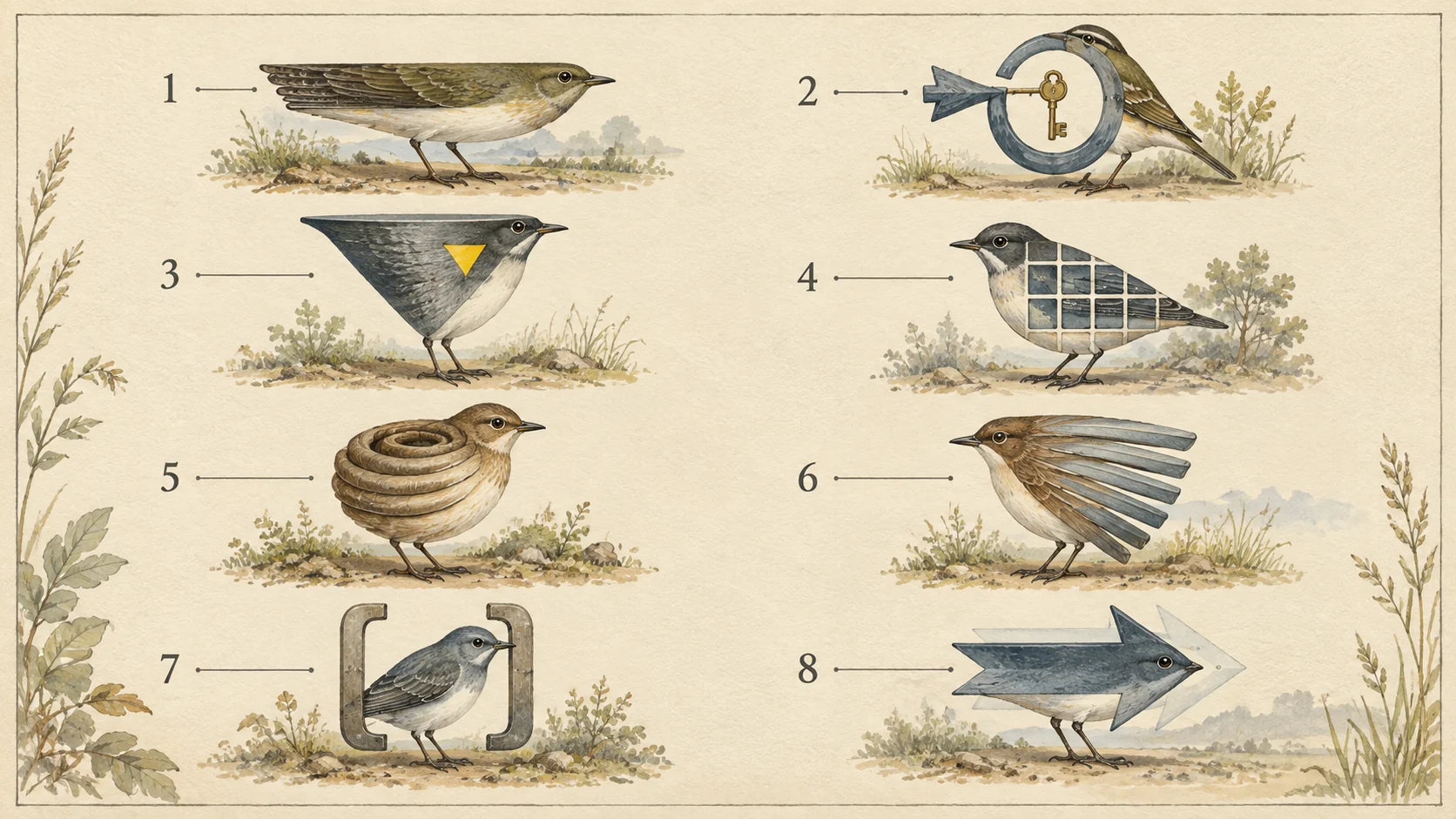
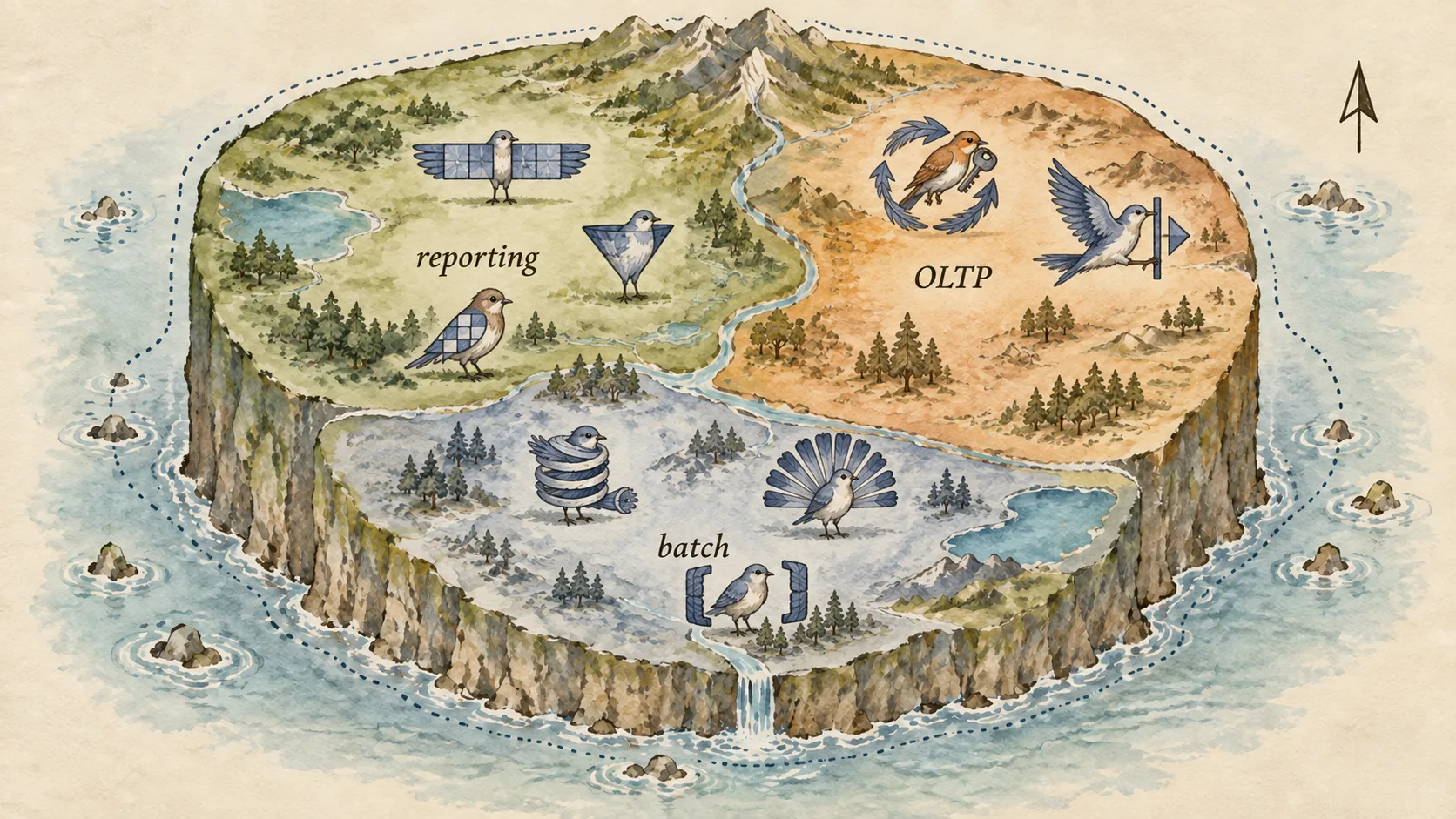
Slow queries, identified the way a field guide identifies birds: by silhouette, habitat, call, and the species they’re confused with. All eight were raised in the lab on SQL Server 2025. The reads and the wait types are what each one produced.
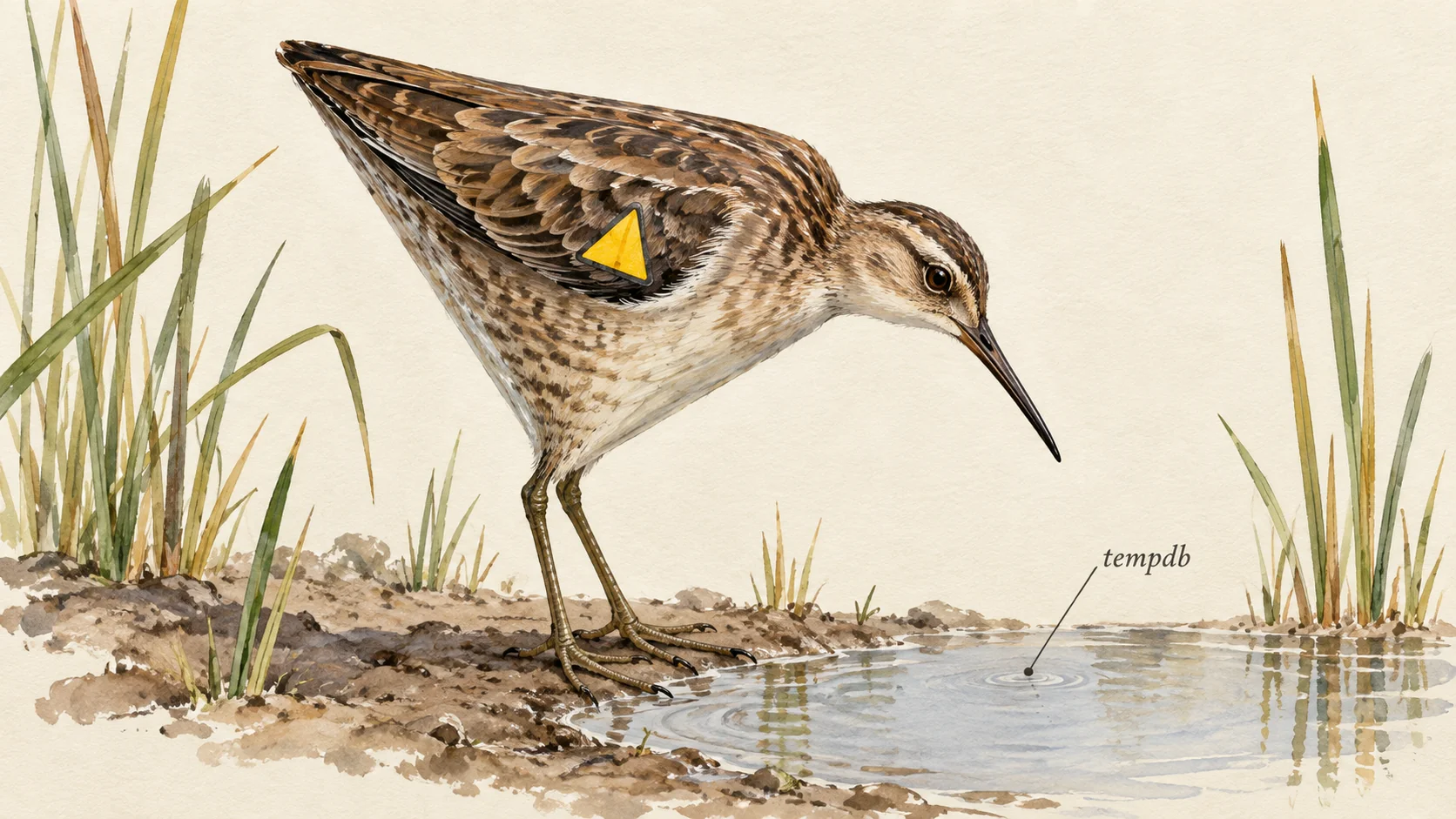
You don’t read a plan operator by operator any more than you identify a bird feather by feather. You learn the shapes. After a while you glance at a plan and know which of these you’re looking at.
Reads and CPU are the whole statement, from the request counters. Calls are the waits the session recorded while the query ran, largest first.
1. The Scanner
- Silhouette
- One wide operator, Clustered Index Scan, and nothing else worth mentioning.
- Habitat
- Any WHERE clause on a column with no index, or a column nobody would index. Here: a 2,500,000 row table filtered on a filler column.
- Field marks
- 43,753 reads, 1,106 ms CPU, from a cold cache.
- Call
- MEMORY_ALLOCATION_EXT, then SOS_SCHEDULER_YIELD, then a little PAGEIOLATCH_SH. No workspace memory grant at all. It’s CPU bound, and it isn’t waiting on disk as much as you’d think.
- Confused with
- The Function Wrapper (7), which looks identical from a distance and has an index it can’t use.
2. The Lookup Loop
- Silhouette
- A Seek feeding Nested Loops, with a Key Lookup on the inner side and a thick arrow between them.
- Habitat
- A nonclustered index that finds the rows but doesn’t carry the columns. Here: 200,050 rows for one customer, index on CustomerID only.
- Field marks
- 639,783 reads, 664 ms CPU. The lookup ran once per row.
- Call
- CXSYNC_PORT 550 ms and PAGEIOLATCH_SH 276 ms. This one went parallel, and the threads waited on each other and on the disk.
- Confused with
- A healthy Seek. Check the executions count on the inner operator. Fifty is a Seek. Two hundred thousand is this.
3. The Spiller
- Silhouette
- A Sort or Hash with a small yellow warning triangle. The triangle is the whole identification.
- Habitat
- A plan compiled for a small parameter and run for a large one. Here: a memory grant sized for 50 rows, given 200,050 to sort.
- Field marks
- 1,411,889 reads, 2,025 ms CPU. Most of the reads are the lookups it also does; the spill is on top.
- Call
- IO_COMPLETION, 35 ms over 16 waits. That’s tempdb being written and read back. A small call for a large problem, which is why spills hide.
- Confused with
- The Hash Builder (4), which also wants memory but got the right amount.
4. The Hash Builder
- Silhouette
- Hash Match with two big inputs and a memory grant you can see in the properties.
- Habitat
- Two large tables joined on columns no index covers. Here: two order tables joined on date and amount.
- Field marks
- 37,686 reads, 1,203 ms CPU. Cheap on reads, expensive on CPU, because the work is in memory.
- Call
- SOS_SCHEDULER_YIELD, RESERVED_MEMORY_ALLOCATION_EXT, MEMORY_ALLOCATION_EXT. It’s asking for memory and using the CPU. Nothing about disk.
- Confused with
- The Spiller. Same silhouette, no triangle. This one is fine. It costs what it costs.
5. The Spooler
- Silhouette
- An Index Spool or Table Spool under a Nested Loops. Easy to miss because it’s small.
- Habitat
- Anywhere rows must be saved and replayed. Here: a recursive CTE counting to 50,000, which needs a spool to feed each level back in. My first candidate, a correlated subquery, was decorrelated into a hash join and produced no spool at all.
- Field marks
- 450,003 reads, 528 ms CPU, 674 ms. Nearly all of it is the spool writing and reading its worktable.
- Call
- PAGELATCH_SH, 219 ms over 49,999 waits. One latch wait per recursion, on the worktable’s pages in tempdb. That call is the identification.
- Also seen at
- An UPDATE that changes the key of the index it’s reading through. That one showed a Table Spool for Halloween protection, 113,579 reads and a WAIT_ON_SYNC_STATISTICS_REFRESH of 137 ms.
6. The Parallel Sprinter
- Silhouette
- Gather Streams at the top and the parallelism icons down the tree. Wide, and fast when it goes well.
- Habitat
- A big aggregate over a big table. Here: a SUM over 2,500,000 rows with MAXDOP 8. It ran serially until I added the parallel plan preference hint. MAXDOP permits parallelism and doesn’t force it.
- Field marks
- Four runs, two indexes, one hint. On the narrow covering index the hint took the plan from DOP 1 to DOP 8. Serial cost 244 ms of CPU and 244 ms on the clock. Parallel cost 290 ms of CPU and 73 ms on the clock, for about 6,000 reads either way. On the clustered index the same hint changed nothing: DOP 1 both ways, 41,823 reads, about a second.
- Call
- CXSYNC_PORT 143 ms, HTBUILD_AGG 45 ms, CXCONSUMER 36 ms, PAGEIOLATCH_SH 18 ms. Threads waiting on each other and on the hash build. That’s the sound of parallelism working, and it’s not silent.
- Confused with
- The Scanner. Same table. Two things decide which one you get. The hint chooses parallel or serial, and the index decides whether a parallel plan is worth having at all.
7. The Function Wrapper
- Silhouette
- An Index Scan where you expected a Seek, on a column that has a perfectly good index.
- Habitat
- A function wrapped around the column in the WHERE clause. Here: DATEPART(YEAR, OrderDate) = 2026 on an indexed date.
- Field marks
- 2,398 reads, 164 ms. The same year written as a range, OrderDate from 1 January to 1 January, took 511 reads and 42 ms.
- Call
- Nearly quiet. MEMORY_ALLOCATION_EXT 2 ms and a single PAGEIOLATCH_SH. It doesn’t wait, it reads the whole index. The near absence of waits is part of the identification.
- Confused with
- The Scanner, which has no index. This one has an index and is reading all of it, because the function around the column means it can’t seek.
8. The Implicit Converter
- Silhouette
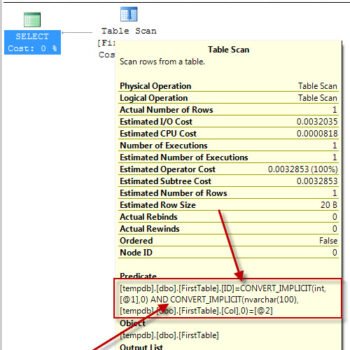
- Looks like a Seek from across the room. Up close the predicate has a CONVERT in it and it’s reading every row.
- Habitat
- A parameter whose type doesn’t match the column. Here: an NVARCHAR parameter against a VARCHAR column with an index.
- Field marks
- 485 reads, 72 ms, against 3 reads for the same query with a matching VARCHAR parameter. 162 times the reads for one letter N.
- Call
- None. Like the Function Wrapper, it doesn’t wait. It works.
- Confused with
- A healthy Seek, deliberately. This is the species that looks most like a bird you’re happy to see.
Using the guide on your own slow queries
Open the actual plan. Find the thickest arrow. Look at the operator it goes into and match the silhouette.
Then check the call. A query with big reads and no waits is doing the work itself. A query with small reads and big waits is waiting for something. Those are different problems with different fixes.
Two of the eight above make almost no sound. Those are the ones people miss, because they were looking for a wait.
If you’d like your own top ten queries identified by species, that’s an afternoon with a pair of binoculars.
A slow query is not a mystery, it is a species, and species have field marks.
Published by Pinal Dave on SQLAuthority. More of my work at pinaldave.com.
Discover more from SQL Authority with Pinal Dave
Subscribe to get the latest posts sent to your email.