The MATCH clause finds rows in SQL Server graph tables by describing the path between them. The pattern reads like a drawing.
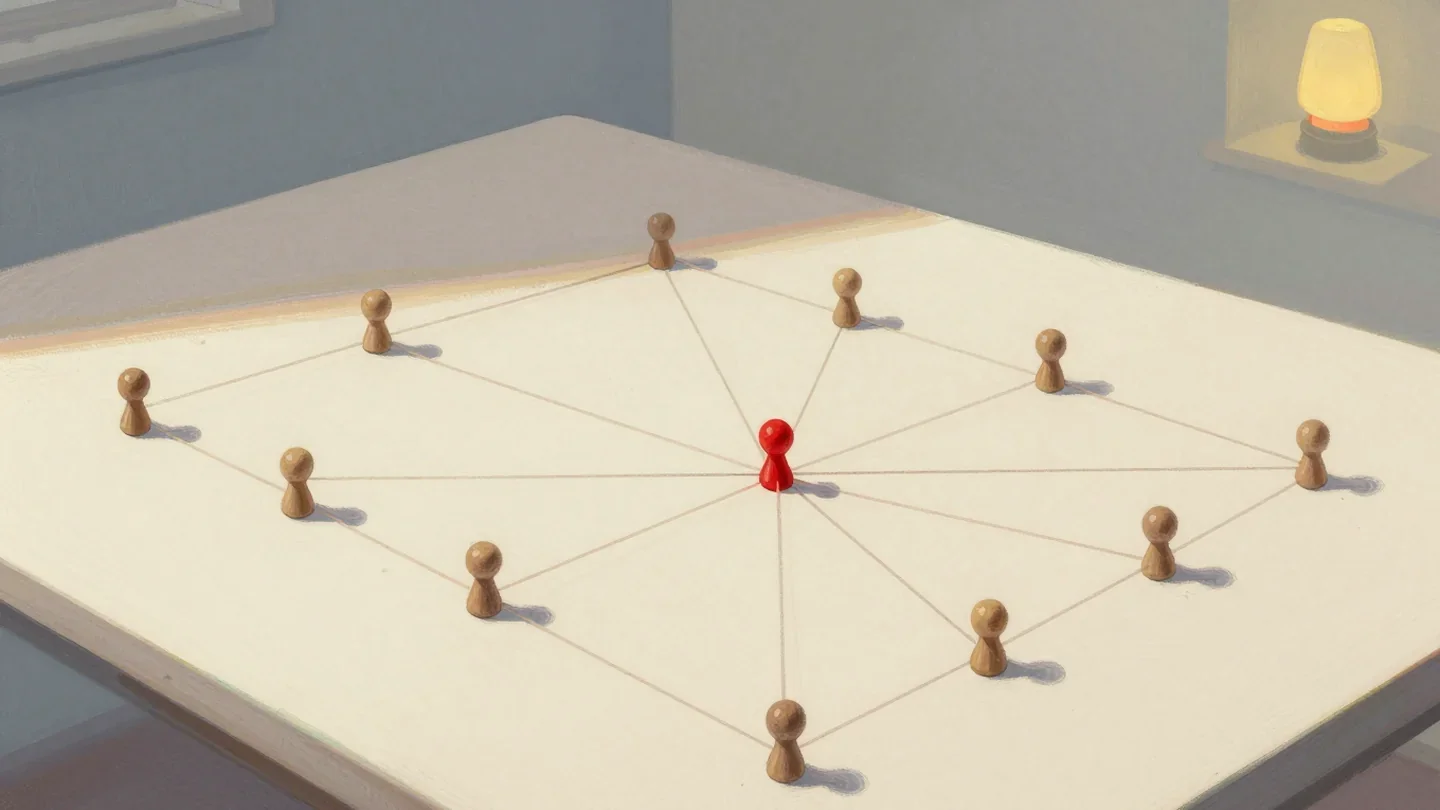
Graph tables store things and the links between them. The MATCH clause asks about those links. Who knows whom? Who shares a skill? How far apart are two people? The small graph below answers five questions.
Build a Small Graph
A graph in SQL Server has two kinds of tables. A node table holds things. An edge table holds the links between two nodes. Both are ordinary tables with one extra word in the CREATE statement: AS NODE or AS EDGE. Graph tables exist from SQL Server 2017.
SQL Server adds hidden columns. Each node gets a $node_id. Each edge gets a $from_id and a $to_id that hold the ids of its two nodes. The script below creates six people, three skills, and two edge tables. The edge Knows links a person to a person. The edge HasSkill links a person to a skill.
IF DB_ID(N'GraphFriendsDemo') IS NULL CREATE DATABASE GraphFriendsDemo;
GO
USE GraphFriendsDemo;
GO
DROP TABLE IF EXISTS dbo.Knows;
DROP TABLE IF EXISTS dbo.HasSkill;
DROP TABLE IF EXISTS dbo.Person;
DROP TABLE IF EXISTS dbo.Skill;
CREATE TABLE dbo.Person (PersonID int NOT NULL PRIMARY KEY, Name nvarchar(40) NOT NULL) AS NODE;
CREATE TABLE dbo.Skill (SkillID int NOT NULL PRIMARY KEY, Name nvarchar(40) NOT NULL) AS NODE;
CREATE TABLE dbo.Knows AS EDGE;
CREATE TABLE dbo.HasSkill AS EDGE;
INSERT dbo.Person (PersonID, Name) VALUES (1, N'Maya'), (2, N'Leo'), (3, N'Priya'), (4, N'Sam'), (5, N'Nora'), (6, N'Jordan');
INSERT dbo.Skill (SkillID, Name) VALUES (1, N'SQL'), (2, N'Python'), (3, N'Statistics');
INSERT dbo.Knows ($from_id, $to_id)
SELECT a.$node_id, b.$node_id FROM (VALUES (1, 2), (1, 3), (2, 4), (3, 5), (4, 5), (5, 6)) AS v(FromID, ToID)
JOIN dbo.Person AS a ON a.PersonID = v.FromID JOIN dbo.Person AS b ON b.PersonID = v.ToID;
INSERT dbo.HasSkill ($from_id, $to_id)
SELECT p.$node_id, s.$node_id FROM (VALUES (1, 1), (2, 1), (3, 2), (4, 1), (4, 3), (5, 3), (6, 2)) AS v(PersonID, SkillID)
JOIN dbo.Person AS p ON p.PersonID = v.PersonID JOIN dbo.Skill AS s ON s.SkillID = v.SkillID;
Maya knows Leo and Priya. Leo knows Sam, Priya knows Nora, Sam knows Nora, and Nora knows Jordan. Every edge points one way, from the person who knows to the person who is known. That makes six Knows edges and seven HasSkill edges.
One Hop: Who Does Maya Know?
The MATCH clause goes in the WHERE clause. Its pattern names a node, an edge in parentheses, and an arrow to the next node. The arrow points from the source to the target. The tables go in the FROM list, separated by commas, and each one gets an alias that the pattern uses.
SELECT p1.Name AS Person, p2.Name AS Knows
FROM dbo.Person AS p1, dbo.Knows AS k, dbo.Person AS p2
WHERE MATCH(p1-(k)->p2) AND p1.Name = N'Maya';
| Person | Knows |
|---|---|
| Maya | Leo |
| Maya | Priya |
Read the pattern aloud: p1, through edge k, to p2. The other condition in the WHERE clause filters the starting node, as in any query.
Two Hops: Friends of Friends
A longer pattern chains more edges. Each extra hop adds one edge alias and one node alias. This pattern walks two Knows edges.
SELECT p1.Name AS Person, p3.Name AS FriendOfFriend
FROM dbo.Person AS p1, dbo.Knows AS k1, dbo.Person AS p2, dbo.Knows AS k2, dbo.Person AS p3
WHERE MATCH(p1-(k1)->p2-(k2)->p3) AND p1.Name = N'Maya'
ORDER BY p3.Name;
| Person | FriendOfFriend |
|---|---|
| Maya | Nora |
| Maya | Sam |
Maya reaches Sam through Leo and Nora through Priya. You could argue that MATCH is a join in disguise, and it is. The plain join below returns the same two rows. It needs four joins and the hidden columns, and it hides the shape of the question.
SELECT p1.Name AS Person, p3.Name AS FriendOfFriend
FROM dbo.Person AS p1
JOIN dbo.Knows AS k1 ON k1.$from_id = p1.$node_id
JOIN dbo.Person AS p2 ON p2.$node_id = k1.$to_id
JOIN dbo.Knows AS k2 ON k2.$from_id = p2.$node_id
JOIN dbo.Person AS p3 ON p3.$node_id = k2.$to_id
WHERE p1.Name = N'Maya'
ORDER BY p3.Name;
For one or two hops, the join form is fine. For three hops or a changing shape, the MATCH clause stays readable.
Different Edges in One Pattern
A pattern can mix edge tables, and an arrow can point backward. This question finds people who share a skill with Maya. It walks the HasSkill edge forward to the skill, then backward to the other person. The backward arrow <-(h2)- reads as: p2 has that skill. The extra condition removes Maya from the result.
SELECT p1.Name AS Person, p2.Name AS Colleague, s.Name AS SharedSkill
FROM dbo.Person AS p1, dbo.HasSkill AS h1, dbo.Skill AS s, dbo.HasSkill AS h2, dbo.Person AS p2
WHERE MATCH(p1-(h1)->s<-(h2)-p2) AND p1.Name = N'Maya' AND p2.PersonID <> p1.PersonID
ORDER BY p2.Name;
| Person | Colleague | SharedSkill |
|---|---|---|
| Maya | Leo | SQL |
| Maya | Sam | SQL |
Any Number of Hops
Sometimes you do not know the number of hops. SQL Server 2019 added SHORTEST_PATH for that case. The edge and the target node are marked FOR PATH. The pattern ends with a plus sign, and the aggregate functions read the path in order. This query finds the shortest path from Maya to everyone Maya can reach.
SELECT p1.Name AS Person,
       LAST_VALUE(p2.Name) WITHIN GROUP (GRAPH PATH) AS Reaches,
       COUNT(p2.Name) WITHIN GROUP (GRAPH PATH) AS Hops,
       STRING_AGG(p2.Name, N' -> ') WITHIN GROUP (GRAPH PATH) AS Path
FROM dbo.Person AS p1, dbo.Knows FOR PATH AS k, dbo.Person FOR PATH AS p2
WHERE MATCH(SHORTEST_PATH(p1(-(k)->p2)+)) AND p1.Name = N'Maya'
ORDER BY Hops, Reaches;| Person | Reaches | Hops | Path |
|---|---|---|---|
| Maya | Leo | 1 | Leo |
| Maya | Priya | 1 | Priya |
| Maya | Nora | 2 | Priya -> Nora |
| Maya | Sam | 2 | Leo -> Sam |
| Maya | Jordan | 3 | Priya -> Nora -> Jordan |
Nora is reachable two ways, through Priya in two hops and through Leo and Sam in three. SHORTEST_PATH reports the short one. The path column shows each step in order.
What MATCH Does Not Allow
The MATCH clause has strict rules. It cannot sit beside OR or NOT in the WHERE clause. The graph tables cannot be combined with a JOIN inside the pattern. Both attempts fail, and the messages say why.
SELECT p1.Name FROM dbo.Person AS p1, dbo.Knows AS k, dbo.Person AS p2 WHERE MATCH(p1-(k)->p2) OR p1.Name = N'Maya';
GO
SELECT p1.Name FROM dbo.Person AS p1 INNER JOIN dbo.Knows AS k ON 1 = 1 INNER JOIN dbo.Person AS p2 ON 1 = 1 WHERE MATCH(p1-(k)->p2);
Msg 13905, Level 16, State 1, Line 1
A MATCH clause may not be directly combined with other expressions using OR or NOT.
Msg 13920, Level 16, State 1, Line 1
Identifier 'k' in a MATCH clause is used with a JOIN clause or APPLY operator. JOIN and APPLY are not supported with MATCH clauses.
Keep the pattern in the comma list and add other filters with AND. If you need an OR, run two queries and combine them with UNION. The first query below is the MATCH half, and the second is the other condition. Together they read as Maya’s friends or Sam.
SELECT p2.Name FROM dbo.Person AS p1, dbo.Knows AS k, dbo.Person AS p2 WHERE MATCH(p1-(k)->p2) AND p1.Name = N'Maya'
UNION
SELECT p.Name FROM dbo.Person AS p WHERE p.Name = N'Sam'
ORDER BY Name;
| Name |
|---|
| Leo |
| Priya |
| Sam |
Edge tables are ordinary tables, so an index on $from_id and $to_id helps the pattern joins. That advice comes from the documentation and was not measured here.
What to Remember
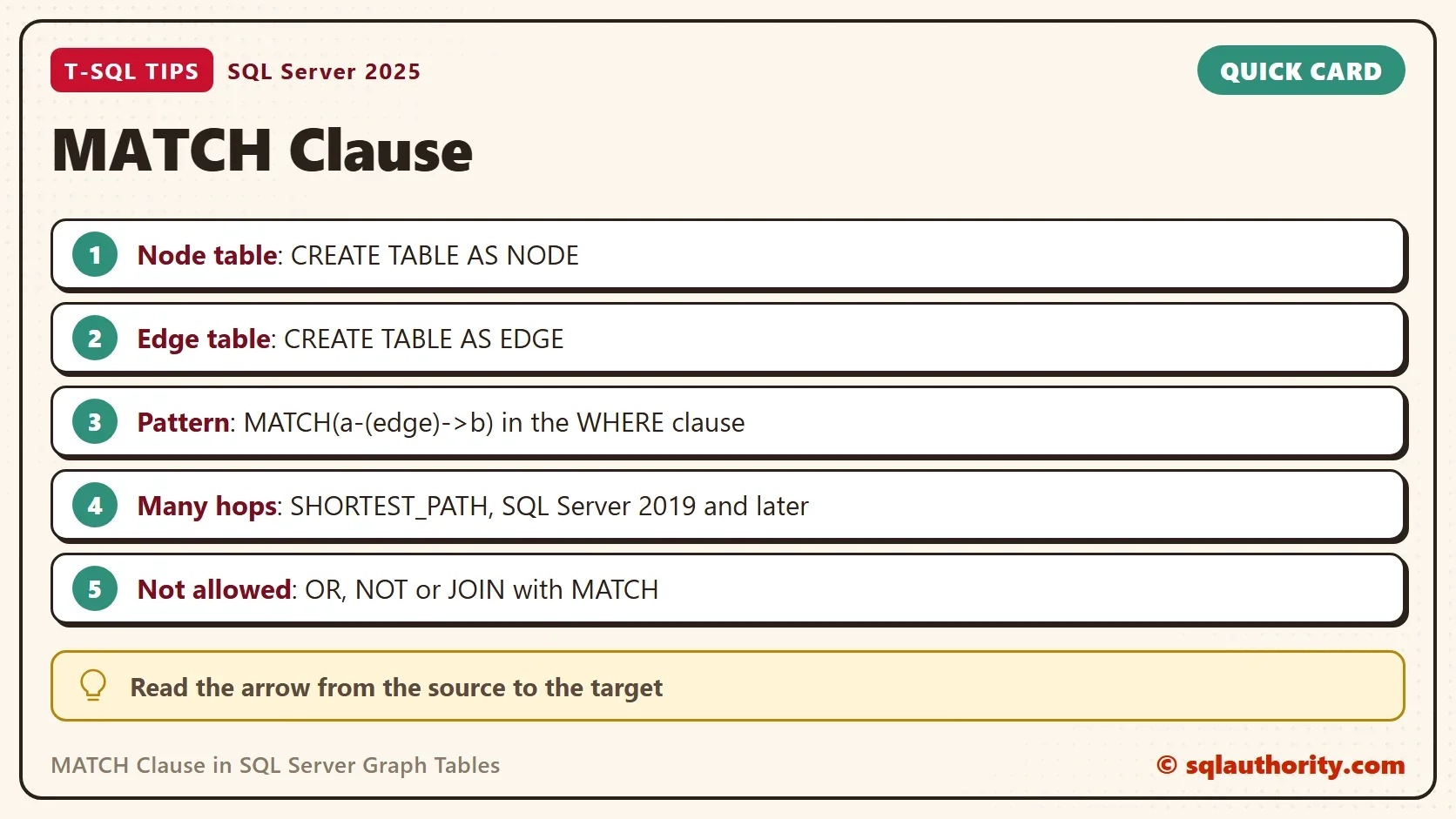
Use the MATCH clause when the question is about links: who, through whom, how far. The pattern goes in the WHERE clause and the tables in a comma list. The arrow points from source to target. For a graph versus a plain relational design, read Relational, Document, Graph and Vector: Choosing the Right Data Model.
When you finish, run the cleanup script.
USE master;
GO
IF DB_ID(N'GraphFriendsDemo') IS NOT NULL
BEGIN
    ALTER DATABASE GraphFriendsDemo SET SINGLE_USER WITH ROLLBACK IMMEDIATE;
    DROP DATABASE GraphFriendsDemo;
END;
A graph query is not a new kind of SQL, it is a join written as a picture.
Published by Pinal Dave on SQLAuthority. More of my work at pinaldave.com.
Discover more from SQL Authority with Pinal Dave
Subscribe to get the latest posts sent to your email.