PS1 cannot be loaded because running scripts is disabled on this system, and the cause is PowerShell’s execution policy. You see this when you run a .ps1 file from the command line or from Visual Studio Code.

The Error
File C:\YourFolder\YourScript.ps1 cannot be loaded because running scripts is disabled on this system.Why It Happens
By default, PowerShell has execution policies that restrict running scripts, for security. To run a script, you need to change the execution policy. There are a few options.
The Fix
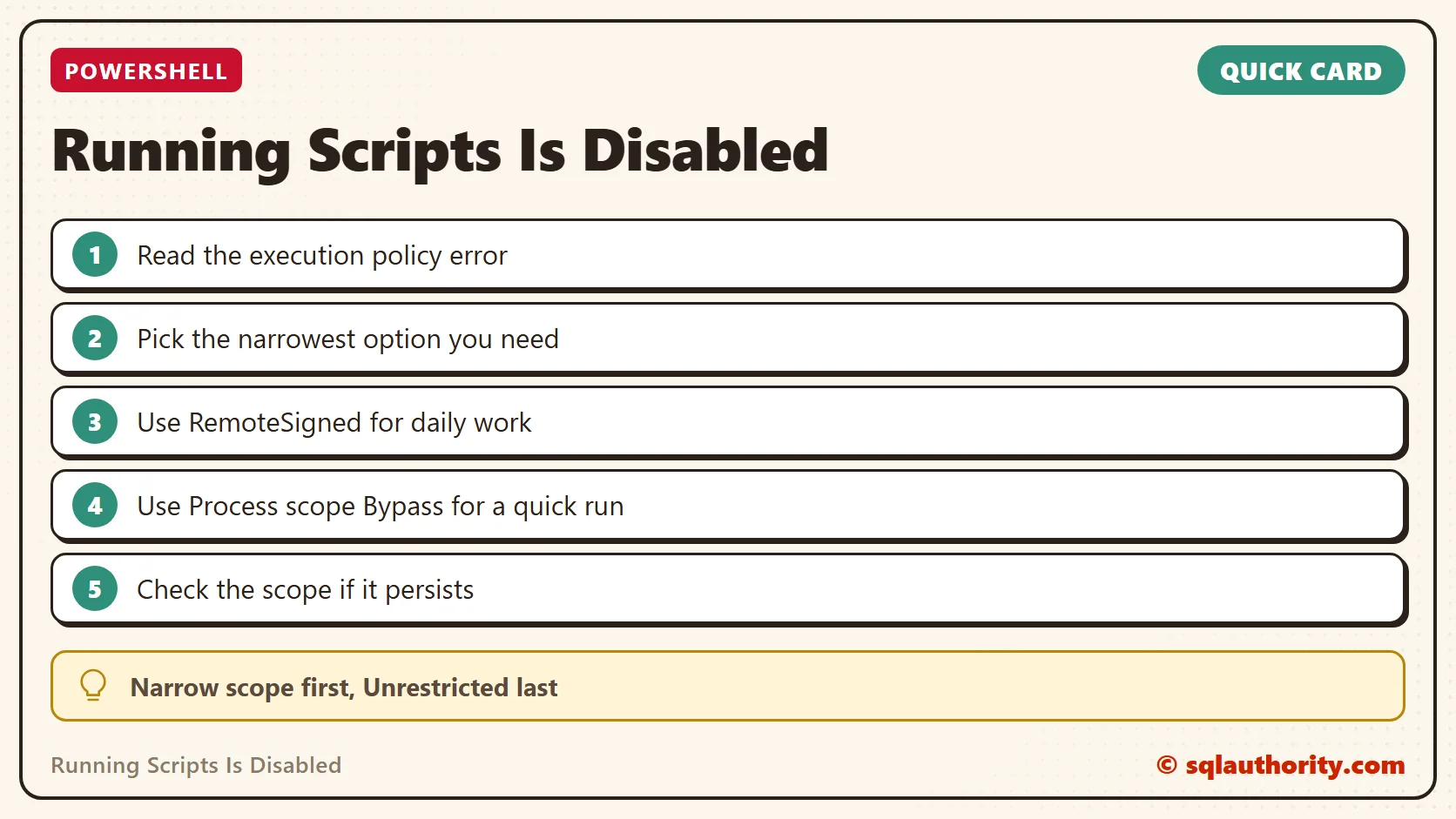
Option 1: RemoteSigned. This is the simplest and most secure approach. Run this:
Set-ExecutionPolicy RemoteSignedIt allows local scripts to run, and it requires downloaded scripts to be signed by a trusted publisher. It gives a good balance of security while allowing common developer workflows.

Option 2: Bypass for one session. For a quick fix within the current PowerShell session only, use this:
Set-ExecutionPolicy -Scope Process -ExecutionPolicy BypassThis bypasses all security checks, but only for the current process.
Option 3: Unrestricted. As a last resort, you can set the policy to unrestricted:
Set-ExecutionPolicy UnrestrictedThis opens your system to all script execution. It isn’t recommended for production environments.
How to Check
You can configure the execution policy differently by scope, such as the current user or the local machine. If the issue continues after you change the policy, check the scope. Without a scope, the change applies to the local machine, so run it in an administrator window.
Confirm It Worked
With the right execution policy set, you can run your .ps1 scripts without seeing the error message.
How to Prevent It
Choose the narrowest option that does the job. Use the process scope for a single run, and keep Unrestricted for cases where you have no other choice. If you have another question, ask it in the comments.
A disabled script is not a broken PowerShell, it is a policy waiting for your decision.
Published by Pinal Dave on SQLAuthority. More of my work at pinaldave.com.
Discover more from SQL Authority with Pinal Dave
Subscribe to get the latest posts sent to your email.