
Yesterday I wrote a blog post Getting Started with Python and after that, I got lots of good feedback. Lots of people encouraged me to learn more. Well, the goal of this blog is to focus on SQL but once in a while, it does not hurt to learn something different. After installing and getting started with Python, the very first exercise I did was to print the current date time in Python. Let us learn about it today.

In SQL Server Current Date-Time
The script is pretty straightforward and simple:
SELECT FORMAT(GETDATE(), 'yyyy/MM/dd HH:mm:ss') as DTIt will display as follows:
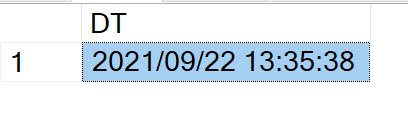
In Python Current Date Time
Now let us try to do the same thing in Python.
import datetime
now = datetime.datetime.now()
print (now.strftime("%Y/%m/%d %H:%M:%S"))
It will display as follows:
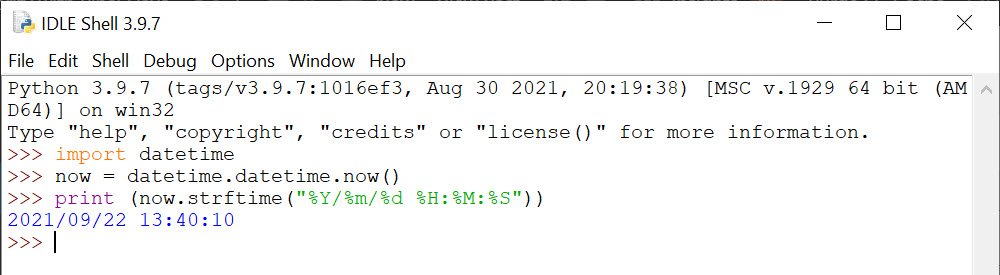
I learn quite a lots of things here. First of all, in python first, we have to import a module named datetime. Afterwards, we need to use the method now to get the current datetime. Afterwords, use the strftime() method to create a string representing the date in the desired format.
Well, I consider this is good progress for just a few minutes with a very brand new language. My goal is to build a Fibonacci series in python but I personally think it is a long way for me so far. Feel free to reach out to me on Twitter for further conversation.
Published by Pinal Dave on SQLAuthority. More of my work at pinaldave.com.



1 Comment. Leave new
Great job, thanks