AT TIME ZONE twice is how you convert UTC to local time, and the first use does not convert anything. It only tells SQL Server which zone a value belongs to. The second one converts. A common mistake is to use only one and print the same clock time with a different offset.

The One Step Mistake
A value of type datetime2 has no zone. When you apply AT TIME ZONE to it, SQL Server assumes that the value is already in that zone. It attaches the offset, and nothing moves. The function needs SQL Server 2016 or later. The query below stores one UTC time in a variable and applies three zones.
DECLARE @dt datetime2 = '2026-02-22T01:00:00';
SELECT @dt AT TIME ZONE 'Central European Standard Time' AS Cet,
       @dt AT TIME ZONE 'Tokyo Standard Time' AS Tokyo,
@dt AT TIME ZONE 'Eastern Standard Time' AS Eastern;| Cet | Tokyo | Eastern |
|---|---|---|
| 2026-02-22 01:00:00.0000000 +01:00 | 2026-02-22 01:00:00.0000000 +09:00 | 2026-02-22 01:00:00.0000000 -05:00 |
All three results show 01:00. They are three different moments in time, at least six hours apart. None of them is the UTC time converted to a local time. This is a common error with the function, and it hides well, because the output looks plausible.
AT TIME ZONE Twice in Two Steps
Write AT TIME ZONE twice. The first one turns the plain value into a UTC value with an offset of zero. The second one converts that value to the zone you name. Read the chain from left to right.
DECLARE @utc datetime2 = '2026-02-22T01:00:00';
SELECT @utc AT TIME ZONE 'UTC' AT TIME ZONE 'Central European Standard Time' AS Cet,
       @utc AT TIME ZONE 'UTC' AT TIME ZONE 'Tokyo Standard Time' AS Tokyo,
@utc AT TIME ZONE 'UTC' AT TIME ZONE 'Eastern Standard Time' AS Eastern;| Cet | Tokyo | Eastern |
|---|---|---|
| 2026-02-22 02:00:00.0000000 +01:00 | 2026-02-22 10:00:00.0000000 +09:00 | 2026-02-21 20:00:00.0000000 -05:00 |
Now the clock times differ. Central Europe is one hour ahead of UTC and Tokyo is nine hours ahead. Eastern is five hours behind, so its date moves back to the 21st. The result has the type datetimeoffset. To show only the local clock time without an offset, cast it.
DECLARE @utc datetime2 = '2026-02-22T01:00:00';
SELECT CAST(@utc AT TIME ZONE 'UTC' AT TIME ZONE 'Eastern Standard Time' AS datetime2(0)) AS EasternClock;
| EasternClock |
|---|
| 2026-02-21 20:00:00 |
A column that already holds datetimeoffset data needs only the second step. Its offset is part of the value, so SQL Server knows the zone it came from.
AT TIME ZONE Twice for Stored UTC Times in Several Cities
A common design stores every time in UTC and converts to local time at display time. The query below applies UTC to local time to one instant. It shows the result for three stores of a small chain. The zone names come from a list, so one query serves them all.
DECLARE @utc datetime2 = '2026-07-01T14:30:00';
SELECT s.City, s.ZoneName,
       CAST(@utc AT TIME ZONE 'UTC' AT TIME ZONE s.ZoneName AS datetime2(0)) AS LocalTime
FROM (VALUES (N'Boston', 'Eastern Standard Time'), (N'Denver', 'Mountain Standard Time'), (N'Seattle', 'Pacific Standard Time')) AS s(City, ZoneName)
ORDER BY s.City;| City | ZoneName | LocalTime |
|---|---|---|
| Boston | Eastern Standard Time | 2026-07-01 10:30:00 |
| Denver | Mountain Standard Time | 2026-07-01 08:30:00 |
| Seattle | Pacific Standard Time | 2026-07-01 07:30:00 |
The names say Standard Time, and the results are in daylight time. July in Boston is four hours behind UTC, not five. The zone name covers both seasons, so you never write Daylight in it.
Local Time Back to UTC
The reverse of UTC to local time works the same way, with the order reversed. First label the local value with its zone, then convert it to UTC. A store that opens at 9:00 local time opens at different UTC times in winter and summer.
SELECT CAST('2026-01-15T09:00:00' AS datetime2) AT TIME ZONE 'Eastern Standard Time' AT TIME ZONE 'UTC' AS WinterOpeningUtc,
CAST('2026-07-15T09:00:00' AS datetime2) AT TIME ZONE 'Eastern Standard Time' AT TIME ZONE 'UTC' AS SummerOpeningUtc;| WinterOpeningUtc | SummerOpeningUtc |
|---|---|
| 2026-01-15 14:00:00.0000000 +00:00 | 2026-07-15 13:00:00.0000000 +00:00 |
The Two Odd Hours of Daylight Saving
Daylight saving creates a missing hour in spring and a repeated hour in autumn. In the United States in 2026, the clocks jump from 02:00 to 03:00 on March 8. They fall back from 02:00 to 01:00 on November 1. A local time inside the odd hour needs a rule. The next script tries both.
SELECT CAST('2026-03-08T02:30:00' AS datetime2) AT TIME ZONE 'Eastern Standard Time' AS MissingHour,
       CAST('2026-11-01T01:30:00' AS datetime2) AT TIME ZONE 'Eastern Standard Time' AS RepeatedHour;
SELECT CAST('2026-11-01T05:30:00' AS datetime2) AT TIME ZONE 'UTC' AT TIME ZONE 'Eastern Standard Time' AS FirstPass,
CAST('2026-11-01T06:30:00' AS datetime2) AT TIME ZONE 'UTC' AT TIME ZONE 'Eastern Standard Time' AS SecondPass;| MissingHour | RepeatedHour |
|---|---|
| 2026-03-08 03:30:00.0000000 -04:00 | 2026-11-01 01:30:00.0000000 -04:00 |
| FirstPass | SecondPass |
|---|---|
| 2026-11-01 01:30:00.0000000 -04:00 | 2026-11-01 01:30:00.0000000 -05:00 |
The local time 02:30 on March 8 does not exist. SQL Server moves it ahead to 03:30 and gives it the new offset. The local time 01:30 on November 1 happens twice. SQL Server picks the first one, which is the daylight time. Two different UTC moments, one hour apart, show the same local clock reading with different offsets. This is why you store UTC and convert only for display.
Find the Zone Name
The zone names come from the operating system. The view sys.time_zone_info lists them, together with the current offset and a flag for daylight time. The query below reads three of them.
SELECT name, current_utc_offset, is_currently_DST
FROM sys.time_zone_info
WHERE name IN (N'Eastern Standard Time', N'Pacific Standard Time', N'Tokyo Standard Time')
ORDER BY name;
| name | current_utc_offset | is_currently_DST |
|---|---|---|
| Eastern Standard Time | -04:00 | 1 |
| Pacific Standard Time | -07:00 | 1 |
| Tokyo Standard Time | +09:00 | 0 |
The offsets and flags depend on the day you run the query. The sample above comes from a run in October, when the United States uses daylight time. A name that is not in the list fails.
SELECT CAST('2026-01-15T12:00:00' AS datetime2) AT TIME ZONE 'Mars Standard Time' AS Nowhere;
Msg 9820, Level 16, State 1, Line 1
The time zone parameter 'Mars Standard Time' provided to AT TIME ZONE clause is invalid.
Is a Stored Offset Enough?
You could argue that a datetimeoffset column solves the problem, because it stores the offset with every value. It stores the offset of that moment, and nothing more. It does not know the zone name or its rules. It cannot tell you the local time one month later. UTC plus a zone name is the more flexible pair. I store UTC and keep the zone in a small table.
What to Remember
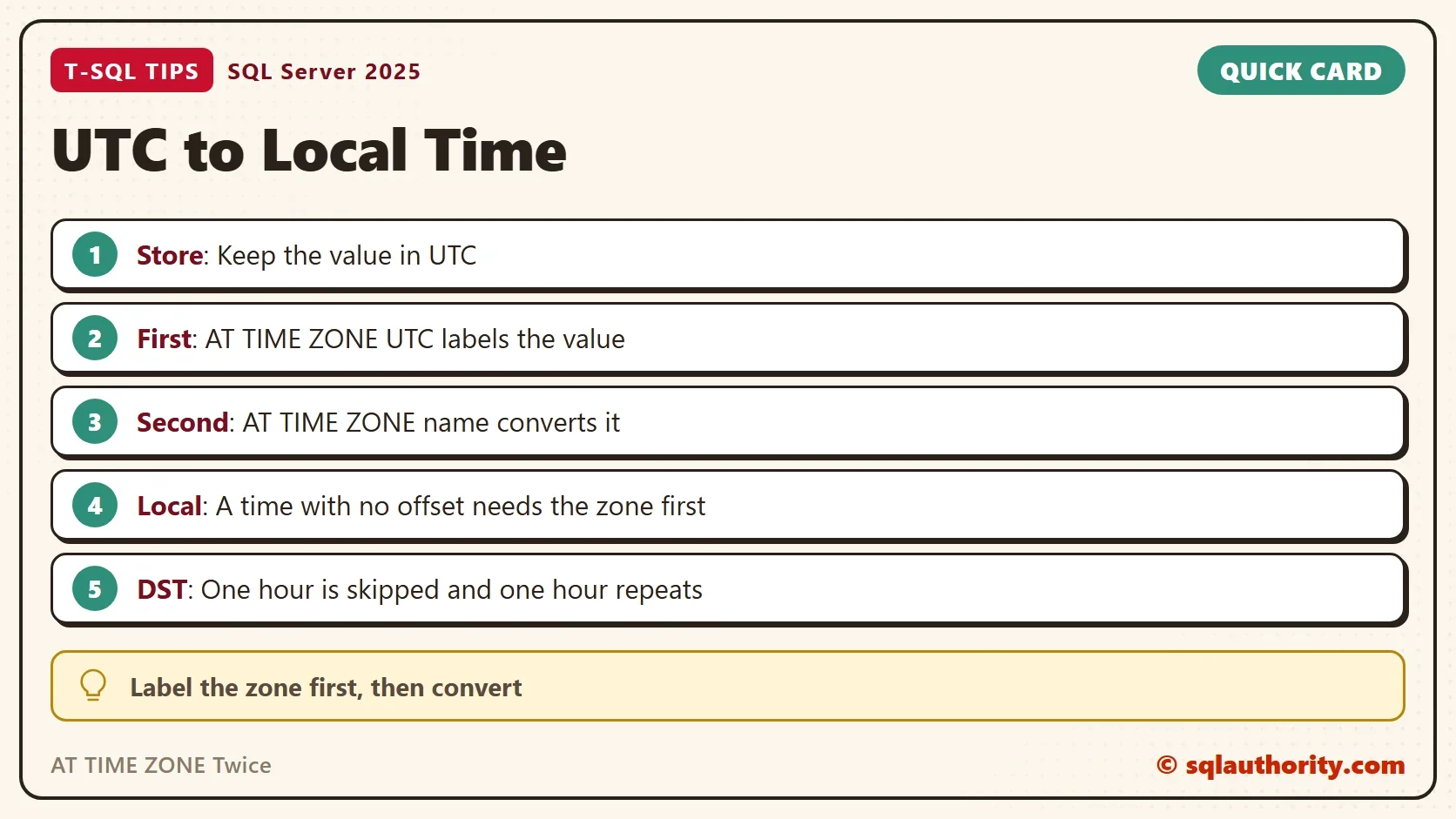
For UTC to local time, write AT TIME ZONE twice. The first one labels the value as UTC, and the second one converts it. One use alone only attaches an offset. Store UTC, keep the zone name next to the data, and expect the odd hours of daylight saving.
A time zone is not an offset, it is a set of rules that change with the date.
Published by Pinal Dave on SQLAuthority. More of my work at pinaldave.com.
Discover more from SQL Authority with Pinal Dave
Subscribe to get the latest posts sent to your email.