
Error 2714 says there is already an object with your new table’s name, even when no such table exists. A client hit it while creating a table. I looked into it during their Comprehensive Database Performance Health Check consultation.

The Error
Msg 2714, Level 16, State 6, Line 5
There is already an object named 'MyFirstTable' in the database.
What the Client Saw
This is the simplified script the client used to create the table:
CREATE TABLE MyFirstTable
(ID INT NOT NULL);
The error said MyFirstTable already existed. The client was sure there was no such table in the database.
How to Check
I asked the client to send me the result of this query:
SELECT *
FROM sys.tables
WHERE name = 'MyFirstTable'
The result was empty, so there was no such table. Then I gave them a query that looks beyond tables:
SELECT *
FROM sys.objects
WHERE name = 'MyFirstTable'
It returned a single row. The object wasn’t a table. It was a primary key constraint on another object, and its parent_object_id was 629577281.

This query gives the name of the parent object:
SELECT OBJECT_NAME(parent_object_id) ParentObject, *
FROM sys.objects
WHERE name = 'MyFirstTable'
Why It Happens
The parent object was FirstTable. I checked its definition, and it held a primary key constraint named MyFirstTable. A constraint is an object too, and object names must be unique within a schema. So the new table couldn’t take that name. This is the definition of the table:
CREATE TABLE FirstTable
(ID INT NOT NULL,
CONSTRAINT MyFirstTable PRIMARY KEY (ID));
The Fix
The solution is simple. Create the new table with a different name, or rename the original primary key to a new name.
How to Prevent It
Name your constraints on purpose, so that a constraint doesn’t take a name you want for a table. If you have questions about this post, tell me in the comments.
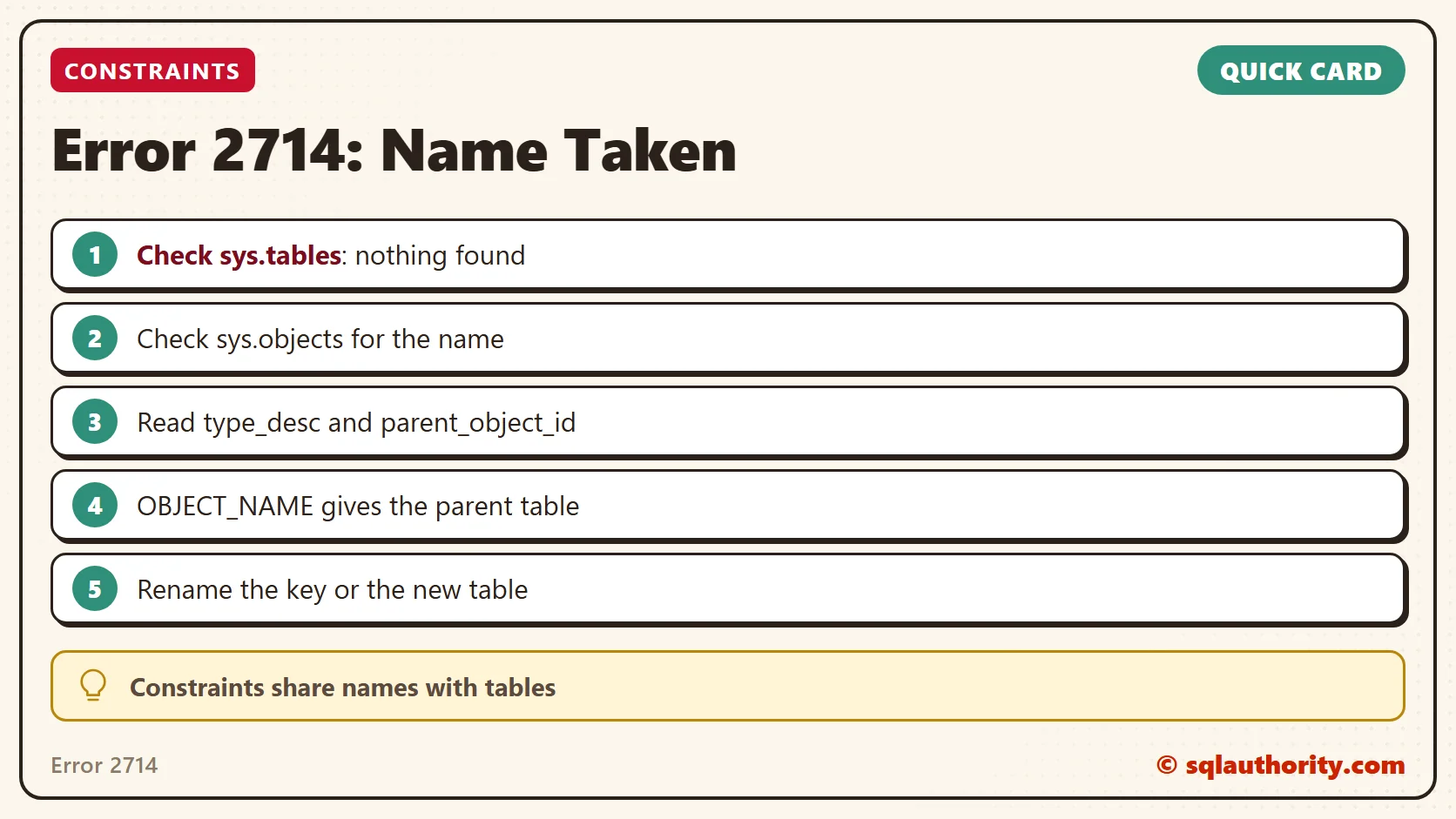
Error 2714 is not a ghost table, it is a primary key that took the name first.
Published by Pinal Dave on SQLAuthority. More of my work at pinaldave.com.
Discover more from SQL Authority with Pinal Dave
Subscribe to get the latest posts sent to your email.




2 Comments. Leave new
I had a similar bug where I was changing an autogenerated Create table script to add in a primary key
However when I copied and pasted the new name, I changed what should have been PK_name to name and so was unable to create the constraint and got the There is already an object named ‘name’ in the database for what I thought was the create table statement. :) but was for the index that was part of the create table statement.
So looking up the object id failed since the table would only be created if the create table ran, and it could not because the 2nd part of the statement creating the index failed since I had given both the same name by accident.
OK
CREATE TABLE name(
[ID] [int] NOT NULL,
…,
CONSTRAINT [PK_name] PRIMARY KEY CLUSTERED
(
[ID]
)
NOT OK
CREATE TABLE name(
[ID] [int] NOT NULL,
…,
CONSTRAINT [name] PRIMARY KEY CLUSTERED
(
[ID]
)
Ronald, your reply saved my day, I did your same thing with the same issue, thanks for posting your experience.