A sqlcmd vs SSMS timing is fair only when both tools run the same file. The clock must sit inside the script.

The Question
A client asked a day after the oStress post whether sqlcmd is faster than SSMS. The original test inserted 10,000 rows with GO 10000. SSMS needed about 5 seconds, and sqlcmd needed about 4. That is a gap of one second in one run. Is it the tool, or is it the way the test was timed?
The previous post explains why a one-session loop measures the commit more than the tool. Read oStress vs SSMS: What Each Tool Is Built to Measure for that. This post adds a method to compare any two clients fairly.
Put the Clock Inside the Script
A stopwatch around a tool includes starting the tool, drawing windows and writing output. A clock inside the script measures only the work. Each script below writes a start time and an end time into a log table. The server’s own clock does the timing.
IF DB_ID(N'SqlcmdTimingDemo') IS NULL CREATE DATABASE SqlcmdTimingDemo;
GO
USE SqlcmdTimingDemo;
GO
DROP TABLE IF EXISTS dbo.GateLog, dbo.TimingLog;
CREATE TABLE dbo.GateLog (
    GateLogId int          IDENTITY(1,1) NOT NULL PRIMARY KEY,
    Note      varchar(200) NOT NULL DEFAULT ('Visitor counted at the gate')
);
CREATE TABLE dbo.TimingLog (
    Label     nvarchar(40) NOT NULL,
    StartedAt datetime2(3) NOT NULL,
    EndedAt   datetime2(3) NULL
);
The first script sends 10,000 batches with SET NOCOUNT ON. Both tools run GO 10000 as a client feature, so each repetition is its own batch. Save it as quiet.sql.
SET NOCOUNT ON;
TRUNCATE TABLE dbo.GateLog;
INSERT dbo.TimingLog (Label, StartedAt) VALUES (N'Batches, NOCOUNT ON', SYSDATETIME());
GO
INSERT dbo.GateLog DEFAULT VALUES;
GO 10000
UPDATE dbo.TimingLog SET EndedAt = SYSDATETIME() WHERE Label = N'Batches, NOCOUNT ON';
The second script is the same loop with SET NOCOUNT OFF. Each insert then sends a row count message back to the client. Save it as chatty.sql.
SET NOCOUNT OFF;
TRUNCATE TABLE dbo.GateLog;
INSERT dbo.TimingLog (Label, StartedAt) VALUES (N'Batches, NOCOUNT OFF', SYSDATETIME());
GO
INSERT dbo.GateLog DEFAULT VALUES;
GO 10000
UPDATE dbo.TimingLog SET EndedAt = SYSDATETIME() WHERE Label = N'Batches, NOCOUNT OFF';
The third script sends one batch that loops inside SQL Server. Save it as loop.sql.
SET NOCOUNT ON;
TRUNCATE TABLE dbo.GateLog;
INSERT dbo.TimingLog (Label, StartedAt) VALUES (N'One batch, WHILE loop', SYSDATETIME());
DECLARE @i int = 0;
WHILE @i < 10000
BEGIN
    INSERT dbo.GateLog DEFAULT VALUES;
    SET @i += 1;
END;
UPDATE dbo.TimingLog SET EndedAt = SYSDATETIME() WHERE Label = N'One batch, WHILE loop';
Run the Same Files in Both Tools
In SSMS, open each file and run it. For sqlcmd, run this block in the folder that holds the three files. It also measures the whole process from the outside, so you can see how much start-up adds.
$server = '.\SQLDEV'
foreach ($file in 'quiet.sql', 'chatty.sql', 'loop.sql') {
    $time = Measure-Command { sqlcmd -S $server -E -C -d SqlcmdTimingDemo -i $file -o NUL }
    '{0,-10} {1:N1} seconds' -f $file, $time.TotalSeconds
}
After each run, read the timings from the log table. Then clear the table, so the next round starts clean.
SELECT Label, DATEDIFF(MILLISECOND, StartedAt, EndedAt) AS Milliseconds
FROM dbo.TimingLog
ORDER BY StartedAt;

TRUNCATE TABLE dbo.TimingLog;
The Result
| Script | Inside the script (ms) | Whole process (seconds) |
|---|---|---|
| Batches, NOCOUNT ON | 3245 | 3.3 |
| Batches, NOCOUNT OFF | 4097 | 4.2 |
| One batch, WHILE loop | 1702 | 1.8 |
The two columns agree. The whole process took about 0.1 seconds longer than the clock inside the script. That is the cost of starting sqlcmd. Start-up isn’t what separates two tools in a loop of 10,000 inserts. These figures come from sqlcmd. SSMS wasn’t timed for this post. Run the same three files in SSMS and read the log table to get its side.
The single batch was the fastest script in all three rounds, at 1.4 to 1.9 seconds. Ten thousand batches took 3.3 to 9.3 seconds. Every batch is a round trip, and both tools pay it when you use GO 10000.
The row count messages gave no stable answer. The chatty script was slower in two rounds and faster in one. The same quiet script ran in 3.3, 7.0 and 4.4 seconds. The test server was busy, and that noise is larger than the difference between the tools.
Match the Settings Before You Compare
The sqlcmd runs above send their output to NUL, so nothing is drawn. SSMS draws results and messages unless you tell it not to. The SSMS 22 settings list a SET NOCOUNT option under Query Execution and discard options under Query Results. Match them to the sqlcmd run before you compare.
Without matching settings, the test measures drawing and not the tools. A fair comparison also uses the same database state. Empty the table before each run, as the scripts do. Run each file once as a warm-up and ignore that pass, because the first run can include file growth. Write down the SSMS and sqlcmd versions next to the results, since both change between releases.
Choose by Job
Use sqlcmd for scripts that run without a person, such as deployments and scheduled maintenance. It runs from a batch file or a scheduled task, with no window to watch. Neither tool is wrong. Each is built for a different place to sit. Use SSMS to write, test and tune. The original post made the same choice and kept SSMS for daily development.
You could argue that a one second gap in a 10,000 row loop decides the matter. It doesn’t. If a batch loop is slow, the fix is to send fewer batches or to use fewer commits. That fix works in either tool.
What to Remember
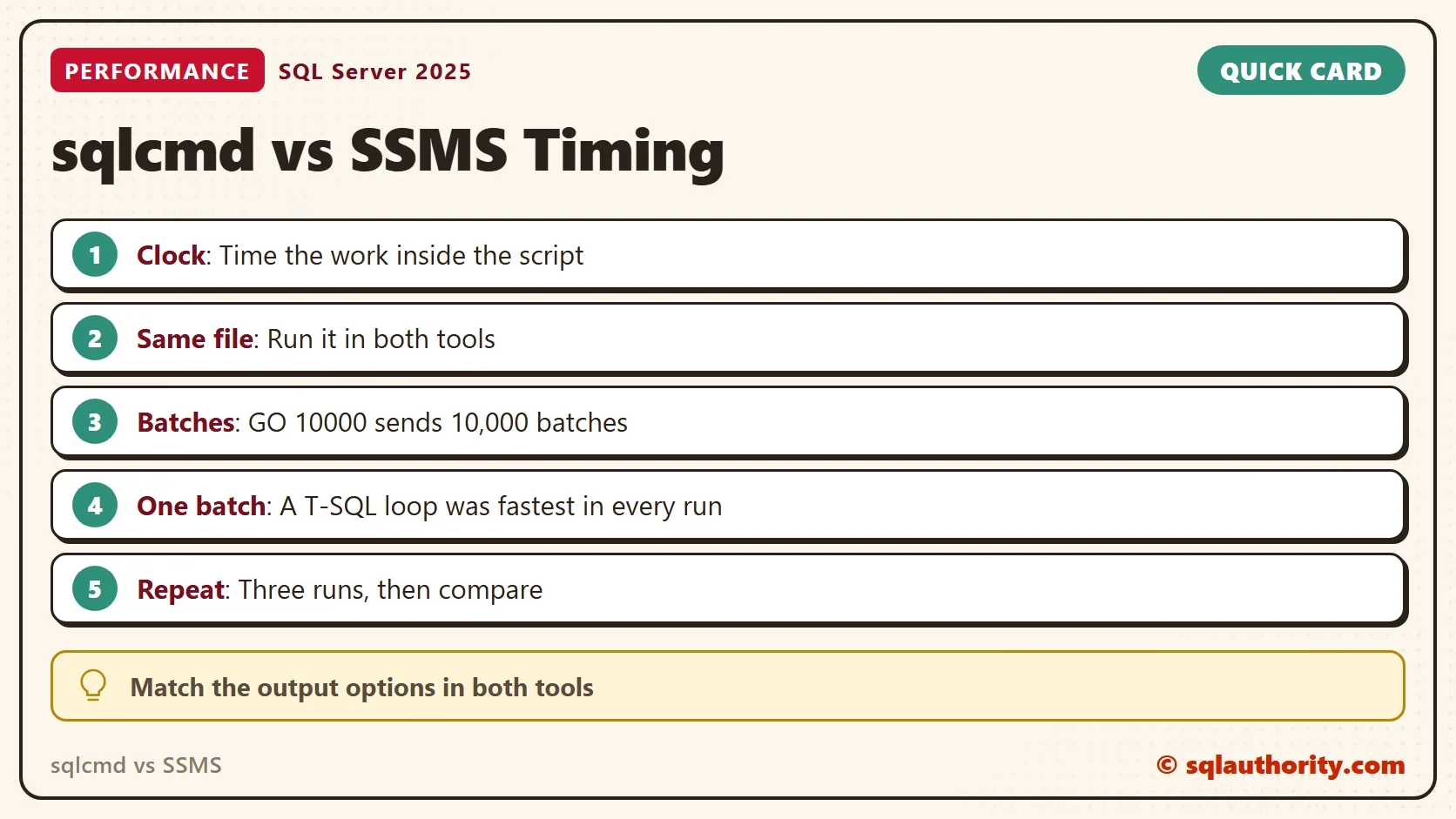
Time the work inside the script, run the same file in both tools, and match the output settings. Repeat the test at least three times. A sqlcmd vs SSMS gap that doesn’t survive three runs isn’t a gap.
When you finish, drop the demo database.
USE master;
GO
ALTER DATABASE SqlcmdTimingDemo SET SINGLE_USER WITH ROLLBACK IMMEDIATE;
DROP DATABASE SqlcmdTimingDemo;
sqlcmd vs SSMS is not a speed contest, it is a choice between a script runner and a workbench.
Published by Pinal Dave on SQLAuthority. More of my work at pinaldave.com.
Discover more from SQL Authority with Pinal Dave
Subscribe to get the latest posts sent to your email.