
Msg 1842 says a file can’t pass 2147483647 pages, and a client’s SQL Agent job hit that limit. This is a client I had worked with earlier on a Comprehensive Database Performance Health Check. They asked me for help again.

The Error
The SQL Agent job was failing with this error, with names changed:
Could not allocate space for object 'YourTable' in database 'YourDatabase' because the 'PRIMARY' filegroup is full.The second message came when I ran the file size change by hand:
Msg 1842, Level 16, State 1, Line 3
The file size, max size cannot be greater than 2147483647 in units of a page size. The file growth cannot be greater than 2147483647 in units of both page size and percentage.
What the Client Saw
The first article I shared with them was Msg 1105: Could Not Allocate Space for Object Name in Database Because the PRIMARY Filegroup Is Full. They came back with answers to its checklist:
- Check if auto-growth is restricted. No.
- Check if auto-growth is set to a high value that would fill the disk. No.
- Check if disk space is low. No.
- Check the SQL edition, because SQL Express has a database file size limit. No.
I wondered how that was possible. I went on a call with them and used desktop sharing to see what was happening. The auto-grow size was set to 1 GB. I asked them to run an ALTER command that adds 1 GB to the current size. It was something like this:
USE [master]
GO
ALTER DATABASE [YourDatabase] MODIFY FILE (NAME = N'YourDatabase', SIZE = 16779237 MB)
GO
When I executed the command manually, it raised Msg 1842.
Why It Happens
The message talks about page size, which is 8 KB. Let’s do a little math:
- 2147483647 pages
- 2147483647 * 8 KB
- 17179869176 KB, which is about 16 TB
The size in my query was more than 16 TB (it’s 16.00192 TB). I checked the SQL Server capacity specifications and found that a single data file can’t be more than 16 TB. This is the snippet from there:
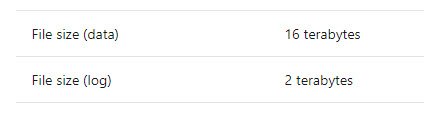
Now it all made sense. I should add one more question to the checklist in my Msg 1105 post:
- Are you increasing a data file to more than 16 TB, or a log file to more than 2 TB?
The Fix
SQL Server has a hard limit of 16 TB per data file. If you need more space in the filegroup, add another data file to the same filegroup.
If the space problem is in the log file, free up space in the LDF file. My post SHRINKFILE and TRUNCATE Log File in SQL Server 2008 covers that. If it isn’t possible to free space, add another log file.
How to Prevent It
When a filegroup is full and the disk isn’t, check the size of each file against the limits: 16 TB for a data file and 2 TB for a log file. I’m sure few readers will hit this one, as I heard about it for the first time in many years. If you have seen this error, please comment and let me know.
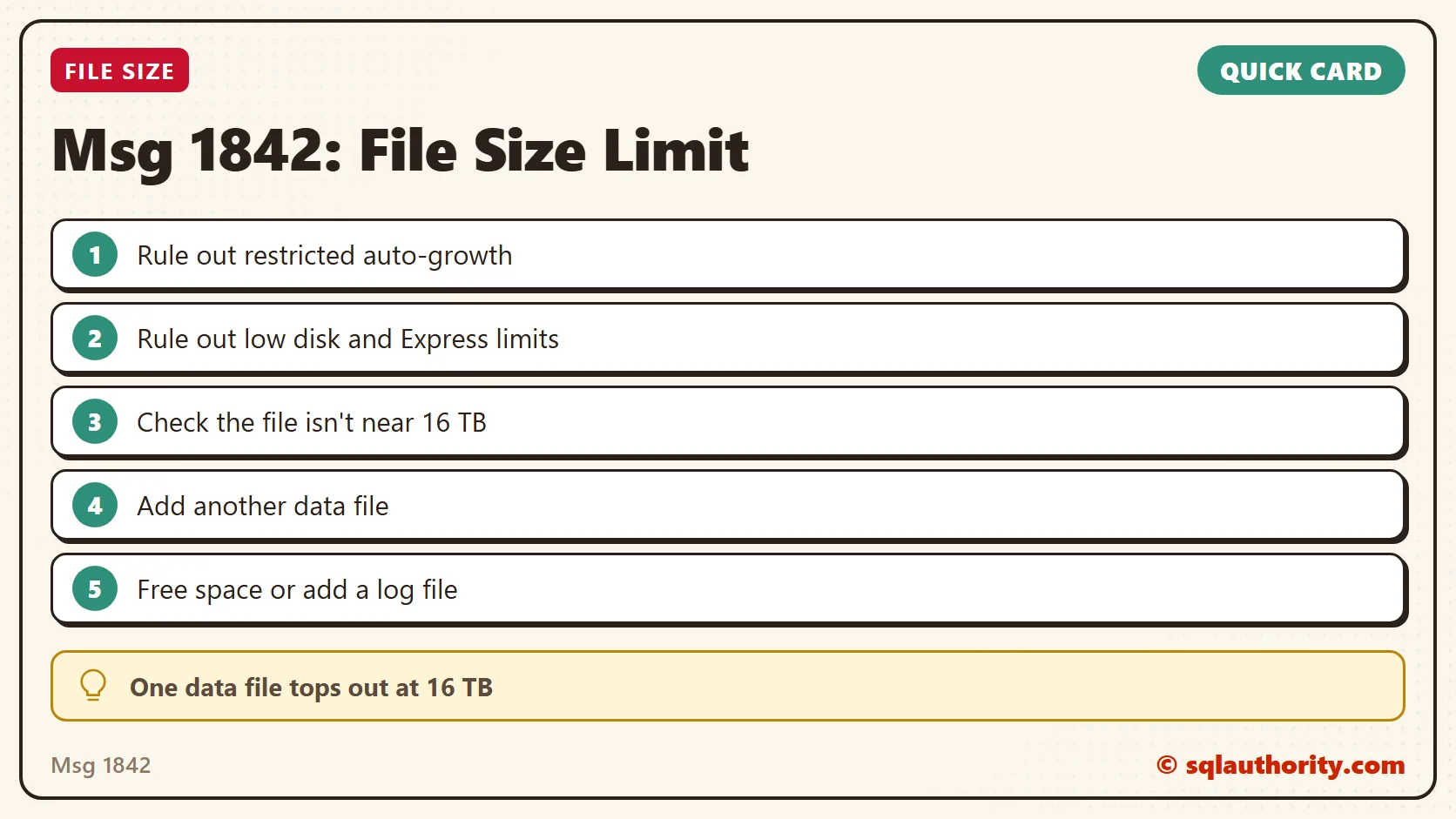
A full filegroup is not always a full disk, it is sometimes a file at its size limit.
Published by Pinal Dave on SQLAuthority. More of my work at pinaldave.com.
Discover more from SQL Authority with Pinal Dave
Subscribe to get the latest posts sent to your email.




1 Comment. Leave new
Hi Pinal
Thanks for the article, same for me, got it today during the manual file size change…
br, Maks