
Msg 46530 appears when you create an external data source and PolyBase isn’t ready, and the message never says so. I got it while trying PolyBase on my laptop. The solution had no relation to the error message.

The Error
Msg 46530, Level 16, State 11, Line 1
External data sources are not supported with type GENERIC.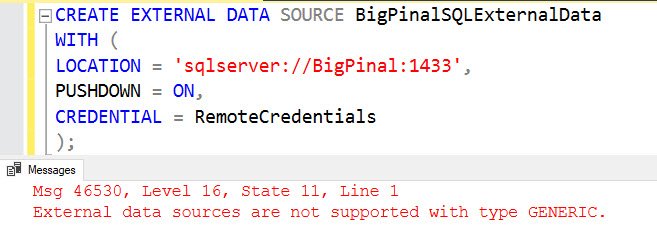
What Happened
This is the statement I was running. The server and data source names are placeholders.
CREATE EXTERNAL DATA SOURCE YourExternalDataSource
WITH (
LOCATION = 'sqlserver://YourServer:1433',
PUSHDOWN = ON,
CREDENTIAL = RemoteCredentials
);
Why It Happens
Based on my internet search, the error appears when PolyBase isn’t installed or isn’t enabled with sp_configure.
How to Check
To check whether the feature is installed, use this T-SQL:
SELECT SERVERPROPERTY ('IsPolyBaseInstalled') AS IsPolyBaseInstalled;A result of zero means the feature isn’t installed at all. A result of one means it’s installed, and you need to enable it.
The Fix
If the result is zero, install the feature with setup.exe. This is the feature you need:
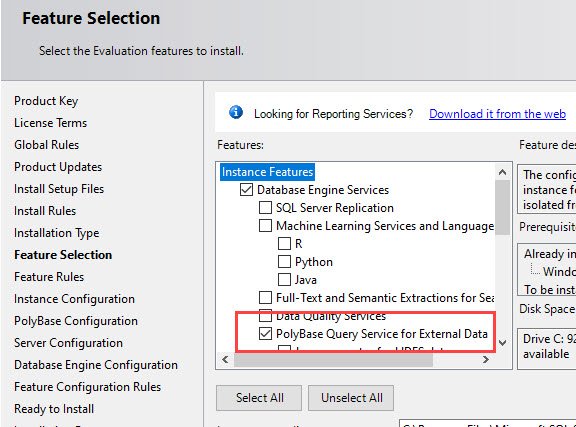
If the result is one, enable PolyBase with sp_configure:
exec sp_configure @configname = 'polybase enabled', @configvalue = 1;
RECONFIGURE;
If the feature isn’t installed, that command fails with Msg 46923:
Msg 46923, Level 16, State 1, Procedure sp_configure, Line 166 [Batch Start Line 8]
PolyBase feature is not installed. Please consult Books Online for more information on this feature.
When the feature is installed, the command runs successfully:

Confirm It Worked
Run the CREATE EXTERNAL DATA SOURCE statement again.
How to Prevent It
Check IsPolyBaseInstalled before you write any CREATE EXTERNAL DATA SOURCE script, because the error message says nothing about the feature. Did this post help you fix the issue? Please tell me in the comments.
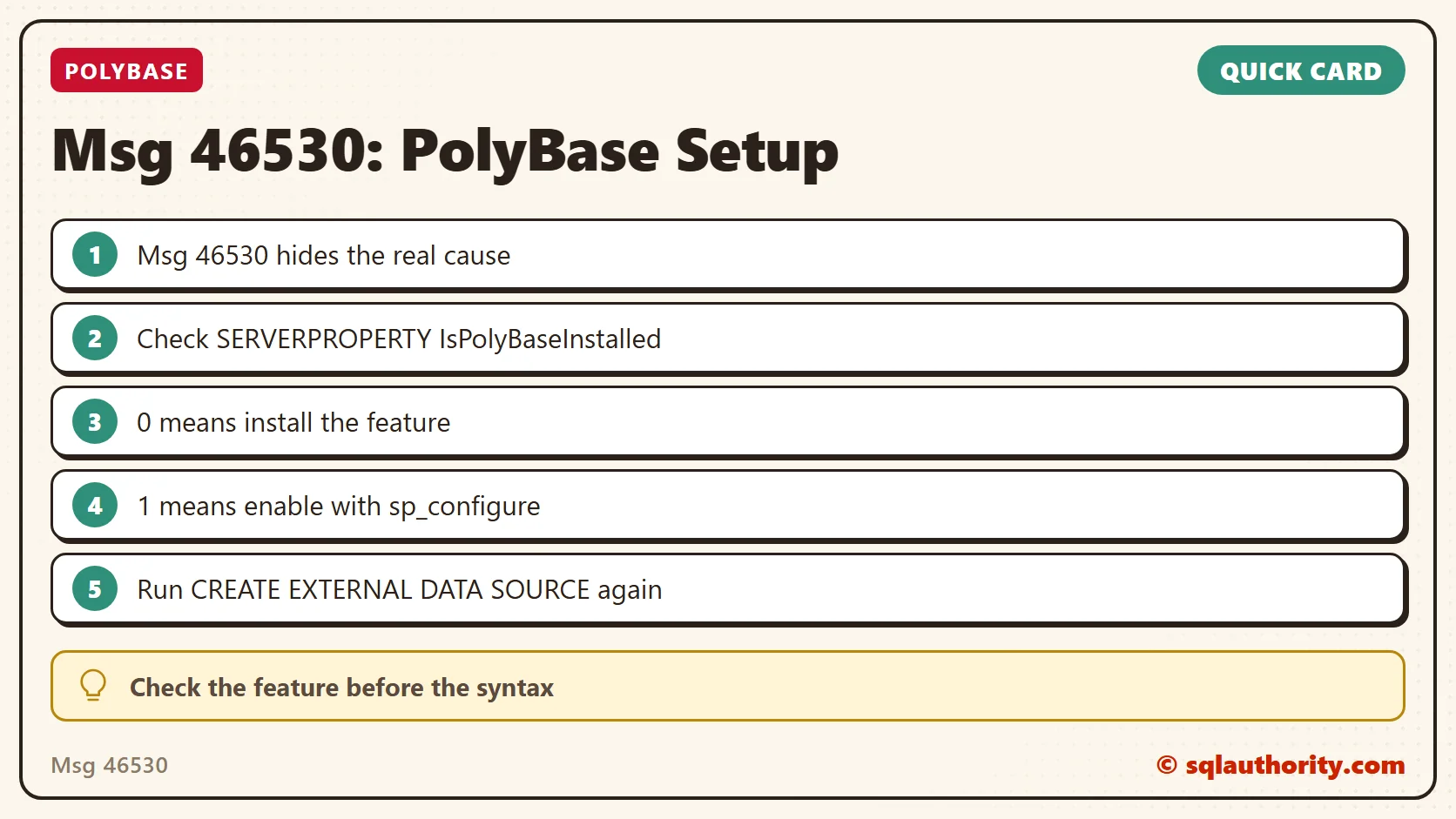
Msg 46530 is not a syntax error, it is a PolyBase feature that isn’t ready.
Published by Pinal Dave on SQLAuthority. More of my work at pinaldave.com.
Discover more from SQL Authority with Pinal Dave
Subscribe to get the latest posts sent to your email.


1 Comment. Leave new
You can’t install polybase on more than one instance. What do you do if you need two instances (say test and dev) on the same server that both contain databases with polybase external tables? Is there any way to use the polybase installed on the first instance to create external data sources on the second instance?