
The Setup administrator rule failed for a client even though they were logged on as an administrator. They were installing SQL Server 2019. The message said the account running SQL Server Setup does not have administrator rights on the computer. I got involved through my consulting work.

The Error
The message appeared even when the logged-on account was an administrator on the server. The client also tried a Domain Admin account, and they still got the error. It was a weird error, so they contacted me to figure out what was going on. Here is what we saw on the screen:

The account running SQL Server Setup does not have administrator rights on the computer. To continue, use an account with administrator rights.What the Client Saw
I checked the SystemConfigurationCheck_Report.htm file, which has the exact same error. Two rules failed in it, HasSecurityBackupAndDebugPrivilegesCheck and ThreadHasAdminPrivilegeCheck.

The first rule checks that the account has three rights:
- The right to back up files and directories.
- The right to manage auditing and the security log.
- The right to debug programs.
The second rule has the message shown above. That doesn’t help, because the client was sure the account was a local administrator with all permissions.
How to Check
I asked the client to share the setup log files, as the Microsoft documentation describes. I searched them for the same failures we saw in the HTML report, then for FacetAdminCheck and FacetPrivilegeCheck. These are the lines I found, trimmed:
Slp: Initializing rule      : Setup administrator
Slp: Rule is will be executed : True
Slp: Init rule target object: Microsoft.SqlServer.Configuration.SetupExtension.FacetAdminCheck
Slp: Unable to load DLL 'sqlsccn.dll': The specified module could not be found. (Exception from HRESULT: 0x8007007E)
Slp: Rule initialization failed - hence the rule result is assigned as Failed
Slp: Initializing rule : Setup account privileges
Slp: Rule is will be executed : True
Slp: Init rule target object: Microsoft.SqlServer.Configuration.SetupExtension.FacetPrivilegeCheck
Slp: Unable to load DLL 'sqlsccn.dll': The specified module could not be found. (Exception from HRESULT: 0x8007007E)
Slp: Rule initialization failed - hence the rule result is assigned as Failed
The real failure was Unable to load DLL ‘sqlsccn.dll’: The specified module could not be found. I’m always glad to see how much a setup log can tell you.
Why It Happens
Both rules need sqlsccn.dll to check the account. The DLL couldn’t be loaded, so the rules failed to initialize, and setup marked them as Failed. The account was never the problem.
The Fix
I searched for sqlsccn.dll. It was available on my local SQL Server 2019 media but not on the client’s media. When I compared the total files on my developer media with theirs, many files were missing. In short, this was an issue with missing files on the setup media.
I asked them to download the media again. With the right media, the SQL Server installation worked.
How to Prevent It
When a rights error makes no sense for an administrator, read the setup log before you change accounts. If a DLL is missing, compare the media with a known good copy, or download it again.
Have you ever found such information in setup logs?
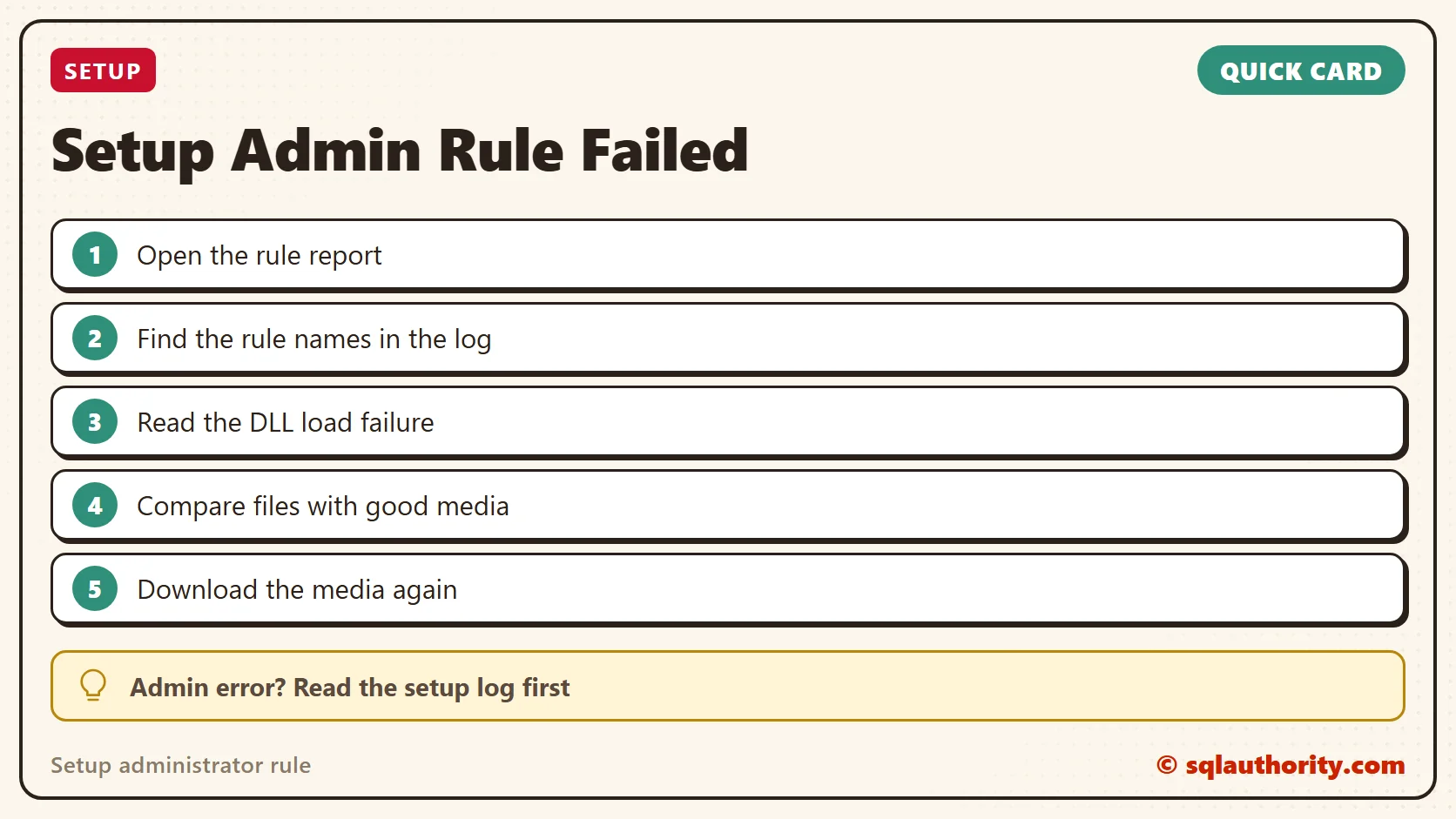
An administrator rights error is not always about rights, it is sometimes a missing file.
Published by Pinal Dave on SQLAuthority. More of my work at pinaldave.com.
Discover more from SQL Authority with Pinal Dave
Subscribe to get the latest posts sent to your email.




1 Comment. Leave new
Thank you! I was going crazy and about to create more problems by changing group policies based on other sites suggestions. I was getting message that my user didn’t have administrative rights and I was using the domain administrator account to run the SQL configuration checker. I followed your advice and downloaded fresh installer and it worked perfect. Thanks again