Error 17138 stops SQL Server at startup when it cannot allocate enough memory for SQL OS Boot. One of my clients contacted me about this error when they tried to start the SQL Server service. This post is what I learned from fixing it.

The Error
The full message is:
Unable to allocate enough memory to start 'SQL OS Boot'. Reduce non-essential memory load or increase system memory.What the Client Saw
My client had a monster server with close to 2 TB of RAM. They had read a Microsoft article about tuning options for SQL Server in high-performance workloads. They thought large pages allocation would boost performance. So they added trace flag 834 to the startup parameters and restarted the service.
SQL Server failed to start. Their business was down, and they contacted me for quick help.
I asked them to look at the SQL Server ERRORLOG. If you need help finding it, read where the ERRORLOG lives. These were the last lines:
Using large pages in the memory manager.
Page exclusion bitmap is enabled.
Large page allocation failed during memory manager initialization
Failed to initialize the memory manager
Failed to allocate pages: FAIL_PAGE_ALLOCATION 2
Error: 17138, Severity: 16, State: 1.
Unable to allocate enough memory to start the 'SQL OS Boot'. Reduce non-essential memory load or increase system memory.
The same error is logged as event ID 17138 in the Application event log:

Why It Happens
I read more about large pages. When SQL Server uses them, it tries to grab the complete max server memory at startup. If it grabs a reasonable amount but cannot allocate more, it keeps running below max server memory.
If it can’t grab even the minimum amount of memory, it raises error 17138. Memory fragmentation can cause this. It happens on a server that has run for a long time with other applications on it.
How to Check
Look in the ERRORLOG for the line “Large page allocation failed during memory manager initialization”. Then check the startup parameters for trace flag 834, and compare max server memory with the installed RAM.
The Fix
First, make sure max server memory is not more than the RAM. It is also a good idea to restart the operating system. Then all the memory is free and unfragmented for SQL Server.
How to Prevent It
Before you turn on large pages, check that max server memory sits below the installed RAM. Plan for a restart of the operating system when you add the trace flag.
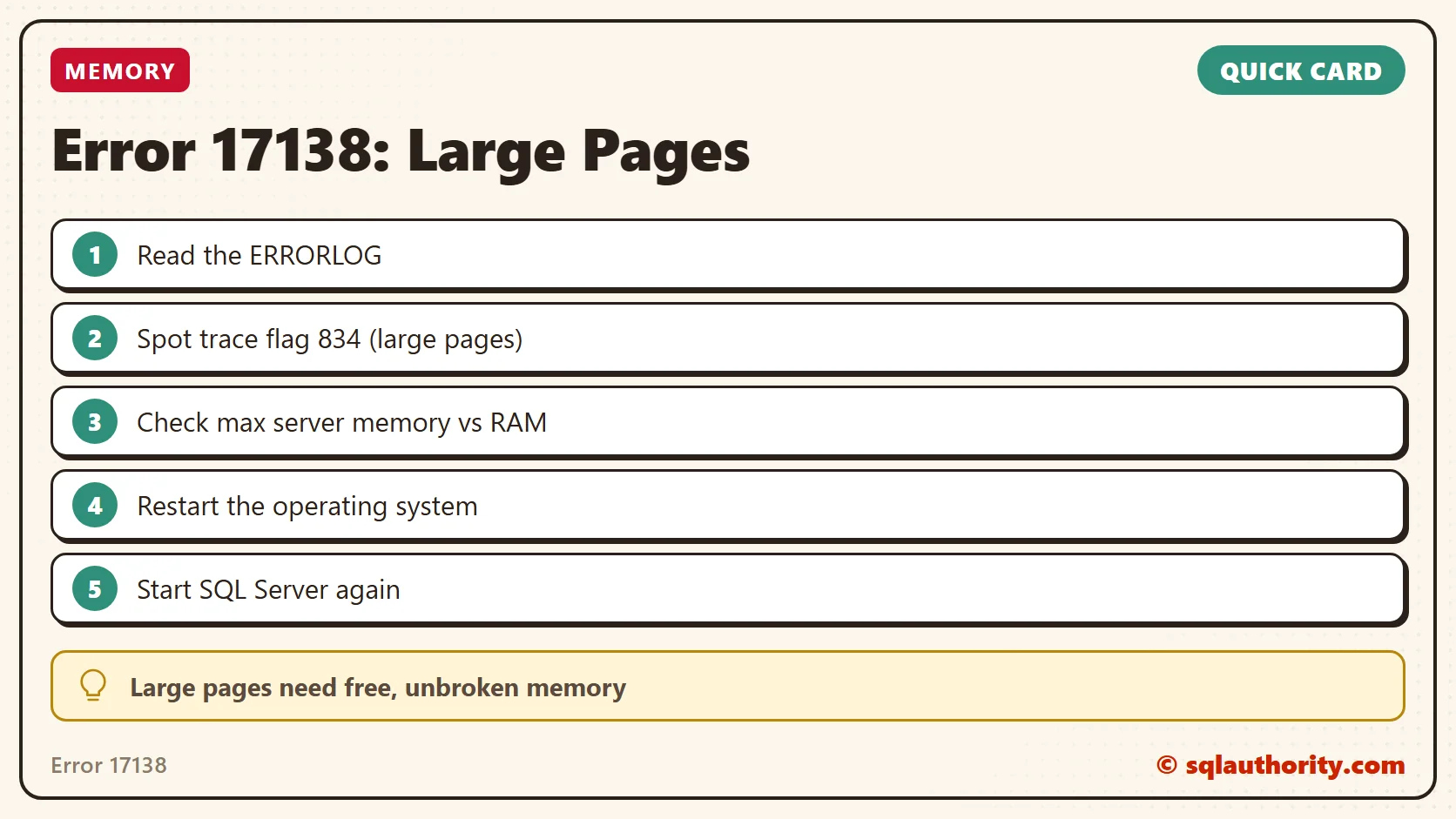
Error 17138 is not a shortage of RAM, it is large pages that cannot find one clean block.
Published by Pinal Dave on SQLAuthority. More of my work at pinaldave.com.
Discover more from SQL Authority with Pinal Dave
Subscribe to get the latest posts sent to your email.