
Status 1450 showed up in the cluster log when a listener’s IP Address resource would not come online. I learned about it during a Comprehensive Database Performance Health Check with a client. One of their DBAs was busy with an Always On deployment and asked me for pointers.

The Error
This is the relevant part of the cluster log. I removed some details to make it easy to read.
ERR [RES] IP Address <Cluster IP Address>: Unable to create new NBT interface, status 1450
ERR [RES] IP Address <Cluster IP Address>: Failed to create new NBT interface, status 1450. Deleting stale NBT device from cluster database
INFO [RES] <Unknown Resource>: Successfully deleted NBT interface information from database, status 0.
ERR [RHS] Online for resource Cluster IP Address failed.
WARN [RCM] HandleMonitorReply: ONLINERESOURCE for 'Cluster IP Address', gen(96) result 5018/0.
INFO [RCM] Res Cluster IP Address: OnlinePending -> ProcessingFailure( StateUnknown )
INFO [RCM] TransitionToState(Cluster IP Address) OnlinePending-->ProcessingFailure.
What the Client Saw
The DBA was creating the availability group and its listener at the same time. We watched the cluster manager while they used the wizard and pressed Finish. An IP Address resource went into a failed state. So I asked them to create only the availability group first, and add the listener later.
Once the availability group existed, we tried to create the Client Access Point in the cluster manager. As expected, the IP address resource failed to come online. We generated the cluster log to find the exact message, using my steps to generate a Windows cluster log.
Why It Happens
The first two lines of the log show the actual error, the one in the title of this post. Whenever I see NBT in an error message, I remember NetBIOS over TCP, also called NetBT.
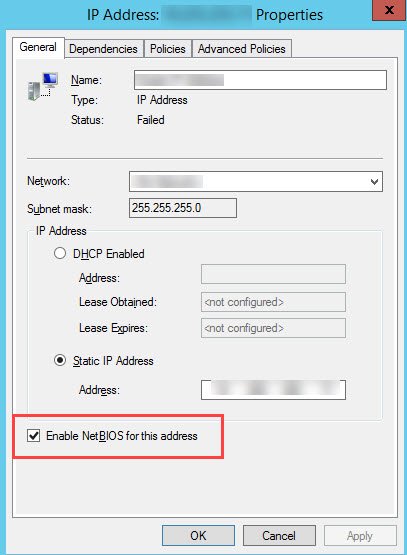
This screenshot is from the internet, not from the client’s server. It shows the setting in the properties window of an IP Address resource in the cluster:
How to Check
Watch the cluster manager while you create the listener, and find the resource that goes into a failed state. Then read the cluster log for the NBT interface error.
The Fix
We cleared the Enable NetBIOS for this address box. After that, we were able to bring the IP address online, and the issue was resolved.
How to Prevent It
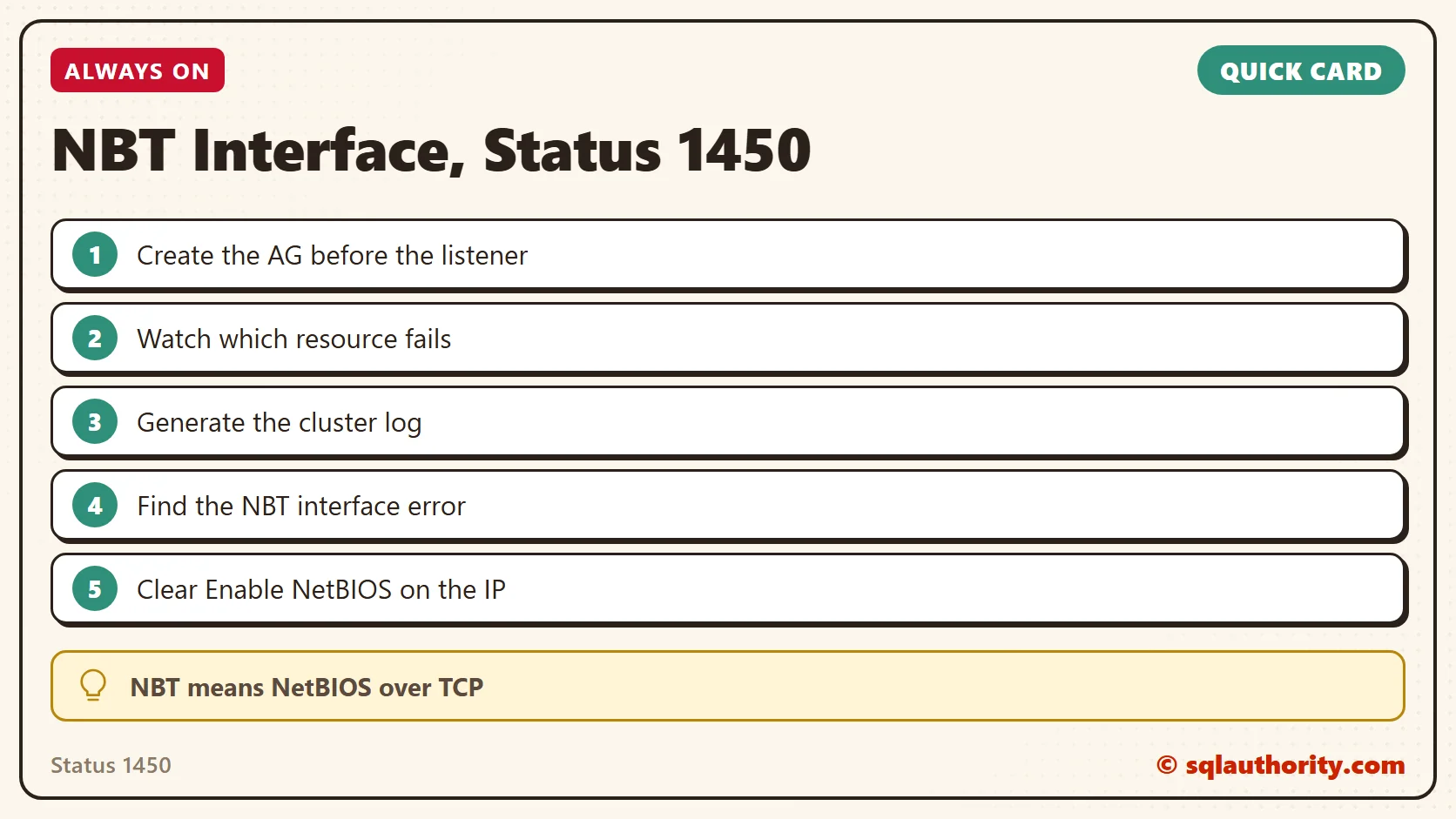
When a listener fails, split the work in two. Create the availability group first and add the listener afterward, so you can see which step fails.
The listener is not the problem, it is the IP address resource under it.
Published by Pinal Dave on SQLAuthority. More of my work at pinaldave.com.
Discover more from SQL Authority with Pinal Dave
Subscribe to get the latest posts sent to your email.




1 Comment. Leave new
the same solution worked for me,
I disabled the netbios for sqlnetwork name in failovercluster