
The last query cost in MySQL is a number the optimizer computes for the last query it compiled. SHOW STATUS returns it. The number says how expensive the optimizer thinks a query is. In SQL Server you read that from an execution plan. In MySQL you ask for a status variable.

The Command
Run the query you want to measure, then run this statement in the same session. MariaDB has a variable with the same name.
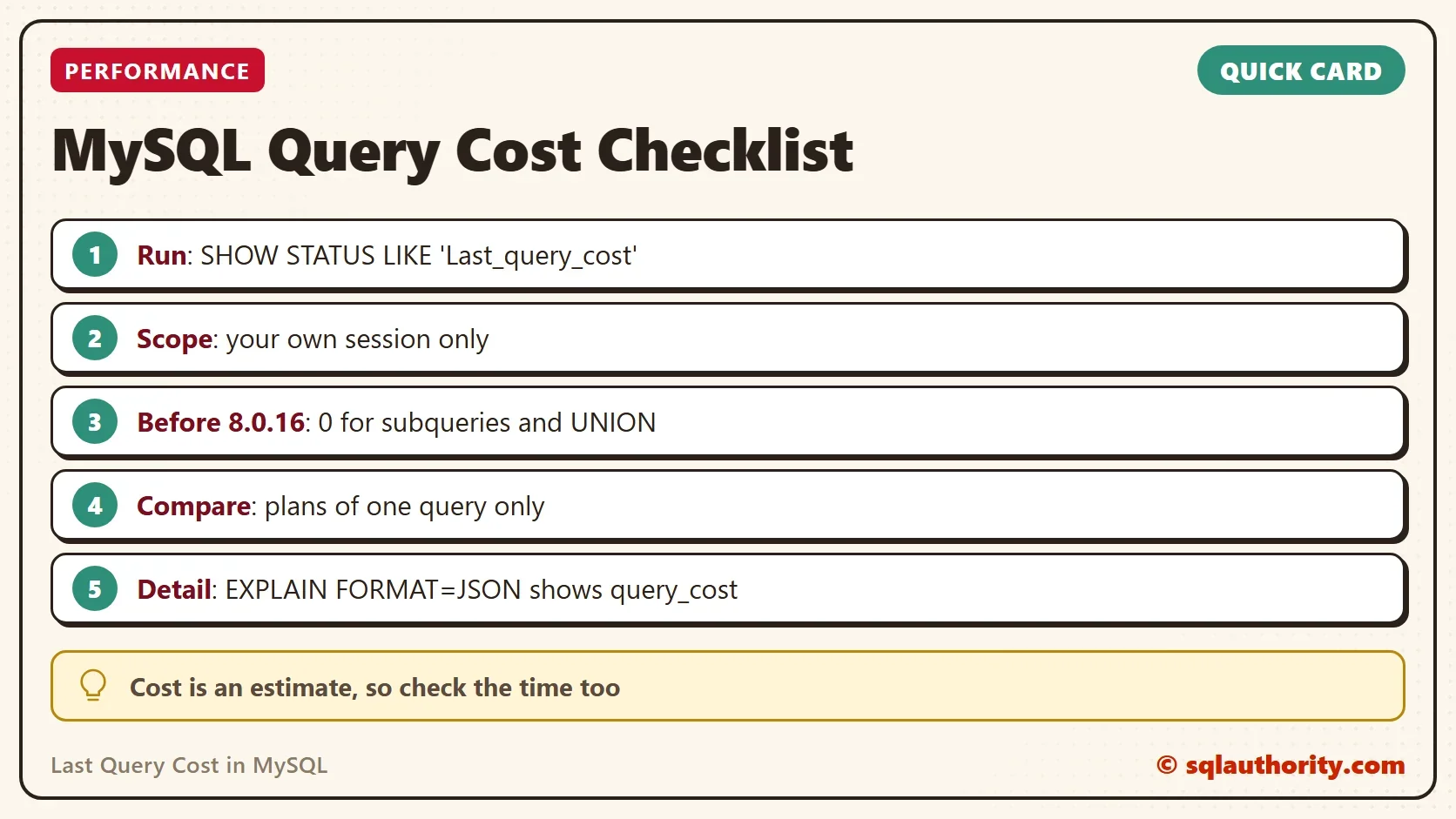
SHOW STATUS LIKE 'Last_query_cost';
The statement returns one row with the variable name and a decimal value. The value is the total cost of the last compiled query, in the optimizer’s own units. A value of 0 means no query has been compiled in the session yet. The variable has session scope, so another connection can’t change your number. Another query in your own session can, so read it right after the query you care about.
A Sakila Example
The Sakila sample database for MySQL has a film table with its actors and categories. This query joins the three tables for one film. Run it, then read the cost. The query needs the Sakila sample database. On any other database, join three of your own tables the same way.
USE sakila;
SELECT *
FROM film f
INNER JOIN film_actor fa ON f.film_id = fa.film_id
INNER JOIN film_category fc ON fc.film_id = fa.film_id
WHERE f.film_id = 10;
SHOW STATUS LIKE 'Last_query_cost';
The cost depends on your version and your data, so use it to compare, not to quote. Add an index, rerun the same query and read the number again. A lower cost means the optimizer found a cheaper plan. Different queries can’t be compared this way. A cost is an estimate in abstract units. It isn’t milliseconds, and a plan with half the cost can still run slower.
Compare Two Plans
The best use of the last query cost in MySQL is a before and after. Run the slow query and read the cost. Change one thing, such as adding an index the query can use. Run the same query again and read the cost again. Change one thing at a time, so you know which change moved the number.
If the cost drops, the optimizer found a cheaper plan. Check the run time as well. A cheaper estimate can still lose to the old plan when the optimizer’s guess about the data is wrong. Keep the name of the new index handy, so you can drop it if the timing doesn’t improve.
Where the Last Query Cost in MySQL Misleads
The manual says the value was accurate only for simple, flat queries before MySQL 8.0.16. For a query with a subquery or a UNION, it was 0. A reader reported the same for any query with a subquery clause. From version 8.0.16 the value sums the cost of every query block. It also counts each run of a subquery that can’t be cached. On an older server, a 0 for a complex query doesn’t mean the query is free. It means the variable has nothing to say.
Check your version before you trust the number. A simple statement, SELECT VERSION();, tells you.
When You Need More Detail
A single number can’t tell you which part of a plan costs the most. EXPLAIN FORMAT=JSON can. It reports the cost of the whole query block as query_cost. It also reports a cost for each table access, in the same units. Read it when the total looks wrong and you need to find the table or the join that drives it.
You could argue that the status variable is too crude to bother with. For a quick comparison of two plans of one query it is enough, and it needs no setup. For anything deeper, use EXPLAIN and measure the real run time too.
What to Remember
To read the last query cost in MySQL, run the query. Then run SHOW STATUS LIKE 'Last_query_cost'; in the same session. Compare plans of the same query only. Treat 0 on a version before 8.0.16 as no answer for subqueries and unions. Back the number with EXPLAIN FORMAT=JSON and a timing.
A query cost is not a stopwatch, it is the optimizer’s opinion before the query runs.
Published by Pinal Dave on SQLAuthority. More of my work at pinaldave.com.
Discover more from SQL Authority with Pinal Dave
Subscribe to get the latest posts sent to your email.




1 Comment. Leave new
NySQL until 8.0.16 reports last_query_vost as 0 for any query having a sub-query clause.