
To find all columns with a specific name, query sys.columns and join sys.types for the data type. One query answers which tables hold a column, in which schema, and of which type. The same catalog also shows names that mean different things in different tables.

A Demo With Repeated Column Names
The demo needs the kind of mess real databases have. The script creates a database named SameNameColumnsDemo with a schema called Shop. Four tables share two column names. CustomerID is an int in two tables, a bigint in one, and a varchar in another. UnitPrice is money, decimal and float. A view reads two of the columns. Run the script on a test server.
IF DB_ID(N'SameNameColumnsDemo') IS NULL CREATE DATABASE SameNameColumnsDemo;
GO
USE SameNameColumnsDemo;
GO
DROP VIEW IF EXISTS Shop.PriceList;
DROP TABLE IF EXISTS Shop.Customers, Shop.Orders, Shop.Returns, dbo.Archive;
GO
IF SCHEMA_ID(N'Shop') IS NULL EXEC (N'CREATE SCHEMA Shop');
GO
CREATE TABLE Shop.Customers (CustomerID int NOT NULL PRIMARY KEY, FullName nvarchar(60) NOT NULL, UnitPrice money NULL);
CREATE TABLE Shop.Orders (OrderID int NOT NULL PRIMARY KEY, CustomerID bigint NOT NULL, UnitPrice decimal(10,2) NOT NULL);
CREATE TABLE Shop.Returns (ReturnID int NOT NULL PRIMARY KEY, CustomerID varchar(12) NOT NULL, unitprice float NULL);
CREATE TABLE dbo.Archive (ArchiveID int NOT NULL PRIMARY KEY, CustomerID int NOT NULL);
GO
CREATE VIEW Shop.PriceList AS SELECT CustomerID, UnitPrice FROM Shop.Orders;
List the Columns With One Name
The query below can find all columns with a specific name, here CustomerID, in tables and views. It reads sys.columns, which holds one row for each column of a table or a view. The data type name lives in sys.types, so the query joins it. OBJECT_SCHEMA_NAME and OBJECT_NAME turn the object id into names you can read. The filter on is_ms_shipped leaves out the objects that SQL Server ships.
SELECT OBJECT_SCHEMA_NAME(c.object_id) AS SchemaName, OBJECT_NAME(c.object_id) AS ObjectName, o.type_desc, t.name AS DataType
FROM sys.columns AS c
JOIN sys.types AS t ON t.user_type_id = c.user_type_id
JOIN sys.objects AS o ON o.object_id = c.object_id
WHERE c.name = N'CustomerID' AND o.is_ms_shipped = 0
ORDER BY SchemaName, ObjectName;
| SchemaName | ObjectName | type_desc | DataType |
|---|---|---|---|
| dbo | Archive | USER_TABLE | int |
| Shop | Customers | USER_TABLE | int |
| Shop | Orders | USER_TABLE | bigint |
| Shop | PriceList | VIEW | bigint |
| Shop | Returns | USER_TABLE | varchar |
Five columns come back, four in tables and one in the view. The schema column matters. Two schemas can hold tables with the same name. A result without the schema sends you to the wrong one. The name comparison follows the collation of the database. On this server it ignores case, so searching for unitprice would find UnitPrice. On a case sensitive database it would not.
The query searches the current database only. Run it in each database you care about. The post linked at the end searches all of them.
Why Not sys.all_columns?
Many scripts that find all columns with a specific name read sys.all_columns. That view adds the columns of system objects. For a common name, the system objects bury your own. The next query counts the rows named name in three places. The last count is the columns of your own objects.
SELECT (SELECT COUNT(*) FROM sys.all_columns WHERE name = N'name') AS AllColumns,
       (SELECT COUNT(*) FROM sys.columns WHERE name = N'name') AS ColumnsView,
(SELECT COUNT(*) FROM sys.columns AS c JOIN sys.objects AS o ON o.object_id = c.object_id WHERE c.name = N'name' AND o.is_ms_shipped = 0) AS UserColumns;| AllColumns | ColumnsView | UserColumns |
|---|---|---|
| 258 | 32 | 0 |
The system objects hold 258 columns called name. None of them belongs to your tables, and the counts change with the version. A search on a common name through sys.all_columns returns a long list of noise. The view sys.columns still lists 32 columns of shipped objects, so the is_ms_shipped filter is needed on both views. The query on the user objects returns tables and views together, as the first result showed. To see tables only, join sys.tables in place of sys.objects.
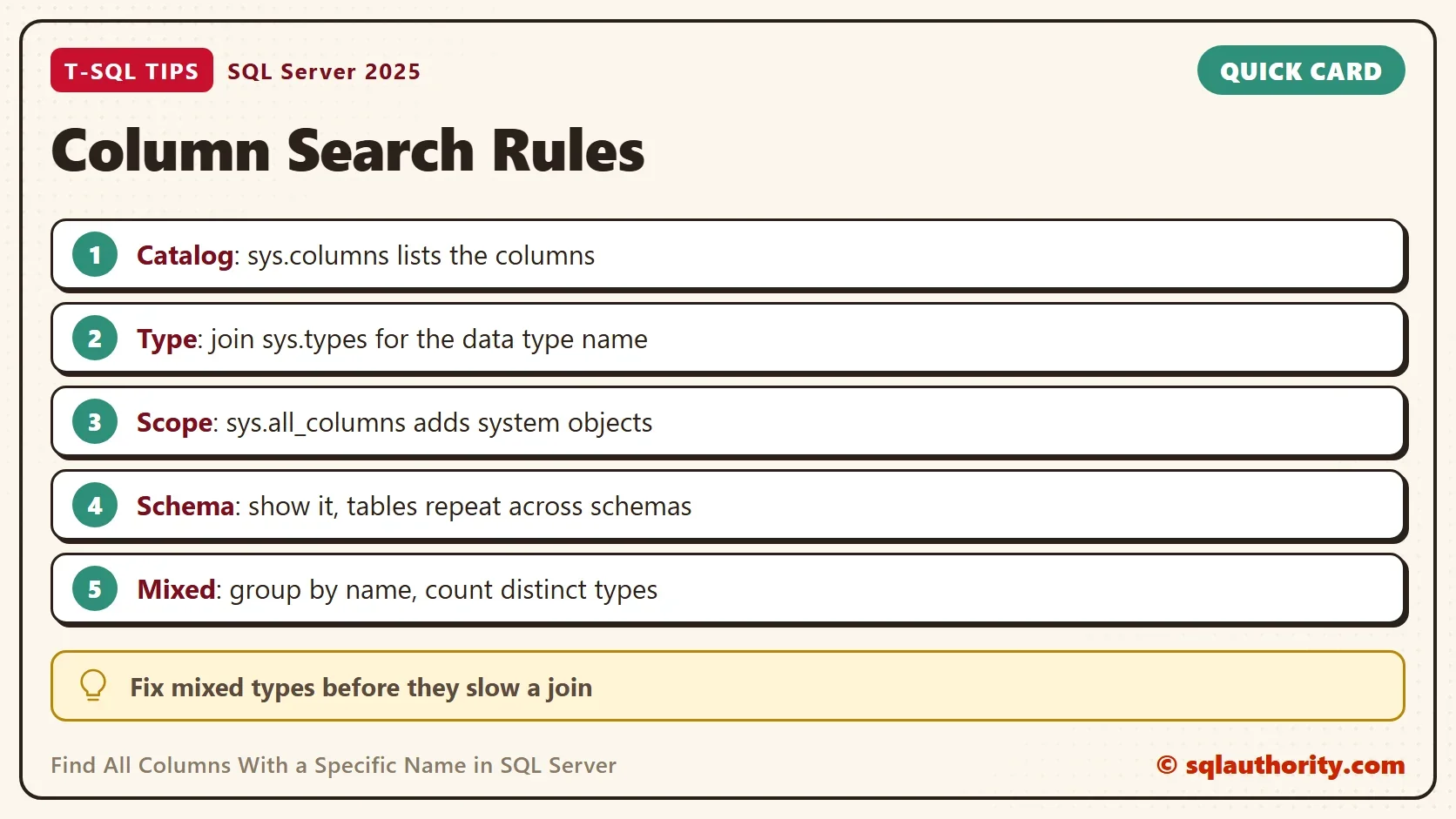
Find Names With Different Data Types
The same catalog answers a bigger question. Which column names mean different things in different tables? An int key in one table and a varchar key in another is a join waiting to go wrong. SQL Server converts one side of such a join, and the conversion can stop an index seek. The query below groups the columns of user tables by name. It keeps the names that use more than one data type, and it lists every table that holds them.
SELECT c.name AS ColumnName, OBJECT_SCHEMA_NAME(c.object_id) + N'.' + OBJECT_NAME(c.object_id) AS TableName, t.name AS DataType, c.max_length
FROM sys.columns AS c
JOIN sys.types AS t ON t.user_type_id = c.user_type_id
JOIN sys.tables AS tb ON tb.object_id = c.object_id
WHERE c.name IN (SELECT c2.name
                 FROM sys.columns AS c2
                 JOIN sys.tables AS t2 ON t2.object_id = c2.object_id
                 GROUP BY c2.name
                 HAVING COUNT(DISTINCT c2.system_type_id) > 1)
ORDER BY c.name, TableName;| ColumnName | TableName | DataType | max_length |
|---|---|---|---|
| CustomerID | dbo.Archive | int | 4 |
| CustomerID | Shop.Customers | int | 4 |
| CustomerID | Shop.Orders | bigint | 8 |
| CustomerID | Shop.Returns | varchar | 12 |
| UnitPrice | Shop.Customers | money | 8 |
| UnitPrice | Shop.Orders | decimal | 9 |
| unitprice | Shop.Returns | float | 8 |
The result is a to do list. CustomerID needs one type across the schema, and the bigint and varchar columns are the odd ones out. The prices mix money, decimal and float, which round in different ways. Note the last row. The column is spelled unitprice in one table, and the grouping still treated it as UnitPrice. That is the collation at work. The list shows the spelling that each table stores.
The query compares types only, so varchar(12) against varchar(50) passes unnoticed. To compare lengths and precisions, count the distinct combinations of c.system_type_id, c.max_length, c.precision and c.scale instead.
Narrow the Search to One Table
The same query shape lists the columns of one table. Filter on the object id instead of a name. The function OBJECT_ID turns a schema and table name into the id, and the filter reads the catalog directly.
SELECT c.name, t.name AS DataType, c.is_nullable
FROM sys.columns AS c
JOIN sys.types AS t ON t.user_type_id = c.user_type_id
WHERE c.object_id = OBJECT_ID(N'Shop.Orders')
ORDER BY c.column_id;
| name | DataType | is_nullable |
|---|---|---|
| OrderID | int | 0 |
| CustomerID | bigint | 0 |
| UnitPrice | decimal | 0 |
Is INFORMATION_SCHEMA Enough?
You could argue that INFORMATION_SCHEMA.COLUMNS is enough. It is the ANSI standard view. It works on other database systems, and one query returns the table, the column and the type. For a quick lookup it is fine. The catalog views show more, such as identity and computed flags, and they join to other catalog views.
Tables Containing a Column: Search by Name in SQL Server searches by pattern and across every database. It shows INFORMATION_SCHEMA as the portable alternative. It also groups the matches of a pattern by data type, as this post does for an exact name.
What to Remember
To find all columns with a specific name, read sys.columns, join sys.types, and filter out the system objects. Always show the schema, and remember that the collation decides how names compare. Then group by name and count the data types. A key with two types is a join problem in waiting.
When you finish, run the cleanup script.
USE master;
GO
ALTER DATABASE SameNameColumnsDemo SET SINGLE_USER WITH ROLLBACK IMMEDIATE;
DROP DATABASE SameNameColumnsDemo;
A column name is not an identity, it is a promise that the same name means the same type.
Published by Pinal Dave on SQLAuthority. More of my work at pinaldave.com.
Discover more from SQL Authority with Pinal Dave
Subscribe to get the latest posts sent to your email.




2 Comments. Leave new
I have actually written a query that pulls this info from a link server (mysql)and generates openqueries for each table. This has saved me .
Other query that is good are a search for key word(s) in a SP ,function, trigger, …
Although it’s not DMV, it’s ANSI Standard and really quite good.
SELECT TABLE_CATALOG, TABLE_SCHEMA, TABLE_NAME, DATA_TYPE, COLUMN_NAME, DATA_TYPE FROM INFORMATION_SCHEMA.COLUMNS WHERE COLUMN_NAME = ‘unitprice’