
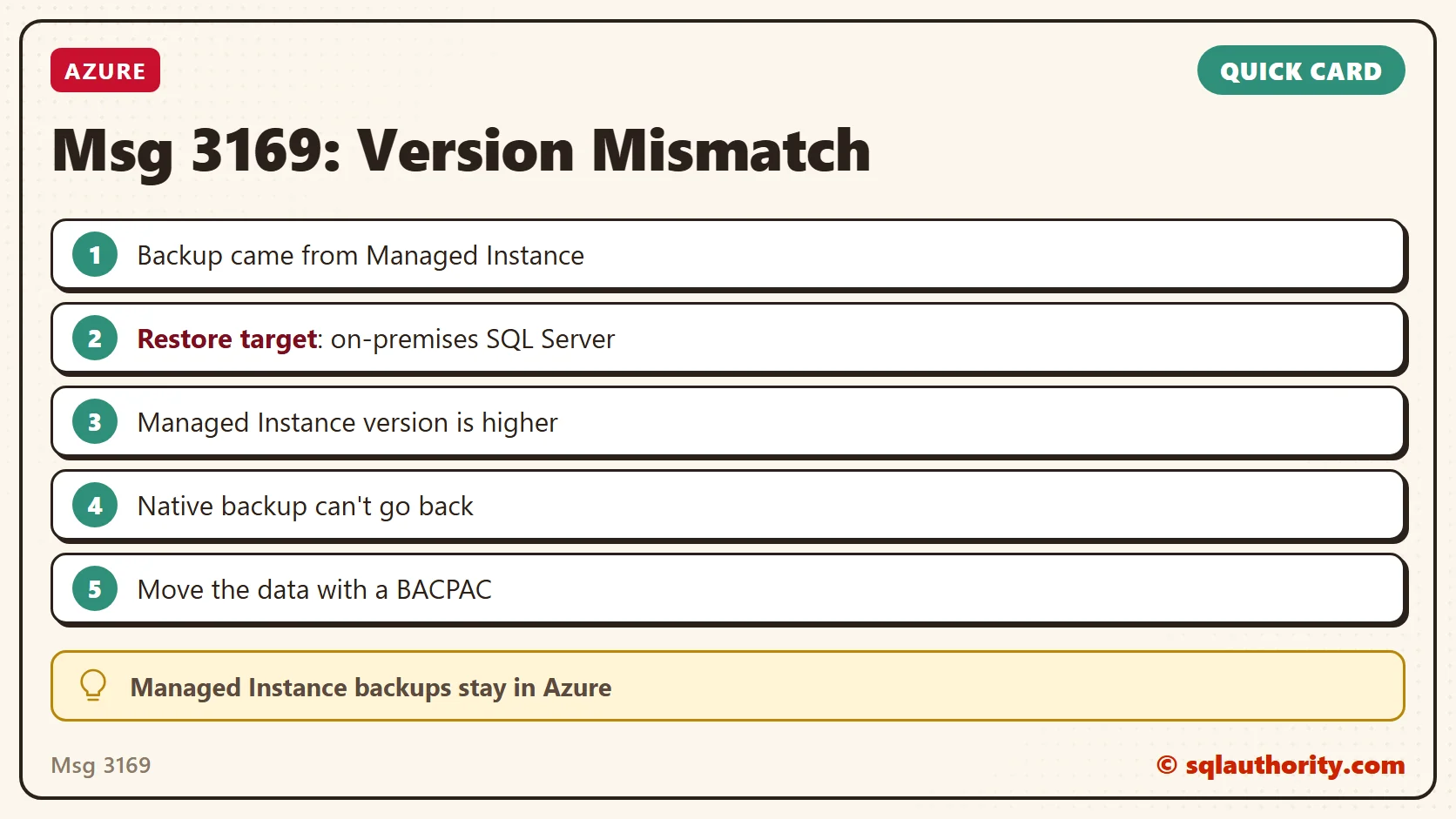
Msg 3169 told a client that a Managed Instance backup was incompatible with their on-premises SQL Server 2019. The major version number was the same on both sides, which made the error a surprise. Here’s what I found.

The Error
This is the error message the client shared with me:
Msg 3169, Level 16, State 1, Line 7
The database was backed up on a server running version 15.00.2000. That version is incompatible with this server, which is running version 15.00.2070. Either restore the database on a server that supports the backup, or use a backup that is compatible with this server.
Msg 3013, Level 16, State 1, Line 7
RESTORE DATABASE is terminating abnormally.
What the Client Saw
One of my clients had migrated to SQL Azure Managed Instance. They took a backup from the managed instance. They wanted to restore it to SQL Server 2019 on premises. The restore failed with the message above.
Why It Happens
The error surprised me because the major version number is the same on both sides. Both 15.00.2000 and 15.00.2070 are SQL Server 2019, so the restore should have worked.
Later, I searched more and learned about this limitation of Managed Instance. Microsoft’s FAQ says a native COPY_ONLY backup from a managed instance can’t be restored to SQL Server. The reason is that the managed instance has a higher database version.

In other words, a database backup created on a managed instance can only be restored on another managed instance. It can’t be restored to an on-premises SQL Server instance. It works like a SQL Server 2016 backup that can’t be restored to SQL Server 2012.
The Fix
Because of this limitation, we went ahead with the BACPAC method. A BACPAC export and import moves the schema and the data without using a native backup.
How to Prevent It
Plan an export method such as BACPAC from the start if a database will ever leave a managed instance. Don’t count on a native backup to bring it back.
A matching major version is not a compatible backup, it is a number that doesn’t tell the whole story.
Published by Pinal Dave on SQLAuthority. More of my work at pinaldave.com.
Discover more from SQL Authority with Pinal Dave
Subscribe to get the latest posts sent to your email.



1 Comment. Leave new
Cloud 101 experience obtained