
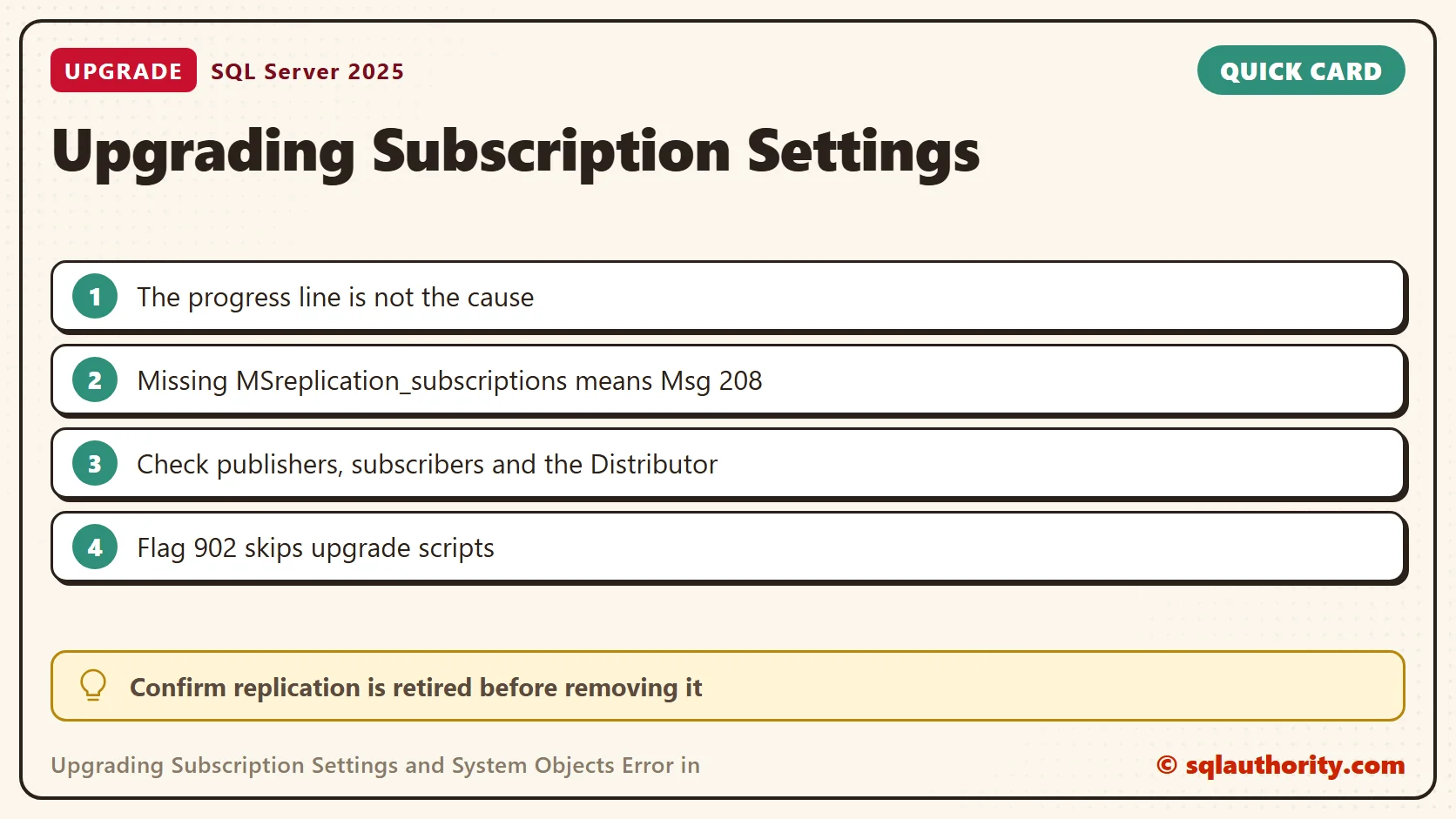
Upgrading subscription settings names an upgrade step, not the cause of its failure. In this 2018 client case, the next line named a missing replication table. That detail mattered because the client reported no remaining replication need.

The Error After the Progress Message
A blog reader contacted me for On Demand consulting. During the remote investigation, the ERRORLOG showed this sequence for the database BAPDB.
Upgrading subscription settings and system objects in database [BAPDB].
Invalid object name 'MSreplication_subscriptions'.
Error executing sp_vupgrade_replication.
Saved upgrade script status successfully.
The saved-status line does not mean the replication upgrade worked. It follows an explicit missing-object error. Read the lines around it before you decide which operation failed.
Establish Whether Replication Is Still Required
The client said replication was no longer used and declined an approach that created the missing system table. I suspected leftover metadata, but a missing table alone does not prove that. Review the topology before you remove anything.
Run this query with the database named in the error as the current database. It shows the replication flags of that database.
SELECT name, state_desc, is_published, is_merge_published, is_subscribed, is_distributor
FROM sys.databases
WHERE name = DB_NAME();
On my test database all four flags are 0. These flags are only part of the inventory. The is_subscribed column is documented as unused and always 0, so a subscriber never shows there.
Look Beyond One Database
Check the whole instance for publishers and Distributors, and ask the Distributor directly.
SELECT name, is_published, is_merge_published, is_distributor
FROM sys.databases
WHERE is_published = 1 OR is_merge_published = 1 OR is_distributor = 1;
EXEC sys.sp_helpdistributor;
My instance returned no rows from the first query, and sp_helpdistributor returned one row of NULL values. Metadata visibility depends on permissions, so an empty result is not proof. A remote Distributor also needs a check on its own server, and so do the SQL Server Agent jobs.
Confirm the Missing Table
The failing step reads MSreplication_subscriptions. Replication creates that table in a database that takes part as a subscriber. If it is missing, the upgrade step fails with the error from the log.
SELECT OBJECT_ID(N'dbo.MSreplication_subscriptions') AS SubscriptionsTable;
On my scratch database it returned NULL. Selecting from the name raised Msg 208, Invalid object name. That is the text in the log. A NULL tells you the table is absent. It does not tell you why, so go back to the topology review.
What Resolved This Case
The original fix used trace flag 902 for temporary access. After the client confirmed that replication was no longer needed, we ran sp_removedbreplication in the affected database. A normal startup without the flag then succeeded.
That procedure removes replication objects from the database you name. It does not clean up other databases or the Distributor. It ran without error on my scratch database, which never had replication. Use the supported removal process first. This procedure is for cases where the other methods have failed.
Do not run it on an active replication database to get past an upgrade step. Keep recoverable backups and the topology details. If replication is still required, repair the metadata through the support path for your version.
Prepare Before Any Removal
- Take a recoverable backup of the affected database and keep the ERRORLOG from the failed start.
- List the publications, subscriptions and replication agent jobs that still exist, on every server in the topology.
- Ask the application owners in writing whether replication is retired.
- Restore the backup to a test instance and rehearse the removal there first.
The rehearsal costs an hour and shows you what the procedure changes before it touches the real database.
Verify the Completed Upgrade
Trace flag 902 skips the upgrade scripts, and it does not complete them. Remove the temporary bypass after the diagnosed problem is fixed, so the required scripts can finish. Then check the final setup result and the ERRORLOG.
EXEC master.dbo.xp_readerrorlog 0, 1, N'Upgrading subscription settings';
That search returned no rows on my instance. On an instance that ran the step, it lists the databases the step touched. An error line follows the one that failed. Related notes cover an ALTER DATABASE error during upgrade and service control from the command prompt.
A missing replication table is not permission to remove replication, it is evidence to investigate before changing the topology.
Published by Pinal Dave on SQLAuthority. More of my work at pinaldave.com.
Discover more from SQL Authority with Pinal Dave
Subscribe to get the latest posts sent to your email.


1 Comment. Leave new
I had a similar problem when applying CU8 for SQL 2016 SP2.
The CU produced the error messages “Invalid object name ‘MSreplication_subscriptions’” “Error executing sp_vupgrade_replication” for a database that is not involved in replication.
Then the CU update hung. After more than an hour with no activity I killed the update.
I started SQL with trace flag T902.
Executing sp_removedbreplication did not fix the issue for me.
I detached the offending database as I had a copy elsewhere.
Then I stopped SQL and restarted it normally.
It started successfully and now displays “SQL Server 13.0.5426.0” in SSMS, which seems to indicate that the CU completed successfully.
However there is a folder left behind on the server drive where the database logfiles are kept. It’s named bb284dce9532b41ed5042074 and contains the file SCENARIOENGINE.EXE plus 78 dll files (e.g. MICROSOFT.SQLSERVER.CONFIGURATION.BOOTSTRAPEXTENSION.DLL)
Hotfix 5426 appears in the Installed Updates list on the server.
Was the install of the CU successful or not?
Can I simply delete the bb284dce9532b41ed5042074 folder?
Or do I need to back out the CU8 install and reinstall it?
I appreciate any guidance provided.