
To create an index online in SQL Server, add WITH (ONLINE = ON) to CREATE INDEX. Writers keep working while the index builds. The option is not free, because it costs build time and still takes two short locks.

What a Plain CREATE INDEX Blocks
A plain CREATE INDEX takes a shared lock on the table for the whole build. Readers carry on, but every INSERT, UPDATE and DELETE on that table waits. On a large table that can mean minutes of timeouts. The demo uses a table of 3,000,000 orders in a database named OnlineIndexDemo, so the build lasts a few seconds. Run it on a test server.
IF DB_ID(N'OnlineIndexDemo') IS NULL CREATE DATABASE OnlineIndexDemo;
GO
USE OnlineIndexDemo;
GO
DROP TABLE IF EXISTS dbo.Orders;
CREATE TABLE dbo.Orders (
    OrderID    int           NOT NULL PRIMARY KEY,
    CustomerID int           NOT NULL,
    OrderDate  date          NOT NULL,
    Total      decimal(10,2) NOT NULL
);
INSERT INTO dbo.Orders (OrderID, CustomerID, OrderDate, Total)
SELECT n, 1 + (n % 5000), DATEADD(DAY, n % 365, '2025-01-01'), 10 + (n % 90)
FROM (SELECT TOP (3000000) ROW_NUMBER() OVER (ORDER BY (SELECT NULL)) AS n
      FROM sys.all_objects AS a CROSS JOIN sys.all_objects AS b CROSS JOIN sys.all_objects AS c) AS x;
This test needs two query windows. Start the build in window 1, and switch to window 2 within a second.
-- Window 1
CREATE NONCLUSTERED INDEX IX_Orders_Customer
ON dbo.Orders (CustomerID, OrderDate) INCLUDE (Total);
-- Window 2
SET STATISTICS TIME ON;
INSERT INTO dbo.Orders (OrderID, CustomerID, OrderDate, Total)
SELECT MAX(OrderID) + 1, 1, '2026-01-01', 9.99 FROM dbo.Orders;
The insert doesn’t return until the build ends. In the demo the build took about 2.2 seconds, and an insert started a moment later waited about 1.8 seconds. A SELECT in window 2 returns at once. If your build is too short to switch windows, raise the row count in the first script to 10 million.
Create an Index Online
Drop the index and build it again with the ONLINE option. Then repeat the insert in window 2. This time it finishes at once.
-- Window 1
DROP INDEX IX_Orders_Customer ON dbo.Orders;
GO
CREATE NONCLUSTERED INDEX IX_Orders_Customer
ON dbo.Orders (CustomerID, OrderDate) INCLUDE (Total)
WITH (ONLINE = ON);
To compare the two builds fairly, a small program ran one statement every 20 milliseconds on a second connection. It did so during each build. The table shows the range of the runs. Your times will differ, and the pattern holds.
| Build | Build time | Inserts during the build | Selects during the build |
|---|---|---|---|
| Plain | 2.2 to 3.0 seconds | 1 insert waited 1.8 to 1.9 seconds | not blocked, slowest 274 ms |
| ONLINE = ON | 4.5 to 4.7 seconds | 117 to 124 ran, slowest 29 to 45 ms | 134 ran, slowest 4 ms |
The online build took about twice as long. It tracks every change that writers make during the build, and it needs extra space for that work. That is the price for letting writers in. On a table that is idle at night, a plain build can be the better choice.
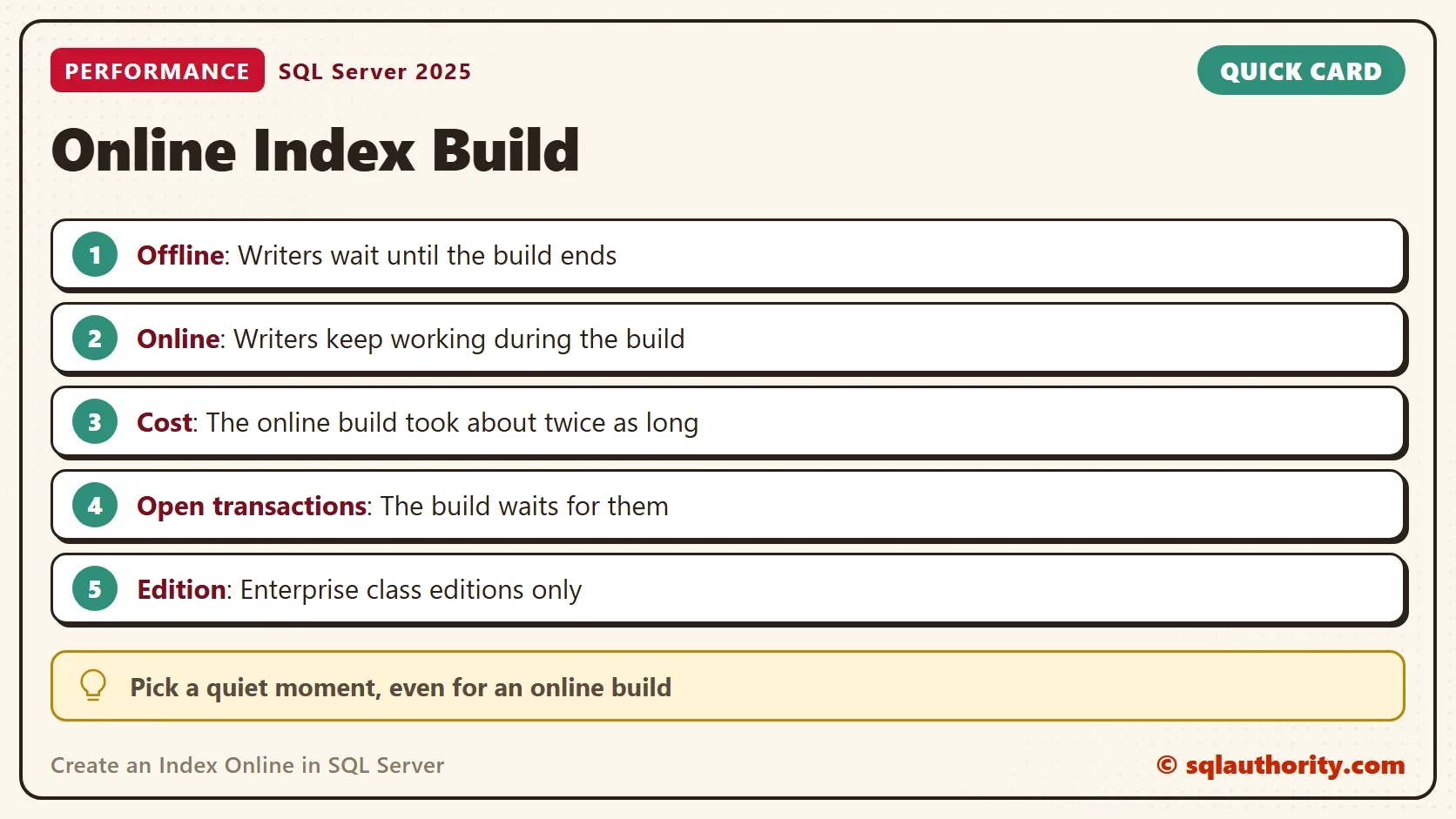
Where an Online Build Still Waits
Online doesn’t mean lock free. The build takes a short lock when it starts and a short schema lock when it ends. Both locks must wait for open transactions on the table. Window 2 sets up the first wait. It opens a transaction, inserts a row and leaves the transaction open.
-- Window 2
BEGIN TRANSACTION;
INSERT INTO dbo.Orders (OrderID, CustomerID, OrderDate, Total)
SELECT MAX(OrderID) + 1, 1, '2026-01-01', 9.99 FROM dbo.Orders;
Now drop the index and start the online build again in window 1. It doesn’t finish. A third window shows why.
-- Window 3
SELECT session_id, wait_type, blocking_session_id
FROM sys.dm_exec_requests
WHERE wait_type LIKE N'LCK%';
| wait_type | blocking_session_id |
|---|---|
| LCK_M_S | the session number of window 2 |
The build waits for a shared lock, and window 2 holds the conflicting lock. Commit or roll back in window 2, and the build moves on within about a second. Inserts from another session were not blocked while the build waited.
-- Window 2
ROLLBACK TRANSACTION;
The second wait comes at the end of the build, when the new index replaces the working copy. A long transaction that started during the build can hold it up. So an online build is safest when no long transaction runs on the table. Check for open transactions before you start.
Limits and Options
You can create an index online only on an edition that supports it: Enterprise, Developer or Evaluation. Check yours first with the query below. The test server returns Enterprise Developer Edition (64-bit).
SELECT SERVERPROPERTY('Edition') AS Edition;The ONLINE option doesn’t apply to full-text indexes, because a background process populates them. On SQL Server 2019 and later, add RESUMABLE = ON to pause a long build and continue it later. CREATE INDEX doesn’t accept the WAIT_AT_LOW_PRIORITY option that ALTER INDEX REBUILD offers.
Is a Quiet Hour Better?
You could argue that a plain build in a quiet hour beats an online build. It takes half the time. For a system with a real maintenance window, that is true. A system that never goes quiet needs the online build. A few seconds of extra work is a small price. The decision comes down to one question: does anyone write to the table while the index builds?
What to Remember
Create an index online with WITH (ONLINE = ON) when writers must keep working. Expect a longer build, extra space and two short locks. Check for open transactions before you start, and watch for LCK_M_S waits if the build seems stuck.
Use a plain build when the table is idle. Test on a copy first, because the build time on your data is the number that matters. When you finish with the demo, run the cleanup script.
USE master;
GO
ALTER DATABASE OnlineIndexDemo SET SINGLE_USER WITH ROLLBACK IMMEDIATE;
DROP DATABASE OnlineIndexDemo;
An online index is not a lock-free index, it is an index whose locks are short.
Published by Pinal Dave on SQLAuthority. More of my work at pinaldave.com.
Discover more from SQL Authority with Pinal Dave
Subscribe to get the latest posts sent to your email.




3 Comments. Leave new
Creating with online = on DOES lock the table for a brief moment.
“not lock your table most of the time”
If you’re using the enterprise version and creating a `full text` index, does it still lock it?