Indexes and SELECT queries became an unexpected gift from my friend Harvey Powell: a coffee mug. After years of blogging, a thoughtful gift like this still makes me feel like a kid. This one came with a SQL Server conversation printed on both sides.

The Conversation Behind the Gift
Harvey is a DBA from Lubbock, Texas, and a close friend. During trips to Asia for spiritual reasons, Harvey also visits our family. Our conversation about this mug started with a query performance demonstration.
Harvey watched my demonstration of an index slowing down a SELECT query and called to discuss it. We spent nearly 20 minutes talking through the result. Harvey later watched the recorded SQL Server Performance Tuning Practical Workshop.
Then the mug arrived. Harvey had turned that discussion into a gift I could hold in my hands. Thank you, Harvey, for the thought behind it, and VistaPrint for delivering it safely.
Indexes and SELECT Queries Need Context
The mug says that indexes slow down SELECT queries. That is a playful reference to the demonstration, not a rule for every query. A useful index can improve performance; a poorly chosen access path can make a particular query slower.
The other side says to drop unused indexes. I like the reminder to review them, but I would not make a production change from a slogan. First, check what the index supports and how long its usage has been observed.
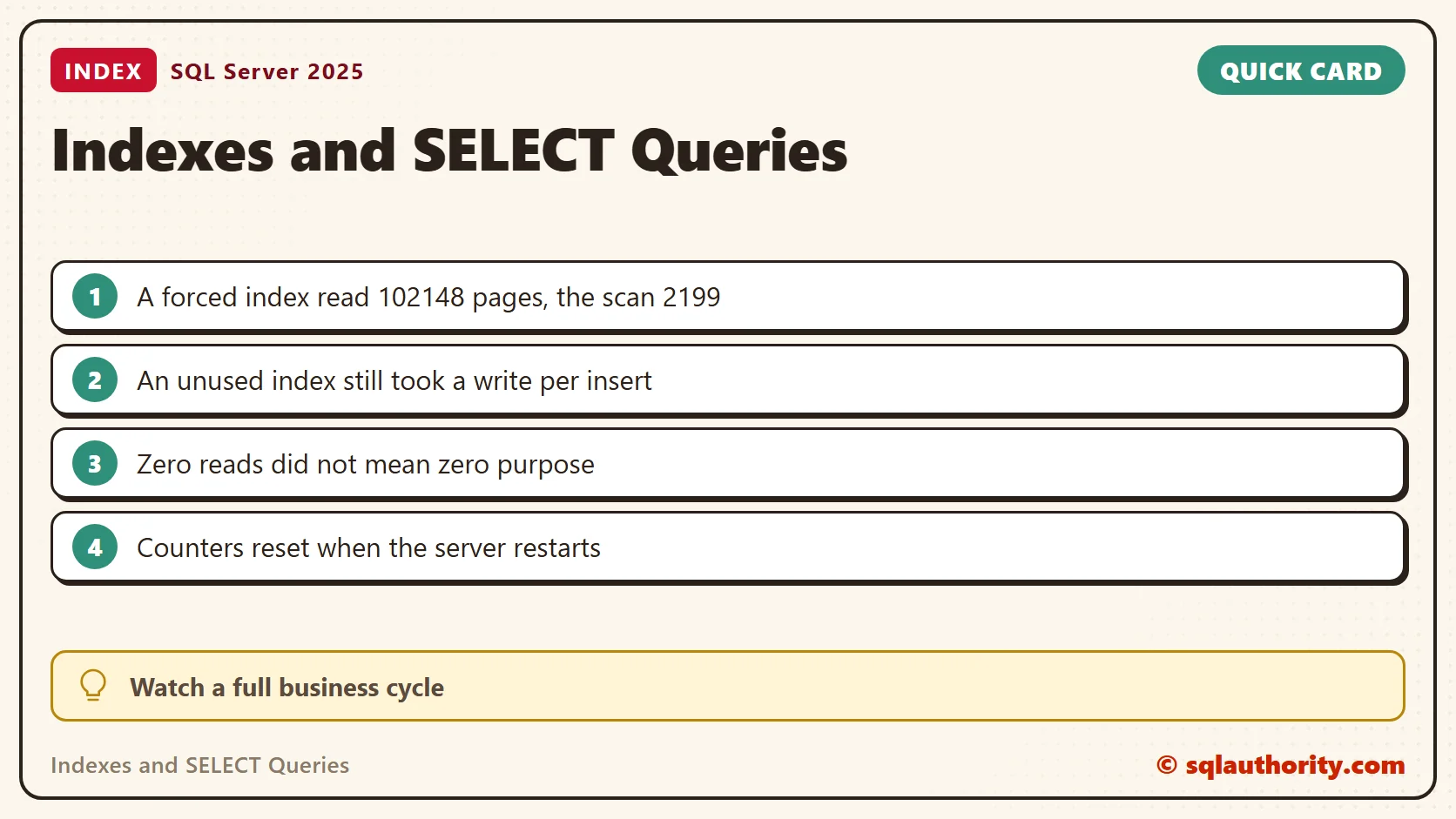
SQL Server restarts clear the index usage counters. An index needed by a monthly report can also look quiet during a short review. Check whether it supports a primary key or uniqueness before deciding that it has no purpose.
I tested both sides on SQL Server 2025. I started with the right side of the mug.
What the Counters Say About an Unused Index
My test table holds 100,000 meal rows with three indexes. One is on CustomerId. One is on Branch, which has only three values. One is a unique index on Email. I ran three queries on customers, inserted 1,000 rows and updated one customer’s amounts. Then I read the usage counters.
CREATE TABLE dbo.Meals (
    MealId int IDENTITY(1,1) PRIMARY KEY,
    CustomerId int NOT NULL,
    Email nvarchar(60) NOT NULL,
    Branch char(3) NOT NULL,
    Amount decimal(8,2) NOT NULL,
    Filler char(100) NOT NULL DEFAULT 'x');
INSERT dbo.Meals (CustomerId, Email, Branch, Amount)
SELECT value % 5000 + 1, CONCAT(N'diner', value, N'@example.com'), CHOOSE(value % 3 + 1, 'EAS', 'WES', 'NOR'), 4 + value % 20
FROM GENERATE_SERIES(1, 100000);
CREATE INDEX IX_Meals_Customer ON dbo.Meals (CustomerId);
CREATE INDEX IX_Meals_Branch ON dbo.Meals (Branch);
CREATE UNIQUE INDEX UX_Meals_Email ON dbo.Meals (Email);
SELECT COUNT(*) AS c FROM dbo.Meals WHERE CustomerId = 42;
SELECT COUNT(*) AS c FROM dbo.Meals WHERE CustomerId = 43;
SELECT COUNT(*) AS c FROM dbo.Meals WHERE CustomerId BETWEEN 100 AND 110;
INSERT dbo.Meals (CustomerId, Email, Branch, Amount)
SELECT 7, CONCAT(N'new', value, N'@example.com'), 'WES', 5 FROM GENERATE_SERIES(1, 1000);
UPDATE dbo.Meals SET Amount = Amount + 1 WHERE CustomerId = 7;
GO
SELECT i.name, s.user_seeks, s.user_scans, s.user_lookups, s.user_updates
FROM sys.indexes AS i
LEFT JOIN sys.dm_db_index_usage_stats AS s
       ON s.object_id = i.object_id AND s.index_id = i.index_id AND s.database_id = DB_ID()
WHERE i.object_id = OBJECT_ID('dbo.Meals') AND i.index_id > 1
ORDER BY i.name;| Index | Seeks | Scans | Lookups | Updates |
|---|---|---|---|---|
| IX_Meals_Branch | 0 | 0 | 0 | 1 |
| IX_Meals_Customer | 4 | 0 | 0 | 1 |
| UX_Meals_Email | 0 | 0 | 0 | 1 |
The Branch index was never read, and the insert still had to maintain it. That is the case the mug has in mind. The Email index shows the same zeros, and it is not the same case. A duplicate email failed with error 2601, so the zero-read index was doing its job.
BEGIN TRY
  INSERT dbo.Meals (CustomerId, Email, Branch, Amount) VALUES (1, N'diner5@example.com', 'EAS', 9);
END TRY
BEGIN CATCH
  SELECT ERROR_NUMBER() AS err, ERROR_MESSAGE() AS msg;
END CATCH
How Long Have the Counters Been Running
A zero is a candidate, not a verdict. Before I trust one, I check how long the counters have been collecting. The server start time answers that, because a restart resets them.
SELECT sqlserver_start_time FROM sys.dm_os_sys_info;
My review follows four steps. List the indexes with no reads and some updates. Rule out indexes that enforce uniqueness or back a foreign key. Confirm the counters span a full business cycle, including the monthly report. Script the index before dropping it, so it can come back. Unused Index Script: Find Indexes That Only Cost You Writes and Index Usage Stats Reset go deeper.
When an Index Slows Down a SELECT
Now the left side of the mug. I asked for the amounts of one branch, a third of the table. The optimizer scanned the table and read 2,199 pages. Then I forced the Branch index with a hint. The same query read 102,148 pages, because every matching row needed a lookup into the table.
SET STATISTICS IO ON;
SELECT COUNT(*) AS n, SUM(Amount) AS total FROM dbo.Meals WHERE Branch = 'EAS';
SELECT SUM(Amount) AS total FROM dbo.Meals WITH (INDEX(IX_Meals_Branch)) WHERE Branch = 'EAS';
SET STATISTICS IO OFF;
The index didn’t slow the first query. The optimizer ignored it, and that was the right call. The slow one happened only after I forced the plan. In real systems, stale statistics or a hint left in code can force the same choice by accident. That is the story behind the mug’s left side.
The Artwork Behind the Mug
Harvey also shared the artwork used for printing and invited readers to use it. The original design is below.

A thoughtful gift does not need to be complicated. This one brought together friendship, a useful SQL discussion, and room for coffee. That is a good combination in my book.
A coffee mug is not a rule for your server, it is a reason to test the claim.
Published by Pinal Dave on SQLAuthority. More of my work at pinaldave.com.
Discover more from SQL Authority with Pinal Dave
Subscribe to get the latest posts sent to your email.