
Setup error 0x851A0012 appeared while I was helping a customer recover from a disaster. They had a hardware failure, and the master database was corrupted. The plan was to rebuild the system databases first and then restore all databases from backup.

The Error
After the REBUILDDATABASE command, setup failed. The setup log showed this:
Feature: Database Engine Services
Status: Failed: see logs for details
Reason for failure: An error occurred during the setup process of the feature.
Next Step: Use the following information to resolve the error, and then try the setup process again.
Component name: SQL Server Database Engine Services Instance Features
Component error code: 0x851A0012
Error description: Missing sa account password. The sa account password is required for SQL Authentication Mode.
What Happened
We used the command below to rebuild the system databases. I took it from the Microsoft documentation, which lists some of its parameters as optional.
Setup /QUIET /ACTION=REBUILDDATABASE /INSTANCENAME=MSSQLSERVER /SQLSYSADMINACCOUNTS="domain\username"The names in the command are placeholders. Use your own instance name and account.
Why It Happens
The documentation shows SAPWD as optional, so I had left it out. The error description tells the real story. When SQL Server was installed with mixed mode authentication, SAPWD is mandatory.

How to Check
Read the Error description in the setup log. If it says the sa account password is required, look at your command for SAPWD. Then think about the authentication mode of the instance you are rebuilding.
The Fix
Add the SAPWD parameter with a strong password for the sa account:
Setup /QUIET /ACTION=REBUILDDATABASE /INSTANCENAME=YourInstance /SQLSYSADMINACCOUNTS="domain\username" /SAPWD=YourStrongPasswordConfirm It Worked
After running the new command, the setup completed successfully. We then restored all the databases, including master, and they were back in business.
How to Prevent It
Read the optional parameters in the documentation with your own instance in mind. If it uses mixed mode, put SAPWD into your rebuild plan before the disaster, not during it.
Related reading: Login vs User, Unable to Initialize Encryption and Beginning of SQL Server Security.
A sibling post covers a different failure of the same tool: Setup Error 0x84CF0004.
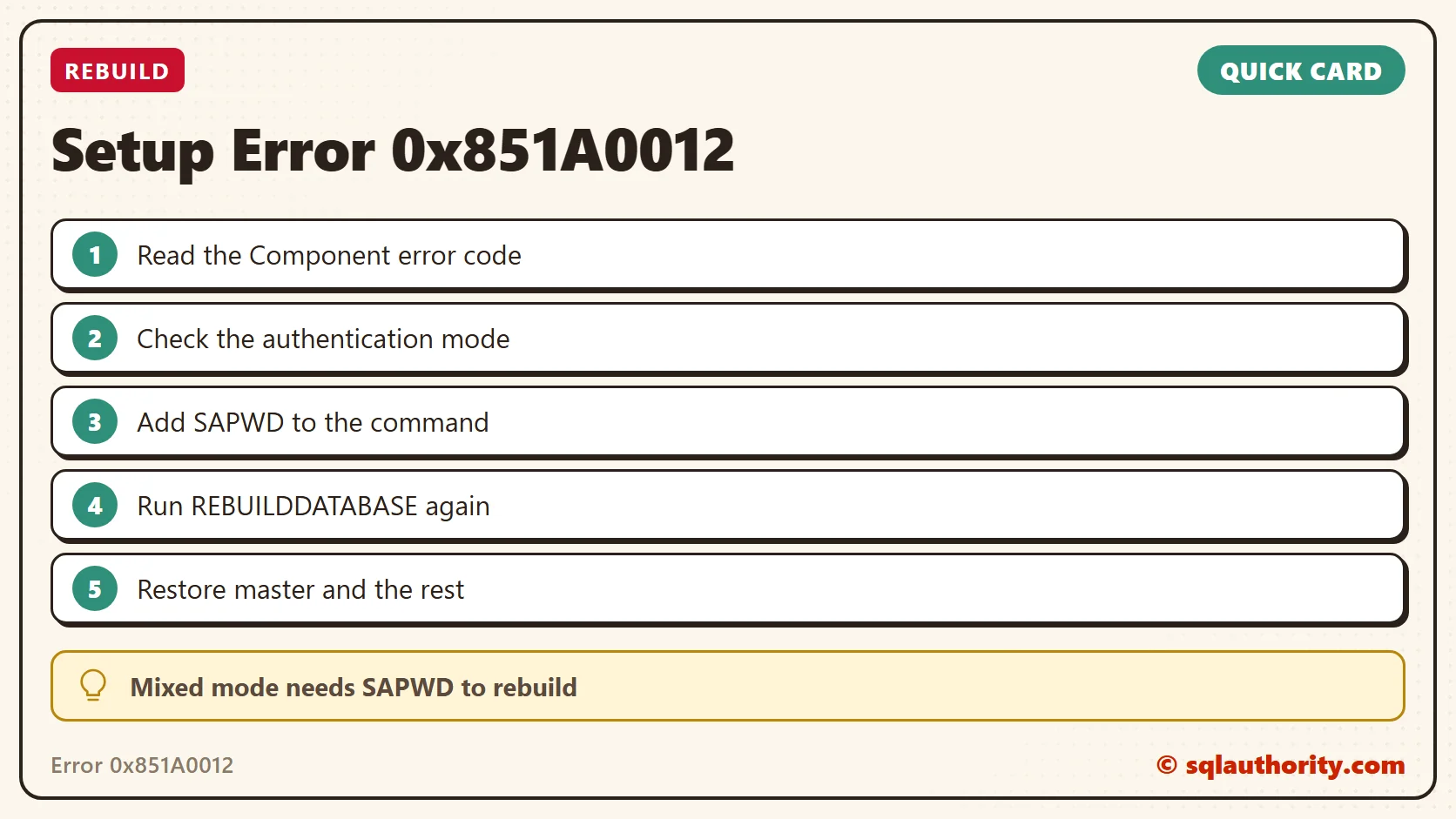
SAPWD is not optional on every instance, it is required when SQL authentication is on.
Published by Pinal Dave on SQLAuthority. More of my work at pinaldave.com.
Discover more from SQL Authority with Pinal Dave
Subscribe to get the latest posts sent to your email.




2 Comments. Leave new
Hi,
Thanks for This informative blog post.
i think this process should be enhanced by Microsoft, if “Mixed” mode is configured for SQL Logins….there are in-place security implementations required (for security compliance) against “SA” account such as resetting the account to very complex,and lengthy password in addition to disabling the account. So, what if i don’t have SA password ??!! and using another DBA account with SYSADMIN role for administration.
I think instead of rebuilding first then restoring….you can just restore directly while enabling single user mode…is this doable ?
Regards,
Emad Al-Mousa
Sorry, misunderstanding from my side…..the setup command when rebuilding the master database a “new” SA password will be created.
Regards,
Emad Al-Mousa