
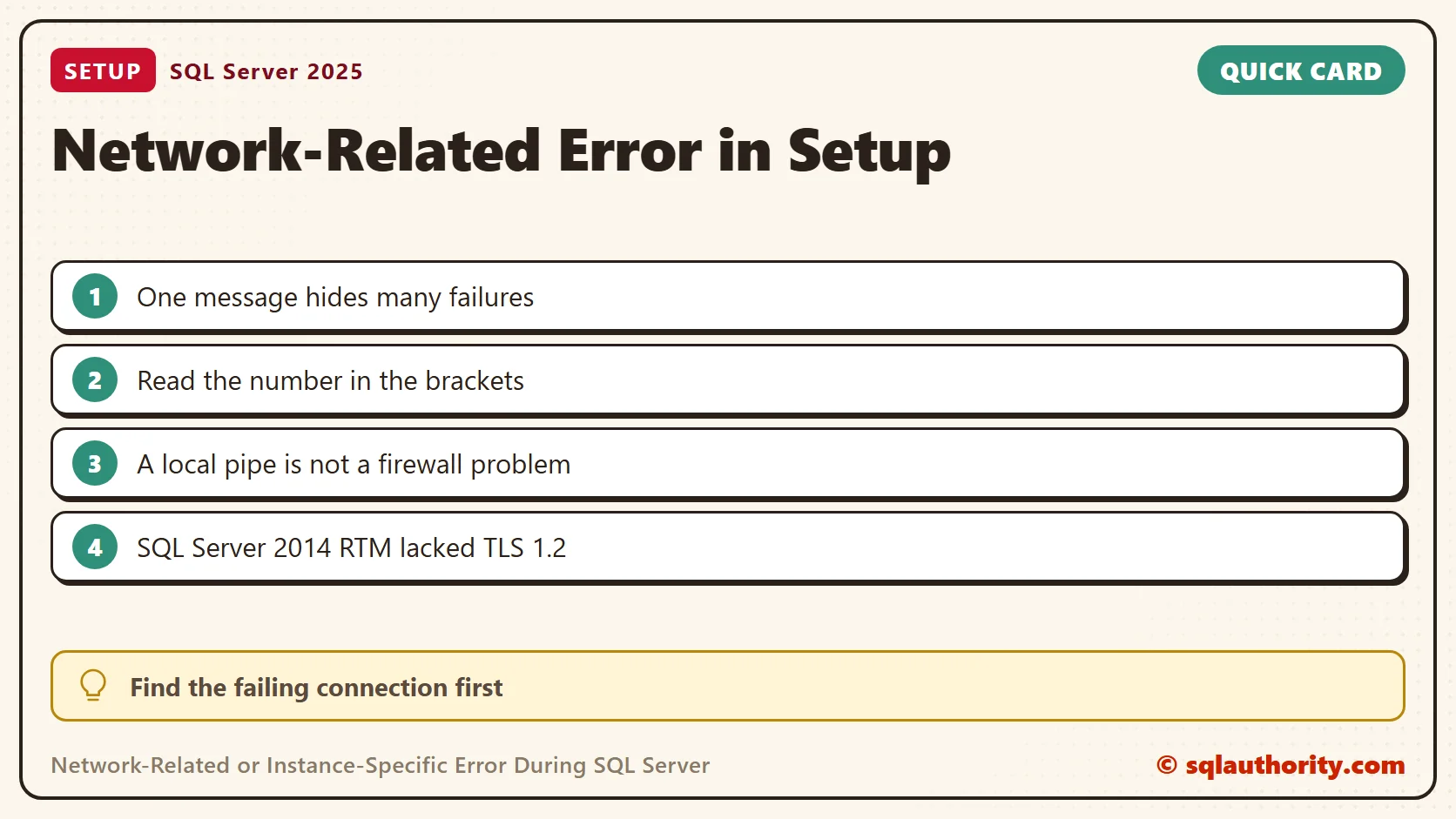
The network-related or instance-specific error is a wrapper message, and the number inside it names the real failure. In this 2019 client case, the message appeared inside SQL Server Setup. The installation was SQL Server 2014 RTM, and TLS compatibility was the cause.

Start With the Setup Connection
Detail.txt showed Setup trying to connect to the local Database Engine through this named pipe.
Data Source=\\.\pipe\SQLLocal\MSSQLSERVER
Initial Catalog=master
Integrated Security=True
Application Name=SqlSetup

Named Pipes Provider, error: 40 - Could not open a connection to SQL Server
HResult: 0x84bb0001
The usual message mentions remote connections, but this connection was local. Opening a firewall port would not fix a TLS incompatibility in Setup. My earlier Named Pipes error 40 article covers other connection scenarios. Do not assume every error 40 has the same cause.
Read the Number in the Message
The closing sentence of this error is the same for many different failures. Only the number in brackets and the lines before it differ. I ran three connections from PowerShell against my SQL Server 2025 instance. Two fail and one works.
sqlcmd -S 'np:\\.\pipe\NoSuchPipe' -E -C -l 3 -Q "SELECT 1"
sqlcmd -S '.\NoSuchInstance' -E -C -l 3 -Q "SELECT 1"
sqlcmd -S 'np:\\.\pipe\MSSQL$SQLDEV\sql\query' -E -C -l 5 -h -1 -Q "SELECT net_transport FROM sys.dm_exec_connections WHERE session_id = @@SPID"
The first command named a pipe that does not exist. It failed with Named Pipes Provider: Could not open a connection to SQL Server [2]. A login timeout followed, then the generic closing sentence.
The second named an instance that does not exist. It reported Error Locating Server/Instance Specified [xFFFFFFFF] and ended with the same closing sentence. The third used the real pipe and connected, and the instance reported a named pipe transport.
So the closing sentence tells you nothing by itself. Read the provider name, the number and the HResult. Then look for the first failure in the log, because later messages are usually consequences.
Check Protocols and Encryption
When the instance accepts a connection, ask which protocols it offers and whether the session is encrypted. Both queries only read.
SELECT RIGHT(registry_key, CHARINDEX('\', REVERSE(registry_key)) - 1) AS Protocol, value_data AS Enabled
FROM sys.dm_server_registry
WHERE value_name = N'Enabled'
  AND (registry_key LIKE N'%SuperSocketNetLib\Np' OR registry_key LIKE N'%SuperSocketNetLib\Sm' OR registry_key LIKE N'%SuperSocketNetLib\Tcp');
SELECT net_transport, encrypt_option FROM sys.dm_exec_connections WHERE session_id = @@SPID;
On my instance Named Pipes, Shared Memory and TCP/IP are all enabled, and the session is encrypted. Those results tell you the engine side is open. They do not prove that the Setup client or its .NET parts support the TLS version in use.
Identify the Version and the Failing Component
- Save Summary.txt, Detail.txt and the Database Engine error log from the failed attempt.
- Confirm the media version, the selected instance and the exact connection target.
- Read the first startup or handshake failure. Later connection messages can be consequences.
- Check the installed SQL Server, client provider, .NET and Windows components for the TLS support they need.
Record the HResult as well. The value 0x84bb0001 also appears in other setup failures, such as a damaged media case. It is a wrapper, not a diagnosis.
The original SQL Server 2014 RTM release did not include TLS 1.2 support. Later updates added it. A compatible engine is not enough if the Setup client or its .NET parts lack the support.
What Happened in the Old Case
The workaround changed protocol settings to allow TLS 1.0, reinstalled and patched SQL Server, then disabled TLS 1.0. Installation completed and the application connected afterward. That is the historical result, not advice to weaken TLS.
For an affected legacy installation, Microsoft KB3135769 describes the Setup and .NET issue and its remedies by version. Match its operating system and product requirements before you apply anything. That page is a hotfix reference, and I did not re-open it for this refresh.
Prefer a supported SQL Server and Windows combination with current setup components. If a legacy exception is unavoidable, plan it with the security team and limit it in time. Never disable TLS 1.2 or certificate checks as a routine connection fix.
Verify More Than the Final Dialog
Confirm that Setup completed, the instance starts normally and the expected patch level is installed. Then test the intended client connection with the encryption settings you require. A successful local Setup connection does not prove that every application driver is compatible.
A generic connection error is not proof of a network outage, it is a reason to identify the failing connection.
Published by Pinal Dave on SQLAuthority. More of my work at pinaldave.com.
Discover more from SQL Authority with Pinal Dave
Subscribe to get the latest posts sent to your email.




1 Comment. Leave new
This is somewhat related to my issue. I get the same error while installing the second instance. The first instance is running fine. Is there any fix for my issue?