Error 18210 showed up in a client’s ERRORLOG next to a message about too many parallel operations. The client reached me through my On Demand (50 Minutes) offering.

The Error
This is the complete message from the SQL Server ERRORLOG:
New parallel operation cannot be started due to too many parallel operations executing at this time. Use the "max worker threads" configuration option to increase the number of allowable threads, or reduce the number of parallel operations running on the system.What the Client Saw
I asked for the complete ERRORLOG and the Windows Event Logs, to look at them from every angle. The ERRORLOG held these lines:
Error: 18210, Severity: 16, State: 1.
BackupIoRequest::ReportIoError: write failure on backup device '{BD27F651-5DB3-4CB4-9615-9FDEC4D8EECE}331'. Operating system error 995(The I/O operation has been aborted because of either a thread exit or an application request.).
At the same time, the Event Log held these lines. The SQLVDI line repeats with different thread numbers, so I show it once.
SQLVDI: Loc=TriggerAbort. Desc=invoked. ErrorCode=(0). Process=1724. Thread=2300. Server. Instance=MSSQLSERVER. VD=Global\{FFC0C1C0-25D9-4A90-82B3-3ABBCFEA9476}247_SQLVDIMemoryName_0.
BACKUP failed to complete the command BACKUP DATABASE ReportingService_Alerting. Check the backup application log for detailed messages.
Why It Happens
The SQLVDI lines showed that the client wasn’t taking native backups with a maintenance plan or T-SQL. A third-party tool took the backups through SQLVDI. The error appeared at the same time a backup was running.
Further investigation showed that the client had more than 1,000 databases. The tool backed all of them up at the same time.

The Fix
I suggested two steps:
- Talk to the backup team and find a way to stagger the backups. Then the backups won’t use so many parallel threads at the same time.
- Increase the number of worker threads, to avoid the message in the ERRORLOG.
Confirm It Worked
Once the client reduced the number of concurrent backups, the error stopped.
How to Prevent It
On a server with many databases, stagger the backup schedule. Read the Event Log beside the ERRORLOG. The SQLVDI lines tell you which kind of tool takes the backups.
Have you seen such messages before? What did you do to solve them? Please share it in the comments.
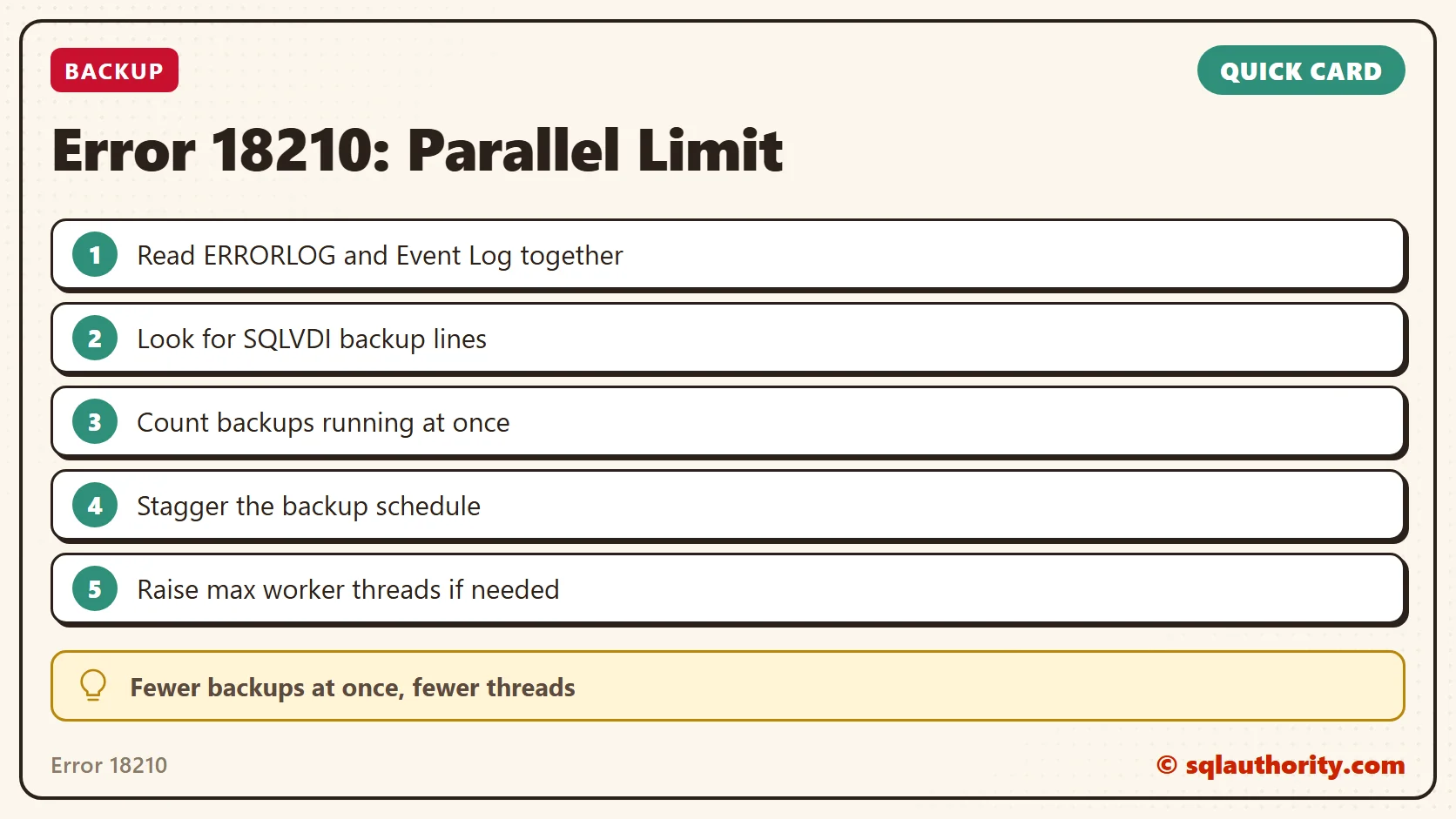
This error is not a parallelism bug, it is too many backups starting at once.
Published by Pinal Dave on SQLAuthority. More of my work at pinaldave.com.
Discover more from SQL Authority with Pinal Dave
Subscribe to get the latest posts sent to your email.