A log file with only two VLFs cannot shrink any further, and SQL Server says so with a short message. Since I wrote my script to shrink log files, many readers have emailed me about messages they see. I share them with other readers. This one says the total number of logical log files cannot be fewer than 2.

The Error
This is the exact message reported by the DBCC SHRINKFILE command:
Cannot shrink log file 2 (DB_Shrink_Test_log) because total number of logical log files cannot be fewer than 2.
DbId FileId CurrentSize MinimumSize UsedPages EstimatedPages
------ ----------- ----------- ----------- ----------- --------------
8 2 497 497 496 496
(1 row affected)
DBCC execution completed. If DBCC printed error messages, contact your system administrator.
What the Readers Sent
For context, read my earlier post How to Shrink All the Log Files for SQL Server?. The message appears when we give a desired size, as in this command:
DBCC SHRINKFILE ('LDF Logical Name','some size';);How to Check
Here is the complete script to reproduce the message:
USE [master]
GO
IF DB_ID('DB_Shrink_Test') IS NOT NULL
BEGIN
	ALTER DATABASE [DB_Shrink_Test] SET  SINGLE_USER WITH ROLLBACK IMMEDIATE
	DROP DATABASE [DB_Shrink_Test]
END
GO
CREATE DATABASE [DB_Shrink_Test]
GO
USE [DB_Shrink_Test];
CHECKPOINT;
DBCC SHRINKFILE ('DB_Shrink_Test_log',1);
What is the meaning of the message? If I run DBCC LOGINFO, you can see the output:
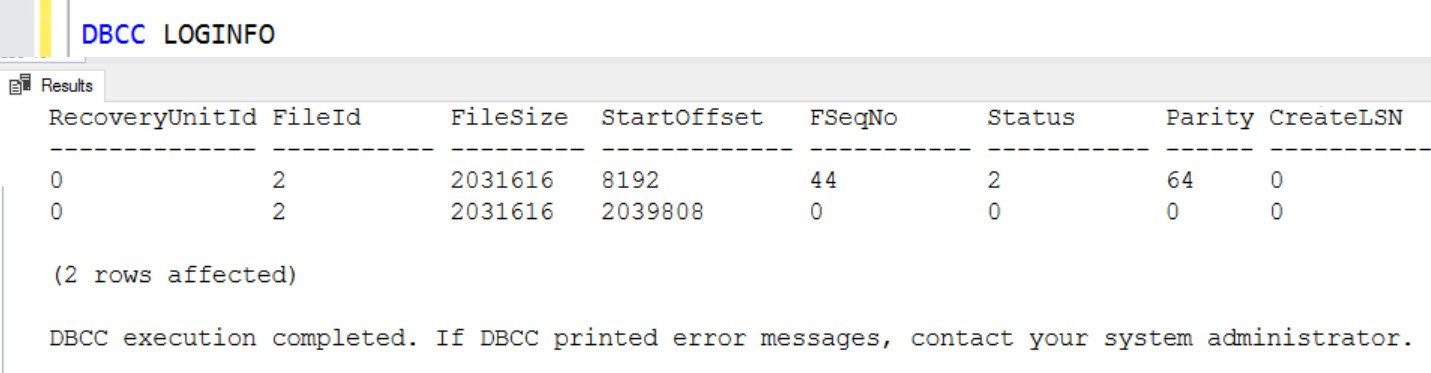
In my test, I got the message in SQL Server 2017 but not in SQL Server 2008.
Why It Happens
The output shows that the database already has only 2 VLFs. SQL Server can’t shrink the file any further, hence the message.
The Fix
Say you get this message and the LDF file is huge. Then you need a way to get rid of those big VLFs. I think you can do it by growing the LDF and making sure the Status of those VLFs becomes zero.
If you have such a situation, please share your solution in the comments to help others. You can also reach me on X.
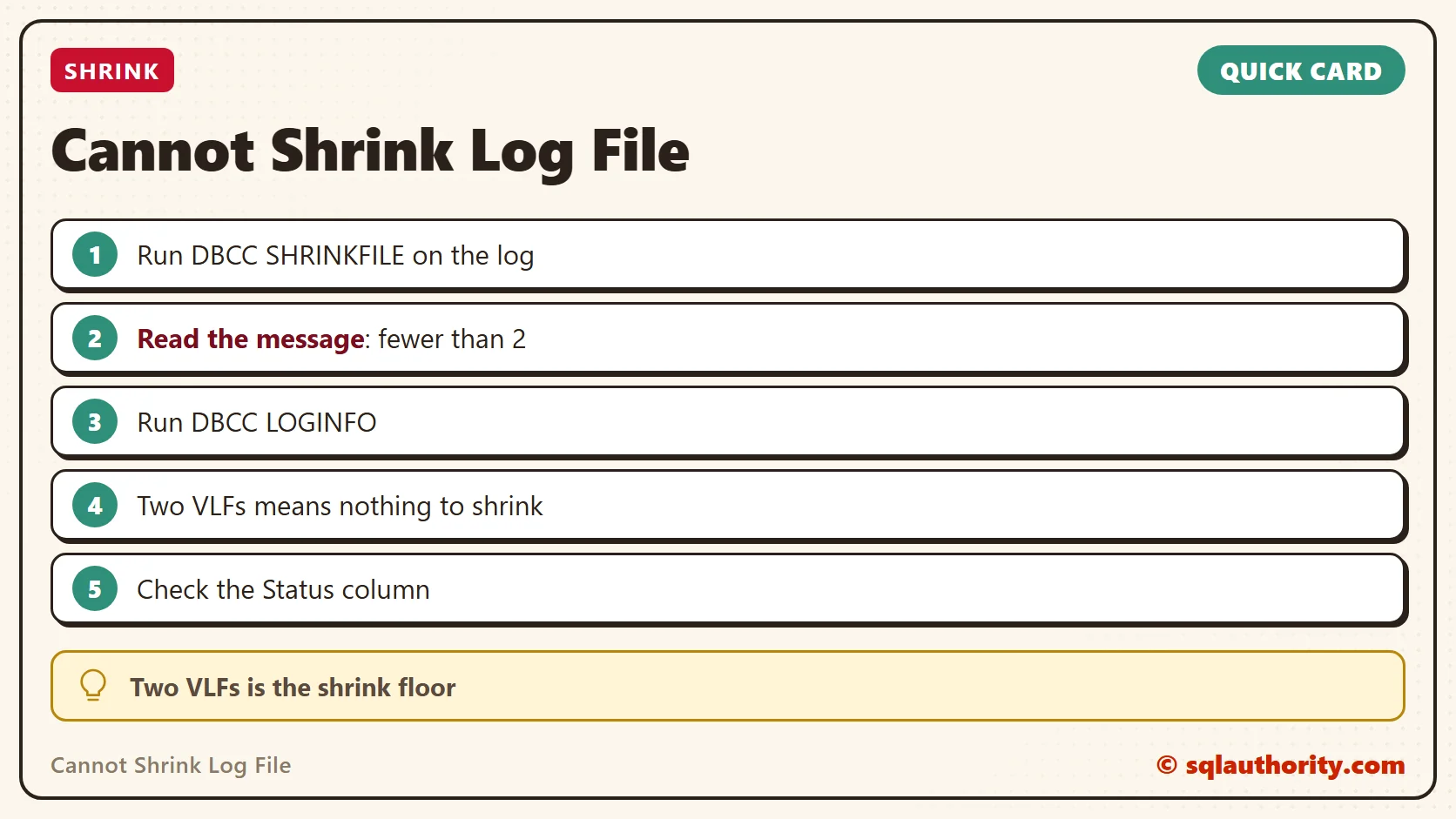
This message is not a broken shrink, it is a log file that has nothing left to give.
Published by Pinal Dave on SQLAuthority. More of my work at pinaldave.com.
Discover more from SQL Authority with Pinal Dave
Subscribe to get the latest posts sent to your email.