A DBCC CHECKDB session waiting on PREEMPTIVE_OS_DEVICEIOCONTROL won’t end, even after you stop the job and kill the SPID. I work as an on-demand consultant for teams with SQL Server problems. The DBA at one of my clients asked me about this. Here is what we saw and how we cleared it.

The Error
Killing the session didn’t end it. SQL Server answered with a rollback message that never moved:
SPID xxxx: transaction rollback in progress. Estimated rollback completion: 0%. Estimated time remaining: 0 seconds.The same session showed this wait type:
PREEMPTIVE_OS_DEVICEIOCONTROLWhat the Client Saw
The client ran a weekly DBCC CHECKDB job across their user databases. For reasons nobody knew, it took longer than expected. Business hours were close, so they had a second job to stop it. They called it the terminator job.
According to the job history, the terminator job ran successfully. The CHECKDB session was still there in sys.sysprocesses. We joined a GoToMeeting session and tried a few things.

How to Check
These are the checks we made on the stuck session:
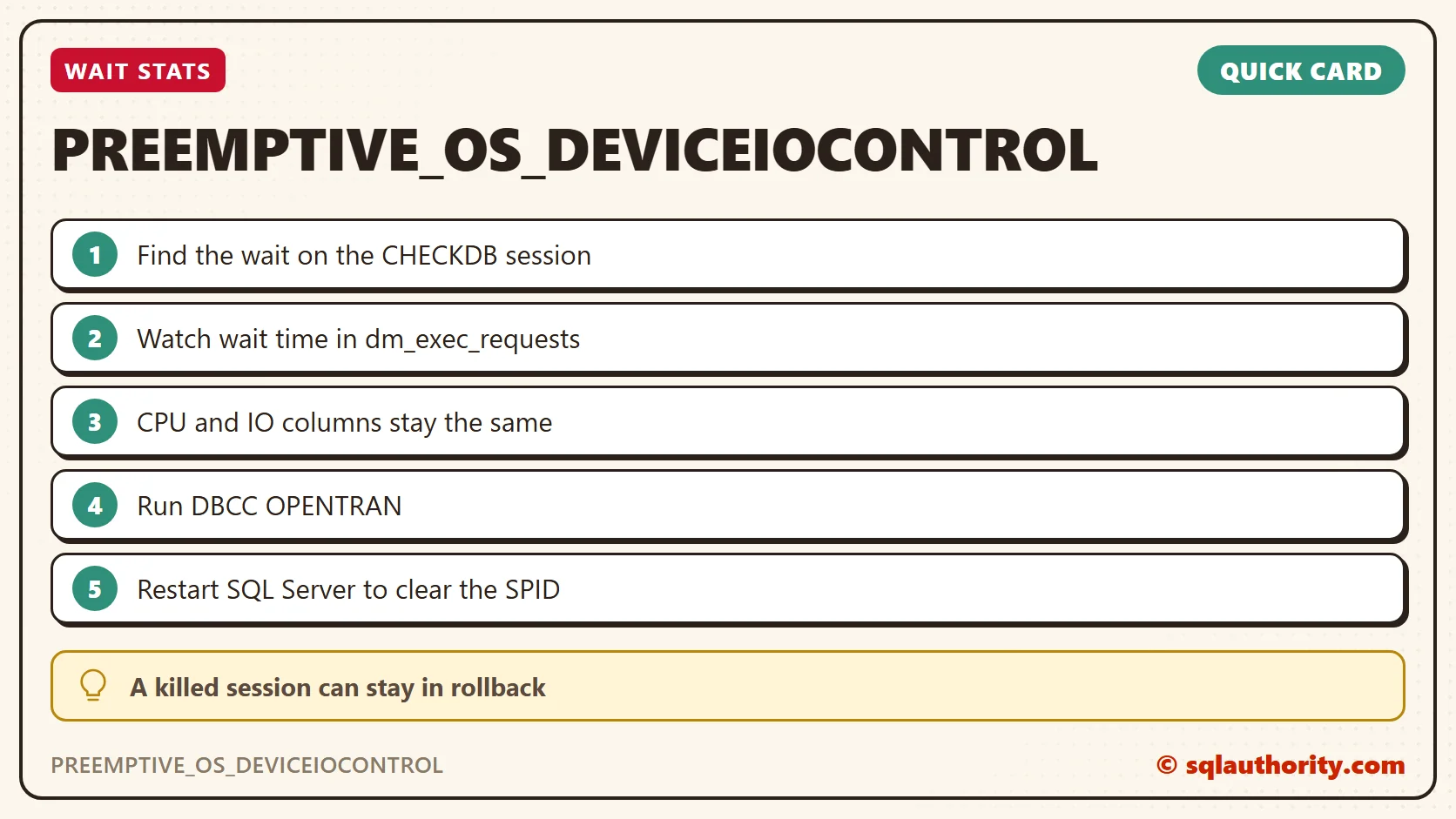
- The session was waiting on PREEMPTIVE_OS_DEVICEIOCONTROL.
- The wait time kept growing in sys.dm_exec_requests.
- The CPU and IO columns in sys.dm_exec_requests did not change.
- We ran DBCC OPENTRAN to find the oldest active transaction.
- It gave some clues about DTC, so we restarted MSDTC. That didn’t help.
Why It Happens
The wait type tells the story. Something that controls IO was stopping CHECKDB from finishing. The PREEMPTIVE_OS part means SQL Server had handed the operation to the operating system. The session was waiting outside SQL Server.
I recalled my earlier post about the KILLED/ROLLBACK state of a SPID. In short, nothing in SQL Server can fix a session in this state. A service or server restart is the only way out.
The Fix
For this wait, we restarted SQL Server to get rid of the SPID. The restart cleared the session.
How to Prevent It
Give the weekly CHECKDB a window that ends well before business hours, so nobody needs a terminator job. And before you kill a long session, look at its wait type. A PREEMPTIVE wait means the problem is outside SQL Server.
This wait is not common. If you see it, you now know what we did.
A killed session is not a finished session, it is a request waiting on the operating system.
Published by Pinal Dave on SQLAuthority. More of my work at pinaldave.com.
Discover more from SQL Authority with Pinal Dave
Subscribe to get the latest posts sent to your email.