
A formatted date alias can change ORDER BY from a date sort into a text sort. I encountered this during a Comprehensive Database Performance Health Check. The query still ran without an error, but the oldest customer was no longer first.

Create a Small Sample
Run the examples in one fresh query session. The local temporary table keeps the test away from your application tables. The unseparated date literals avoid language-dependent day and month confusion.
CREATE TABLE #CustomerSort
(
    CUSTOMER_ID int NOT NULL PRIMARY KEY,
    CUSTOMER_NAME varchar(100) NOT NULL,
    DOB datetime NOT NULL
);
INSERT INTO #CustomerSort (CUSTOMER_ID, CUSTOMER_NAME, DOB)
VALUES (10001, 'JOHNSON', '19921019'),
       (10002, 'PETER',   '19570322'),
       (10003, 'CLARA',   '19811215'),
       (10004, 'MEDALYN', '19660218'),
       (10005, 'SARA',    '19591016');
First, Sort the Date Value
SELECT c.CUSTOMER_ID, c.CUSTOMER_NAME, c.DOB
FROM #CustomerSort AS c
ORDER BY c.DOB, c.CUSTOMER_ID;
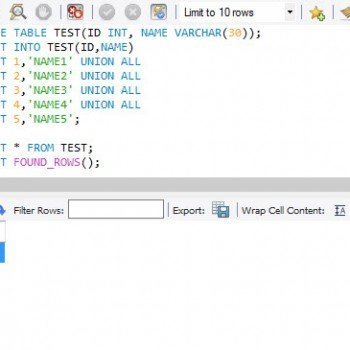
The order is Peter, Sara, Medalyn, Clara and Johnson, from 1957 through 1992. That is the order I expect. The picture shows the same data and ordering.

Now Format the Date and Reuse Its Name
SELECT c.CUSTOMER_ID,
       c.CUSTOMER_NAME,
       CONVERT(varchar(10), c.DOB, 101) AS DOB
FROM #CustomerSort AS c
ORDER BY DOB, c.CUSTOMER_ID;
Style 101 displays mm/dd/yyyy, and the conversion makes the selected column a varchar(10). An unqualified ORDER BY DOB refers to the selected alias, not to the table column. The query sorts formatted strings.
| CUSTOMER_NAME | DOB (text) |
|---|---|
| MEDALYN | 02/18/1966 |
| PETER | 03/22/1957 |
| SARA | 10/16/1959 |
| JOHNSON | 10/19/1992 |
| CLARA | 12/15/1981 |

Medalyn now comes before Peter, because 02/18/1966 sorts before 03/22/1957 as text. The month leads the string, so the year barely matters. That order isn’t chronological.
Why the Alias Wins
In ORDER BY, SQL Server looks at the select list before it looks at the table. A bare name that matches an alias sorts by that alias, even when a table column has the same name. A name with a table prefix, like c.DOB, skips the alias and reaches the column.
That is why the query ran without an error. Nothing was broken, and the engine did what the text said. The mistake is in the name I chose for the alias.
Format for Display, Sort by the Source Column
SELECT c.CUSTOMER_ID,
       c.CUSTOMER_NAME,
       CONVERT(varchar(10), c.DOB, 101) AS DOB_NEW
FROM #CustomerSort AS c
ORDER BY c.DOB, c.CUSTOMER_ID;
The distinct alias DOB_NEW makes the output easier to read. The part that fixes the order is c.DOB, which names the underlying datetime as the sort key. The same ORDER BY c.DOB worked when I kept the alias DOB. The qualified name points at the table column.
The customer ID is a tie-breaker for two people with the same birth date. Without it, SQL Server doesn’t promise an order for equal values.
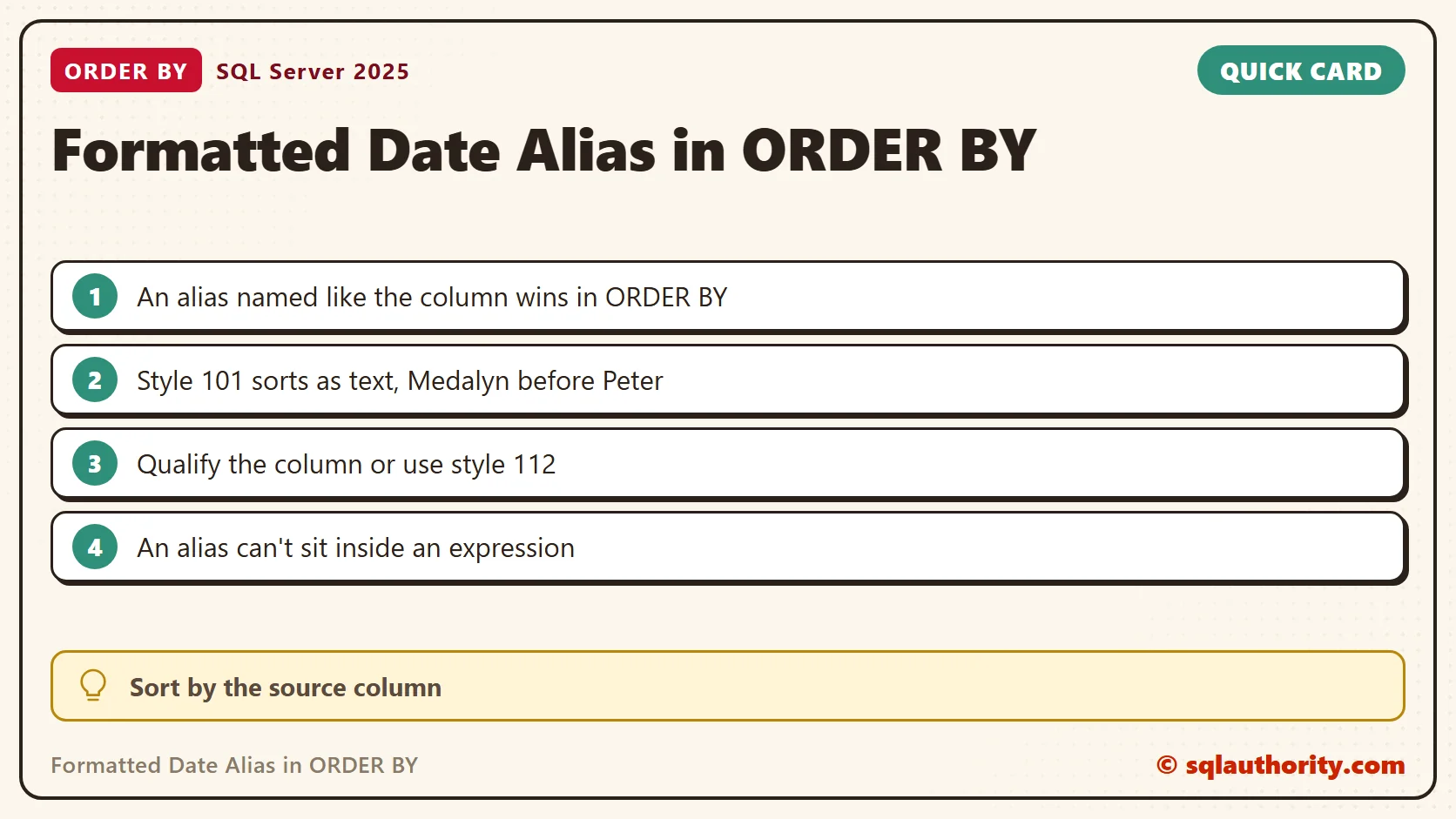
Formats That Sort Correctly as Text
Some display formats keep the year first, so text order equals date order. Style 112 gives yyyymmdd and style 23 gives yyyy-mm-dd. Both sorted correctly here, even with ORDER BY DOB pointing at the alias.
SELECT c.CUSTOMER_NAME, CONVERT(char(8), c.DOB, 112) AS DOB
FROM #CustomerSort AS c ORDER BY DOB;
SELECT c.CUSTOMER_NAME, CONVERT(char(10), c.DOB, 23) AS DOB
FROM #CustomerSort AS c ORDER BY DOB;
The FORMAT function is no shortcut. FORMAT with the pattern MM/dd/yyyy and ORDER BY DOB returned the same wrong order as style 101. FORMAT also returns text. A position number has the same trap: ORDER BY 2 sorted the formatted column as text.
Two Errors to Expect Next
Once you know the alias is text, it is tempting to convert it back inside ORDER BY. SQL Server rejects that, because an alias can’t sit inside an expression.
SELECT c.CUSTOMER_NAME, CONVERT(varchar(10), c.DOB, 101) AS DOB_NEW
FROM #CustomerSort AS c
ORDER BY CONVERT(date, DOB_NEW, 101);
That query failed with Msg 207, Invalid column name 'DOB_NEW'. Sorting by the source column works, so use it. The second error comes with DISTINCT.
SELECT DISTINCT CONVERT(varchar(10), c.DOB, 101) AS DOB_NEW
FROM #CustomerSort AS c
ORDER BY c.DOB;
This one failed with Msg 145: ORDER BY items must appear in the select list if SELECT DISTINCT is specified. UNION has a similar restriction, so don’t assume every query can sort by a column it doesn’t select.
Keep the Date as a Hidden Sort Key
When a query needs both rules, I move the formatting into a derived table. The inner query carries the real date as SortDate, and the outer query sorts by it.
SELECT s.CUSTOMER_NAME, s.DOB_NEW
FROM (SELECT c.CUSTOMER_NAME,
             c.DOB AS SortDate,
             CONVERT(varchar(10), c.DOB, 101) AS DOB_NEW
      FROM #CustomerSort AS c) AS s
ORDER BY s.SortDate;
It returned Peter, Sara, Medalyn, Clara and Johnson again. Clean up the sample when you are done.
DROP TABLE #CustomerSort;
Store dates in a date type, return that type to the application and format it there. If SQL has to produce display text, keep the display expression and the sort key apart.
When I review an old query, I look for two things. First, a CONVERT or FORMAT in the select list with an alias that matches a column name. Second, an ORDER BY with no table prefix. Together they are the pattern behind this bug.
A formatted date is not the original date value, it is text created for display.
Published by Pinal Dave on SQLAuthority. More of my work at pinaldave.com.
Discover more from SQL Authority with Pinal Dave
Subscribe to get the latest posts sent to your email.


5 Comments. Leave new
You can also qualify ‘dob’ with the table name/alias. It will sort by the unconverted value, pulling from the table instead of the select clause.
Hi Dave,
There is no need to change the alias name.
I always use a table alias, even if I just have a table in the from clause.
That way you can order by .dbo.
Regards,
Tiago.
Hi Pinal,
I tried with the above trick and its not working for me. pls advice.
I agree with Andrez and Tiago.
Thanks.
Shantilal
Hi Pinal,
I agree with Andre and Tiago. There is no need to change the column alias instead give table alias or table name qualified by the column name in the ORDER BY to retrieve the expected output.
Thanks,
Srini
Above solution does not work even if the field is “Date”