
A new line in SQL Server is a character inside the string, not formatting. I use line breaks when a message or generated text needs to be easier to read. I tested each example below on SQL Server 2025.

Carriage Return and Line Feed
CHAR(13) represents a carriage return, and CHAR(10) represents a line feed. A common Windows line ending combines them in that order. The application that displays the text decides how to draw each character.
DECLARE @message varchar(100) = 'First line'
    + CHAR(13) + CHAR(10) + 'Second line';
PRINT @message;
In the sqlcmd test, First line and Second line appeared on separate lines. Check your receiving tool too. Both characters are part of the string. PRINT does not add them between those words for us.
Check the Stored Characters
You can inspect the character codes without relying on how the results grid draws the value. The two control characters follow the ten characters of First line, so they sit at positions 11 and 12.
DECLARE @message varchar(100) = 'First line'
    + CHAR(13) + CHAR(10) + 'Second line';
SELECT ASCII(SUBSTRING(@message, 11, 1)) AS CR_Code,
       ASCII(SUBSTRING(@message, 12, 1)) AS LF_Code,
       DATALENGTH(@message) AS StoredBytes;
The query returns 13, 10 and 23 bytes. DATALENGTH reports bytes, so its result differs for other data types and encodings.
Find Rows That Contain Line Breaks
Imported text can carry line breaks nobody planned. I built four notes. One has CRLF, one has no break, one has only a line feed, and one has only a carriage return. Two LIKE tests tell the three kinds apart.
CREATE TABLE dbo.Notes (NoteId int PRIMARY KEY, NoteText varchar(100) NOT NULL);
INSERT dbo.Notes (NoteId, NoteText) VALUES
 (1, 'Call back at 5' + CHAR(13) + CHAR(10) + 'Ask about rice'),
 (2, 'Single line note'),
 (3, 'Unix style' + CHAR(10) + 'line break'),
 (4, 'Old style' + CHAR(13) + 'line break');
GO
SELECT NoteId,
       CASE WHEN NoteText LIKE '%' + CHAR(13) + '%' THEN 1 ELSE 0 END AS HasCR,
       CASE WHEN NoteText LIKE '%' + CHAR(10) + '%' THEN 1 ELSE 0 END AS HasLF
FROM dbo.Notes ORDER BY NoteId;
Note 1 has both characters. Note 2 has neither. Note 3 has only the line feed, and note 4 has only the carriage return. A search for CHAR(13) alone would miss note 3. A search for CHAR(10) alone would miss note 4.
Remove Line Breaks From Data
To flatten a note to one line, replace the characters with a space. Replace the pair first. If you replace each character on its own, one CRLF becomes two spaces. In my test, note 1 showed two spaces where the break was in the first column. The second column showed one space.
SELECT NoteId,
       REPLACE(REPLACE(NoteText, CHAR(13), ' '), CHAR(10), ' ') AS TwoSpaces,
       REPLACE(REPLACE(REPLACE(NoteText, CHAR(13) + CHAR(10), ' '), CHAR(13), ' '), CHAR(10), ' ') AS OneSpace
FROM dbo.Notes ORDER BY NoteId;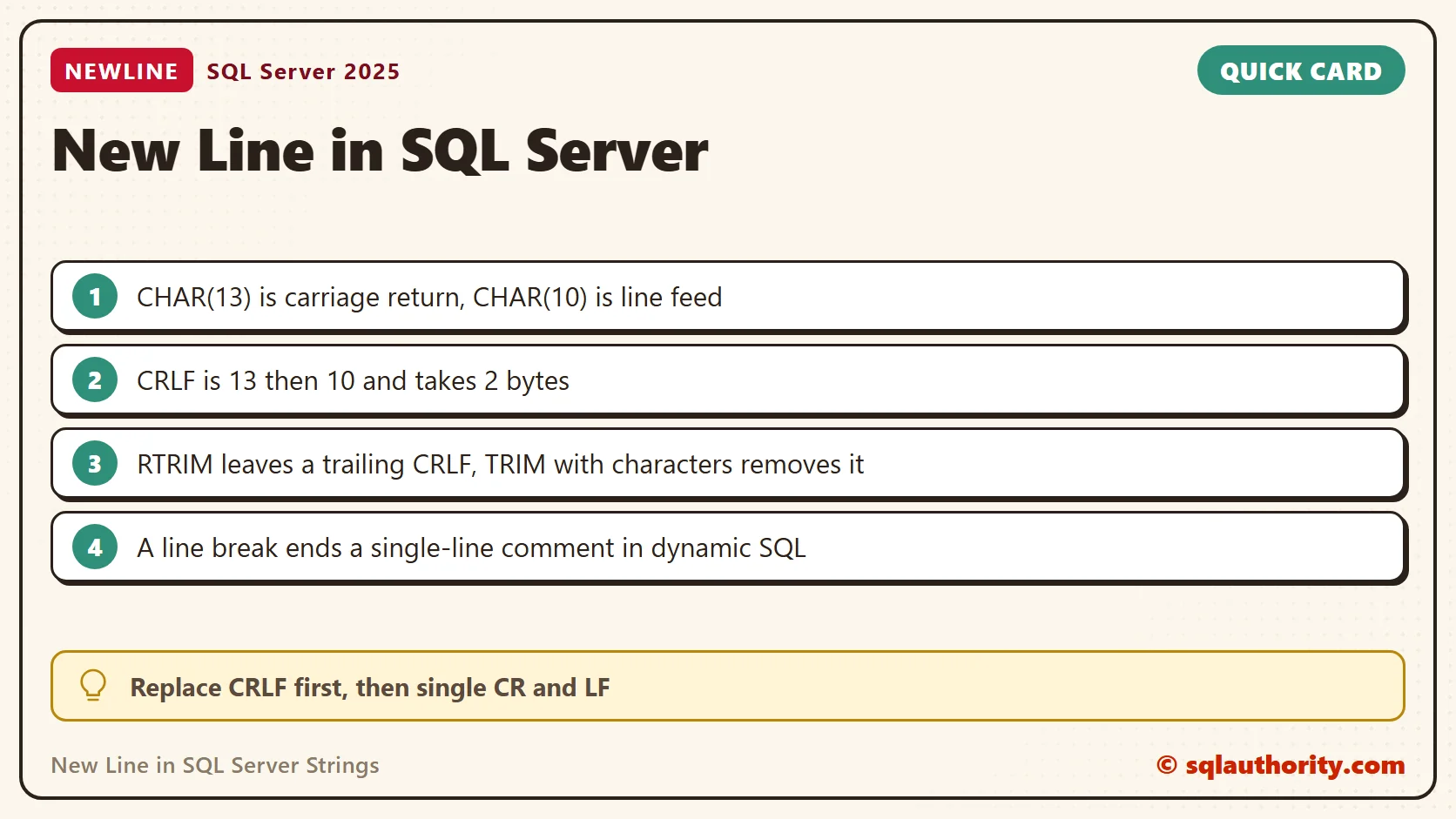
Why RTRIM Leaves a Trailing Break
RTRIM removes trailing spaces, not line breaks. A string that ends in CRLF kept all 6 bytes after RTRIM. TRIM with a list of characters removed the pair and left 4 bytes. That form needs SQL Server 2022 or later.
DECLARE @t varchar(50) = 'Text' + CHAR(13) + CHAR(10);
SELECT DATALENGTH(@t) AS Original,
       DATALENGTH(RTRIM(@t)) AS AfterRtrim,
       DATALENGTH(TRIM(CHAR(13) + CHAR(10) FROM @t)) AS AfterTrimCharacters,
       LEN(@t) AS LenWithBreak,
       LEN('Text   ') AS LenWithSpaces;
LEN shows the same trap from the other side. It ignores trailing spaces, so ‘Text’ plus three spaces has length 4. It counts the line break, so ‘Text’ plus CRLF has length 6.
Build Multi-Line Text
CONCAT_WS joins values with a separator, and STRING_AGG joins rows. Both accept a line break as the separator. That is a clean way to build a message from several parts. CHAR(9) is a tab, and the same function builds tab-separated text. The third query returned one line with three values.
SELECT CONCAT_WS(CHAR(13) + CHAR(10), 'Line one', 'Line two', 'Line three') AS Joined;
SELECT STRING_AGG(NoteText, CHAR(10)) WITHIN GROUP (ORDER BY NoteId) AS AllNotes
FROM dbo.Notes WHERE NoteId IN (2, 3);
SELECT CONCAT_WS(CHAR(9), 'Tea', 'Assam', '4.50') AS TabSeparated;
A Line Break Ends a Single-Line Comment
A line break can make generated SQL easier to read. It can also change its meaning. A -- comment runs to the end of the line. When I joined two pieces of dynamic SQL with no break, the comment swallowed the second column. With a line feed between them, both columns came back.
DECLARE @sql nvarchar(200) = N'SELECT 1 AS a -- first column';
SET @sql += N', 2 AS b;';
EXEC sys.sp_executesql @sql;
SET @sql = N'SELECT 1 AS a -- first column' + NCHAR(10) + N', 2 AS b;';
EXEC sys.sp_executesql @sql;
The first call returned only column a. The second returned a and b. GO is a batch separator for tools such as SSMS. SQL Server does not execute it inside dynamic SQL.
Check the Tool That Receives the Text
Results to Grid, Results to Text and other applications can draw line breaks differently. A single carriage return or line feed can look different from a CRLF pair. Test the output in the application that will use it. If you export a value with a line break to CSV, the export must quote the field. A newline inside a quoted field is not a new record.
A line break is not formatting on a screen, it is data that the receiving tool must interpret.
Published by Pinal Dave on SQLAuthority. More of my work at pinaldave.com.
Discover more from SQL Authority with Pinal Dave
Subscribe to get the latest posts sent to your email.




90 Comments. Leave new
Hi,
I have list of sql statements which works fine when i run it in sybase IDE. When i call same batch of statements from my java code it gives me error as it makes all statemnts in 1 line when appended in string object of java. So i m trying to put char(10)+char(13) where i need new line. My orginal sql query is as below.
SET TRANSACTION ISOLATION LEVEL 0
GO
SET NOCOUNT ON
GO
declare columnxyz cursor for
select distinct columnxyz
from db1..table1
where col1 = ’20 May 2013′
go
declare @batchId varchar(3)
declare @output varchar(100)
Create table #Missed
(
maxReceivedMsg int,
maxSummarizedMsg int,
Status varchar(100) null
)
open columnxyz
/*check if cursor is opened without error*/
if @@sqlstatus = 1
begin
print ‘ERROR ACCESSING CURSOR…’
return
end
java sql query in string is as below :-
———————————————–
String getData1= “SET TRANSACTION ISOLATION LEVEL 0 + char(13) + char(10)+ GO + char(13) + char(10) “+
“SET NOCOUNT ON + char(13) + char(10) + GO + char(13) + char(10) + declare columnxyz cursor for “+
“select distinct columnxyz “+
“from db1..table1 “+
“wherecol1 = ’28 May 2013′ + char(13) + char(10)”+
“GO + char(13) + char(10)”+
“declare @batchId varchar(3) + char(13) + char(10)”+
“declare @output varchar(100) + char(13) + char(10)”+
” Create table #Missed “+
“( maxReceivedMsg int,maxSummarizedMsg int, Status varchar(100) null) + char(13) + char(10)”+
“open columnxyz “+
“if @@sqlstatus = 1 begin print ‘ERROR ACCESSING CURSOR…’ “+
“return end”;
What changes required in java string to make it work.
Thanks in advance
Hi,
I am writing a records to a file,I want 2 column is printing in first line and rest of the line get printed on the next line onward.
(note:from 3 column the the values are get inserted through loop structure)
How to generate a script with data for existing tables in sql server 2005 using query in jdbc and using database name
Please help me as soon as possible !!! Thanks in advance..
plzzzzzzzzzzzzzz help mee
When using the output in Excel, you need to use the CHAR(10) to make the carriage returns show within a cell. The CHAR(13) has no effect within a cell in Excel.
DECLARE @strPrint VARCHAR(100);
DECLARE @cmd VARCHAR(150);
SET @strPrint = ‘Example of new line feed’;
SET @strPrint = @strPrint + CHAR(13);
SET @strPrint = @strPrint + ‘SQLAuthority.com’;
PRINT @strPrint;
SET @cmd = ‘echo>E:\at.txt ‘+@strPrint
EXEC master..xp_cmdshell @cmd, no_output
output:
Example of new line feedSQLAuthority.com
output for char(10):
Example of new line feed
i would like to write output to text file using above query , then i got text in textfile like above,
can you provide the solution to write carriage return and line feed to text file,
means in text file the output like below
Example of new line feed
SQLAuthority.com
for getting above outptu what to do kindly suggest
Thanks
I know this blog post is old old old, but THANK YOU for having it available!
Thank you Dave very clear and concise. Very good to know.
Thanks Dave. I used this a function to format a long input query into a more read-able, formatted dynamic sql statement, as you suggested.
That’s great to hear. Thanks!
‘This is line 1.’ + CHAR(13)+CHAR(10) + ‘This is line 2.’
Thanks for sharing this AK.