
Error 468 appeared as soon as we right clicked a database in SQL Server Management Studio. The message said SQL Server could not use the view msdb.dbo.sysdac_instances because of binding errors. It looked odd, so we traced it.

The Error
Could not use view or function 'msdb.dbo.sysdac_instances' because of binding errors.
What Happened
Because of this error, we couldn’t see the properties of the database. It happened only with the latest SQL Server Management Studio 2012. That made me think SSMS 2012 checks this view before it opens the right click menu of a database.
How to Check
We captured a Profiler trace and found that the error was raised while using this view:
CREATE VIEW [dbo].[sysdac_instances]
AS
    SELECT
        -- this must be locked down because we use instance_id visability as a security gate
        case
            when (dbo.fn_sysdac_is_currentuser_sa() = 1) then dac_instances.instance_id
            when sd.owner_sid = SUSER_SID() then dac_instances.instance_id
            else NULL
        end as instance_id,
        dac_instances.instance_name,
        dac_instances.type_name,
        dac_instances.type_version,
        dac_instances.description,
        case
            when (dbo.fn_sysdac_is_currentuser_sa() = 1) then dac_instances.type_stream
            when sd.owner_sid = SUSER_SID() then dac_instances.type_stream
            else NULL
        end as type_stream,
        dac_instances.date_created,
        dac_instances.created_by,
        dac_instances.instance_name as database_name
    FROM sysdac_instances_internal dac_instances
    LEFT JOIN sys.databases sd
              ON dac_instances.instance_name = sd.name
Look at the join: ON dac_instances.instance_name = sd.name. The view sys.databases comes from the master database, and sysdac_instances comes from msdb. We queried sys.databases and found that the collations were different:
master: Latin1_General_CI_AI
msdb: SQL_Latin1_General_CP1_CI_AS
The names in the error dialog above differ from these two, and your own names will depend on your instance. The cause is the same: master and msdb don’t match.
Why It Happens
Now we knew the cause. The join compares names from two databases that use different collations, so SQL Server can’t bind the view. Later we found that msdb had been restored from a different server, and that caused the mismatch.
The Fix
There is no easy way to change the collation of system databases. To rebuild the system databases of an instance, run setup.exe with these parameters:
Setup /QUIET /ACTION=REBUILDDATABASE /INSTANCENAME=InstanceName /SQLSYSADMINACCOUNTS=accounts [ /SAPWD= StrongPassword ] [ /SQLCOLLATION=CollationName]Take care of the objects in the system databases before you run the rebuild. We took backups first, and after the rebuild we restored them.
How to Prevent It
Don’t restore msdb from a server with a different collation. After you restore system databases, compare the collation of master and msdb.
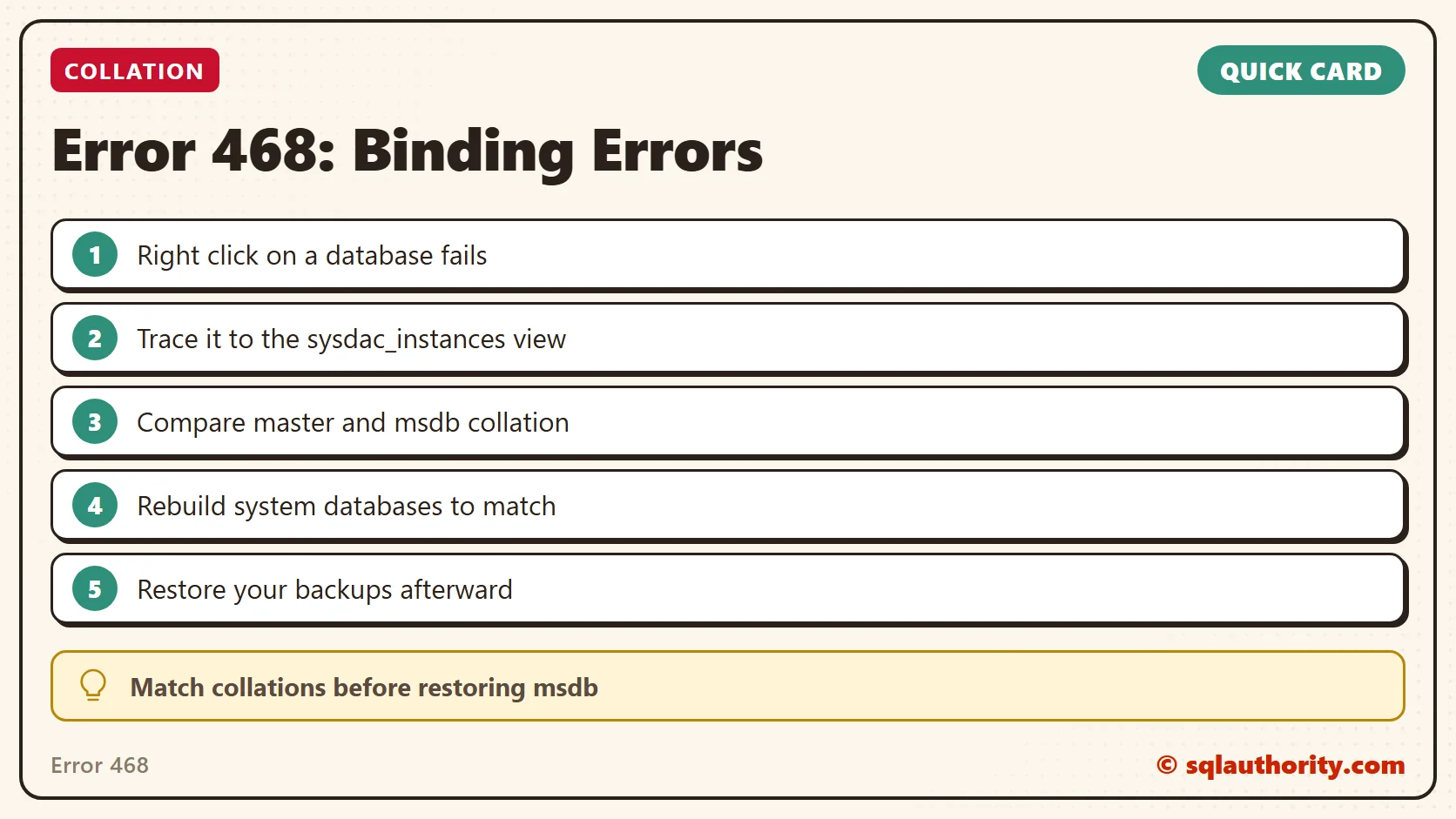
Error 468 is not a broken view, it is two databases that disagree on collation.
Published by Pinal Dave on SQLAuthority. More of my work at pinaldave.com.
Discover more from SQL Authority with Pinal Dave
Subscribe to get the latest posts sent to your email.



2 Comments. Leave new
Msg 207, Level 16, State 1, Procedure dm_exec_sessions, Line 12 [Batch Start Line 0]
Invalid column name ‘identity_insert_object_name’.
Msg 4413, Level 16, State 1, Line 53
Could not use view or function ‘RpDatabase.sys.dm_exec_sessions’ because of binding errors.
Hi Pinal,
I am facing the above issue, tried to resolve by installing expression edition 2017 but still no luck on these. This issue persist even when creating new data base through Management studio. The above ‘RpDatabase’ created through c# code.
You can take profiler and dig the code.