Msg 17113 stops SQL Server at startup with an error opening master.mdf. I hit it myself while experimenting with my SQL Server startup parameters. I made a mistake, and the instance would not start.

The Error
This is what my ERRORLOG showed:
2016-12-28 01:20:42.27 Server Registry startup parameters:
-m C:\Program Files\Microsoft SQL Server\MSSQL13.SOFTWARE\MSSQL\DATA\master.mdf
-e C:\Program Files\Microsoft SQL Server\MSSQL13.SOFTWARE\MSSQL\Log\ERRORLOG
-l C:\Program Files\Microsoft SQL Server\MSSQL13.SOFTWARE\MSSQL\DATA\mastlog.ldf
2016-12-28 01:20:42.27 Server Command Line Startup Parameters:
-s "SOFTWARE"
2016-12-28 01:20:42.28 Server Error: 17113, Severity: 16, State: 1.
2016-12-28 01:20:42.28 Server Error 3(The system cannot find the path specified.) occurred while opening file 'master.mdf' to obtain configuration information at startup. An invalid startup option might have caused the error. Verify your startup options, and correct or remove them if necessary.
2016-12-28 01:20:42.28 Server SQL Server shutdown has been initiated
What Happened
I changed my startup parameters and then SQL Server would not start. When SQL Server does not start, I look in three places:
- The ERRORLOG, if it was generated.
- The System event log.
- The Application event log.
I was lucky, because the ERRORLOG file was generated. If you need help finding yours, read where the ERRORLOG lives.
Why It Happens
Do you see something interesting in the log? You could think master.mdf is missing from C:\Program Files\Microsoft SQL Server\MSSQL13.SOFTWARE\MSSQL\DATA\. That is not the case.

How to Check
If the file were missing, the ERRORLOG would look like this:
2016-12-28 01:26:49.12 Server Registry startup parameters:
-d C:\Program Files\Microsoft SQL Server\MSSQL13.SOFTWARE\MSSQL\DATA\master.mdf
-e C:\Program Files\Microsoft SQL Server\MSSQL13.SOFTWARE\MSSQL\Log\ERRORLOG
-l C:\Program Files\Microsoft SQL Server\MSSQL13.SOFTWARE\MSSQL\DATA\mastlog.ldf
2016-12-28 01:26:49.12 Server Command Line Startup Parameters:
-s "SOFTWARE"
2016-12-28 01:26:49.13 Server Error: 17113, Severity: 16, State: 1.
2016-12-28 01:26:49.13 Server Error 2(error not found) occurred while opening file 'C:\Program Files\Microsoft SQL Server\MSSQL13.SOFTWARE\MSSQL\DATA\master.mdf' to obtain configuration information at startup. An invalid startup option might have caused the error. Verify your startup options, and correct or remove them if necessary.
Compare the two logs. In the missing file case, the message shows the full path. In my case it shows only master.mdf. The other difference is the first startup parameter: -d in the second log, -m in mine.
The Fix
In my case the file was in its place, but the parameter name was wrong. SQL Server uses -d for the master database data file. I had changed it to -m, which is not the parameter for that file. Change the startup parameters in SQL Server Configuration Manager and put -d back.
Confirm It Worked
With the correct -d parameter, SQL Server can open master.mdf at startup again.
How to Prevent It
Copy the original startup parameters before you change any of them. If the service stops starting afterward, read the ERRORLOG first, and compare the parameters against the original.
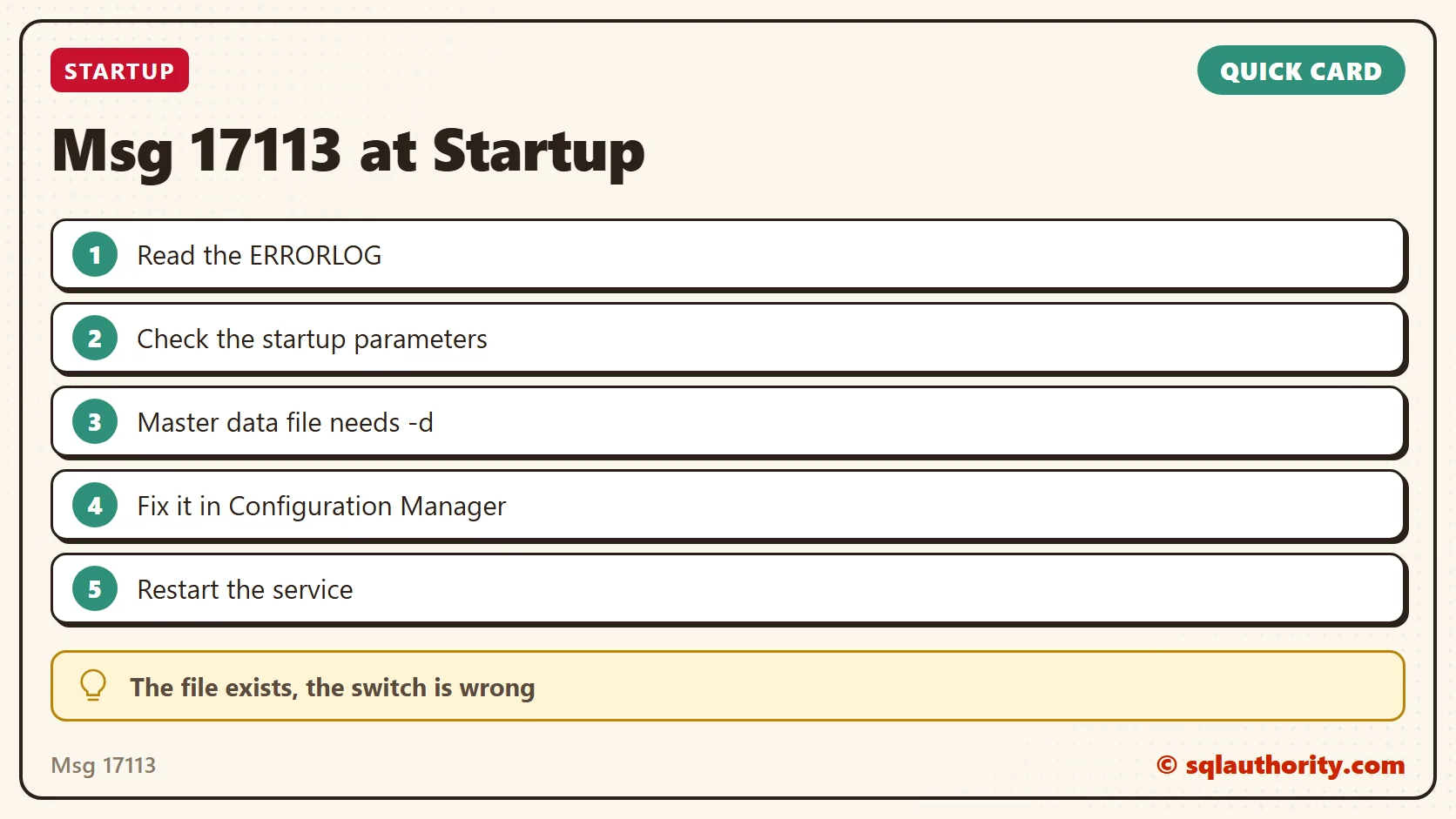
Msg 17113 is not always a missing file, it is sometimes one wrong letter in a startup parameter.
Published by Pinal Dave on SQLAuthority. More of my work at pinaldave.com.
Discover more from SQL Authority with Pinal Dave
Subscribe to get the latest posts sent to your email.