
SET NOCOUNT ON stops SQL Server from sending the rows affected message after each statement. The message is the (1 row affected) line you see in the Messages tab. It carries no data, and most code never reads it.

What the Message Is
After every INSERT, UPDATE, DELETE and SELECT, SQL Server sends the client a small message with the row count. A person running a query sees it as text. A program receives it as part of the response. A loop of 20,000 inserts sends 20,000 of those messages.
The first script creates a demo database named NoCountDemo and a small table. The second script inserts three rows. The first two inserts run with the message on, and the third runs with it off. The setting only affects the message. The function @@ROWCOUNT keeps working.
IF DB_ID(N'NoCountDemo') IS NULL CREATE DATABASE NoCountDemo;
GO
USE NoCountDemo;
GO
DROP TABLE IF EXISTS dbo.Ledger;
CREATE TABLE dbo.Ledger (LedgerID int IDENTITY(1,1) PRIMARY KEY, Amount decimal(10,2) NOT NULL);
SET NOCOUNT OFF;
INSERT dbo.Ledger (Amount) VALUES (1.00);
INSERT dbo.Ledger (Amount) VALUES (2.00);
SET NOCOUNT ON;
INSERT dbo.Ledger (Amount) VALUES (3.00);
SELECT @@ROWCOUNT AS RowCountStillWorks;
SET NOCOUNT OFF;
| RowCountStillWorks |
|---|
| 1 |
The first two inserts each print a rows affected line. The third prints nothing, yet @@ROWCOUNT reports 1 right after it. The count is still available to your code. SET NOCOUNT ON only stops it from going to the client.
The Setting Ends With the Procedure
Inside a stored procedure, SET NOCOUNT ON lasts until the procedure returns. The session’s own setting then comes back. You can see it in @@OPTIONS, where the NOCOUNT flag has the value 512.
CREATE OR ALTER PROCEDURE dbo.AddEntry @Amount decimal(10,2)
AS
SET NOCOUNT ON;
INSERT dbo.Ledger (Amount) VALUES (@Amount);
SELECT @@OPTIONS & 512 AS NoCountInside;
GO
SELECT @@OPTIONS & 512 AS NoCountBefore;
EXEC dbo.AddEntry @Amount = 4.00;
SELECT @@OPTIONS & 512 AS NoCountAfter;
| NoCountBefore | NoCountInside | NoCountAfter |
|---|---|---|
| 0 | 512 | 0 |
The three results are 0 before the call, 512 inside it and 0 afterward. The table sums them up. That’s why the line belongs at the top of each procedure. It doesn’t leak into the session that called it.
Does It Make the Query Faster?
The usual advice says it reduces network traffic and improves performance. The test below measures it. Two procedures insert 20,000 rows one at a time inside one transaction. The second one starts with the setting. The script runs both four times in turn and records the elapsed time of each run on the server.
CREATE OR ALTER PROCEDURE dbo.AddEntries @Rows int
AS
DECLARE @i int = 1;
BEGIN TRANSACTION;
WHILE @i <= @Rows
BEGIN
    INSERT dbo.Ledger (Amount) VALUES (@i);
    SET @i += 1;
END;
COMMIT TRANSACTION;
GO
CREATE OR ALTER PROCEDURE dbo.AddEntriesQuiet @Rows int
AS
SET NOCOUNT ON;
DECLARE @i int = 1;
BEGIN TRANSACTION;
WHILE @i <= @Rows
BEGIN
    INSERT dbo.Ledger (Amount) VALUES (@i);
    SET @i += 1;
END;
COMMIT TRANSACTION;
GO
DECLARE @round int = 1, @t0 datetime2, @messages int, @quiet int;
CREATE TABLE #Timing (TestRound int, MessagesOnMs int, NoCountMs int);
WHILE @round <= 4
BEGIN
    SET @t0 = SYSDATETIME();
    EXEC dbo.AddEntries @Rows = 20000;
    SET @messages = DATEDIFF(MILLISECOND, @t0, SYSDATETIME());
    SET @t0 = SYSDATETIME();
    EXEC dbo.AddEntriesQuiet @Rows = 20000;
    SET @quiet = DATEDIFF(MILLISECOND, @t0, SYSDATETIME());
    INSERT #Timing VALUES (@round, @messages, @quiet);
    SET @round += 1;
END;
SELECT TestRound, MessagesOnMs, NoCountMs FROM #Timing ORDER BY TestRound;
DROP TABLE #Timing;| TestRound | MessagesOnMs | NoCountMs |
|---|---|---|
| 1 | 158 | 250 |
| 2 | 246 | 258 |
| 3 | 214 | 235 |
| 4 | 250 | 222 |
Your table will differ. Neither version should win every round. In this run, the version with the setting lost three of four. In other runs it won most of them. The differences sit within the noise of a shared server. The client ran on the same machine and wrote its output to a file. The test measures the cost on the server and a local client, not the cost on a network.
The size of the gain depends on the client. A person watching the Messages tab sees 20,000 lines scroll by. A program on a slow network receives 20,000 extra messages. A local test hides that cost. I still start every procedure with the line. The cost isn’t zero everywhere, and the line costs me nothing. A procedure template that carries it from the start saves a review comment later.
When SET NOCOUNT ON Changes Behavior
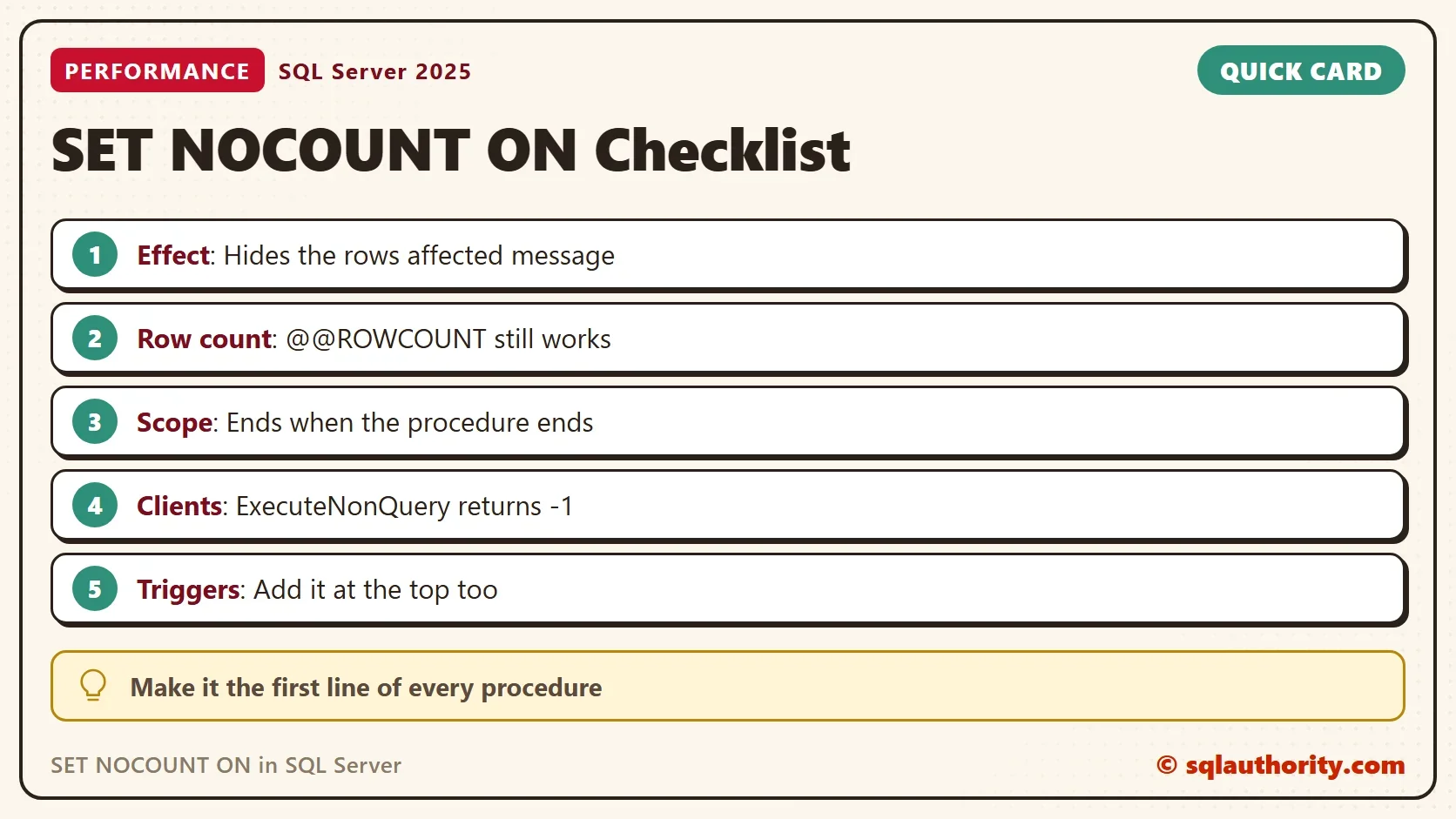
The setting is safe for most code, with one exception. Some client programs read the rows affected count to learn what happened. In ADO.NET, ExecuteNonQuery returns that count, and with the setting on it returns -1. Code that checks for a count of 1 to detect a lost update will then fail. Fix the code to read the count from an OUTPUT parameter or a SELECT @@ROWCOUNT instead.
Triggers need the same line. A trigger that inserts into an audit table sends its own message. Some client libraries mistake that message for the result of the original statement. Put SET NOCOUNT ON at the top of every trigger and procedure.
Messages the Setting Can’t Hide
The setting only controls the row count message. Text written by PRINT or by a system procedure is a different kind of message. The procedure sp_updatestats prints a block of text for every table. That includes internal system tables, so even a new database prints dozens. The setting doesn’t silence it. To refresh statistics without the text, use UPDATE STATISTICS on the tables you choose.
SET NOCOUNT ON;
EXEC sp_updatestats;
GO
UPDATE STATISTICS dbo.Ledger;
The first statement prints a block for every table in the database. The last line reads “Statistics for all tables have been updated.” The second statement prints nothing. A loop over the tables you care about gives the same result without the noise.
You could argue that none of this matters, because the times above are the same. For one query that’s true. The setting is not about one query. It’s about a habit that keeps the Messages tab readable and keeps clients from misreading a message.
What to Remember
Make SET NOCOUNT ON the first line of every procedure and trigger. It hides the rows affected message, keeps @@ROWCOUNT working and ends when the procedure ends. Don’t expect it to silence PRINT output or system procedures. Check any client that depends on the count before you add it to old code.
When you finish, run the cleanup script. It drops the demo database.
USE master;
GO
ALTER DATABASE NoCountDemo SET SINGLE_USER WITH ROLLBACK IMMEDIATE;
DROP DATABASE NoCountDemo;
A rows affected message is not a result, it is noise that a habit can switch off.
Published by Pinal Dave on SQLAuthority. More of my work at pinaldave.com.
Discover more from SQL Authority with Pinal Dave
Subscribe to get the latest posts sent to your email.




4 Comments. Leave new
Good post
Hi Pinal,
Great Post. After reading your post, I am considering to modify all of my stored procedures with SET NOCOUNT ON option. If any disadvantage of this, please please let me know.
How do you do the same in PDW?
Hello,
Thanks for showing how nocount is useful.
Can you show how can I hide output text for below stored procedure ?
EXECUTE sp_updatestats;
Thanks,
Divyesh