
Data lineage tracking in ETL processes helps answer a basic question: where did this value come from? In Notes from the Field #124, Tim Mitchell explained why that question deserves attention during design. Extracting, transforming and loading data is only part of understanding its path.

Guest contribution: Tim Mitchell. Tim was introduced in this 2016 article as a partner at Linchpin People. The original introduction mentioned a FOR LOOP Container by mistake. The subject here is data lineage.

Follow Data Through the ETL Process
Tim’s original lesson starts with a familiar request: someone wants to know where a reported value originated. Data can pass through several sources, transformations and destinations. As those steps multiply, tracing the result becomes harder.
A useful lineage design records the source and the steps that produced the destination data. Row-level traceability can be valuable, but lineage also exists at dataset and column levels. The required detail depends on the questions the system must answer.
This work takes planning. A load can finish successfully without capturing enough information to explain its output. As Tim emphasized, lineage belongs alongside logging and auditing in a well-designed ETL process.
Why the Extra Information Matters
- Trust: readers can investigate how a value was produced instead of relying on an unexplained total.
- Troubleshooting: source identifiers and transformation details help narrow the search for incorrect results.
- Completeness: tracing records helps investigate rejected, filtered or missing data.
- Visibility: the transformation path makes business rules easier to find and review.
These benefits don’t prove the data is correct. Lineage describes its path, and validation checks whether the values and rules are right. You need both when a report drives an important decision.

A Small Example of Row-Level Traceability
Editorial example: consider two sales rows that become one customer total. A single source-row identifier can’t describe both contributions. This SQL Server example uses a table variable and leaves no permanent table behind. I tested it on SQL Server 2025.
DECLARE @SourceSales TABLE
(
    SaleId int PRIMARY KEY,
    CustomerId int,
    Amount decimal(10, 2)
);
INSERT INTO @SourceSales (SaleId, CustomerId, Amount)
VALUES (101, 7, 20.00), (102, 7, 30.00);
SELECT CustomerId, SUM(Amount) AS TotalAmount
FROM @SourceSales
GROUP BY CustomerId;
SELECT CustomerId, SaleId AS ContributingSourceSaleId
FROM @SourceSales
ORDER BY CustomerId, SaleId;
The first result is customer 7 with a total of 50.00. The second result names sales 101 and 102 as contributors. In a persisted load, a separate mapping table keeps those relationships when row-level traceability is required.
Persist the Lineage With the Load
Editorial example: here is a small design with five tables. The source holds five sales, including two bad ones: a missing customer and a negative amount. A run table records each load and its rule version. A lineage table maps every loaded sale to its total. A reject table keeps the rows that never made it, with a reason.
CREATE TABLE dbo.SourceSales (SaleId int PRIMARY KEY, CustomerId int NULL, Amount decimal(10,2) NOT NULL, SourceSystem varchar(20) NOT NULL);
CREATE TABLE dbo.LoadRun (LoadRunId int IDENTITY(1,1) PRIMARY KEY, StartedAt datetime2(0) NOT NULL DEFAULT SYSDATETIME(), RuleVersion varchar(10) NOT NULL);
CREATE TABLE dbo.CustomerTotal (LoadRunId int NOT NULL, CustomerId int NOT NULL, TotalAmount decimal(12,2) NOT NULL, PRIMARY KEY (LoadRunId, CustomerId));
CREATE TABLE dbo.TotalLineage (LoadRunId int NOT NULL, CustomerId int NOT NULL, SaleId int NOT NULL, PRIMARY KEY (LoadRunId, CustomerId, SaleId));
CREATE TABLE dbo.RejectedSale (LoadRunId int NOT NULL, SaleId int NOT NULL, Reason varchar(40) NOT NULL, PRIMARY KEY (LoadRunId, SaleId));
INSERT INTO dbo.SourceSales (SaleId, CustomerId, Amount, SourceSystem)
VALUES (101, 7, 20.00, 'web'), (102, 7, 30.00, 'web'), (103, 8, 12.50, 'store'), (104, NULL, 9.00, 'store'), (105, 8, -4.00, 'store');
The load itself is one procedure. It writes the run, the rejects, the lineage and the totals from the same filter. The four tables can’t disagree, because the rule lives in one place.
CREATE PROCEDURE dbo.LoadCustomerTotals @RuleVersion varchar(10)
AS
BEGIN
    SET NOCOUNT ON;
    DECLARE @run int;
    INSERT INTO dbo.LoadRun (RuleVersion) VALUES (@RuleVersion);
    SET @run = SCOPE_IDENTITY();
    INSERT INTO dbo.RejectedSale (LoadRunId, SaleId, Reason)
    SELECT @run, SaleId, CASE WHEN CustomerId IS NULL THEN 'no customer' ELSE 'amount not positive' END
    FROM dbo.SourceSales WHERE CustomerId IS NULL OR Amount <= 0;
    INSERT INTO dbo.TotalLineage (LoadRunId, CustomerId, SaleId)
    SELECT @run, CustomerId, SaleId FROM dbo.SourceSales WHERE CustomerId IS NOT NULL AND Amount > 0;
    INSERT INTO dbo.CustomerTotal (LoadRunId, CustomerId, TotalAmount)
    SELECT @run, CustomerId, SUM(Amount) FROM dbo.SourceSales WHERE CustomerId IS NOT NULL AND Amount > 0 GROUP BY CustomerId;
END;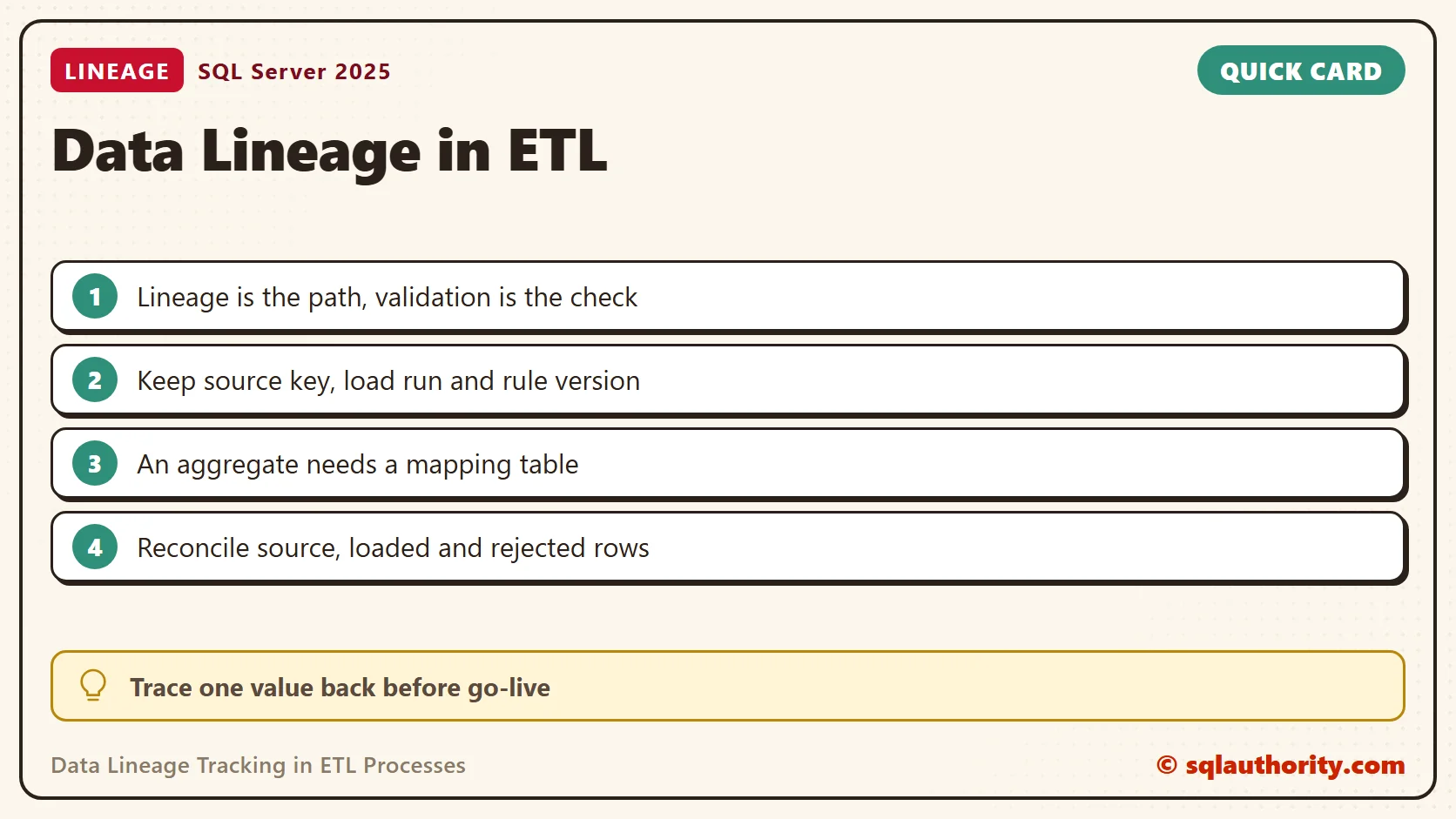
Run one load. Then fix the source, here by giving sale 104 a customer, and run a second load. The second run is the one a report reads today. The first run is the history you can still explain.
EXEC dbo.LoadCustomerTotals @RuleVersion = 'v1';
UPDATE dbo.SourceSales SET CustomerId = 9 WHERE SaleId = 104;
EXEC dbo.LoadCustomerTotals @RuleVersion = 'v1';
SELECT LoadRunId, CustomerId, TotalAmount FROM dbo.CustomerTotal ORDER BY LoadRunId, CustomerId;
Run 1 loaded three sales and rejected 104 and 105. Its totals were 50.00 for customer 7 and 12.50 for customer 8. Run 2 added customer 9 with 9.00, and sale 105 stayed rejected.
Trace a Value Back, and Forward
The reader’s question is the first one: where did this total come from? Start at the total and walk back through the lineage to the source rows.
SELECT t.LoadRunId, t.CustomerId, t.TotalAmount, l.SaleId, s.Amount, s.SourceSystem
FROM dbo.CustomerTotal AS t
JOIN dbo.TotalLineage AS l ON l.LoadRunId = t.LoadRunId AND l.CustomerId = t.CustomerId
JOIN dbo.SourceSales AS s ON s.SaleId = l.SaleId
WHERE t.CustomerId = 7 AND t.LoadRunId = 2
ORDER BY l.SaleId;
It returned sales 101 and 102, both from the web, adding up to 50.00. The forward question matters too: what happened to sale 104? One query answers it for every run.
SELECT r.LoadRunId, 'rejected: ' + r.Reason AS Outcome FROM dbo.RejectedSale AS r WHERE r.SaleId = 104
UNION ALL
SELECT l.LoadRunId, 'loaded into the total of customer ' + CAST(l.CustomerId AS varchar(10)) FROM dbo.TotalLineage AS l WHERE l.SaleId = 104
ORDER BY LoadRunId;
Run 1 rejected it for having no customer. Run 2 loaded it into customer 9.
Reconcile the Counts
A lineage design earns its cost when the numbers add up. Every source row must be either loaded or rejected. This query compares the three counts for each run.
SELECT r.LoadRunId,
       (SELECT COUNT(*) FROM dbo.SourceSales) AS source_rows,
       (SELECT COUNT(*) FROM dbo.TotalLineage AS l WHERE l.LoadRunId = r.LoadRunId) AS loaded_rows,
       (SELECT COUNT(*) FROM dbo.RejectedSale AS j WHERE j.LoadRunId = r.LoadRunId) AS rejected_rows
FROM dbo.LoadRun AS r ORDER BY r.LoadRunId;
Run 1 showed 5 source rows, 3 loaded and 2 rejected. Run 2 showed 5, 4 and 1. Both add up. Also record the source system, the load run, the target key and the transformation version, as this design does. Avoid copying sensitive payloads into lineage tables when identifiers and controlled references are enough.
Choose the Right Level of Detail
Tim noted that a small, temporary or single-use process doesn’t always need an elaborate lineage design. Start with the investigation and audit questions that matter. Then decide which identifiers and processing details must survive each load.
Test that decision by selecting a destination value and tracing it back. Can you identify the contributing sources, the applied rule and the relevant run? A diagram of connected tables alone doesn’t establish that level of traceability.
Data lineage is not proof that a result is correct, it is the path you need to investigate that result.
Published by Pinal Dave on SQLAuthority. More of my work at pinaldave.com.
Discover more from SQL Authority with Pinal Dave
Subscribe to get the latest posts sent to your email.




1 Comment. Leave new
I agree 100% that one should consider data lineage in design time but you also need an automated way how to track it in a life system. I recommend to check getmanta.com to solve this challenge.