
Error 112 not enough space on the disk failed my client’s backups at random, though free space looked fine. I like a good puzzle, and this one came to me from a client. Here’s how we solved it.

The Error
The problem started a few weeks earlier. The maintenance plan history showed this message for the failed backups (names changed, path trimmed):
Executing the query "BACKUP DATABASE [PRODDB] TO DISK = N'\\..." failed with the following error: "The operating system returned the error '112(There is not enough space on the disk.)' while attempting 'SetEndOfFile' on '\\YourServer\YourShare\YourBackupFile.bak'.
BACKUP DATABASE is terminating abnormally.
What the Client Saw
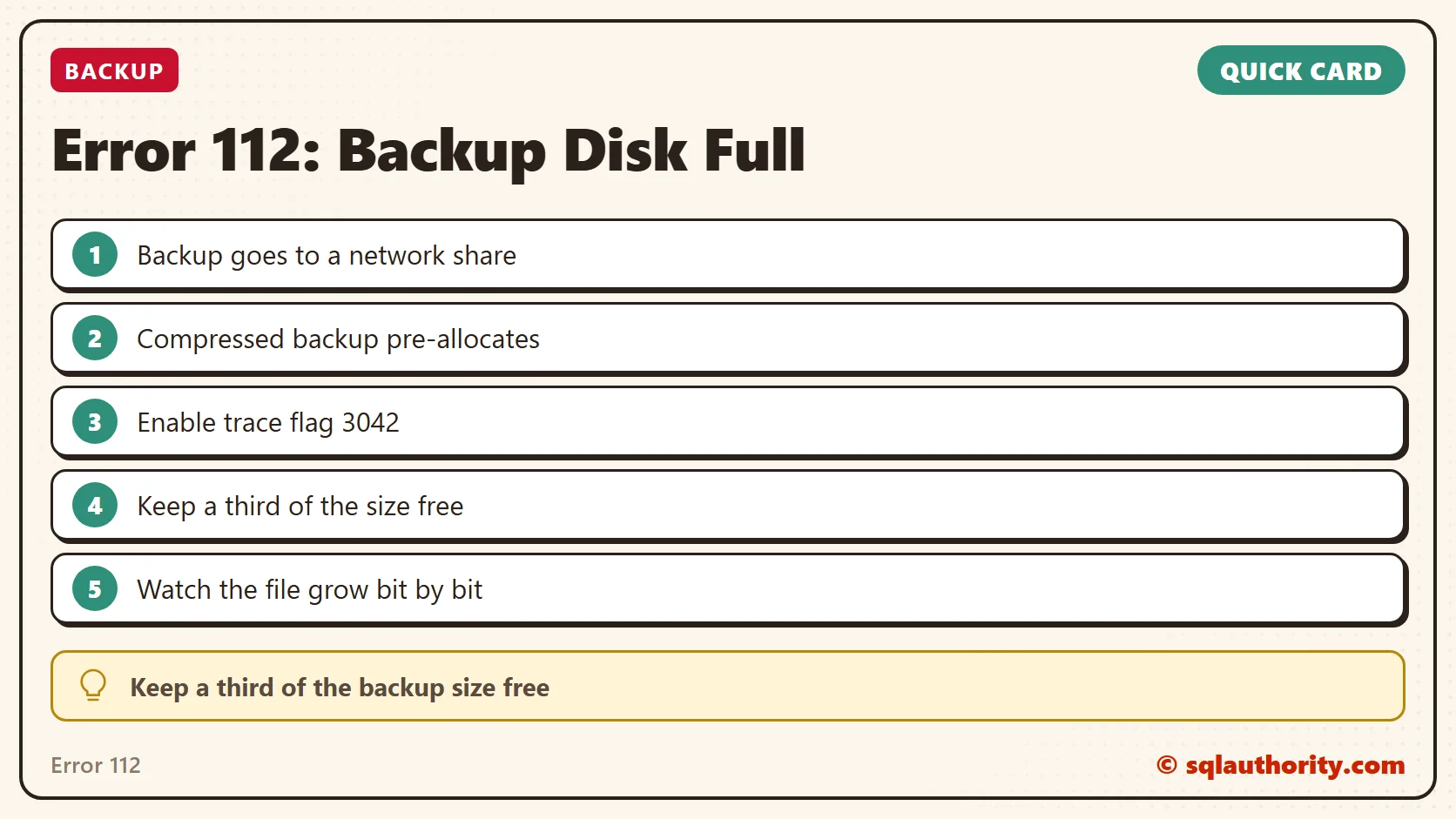
The backups went to a network location. A local backup of the same database was smaller than the free space there, so the backup should have fit. I asked whether they had changed any backup setting. They told me they use compressed backups.
Why It Happens
I did some research. A compressed backup has one size at the start and another at the end. How well the data compresses decides the final size, and SQL Server can’t know that in advance. So it pre-allocates the backup file.
Whether the backup succeeds depends on that pre-allocated size and the final compressed size. Free space on the drive is only part of the picture.

The Fix
I asked them to enable trace flag 3042. With it on, the backup bypasses the pre-allocation algorithm. Here’s the code to turn it on:
DBCC TRACEON (3042,-1);
GO
If you want to turn it off later, use this:
DBCC TRACEOFF (3042,-1);
GO
Confirm It Worked
After we enabled trace flag 3042, SQL Server grew the backup file bit by bit as it wrote.
How to Prevent It
As a rule of thumb, I asked my client to keep at least a third of the backup size free. Here the backup was 50 GB, so one third is about 17 GB on the backup drive. This isn’t an algorithm. It’s general guidance, because the true size is known only after the compressed backup finishes.
A flag turned on with DBCC TRACEON lasts only until the next restart, so plan for that. You can read more about backup compression in my earlier posts:
- Introduction to New Feature of Backup Compression
- Data and Page Compressions, Data Storage and IO Improvement
- Effect of Compressed Backup Setting at Server Level on Database Backup
Free disk space is not a promise, it is a guess until the backup finishes.
Published by Pinal Dave on SQLAuthority. More of my work at pinaldave.com.
Discover more from SQL Authority with Pinal Dave
Subscribe to get the latest posts sent to your email.




3 Comments. Leave new
SQL Server Health Check
we have three database Landing, Staging and Datawarehouse. We are having a issue when we restore production backup of data warehouse from production to lower environments(DEV, QA ). We create a full backup of datawarehouse database in copy only mode and restore into lower environment. After which we will run our ETL process (its stored procedure driven.) to load data into warehouse. During the ETL process it random gets stuck on a data loading procedure.
Things we have tired in lower environment after restore
1) Re-Index & Update Statistics on all the database(it works sometimes DBCC DBREINDEX )
2) Clear Execution plan cache.(using DBCC FREEPROCCACH)
Do i need to enable trace this flag every time i restart SQL?
Not working for me