
What happens when you run ADD FILE on a database that is part of an availability group? Writing typical interview questions has always been on my list. I look for new ways to trick the person. Some questions make sure they have strong fundamentals. This post is one such attempt, to understand the basics of the AlwaysOn availability group.
The Question
This is a common interview question. What happens if you add a new file (MDF or LDF) to a database in a high availability solution? The effect is different in each solution, such as failover clustering, database mirroring and log shipping. In this post, I talk about the availability group feature, introduced in SQL Server 2012.
How It Works
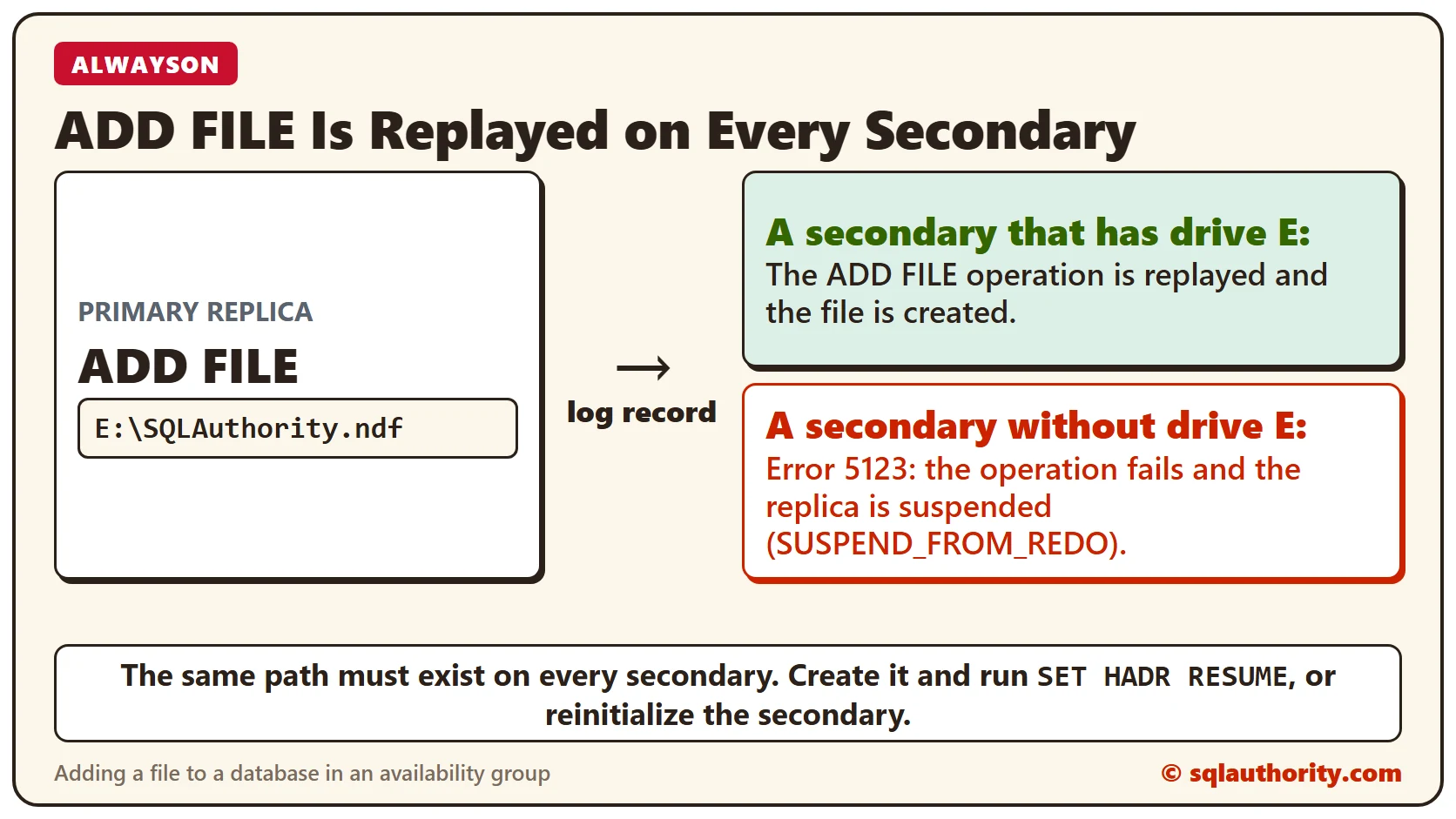
Every change to a database is logged to the transaction log as a log record. Because the database is part of an availability group, the same record goes to all secondary replicas. So adding a data or log file on the primary rolls the same command forward on every secondary. The ADD FILE operation runs on those servers too.
With the code below, I added a file on drive E of the primary instance.
USE [master]
GO
ALTER DATABASE [MyConDB]
ADD FILE (NAME = N'SQLAuthority_2',
FILENAME = N'E:\SQLAuthority.ndf' ,
SIZE = 4096KB, FILEGROWTH = 1024KB) TO FILEGROUP [PRIMARY]
GO
When the Drive Is Missing
If the drive does not exist on the secondary, the operation fails and the secondary replica is suspended. Here is what the ERRORLOG shows, trimmed to the lines that matter. If you need help finding it, read Where Is ERRORLOG? Various Ways to Find Its Location.
2015-01-01 17:52:14.19 spid45s  Error: 5123, Severity: 16, State: 1.
2015-01-01 17:52:14.19 spid45s  CREATE FILE encountered operating system error 3 (The system cannot find the path specified.) while attempting to open or create the physical file 'E:\SQLAuthority.ndf'.
2015-01-01 17:52:14.27 spid45s  Error: 5183, Severity: 16, State: 1.
2015-01-01 17:52:14.27 spid45s  Cannot create the file "SQLAuthority_2". Use WITH MOVE to specify a usable physical file name. Use WITH REPLACE to overwrite an existing file.
2015-01-01 17:52:14.30 spid45s  AlwaysOn Availability Groups data movement for database 'SQLAuthority' has been suspended for the following reason: "system" (Source ID 2; Source string: 'SUSPEND_FROM_REDO').
    To resume data movement on the database, you will need to resume the database manually.
    For information about how to resume an availability database, see SQL Server Books Online.
2015-01-01 17:52:14.33 spid45s  Error: 3313, Severity: 21, State: 2.
2015-01-01 17:52:14.33 spid45s  During redoing of a logged operation in database 'SQLAuthority', an error occurred at log record ID (34:358:1).
    Typically, the specific failure is previously logged as an error in the Windows Event Log service.
    Restore the database from a full backup, or repair the database.
The Fix
If you can create the same path on the secondary replica, resume data movement with the command below.
ALTER DATABASE [SQLAuthority] SET HADR RESUME;
GO
If you can’t create the path on the secondary, you need to reinitialize that secondary. That means restoring a full backup and a log backup from the primary.
Your Turn
Have you hit the same problem with log shipping or clustering? What steps did you take to solve it? Tell me in the comments, and we can learn from each other. Here is another interesting post about AlwaysOn: AlwaysOn Availability Group Stuck in Resolving State For Long Time.
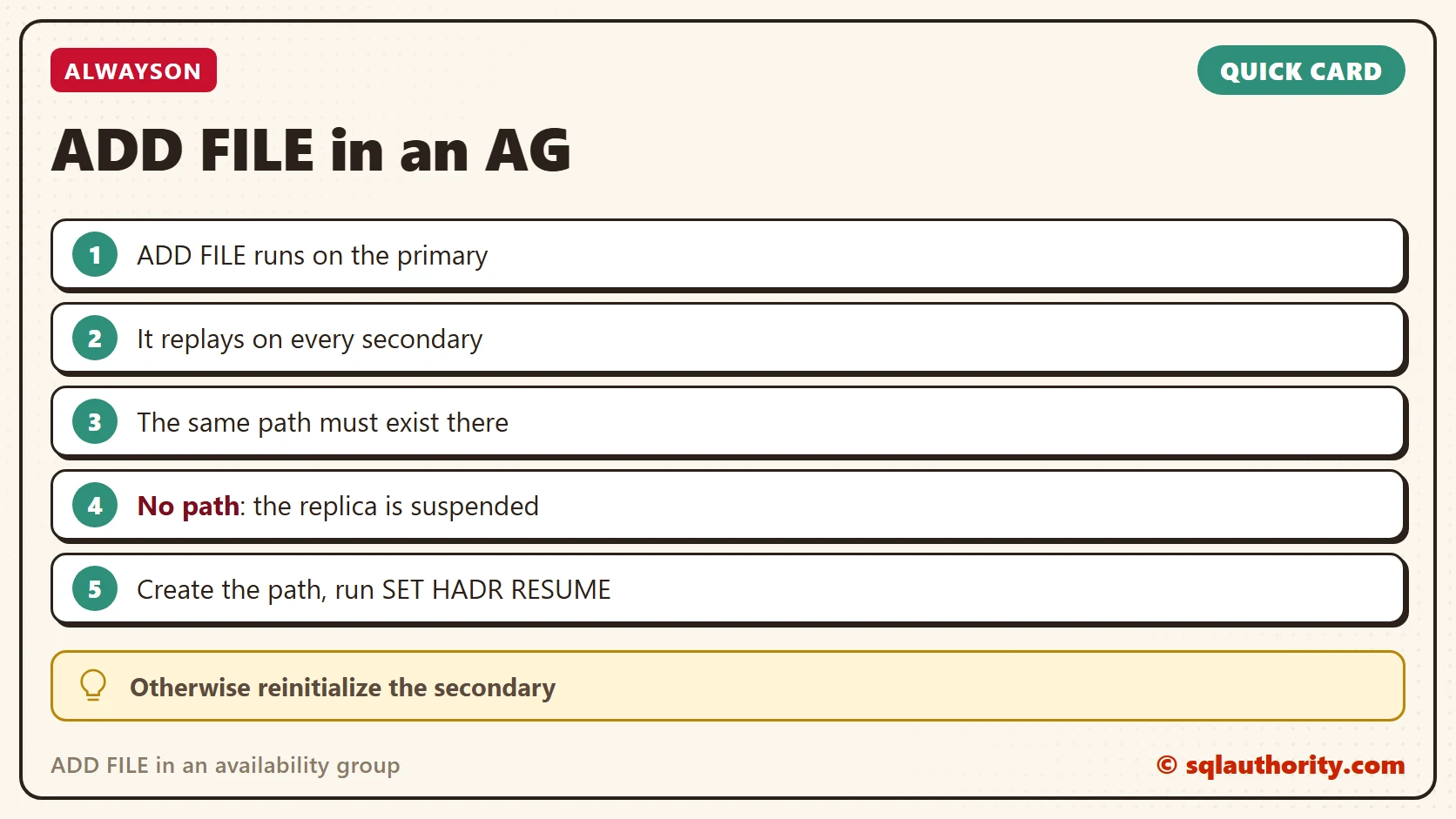
A new file is not a local change, it is a command every secondary has to run.
Published by Pinal Dave on SQLAuthority. More of my work at pinaldave.com.
Discover more from SQL Authority with Pinal Dave
Subscribe to get the latest posts sent to your email.




2 Comments. Leave new
You can remove the database from always on on the secondary server that do not have the same drive configuration as the primary server. This puts the database on the secondary server in restoring state.
Now add the File to the primary sever.
Take a log backup on primary
Restore the log on secondary using the with move option and provide a folder that exists on the secondary
Now add the database back to always on secondary.
This way you don’t have to reinitialize from scratch, kind of useful when you are dealing with VLDB
Hey Pinal, I performed an experiment on Logshipping, As the structural changes are permitted from the primary and it propogates to the mirror DB, the mirroring became seized when the desired path didn’t not exist on the secondary server where the mirror DB is hosted.