Great Indian Developer Summit 2015 brought me to Bangalore and Hyderabad for three SQL Server sessions. I had enjoyed presenting at the event for more than five years. This visit focused on performance troubleshooting and SQL Server 2014.
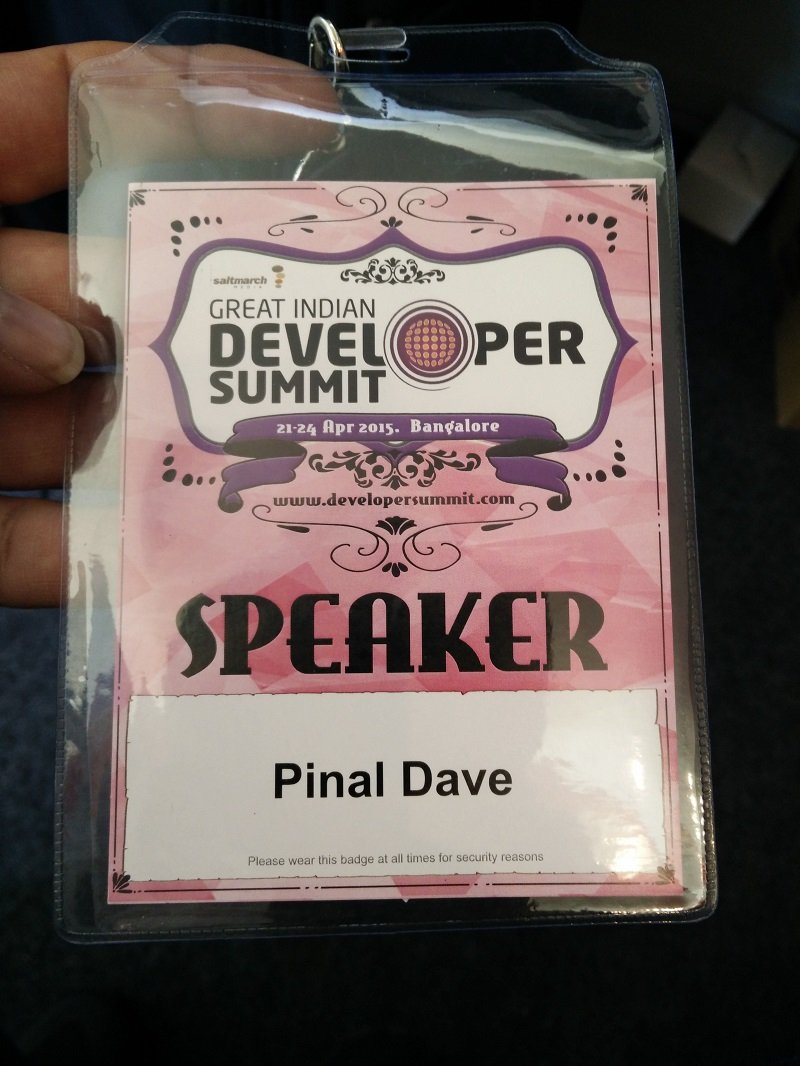
Here are the three sessions I presented in April 2015, along with some photos from the event.
Performance in 60 Seconds: SQL Tricks Everybody Must Know
April 21, 2015, 2:00 to 3:00 PM. J. N. Tata Auditorium, National Science Symposium Complex, Bangalore.
This session was for developers dealing with slow database responses, even when the hardware looked capable. I focused on practical troubleshooting ideas and scripts. I also planned a quiz to keep the conversation active.
I wanted attendees to leave with useful checks they could try at work. A one-minute check can reveal a clue, but solving the underlying problem can take longer.


Troubleshooting CPU Performance Issues for SQL Developers
April 21, 2015, 5:30 to 6:30 PM. J. N. Tata Auditorium, National Science Symposium Complex, Bangalore.
When CPU usage reaches 100%, developers need a useful next step quickly. I used this session to discuss common performance problems and ways to investigate them. CPU was the focus, with I/O and memory providing the wider context.
My goal was to help developers decide what to examine when a resource became a bottleneck. The discussion connected troubleshooting techniques with practical actions.

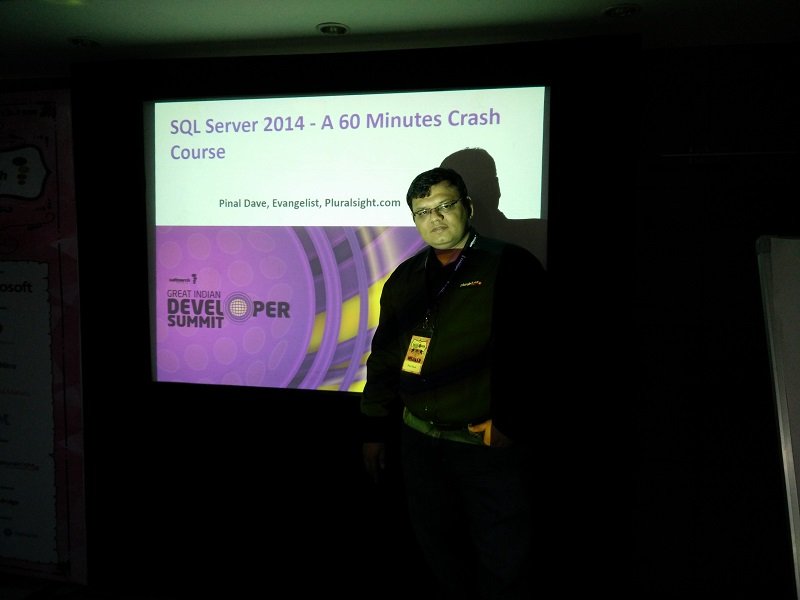
SQL Server 2014: A 60-Minute Crash Course
April 25, 2015, 9:55 to 10:55 AM. Hyderabad Marriott Hotel & Convention Centre, Tank Bund Road, Hyderabad.
For the Hyderabad session, I gave a one-hour introduction to SQL Server 2014. We covered topics relevant to both administrators and developers:
- Execution plans and long-running queries
- Transaction durability and its impact
- Cardinality estimation
- In-Memory OLTP
- Resource Governor and I/O enhancements
- Columnstore indexes and performance tuning
I wanted the demonstrations and scripts to give developers a starting point for exploring these features. There was plenty to fit into one hour.
More Photos from the Event
Here are a few more photos of attendees at the conference and conversations at the Pluralsight stand.


Session Materials
The organizers were not planning to record the sessions. The section below adds the CPU check I would start with today. It is my own query, tested on SQL Server 2025, and it is not a copy of the 2015 demonstrations.
Where the CPU Went
When CPU is high, I start with the statements that used the most worker time. SQL Server keeps running totals for every cached statement. This query lists them for one database, with the heaviest first.
To test it, I built a table of 200,000 meals and two procedures. One searches notes with a leading wildcard. The other groups the amounts by dish. I ran the search three times and the totals twice.
CREATE TABLE dbo.Meals (MealId int IDENTITY PRIMARY KEY, CustomerId int NOT NULL, Dish nvarchar(40) NOT NULL, Amount decimal(8,2) NOT NULL, Notes nvarchar(100) NOT NULL);
INSERT dbo.Meals (CustomerId, Dish, Amount, Notes)
SELECT value % 5000 + 1, CHOOSE(value % 4 + 1, N'Paneer wrap', N'Masala chai', N'Veg biryani', N'Lemon rice'), 4 + value % 20, CONCAT(N'note ', value)
FROM GENERATE_SERIES(1, 200000);
CREATE OR ALTER PROCEDURE dbo.DishSearch @Word nvarchar(40) AS
SELECT COUNT(*) AS n FROM dbo.Meals WHERE Notes LIKE N'%' + @Word + N'%';
GO
CREATE OR ALTER PROCEDURE dbo.DishTotals AS
SELECT Dish, SUM(Amount) AS total FROM dbo.Meals GROUP BY Dish;
GO
ALTER DATABASE SCOPED CONFIGURATION CLEAR PROCEDURE_CACHE;
GO
EXEC dbo.DishSearch @Word = N'99';
EXEC dbo.DishSearch @Word = N'7';
EXEC dbo.DishSearch @Word = N'5';
EXEC dbo.DishTotals;
EXEC dbo.DishTotals;
SELECT TOP (5)
       SUBSTRING(st.text, qs.statement_start_offset / 2 + 1,
                 (CASE qs.statement_end_offset WHEN -1 THEN DATALENGTH(st.text) ELSE qs.statement_end_offset END
                  - qs.statement_start_offset) / 2 + 1) AS statement_text,
       qs.execution_count,
       qs.total_worker_time / 1000 AS total_cpu_ms,
       qs.total_worker_time / qs.execution_count / 1000 AS avg_cpu_ms
FROM sys.dm_exec_query_stats AS qs
CROSS APPLY sys.dm_exec_sql_text(qs.sql_handle) AS st
WHERE st.dbid = DB_ID()
ORDER BY qs.total_worker_time DESC;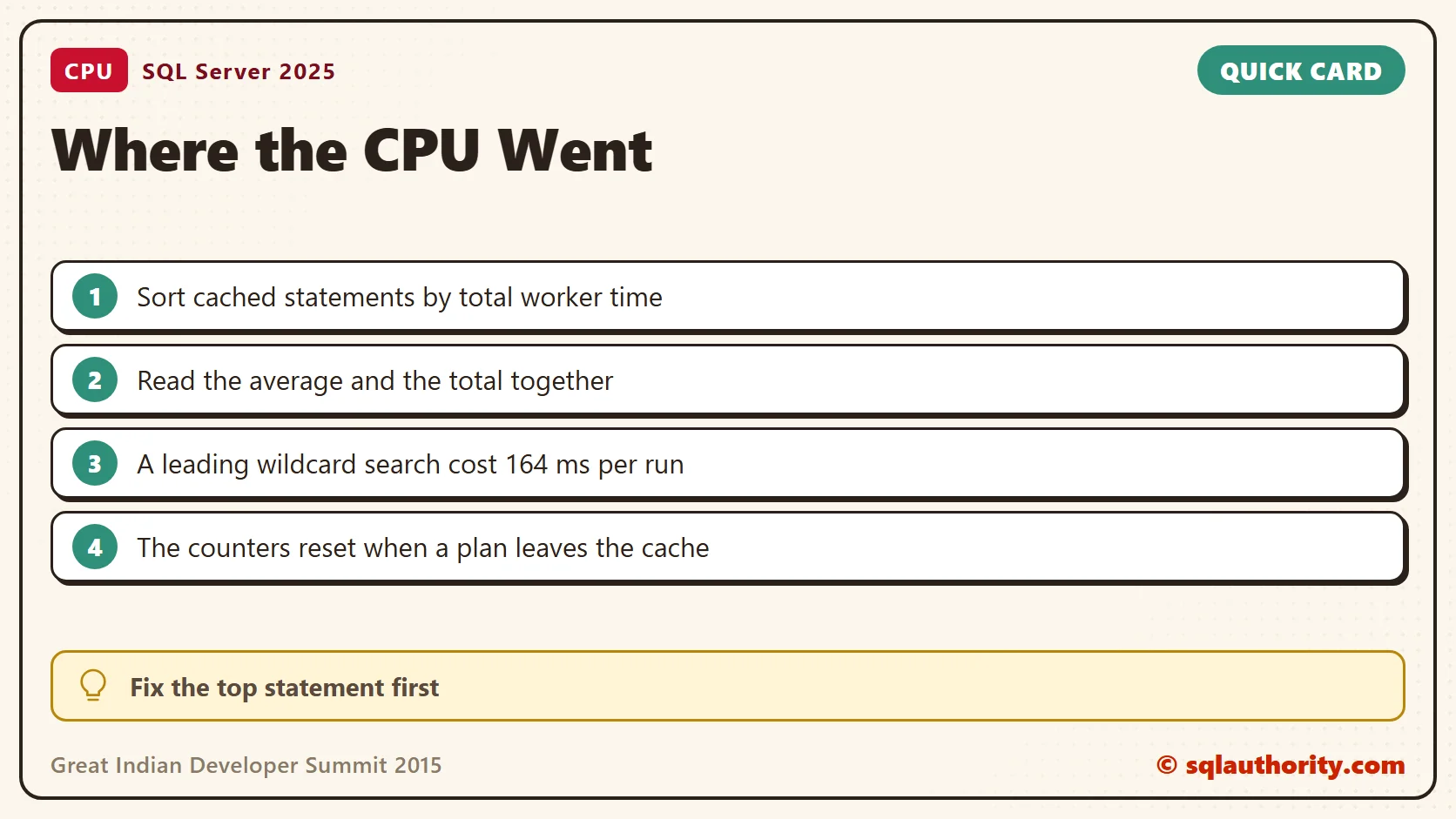
| Statement | Runs | Total CPU (ms) | Average CPU (ms) |
|---|---|---|---|
| The wildcard search | 3 | 492 | 164 |
| The GROUP BY totals | 2 | 53 | 26 |
The wildcard search won by a wide margin. A pattern that starts with % can’t use an index seek, so every row gets read and compared. The total and the average tell different stories. A statement that runs 10,000 times at 1 ms can outrank one that ran once at 500 ms. I read both columns before I choose where to start.
For the wildcard search, the fix is a different search design, such as full-text search, not a bigger server. The statement text column shows the single statement, so it points at the exact line to change.
The counters cover only plans still in the cache. They start over when a plan leaves it. For the wider checklist, read High CPU Consumption in SQL Server: Where to Look First. Also read SQL SERVER – Troubleshooting High CPU.

Great Indian Developer Summit 2015 was not a series of talks, it was a chance to share SQL Server learning.
Published by Pinal Dave on SQLAuthority. More of my work at pinaldave.com.
Discover more from SQL Authority with Pinal Dave
Subscribe to get the latest posts sent to your email.