
Adding a unique constraint on existing table data takes one ALTER TABLE statement. I got this question on Twitter, and the short answer is yes. Here is the script, and the checks I run before it.
The Question
The question on Twitter was about adding a unique constraint to a table that already exists:
“Can we create a unique constraint on table column on Existing Table?”
Yes, you can.
The Fix
This script creates a table in tempdb, adds the unique constraint to it, and cleans up.
USE tempdb
GO
-- Create Table
CREATE TABLE Table1 (ID INT, Col1 VARCHAR(100))
GO
-- Alter Table Create Constraint
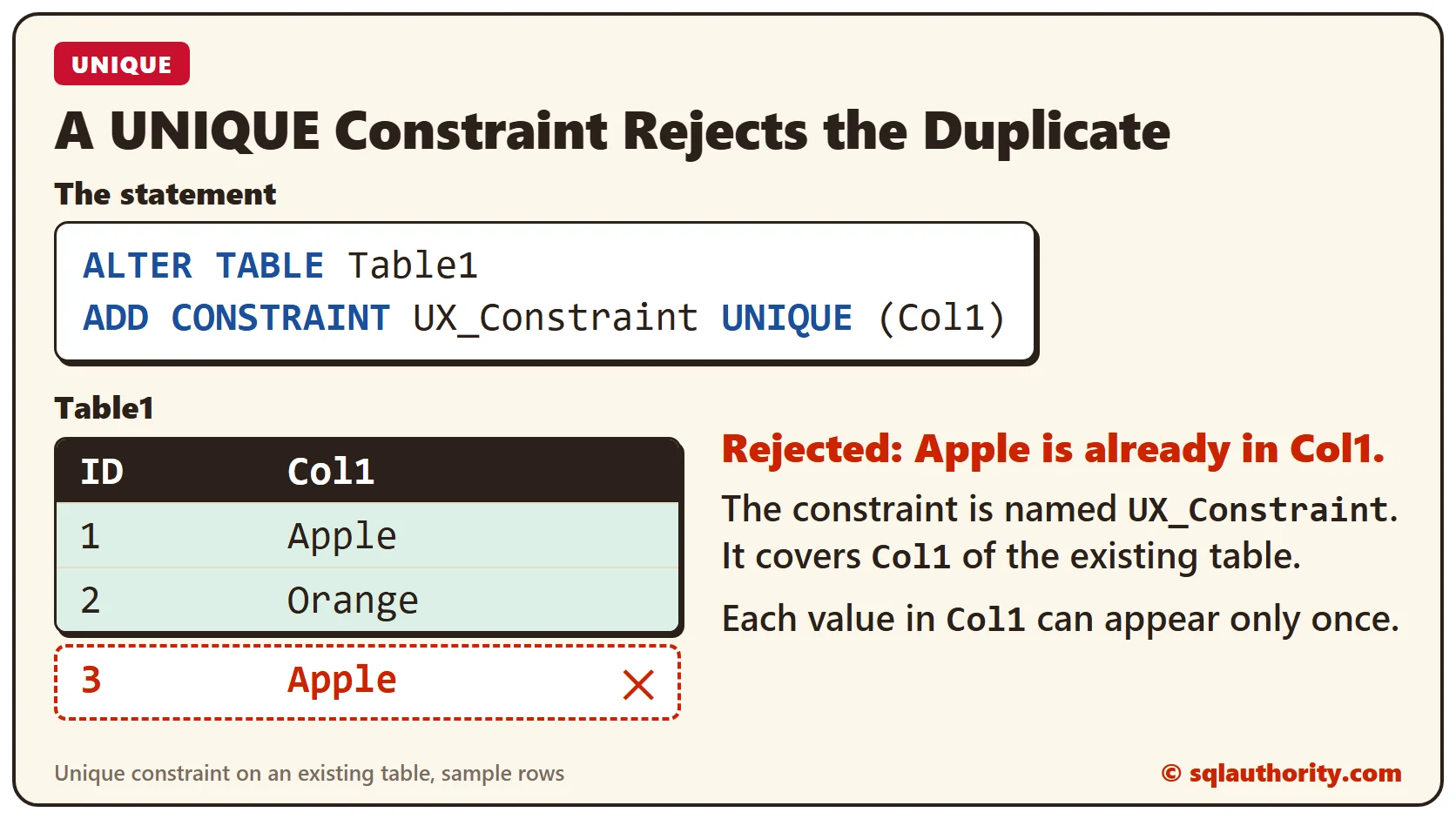
ALTER TABLE Table1
ADD CONSTRAINT UX_Constraint UNIQUE (Col1)
GO
-- Clean up
DROP TABLE Table1
GO
If your table already exists, use the same ALTER TABLE method. If you’re about to create a new table, you can put UNIQUE in the CREATE TABLE definition itself. That’s a topic for a separate post.
How to Check
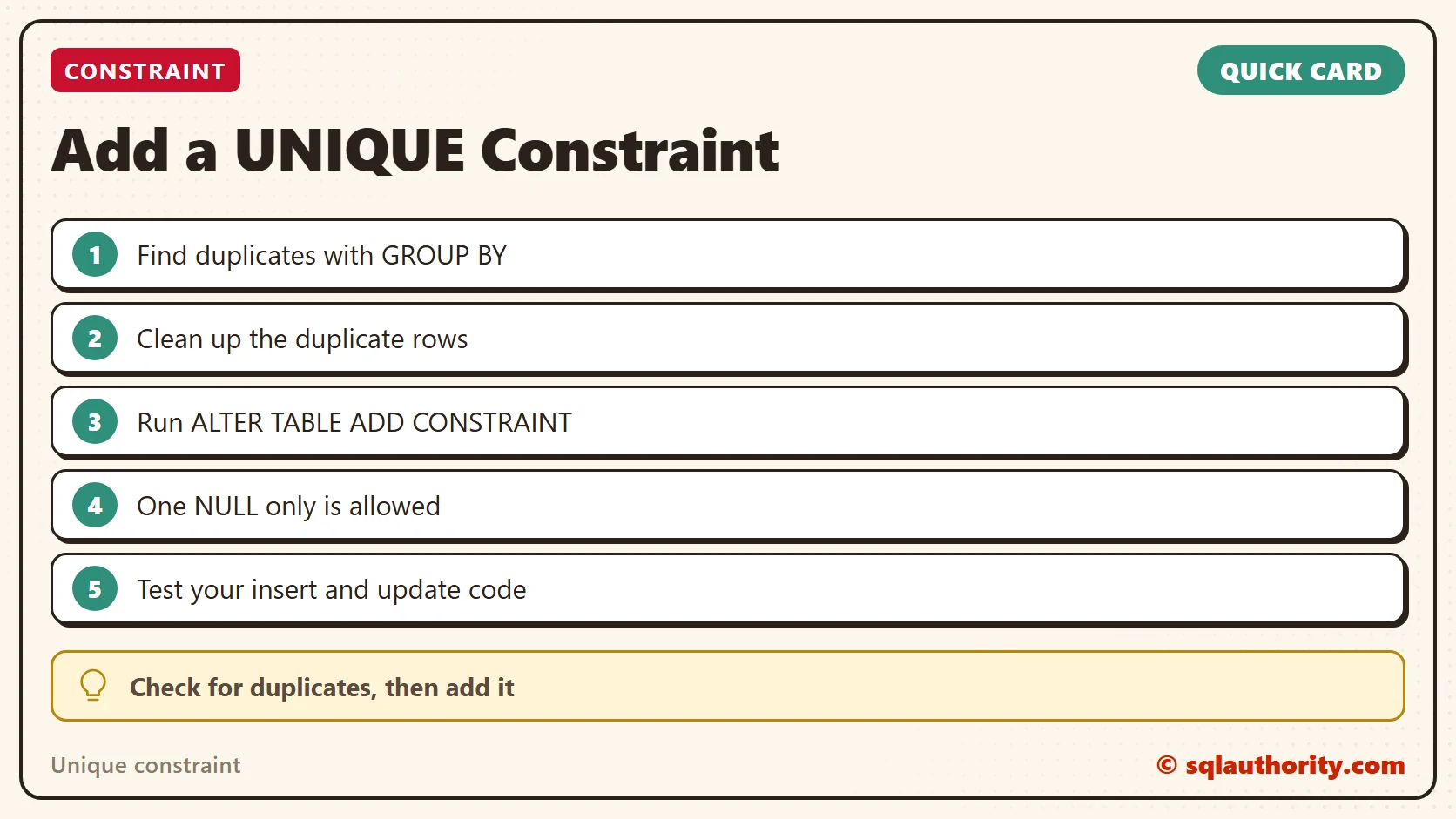
On a new, empty table this works every time. On a table with data, the command can fail, because SQL Server checks every existing row first. If two rows share a value, you get error 1505 about a duplicate key, and nothing is created. The message shows the duplicate value it found, which gives you a place to start.
So find the duplicates before you run the ALTER TABLE:
SELECT Col1, COUNT(*) AS Total FROM Table1 GROUP BY Col1 HAVING COUNT(*) > 1;Clean those rows up, decide which one to keep, and then add the constraint. Run the duplicate check once more right before the change, since new duplicates can arrive while you clean up.
What to Know About the Constraint
- NULL values: a unique constraint allows only one NULL in the column. If you need many NULLs but unique real values, use a filtered unique index with
WHERE Col1 IS NOT NULL. - It is an index: SQL Server creates a unique nonclustered index by default. So the constraint also helps queries that search on that column.
- More than one column: you can list several columns, such as
UNIQUE (Col1, Col2), when only the combination must be unique. - Names matter: a clear name like UX_Constraint shows up in error messages. That makes a failed insert much easier to trace.
How to Prevent Surprises
After you add the constraint, test the insert and update code of your application. Code that used to create duplicates quietly now gets an error. It’s better to find that in testing than in production.
A unique constraint is not a cleanup, it is a promise that duplicates can’t come back.
Published by Pinal Dave on SQLAuthority. More of my work at pinaldave.com.
Discover more from SQL Authority with Pinal Dave
Subscribe to get the latest posts sent to your email.




4 Comments. Leave new
Speaking of unique constraints, I am adding a GUID column to some tables, but do not want to replicate that column. I have tried adding that constraint, but it does not seem to like it. Any idea
sir i want to remove unique in the table
how you can delete a unique constraint on the table
Thanks ,
Very helpful