
To insert multiple rows into one SQL Server table, you have three methods. This is episode 24 of SQL in Sixty Seconds. The video compares the methods, and I tested each one on SQL Server 2025.

The Setup
Run the examples in order in one query window. The temporary table belongs to your session. Each method gets the same three tea rows, and a cleanup step empties the table before the next method.
CREATE TABLE #Teas (TeaId int NOT NULL PRIMARY KEY, TeaName varchar(50) NOT NULL);
Method 1: Separate INSERT Statements
The traditional way is one statement for each row.
INSERT INTO #Teas (TeaId, TeaName) VALUES (1, 'Assam');
INSERT INTO #Teas (TeaId, TeaName) VALUES (2, 'Sencha');
INSERT INTO #Teas (TeaId, TeaName) VALUES (3, 'Rooibos');
TRUNCATE TABLE #Teas;
Method 2: INSERT with UNION ALL
UNION ALL stacks three one-row queries, and one INSERT takes the result. This was the common choice before SQL Server 2008.
INSERT INTO #Teas (TeaId, TeaName)
SELECT 1, 'Assam'
UNION ALL SELECT 2, 'Sencha'
UNION ALL SELECT 3, 'Rooibos';
TRUNCATE TABLE #Teas;
Method 3: One VALUES List
SQL Server 2008 added a list of row values. It is the shortest form, and the one I use for small hand-written lists.
INSERT INTO #Teas (TeaId, TeaName)
VALUES (1, 'Assam'), (2, 'Sencha'), (3, 'Rooibos');
SELECT TeaId, TeaName FROM #Teas ORDER BY TeaId;
DROP TABLE #Teas;
All three methods left the same three rows in the table.
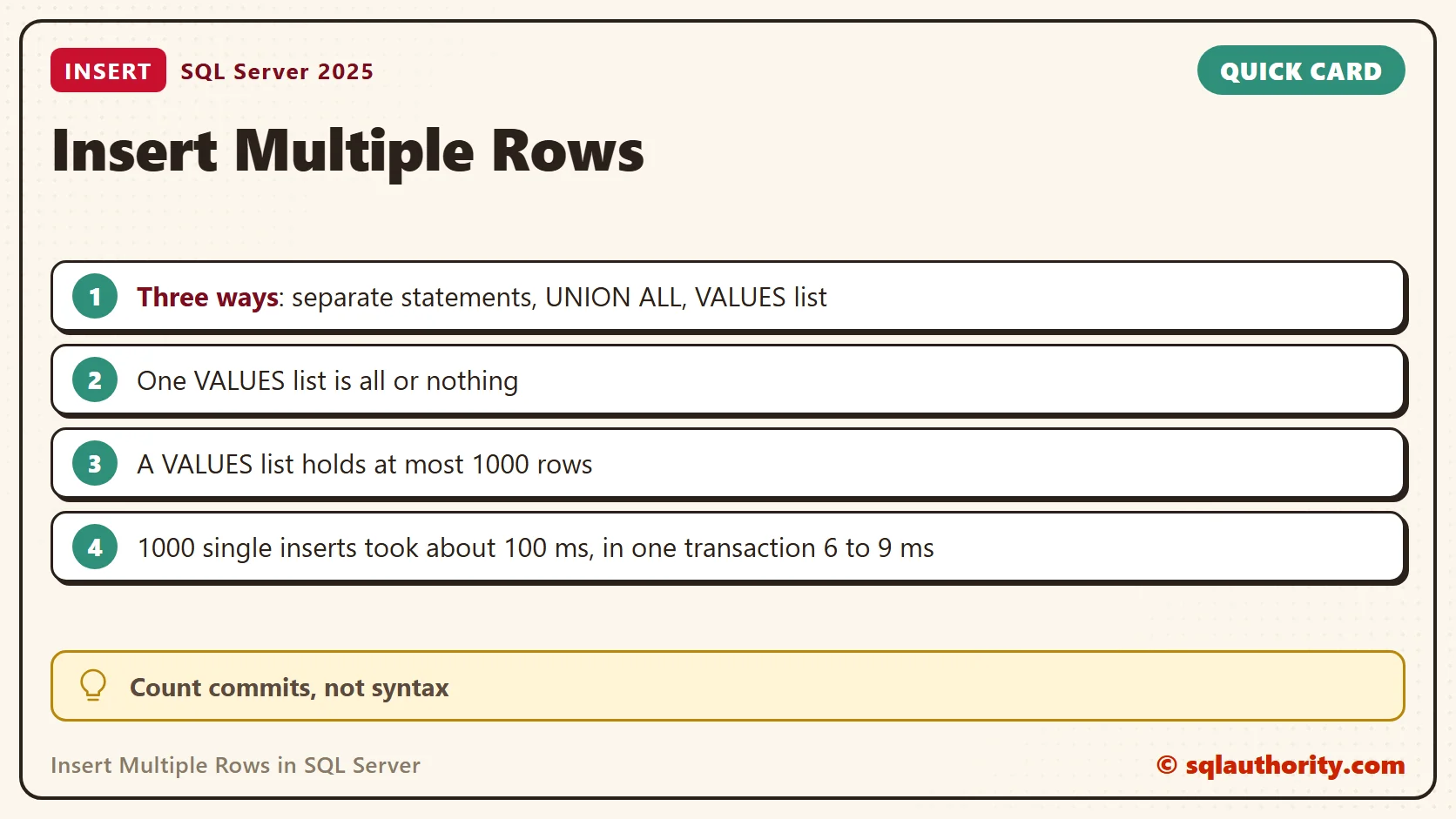
One VALUES List Is All or Nothing
A single statement succeeds or fails as a whole. I repeated the insert with the third row using key 2, which already exists. The VALUES version failed with Msg 2627, a primary key violation, and the table held 0 rows afterwards.
The same data as three separate statements behaved differently. The first two statements committed, the third failed, and the table held 2 rows. Pick a single statement when a partial load would leave you with a mess.
The 1,000 Row Limit
A VALUES list accepts at most 1000 rows. With 1001 rows, SQL Server returned Msg 10738. The message says the row value expressions exceed the maximum allowed number of 1000 row values. Exactly 1000 rows worked. For more rows, split the list, read from a source table with INSERT...SELECT, or use a bulk load.
How Long 1,000 Rows Take
I inserted 1000 rows into a table with a primary key, five rounds for each approach. The table shows the milliseconds for every round.
| Approach (1000 rows) | Round 1 | Round 2 | Round 3 | Round 4 | Round 5 |
|---|---|---|---|---|---|
| 1000 single INSERT statements, each its own commit | 102 | 103 | 106 | 97 | 129 |
| The same 1000 statements inside one transaction | 9 | 9 | 9 | 6 | 6 |
| One VALUES list with 1000 rows | 115 | 3 | 2 | 3 | 4 |
| One UNION ALL statement with 1000 selects | 104 | 2 | 2 | 2 | 1 |
The biggest saving came from the number of commits, not from the syntax. Each separate statement waits for its own log write. Wrapping the loop in one transaction cut about 100 ms to under 10 ms.
BEGIN TRANSACTION;
DECLARE @i int = 1;
WHILE @i <= 1000
BEGIN
    INSERT INTO #Teas (TeaId, TeaName) VALUES (@i, 'Tea');
    SET @i += 1;
END;
COMMIT TRANSACTION;
The two long statements cost about 100 ms in round 1 and about 3 ms after that. I assume the first round pays to compile the long text and later rounds reuse the plan. Treat the numbers as one laptop on one day.
VALUES as a Table Source
The list also works as a source table. This form lets you add a WHERE clause or a join before the insert. Add OUTPUT to see which identity values the new rows received.
CREATE TABLE #Cups (CupId int IDENTITY(1,1) PRIMARY KEY, Size varchar(10) NOT NULL, Price decimal(4,2) NOT NULL);
INSERT INTO #Cups (Size, Price)
OUTPUT inserted.CupId, inserted.Size
SELECT v.Size, v.Price
FROM (VALUES ('Small', 2.50), ('Medium', 3.25), ('Large', 4.00)) AS v (Size, Price);
DROP TABLE #Cups;
OUTPUT returns one row for each inserted row, with the new CupId. The three new rows came back with the IDs 1, 2 and 3.
Name the Columns
All the examples above name the columns. Leaving the list out works while the table stays as it is. I created the table, inserted two rows without a column list and it worked. After I added a column, the same style of insert failed with Msg 213. The message says the number of supplied values does not match table definition. A column list protects the statement from later changes to the table.
Which Method to Use
Use the VALUES list for a small set of rows you type by hand. Use INSERT...SELECT when the rows come from another table. Keep separate statements for rows that need their own logic, and put them in one transaction. Use UNION ALL only for old code on SQL Server 2005 and earlier.
Related Reading
- SQL SERVER – Insert Multiple Records Using One Insert Statement – Use of UNION ALL
- SQL SERVER – 2008 – Insert Multiple Records Using One Insert Statement – Use of Row Constructor
Inserting many rows is not about the syntax you pick, it is about how many commits you pay for.
Published by Pinal Dave on SQLAuthority. More of my work at pinaldave.com.
Discover more from SQL Authority with Pinal Dave
Subscribe to get the latest posts sent to your email.



30 Comments. Leave new
Method 3, has limitation, maximum 1000 rows will be inserted per statement
True.